Add Entries Manually to Jotform Tables
Easily add new entries directly to Jotform Tables without submitting a form.
Entry Actions
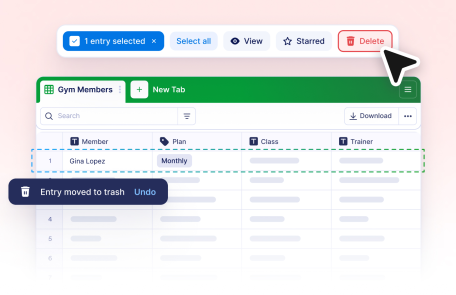
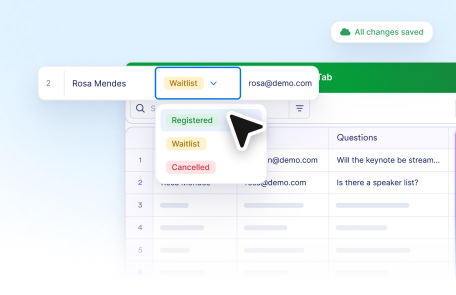
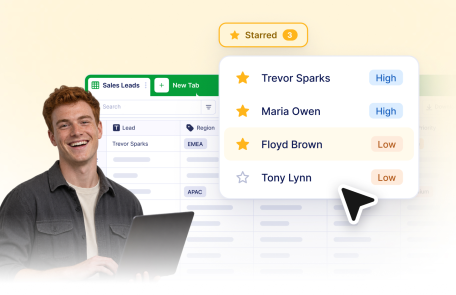
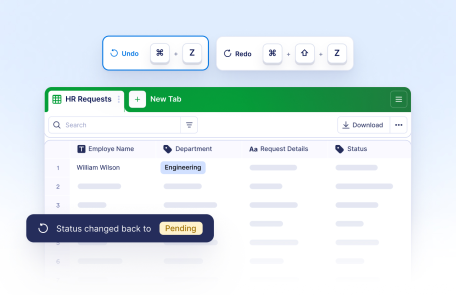
Add, edit, delete, and manage entries in Jotform Tables. Update submission data, mark important records as favorites, and undo or redo changes to keep your workflow organized.
Add new entries directly to Jotform Tables without submitting a form. Create blank rows, enter information into individual cells, and manage records manually whenever you need to.
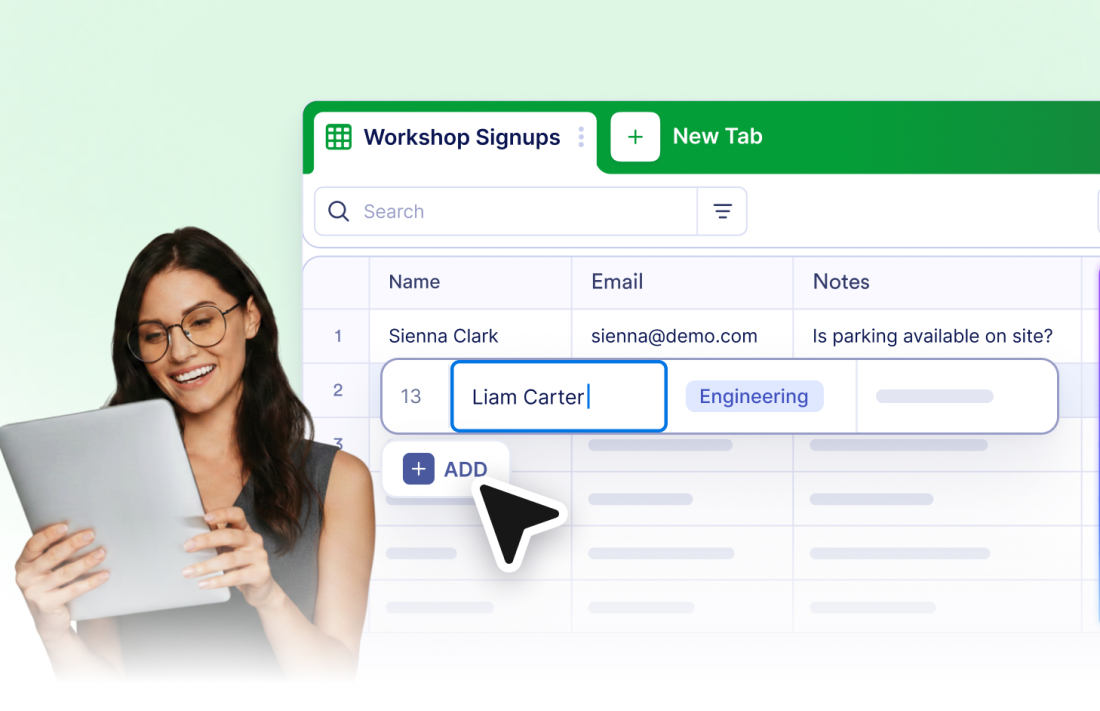
Keep all your records in one place, even when information doesn't come from a form submission. Add entries manually to track offline data, internal updates, or additional details.
Use Add Entry to insert a blank row into your table and fill in the details yourself. Quickly add records, organize information, and manage data without opening or submitting a form.
Click Add Entry to create an empty row in Jotform Tables. Enter values directly into the cells to record information, add internal notes, or include data collected outside your forms.
Keep manually added records alongside form submissions in the same table. Review, update, and organize all your entries in one place without switching between different tools.
Click the Add Entry button to insert a blank row into your table. You can then enter information directly into the available cells.
Yes. Add Entry lets you create new records directly in Jotform Tables without completing or submitting the connected form.
Use Add Entry when you need to record information collected offline, add internal records, or include data that wasn't submitted through a form.