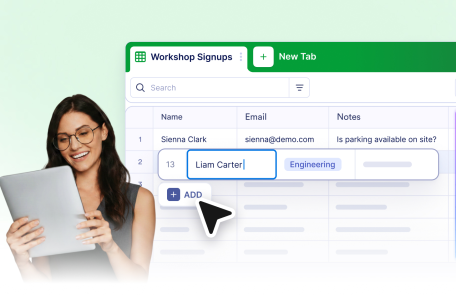
Add Entries Manually to Jotform Tables
Easily add new entries directly to Jotform Tables without submitting a form.
Entry Actions
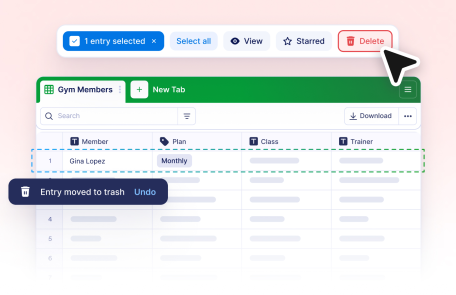
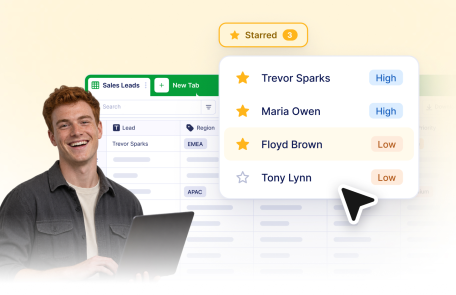
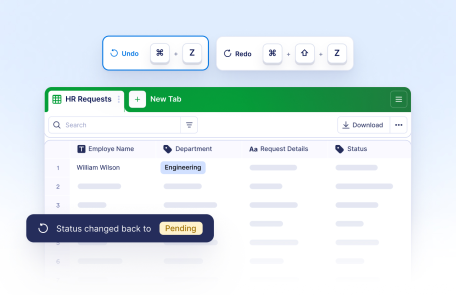
Add, edit, delete, and manage entries in Jotform Tables. Update submission data, mark important records as favorites, and undo or redo changes to keep your workflow organized.
Edit values directly in table cells, update fields in Single Entry View, or open the original form for detailed changes. Keep submission data accurate with flexible editing options.
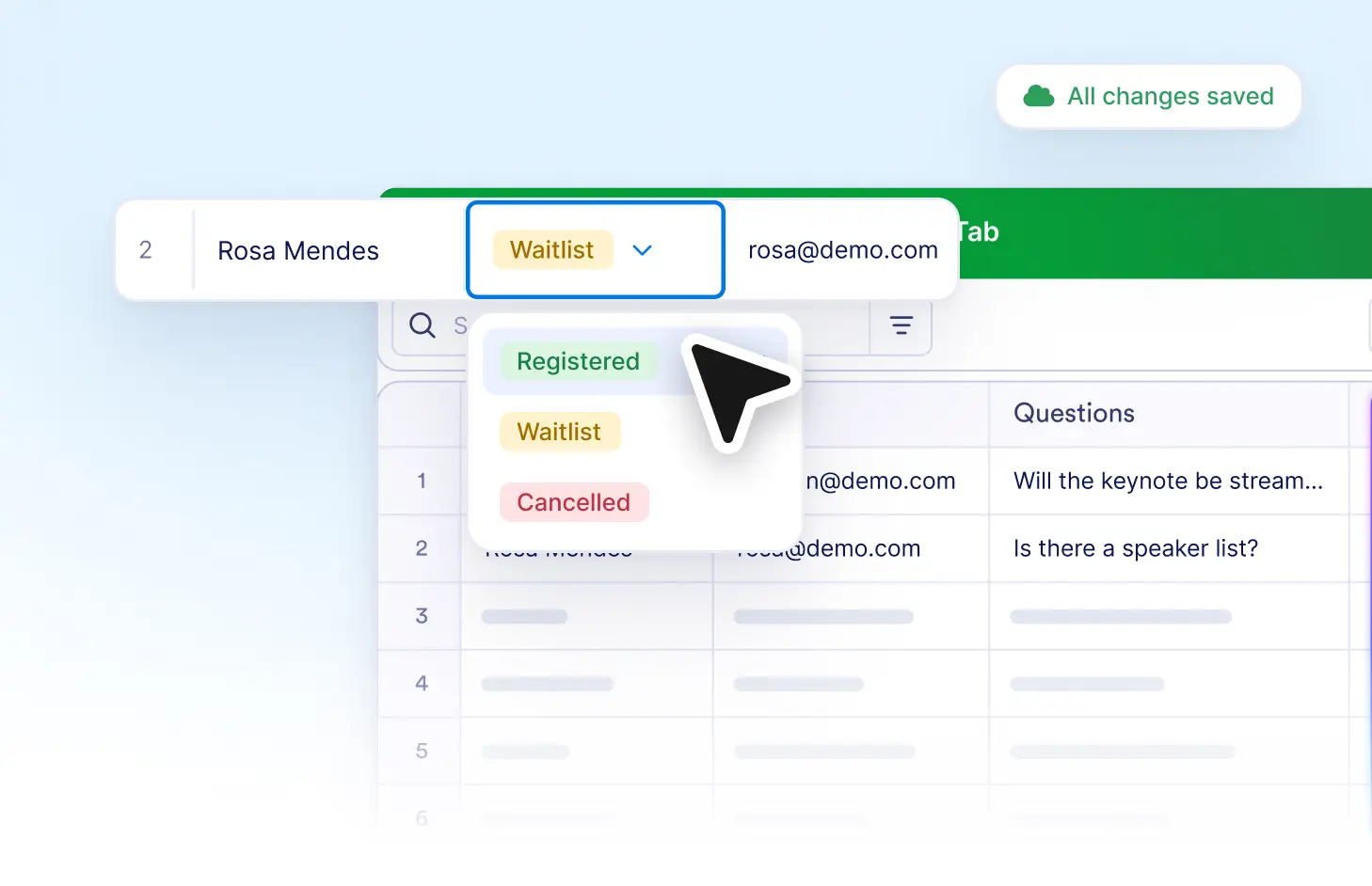
Keep submission data accurate with flexible editing options. Update individual cells, edit fields in a detailed entry view, or open the original form to make more comprehensive changes.
Make changes to existing submissions without creating new entries. Choose inline editing for quick updates or use the original form when you need its full layout, logic, and validations.
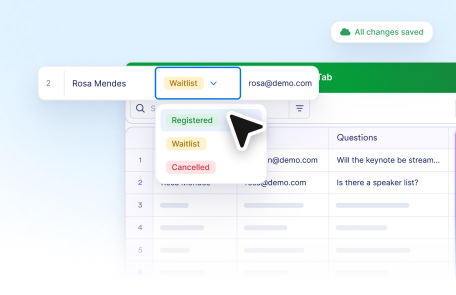
Click an editable cell to change its value without leaving the table. Quickly correct typos, update statuses, or adjust information using a familiar spreadsheet-style editing experience.
Open a submission in Single Entry View to review its details and make changes. Edit individual fields inline or select Edit Entry to access the original form with existing responses prefilled.
Select Edit Entry from a row menu or Single Entry View to open the original form. Make detailed updates with existing answers prefilled while using the form's conditional logic and validations.
You can edit an entry in three ways: click an editable cell directly in your table, update fields from the Single Entry View, or select Edit Entry to open the original form with existing responses prefilled.
Yes. You can make quick changes directly in table cells or edit individual fields in the Single Entry View. These options are useful for correcting typos, updating values, or making small adjustments.
Yes. Select Edit Entry from the row menu or Single Entry View to open the original form in edit mode. Your existing answers are prefilled, and the form's relevant conditional logic and validations remain available for detailed updates.