Add New Tabs to Jotform Tables
Add new tabs to Jotform Tables to organize submissions from different forms in one workspace.
Tables Tabs
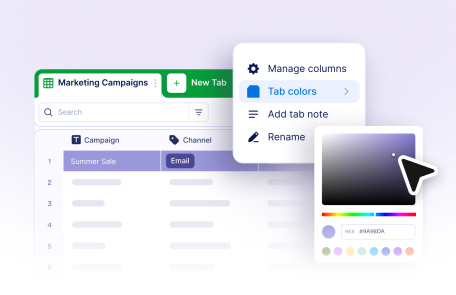
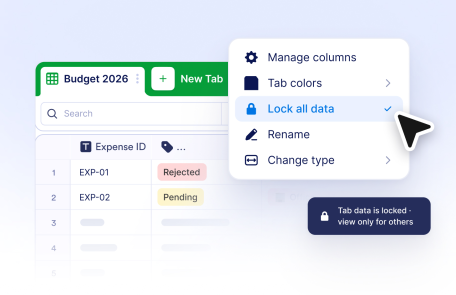
Organize your data with tabs in Jotform Tables. Create, customize, and manage different table views to keep submissions organized and easy to navigate.

Add new tabs to Jotform Tables to bring submission data tables from different forms into one workspace. Choose from multiple view types to organize and manage your data more efficiently.
Keep tables from different forms together in one place. Create separate tabs for each dataset, switch between different layouts, and manage workflows without changing workspaces.
Add submission data tables from different forms as separate tabs or create new views of your existing data. Keep related records accessible while organizing each tab around your workflow.
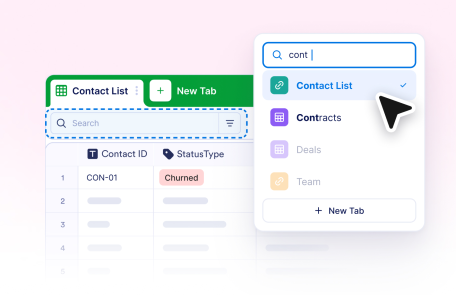
Add submission data tables associated with different forms as separate tabs in the same workspace. Access and manage records from multiple sources without opening separate Jotform Tables.
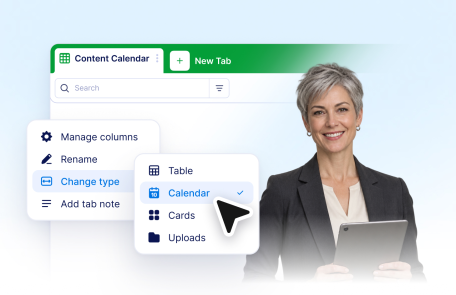
Add Table, Calendar, Boards, Cards, Uploads, or Reports tabs to organize your information. Manage schedules, track projects, review files, and explore submission data in different layouts.
Yes. You can add submission data tables associated with different forms as separate tabs within one workspace. This lets you manage records from multiple forms without switching between separate tables.
You can create Table, Calendar, Boards, Cards, Uploads, and Reports tabs. These views help you organize and manage data in different ways, from reviewing submissions to tracking tasks and schedules.
Yes. You can describe the table you want to create using a natural-language prompt. You can also use existing data or templates to help set up a table that matches your needs.