Add New Tabs to Jotform Tables
Add new tabs to Jotform Tables to organize submissions from different forms in one workspace.
Tables Tabs
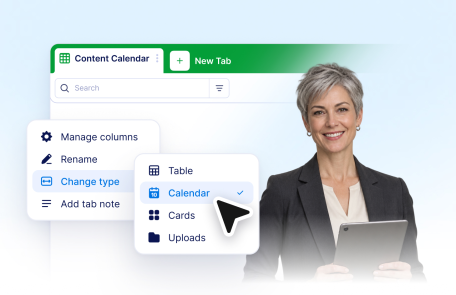
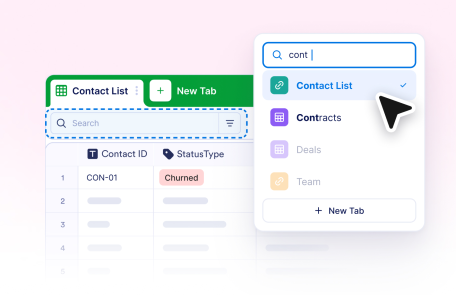
Organize your data with tabs in Jotform Tables. Create, customize, and manage different table views to keep submissions organized and easy to navigate.
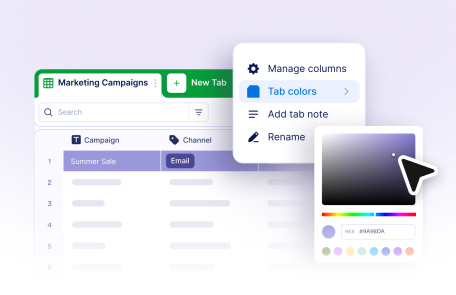
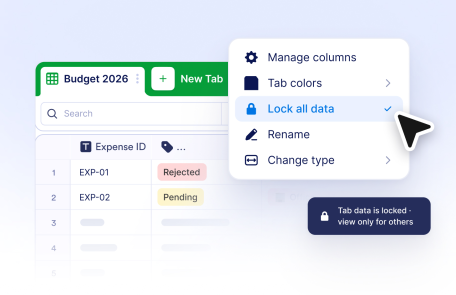
Customize tabs in Jotform Tables with colors and notes to create a more organized workspace. Highlight important data views, add helpful context, and make navigation easier for your team.
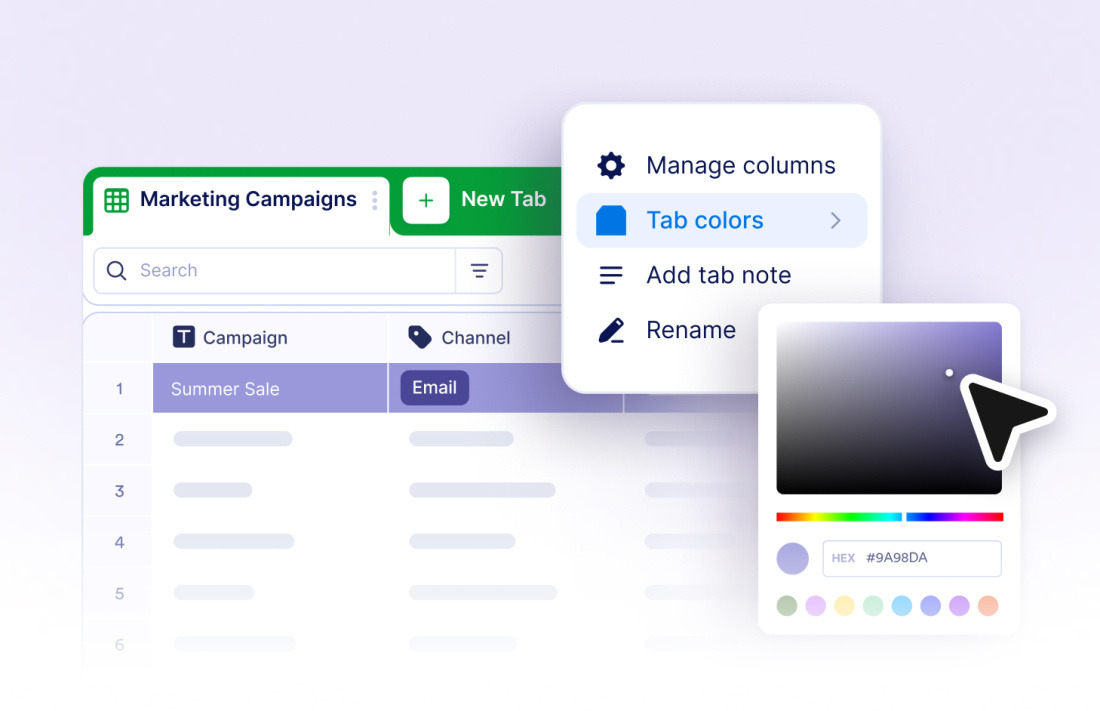
Make every tab easier to recognize and understand. Use colors to distinguish different workflows and notes to explain each tab's purpose, keeping your workspace organized.
Bring clarity to your Jotform Tables workspace with customizable tab colors and descriptions. Help collaborators identify important views and understand how each tab is used.
Assign colors to different tabs to visually separate projects, workflows, or datasets. Make important views easier to recognize and navigate across multiple tabs.
Add descriptions to tabs to provide context, instructions, or helpful reminders. Give collaborators a clearer understanding of each tab without relying on separate documentation.
Yes. You can customize tab colors to help distinguish different views, workflows, or datasets within your workspace. Jotform AI Data Assistant also supports updating tab colors using natural-language prompts.
Yes. You can add notes to explain a tab's purpose, provide instructions, or share important information. A note icon appears on the tab, allowing users to access its description when needed.
Yes. Collaborators with access to the table can view tab descriptions, making it easier to understand the purpose of different views and follow shared workflow instructions.