Add New Tabs to Jotform Tables
Add new tabs to Jotform Tables to organize submissions from different forms in one workspace.
Tables Tabs
Organize your data with tabs in Jotform Tables. Create, customize, and manage different table views to keep submissions organized and easy to navigate.
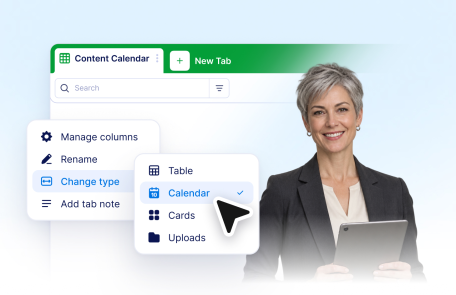
Change how your form submissions appear in Jotform Tables with flexible view types. Switch between Table, Calendar, Cards, and Uploads to organize and manage data your way.
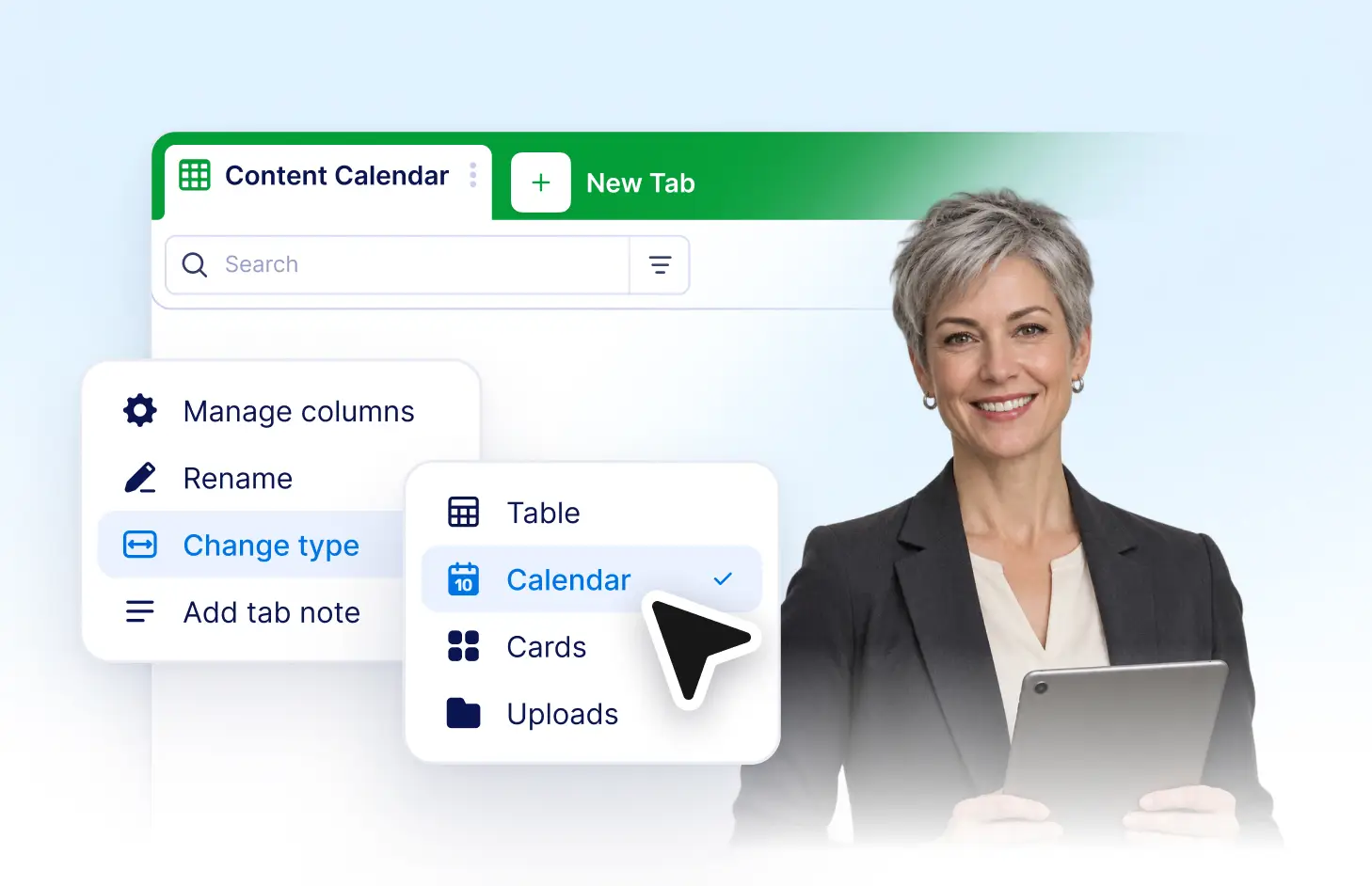
Make your submission data easier to work with by choosing the right layout for every task. Compare records, track dates, review individual entries, or browse uploaded files.
Adapt your table to different workflows without rebuilding your data. Switch view types to display records in a format that makes information easier to find, review, and manage.
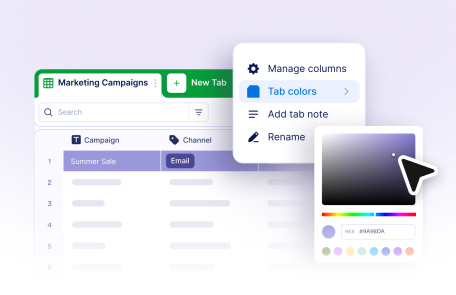
Assign colors to different tabs to visually separate projects, workflows, or datasets. Make important views easier to recognize and navigate across multiple tabs.
Open the three-dot menu next to your tab name, select Change Type, and choose your preferred view. Your submission data will appear in the selected layout.
You can switch between Table, Calendar, Cards, and Uploads. Each offers a different way to work with submission data, from spreadsheet-style records and schedules to visual cards and uploaded files.
Yes. Use View Settings to adjust the selected layout and choose which form fields appear. This helps you focus on the most relevant information for each workflow.