Archive Submissions
Archive submissions in Jotform Tables to keep records organized. Access and restore archived entries whenever needed.
Archive, Trash & History
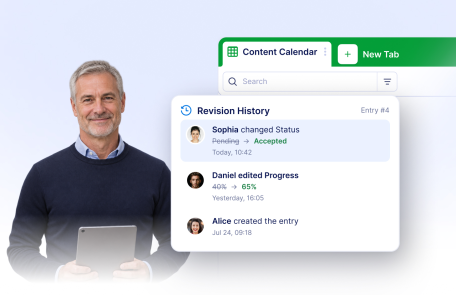
Manage deleted and archived submissions in Jotform Tables. Restore important records, review revision history, and keep track of changes to your data.
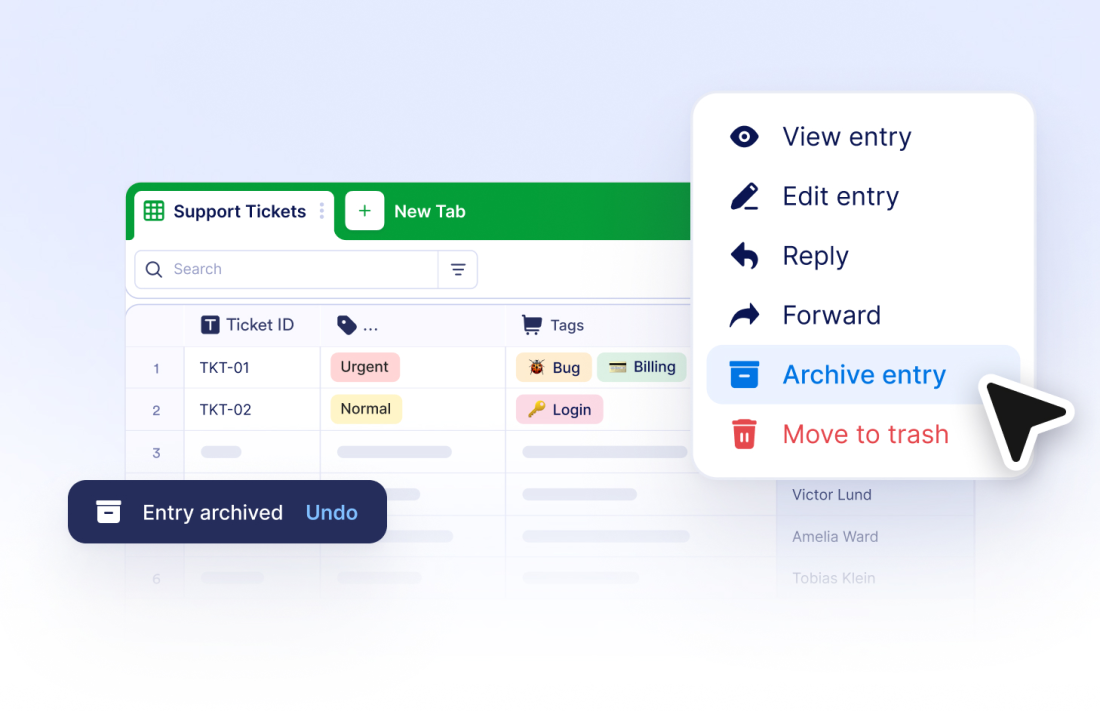
Archive form submissions in Jotform Tables to keep your active records organized. Move older or less relevant entries out of view while preserving their data for future reference.
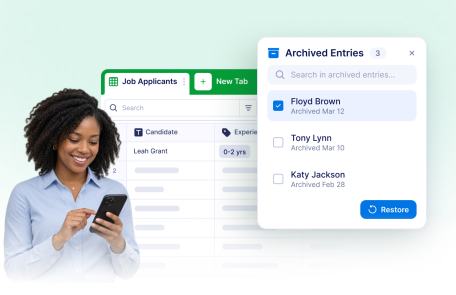
Keep your workspace focused without permanently deleting important records. Archive completed or inactive submissions, access them whenever needed, and restore to your table.
Separate past submissions from active records without losing valuable information. Store archived entries indefinitely and keep your table focused on the data that matters today.
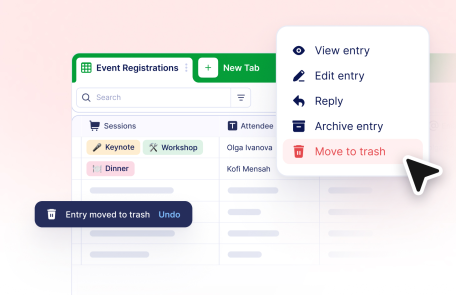
Move individual entries or multiple submissions to Archive to reduce clutter in your table. Keep completed projects, past requests, and older records stored without permanently deleting them.
Review archived submissions whenever you need past information. Restore selected entries to your active table to continue working with previously stored records.
Select one or multiple entries in your table and choose Archive Entries from the actions menu. You can also archive an individual submission through its row menu.
Yes. Open the Archived Entries section from your table's tab menu, select the records you want to recover, and choose Restore to
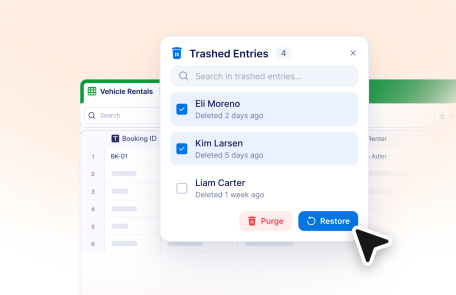
Archived submissions remain stored indefinitely unless you remove them. If you move an archived entry to Trash, it becomes subject to the 30-day deletion period.