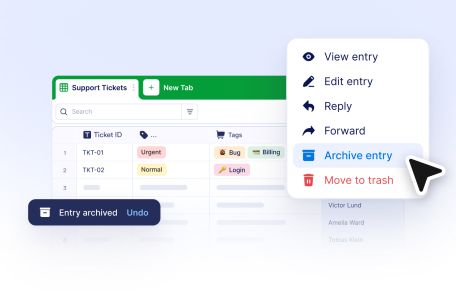
Archive Submissions
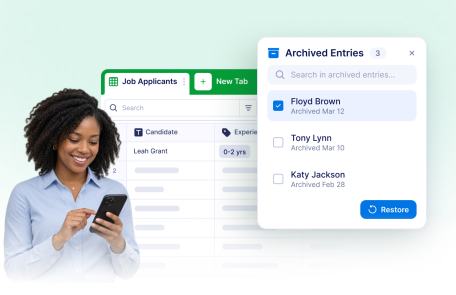
Archive submissions in Jotform Tables to keep records organized. Access and restore archived entries whenever needed.
Archive, Trash & History
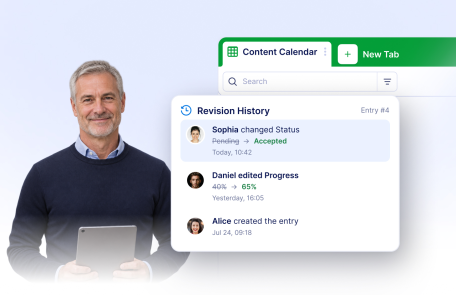
Manage deleted and archived submissions in Jotform Tables. Restore important records, review revision history, and keep track of changes to your data.
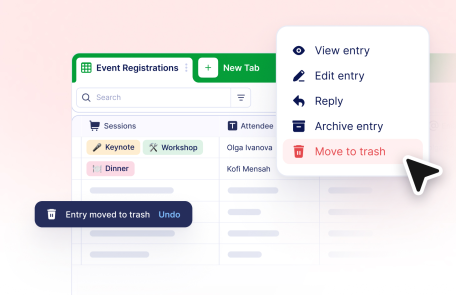
Access deleted submissions in Jotform Tables to review, recover, or permanently remove them. Manage trashed records in one place before they're automatically deleted after 30 days.
Stay in control of deleted submission data with a Trash section. Recover records, find previously deleted entries, or permanently remove information you no longer need.
Keep track of submissions removed from your active table. Review deleted records, restore important entries within 30 days, or permanently delete unwanted data to free up submission storage.
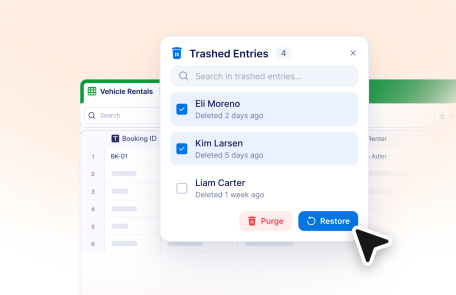
Recover individual or multiple submissions from Trash before they're permanently deleted. Bring important records back to your active table without having to recreate their information.
Remove unwanted records from Trash with the Delete Forever option. Permanently delete selected submissions before the 30-day retention period ends to free up submission storage.
Open the menu next to your table tab and select Trashed Entries. You'll see submissions that have been moved to Trash and can review them before they're permanently deleted.
Yes. You can select individual or multiple entries in Trash and choose Restore to return them to your active table. Deleted submissions remain recoverable for up to 30 days.
Yes. Select the entries you want to remove from Trash and choose Delete Forever. This permanently deletes the records and frees up submission storage. Permanently deleted submissions cannot be restored.