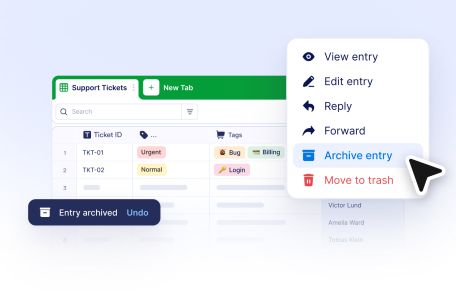
Archive Submissions
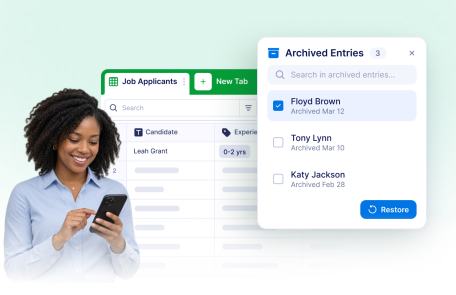
Archive submissions in Jotform Tables to keep records organized. Access and restore archived entries whenever needed.
Archive, Trash & History
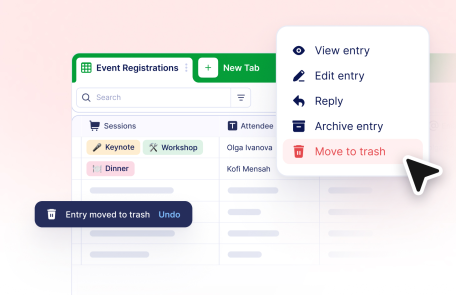
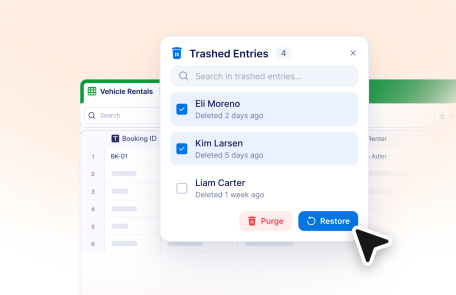
Manage deleted and archived submissions in Jotform Tables. Restore important records, review revision history, and keep track of changes to your data.
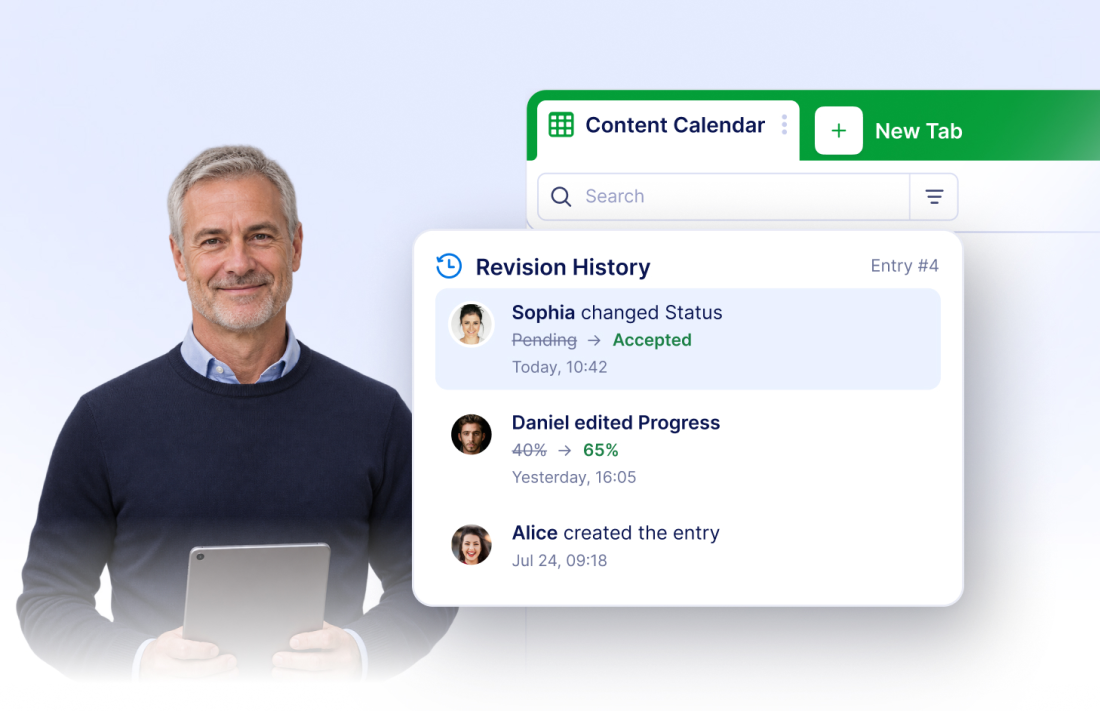
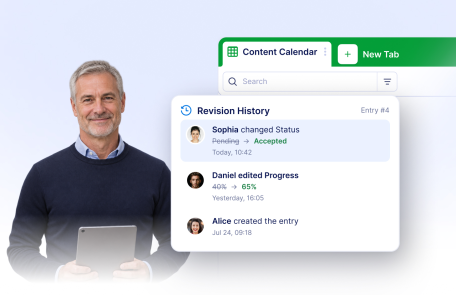
Track changes in Jotform Tables with Revision History. Review past edits, explore previous versions, and restore earlier table states to recover data or reverse unwanted changes.
Keep a complete record of how your table evolves. Review changes to submissions, columns, and settings, and restore a previous version whenever you need to recover important information.
Explore a detailed timeline of table changes, including data edits, column modifications, and layout updates. Find earlier versions and restore them to bring your table back to a previous state.
Review recorded revisions to see how your submission data, columns, and settings have changed over time. Explore past activity to identify updates and understand how your table has evolved.
Recover previous table states by selecting an earlier revision and restoring it. Reverse unwanted changes, recover important data, and return your table to a familiar configuration.
Revision History records changes to submission data, columns, table settings, and layouts. You can review previous revisions to understand how your table has changed over time.
Open Revision History from your table to access a timeline of recorded changes. Navigate between revisions to inspect previous versions and review how your data and table structure have evolved.
Yes. You can select a previous version from Revision History and use Restore to return your table to that state. This helps you recover information, reverse unwanted edits, and restore an earlier configuration.