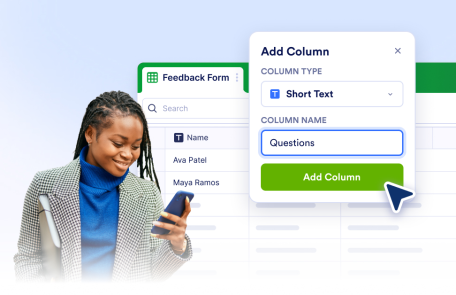
Short Text
Store quick responses, manage labels, and track essential details in a format that's easy to read, filter, and sort.
Basic Columns
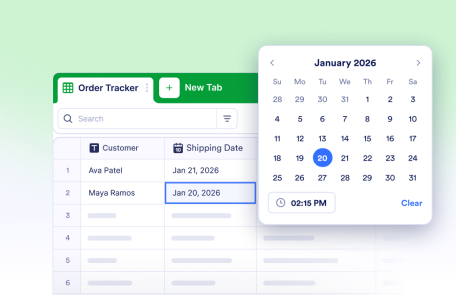
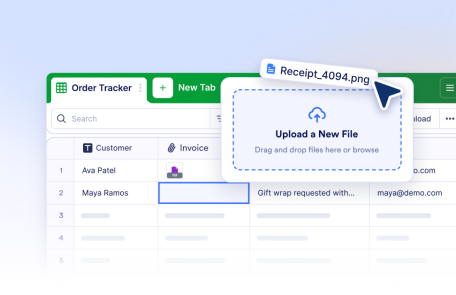
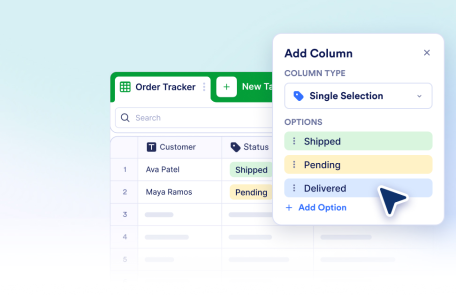
Explore basic column types in Jotform Tables, including text, numbers, dates, selections, and more. Customize fields to organize and manage your data with ease.
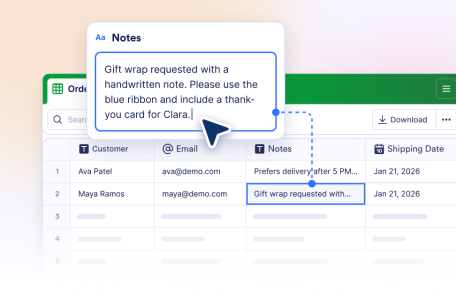
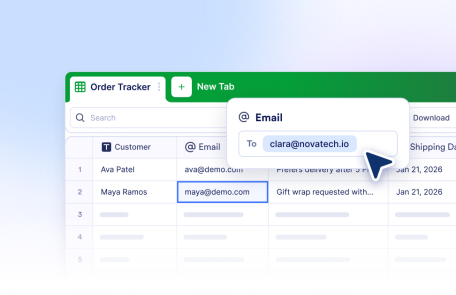
Collect and organize email addresses with dedicated columns in Jotform Tables. Keep contact information properly formatted and ready for email actions, replies, and follow-ups.
Make contact management easier with Email Address columns. Store properly formatted email addresses, organize contact details, and use them to communicate directly from your table.
Add Email Address columns to store and validate contact information. Keep email data organized and use saved addresses to support communication and automated workflows.
Use Email Address columns to collect properly formatted email addresses. Keep contact information consistent and organized, making it easier to manage communication and follow-ups.
Connect stored email addresses to actions like Send Email or use the Reply feature with recipient details automatically filled in. Simplify follow-ups directly from Jotform Tables.
An Email Address column is designed to store email addresses in a structured format. It helps validate email formatting and keeps contact information organized for communication.
Yes. You can use saved email addresses with action buttons such as Send Email to communicate with contacts directly from Jotform Tables.
Yes. When you use Reply to respond to a submission, Jotform Tables can automatically fill in the recipient's email address from the submission data, making follow-ups easier.