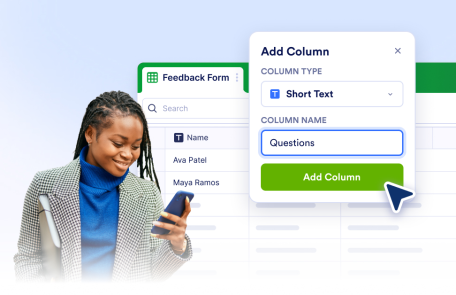
Short Text
Store quick responses, manage labels, and track essential details in a format that's easy to read, filter, and sort.
Basic Columns
Explore basic column types in Jotform Tables, including text, numbers, dates, selections, and more. Customize fields to organize and manage your data with ease.
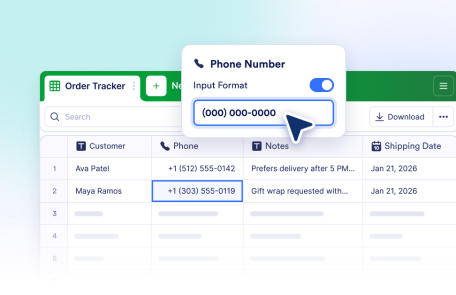
Add Phone Number columns to Jotform Tables to collect and organize contact details. Store mobile and office numbers with customizable input formats to keep your data consistent and easy to manage.
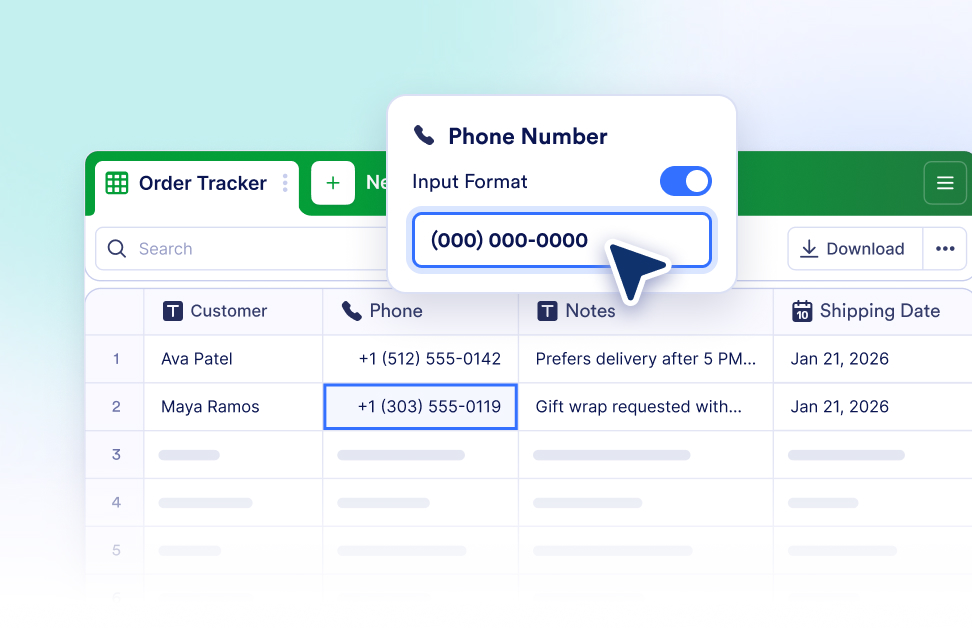
Keep contact information organized with Phone Number columns. Apply optional formatting rules to standardize phone numbers and make contact details easier to read and manage.
Store phone numbers in dedicated columns and customize their input formats. Keep contact details consistent across your table with options for country codes, area codes, and digit groupings.
Use Phone Number columns to organize mobile numbers, office lines, and other contact details. Keep phone information structured and accessible for contact management and follow-ups.
Define optional input formats using country codes, area codes, or digit groupings. Standardize how phone numbers are entered and displayed to keep contact information consistent.
A Phone Number column lets you store and organize phone-based contact information, including mobile numbers and office lines, with optional formatting settings.
Yes. You can define an input format for Phone Number columns, including country codes, area codes, and digit groupings, to keep contact information consistent.
No. Input formatting is optional. You can use Phone Number columns without defining a specific format or apply formatting rules based on your needs.