Short Text
Store quick responses, manage labels, and track essential details in a format that's easy to read, filter, and sort.
Basic Columns
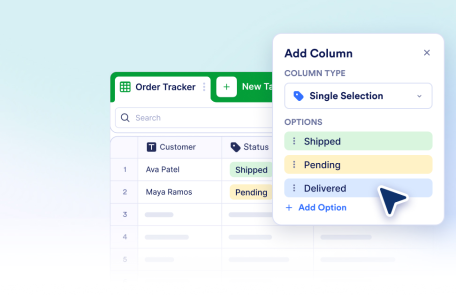
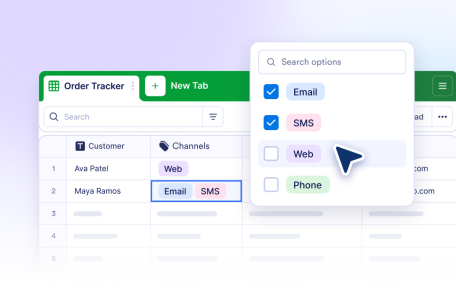
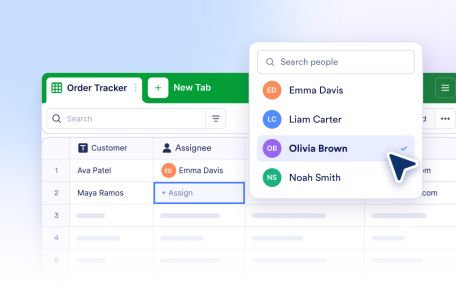
Explore basic column types in Jotform Tables, including text, numbers, dates, selections, and more. Customize fields to organize and manage your data with ease.
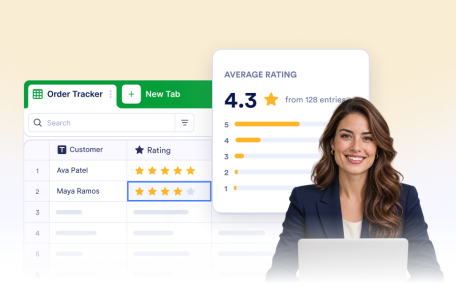
Add Star Rating columns to Jotform Tables to evaluate entries on a simple 1 to 5-star scale. Collect feedback, rate experiences, and compare submissions in an easy-to-read visual format.
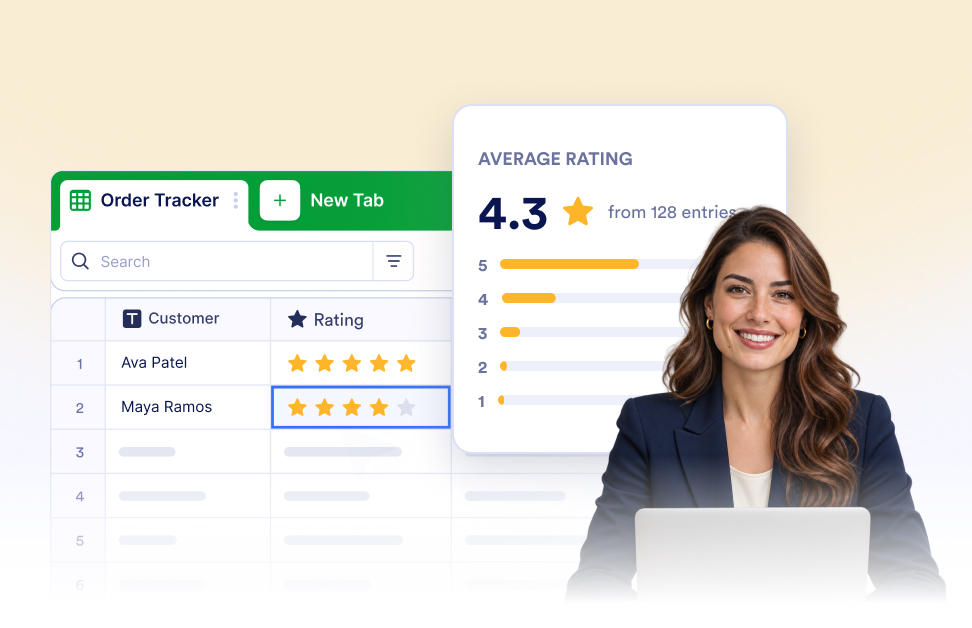
Make evaluations easier with visual star ratings. Quickly rate submissions, compare scores, and organize feedback using a familiar 5-star system directly in your table.
Use Star Rating columns to evaluate submissions, track preferences, and compare entries. Assign ratings with a single click and keep feedback organized in a clear, visual format.
Assign ratings from 1 to 5 stars directly in your table. Quickly evaluate submissions, record feedback, and compare entries using a simple, intuitive rating system.
A Star Rating column lets you assign ratings from 1 to 5 stars to individual entries. It's useful for evaluating submissions, collecting feedback, and organizing preferences.
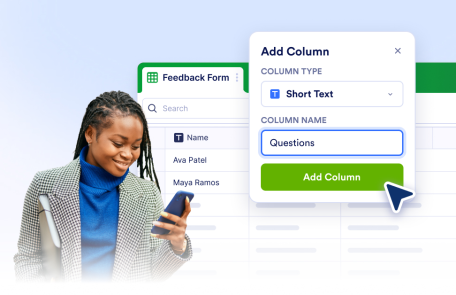
Add a new column in Jotform Tables and select Star Rating as the column type. You can then assign ratings to entries by selecting the desired number of stars.
Yes. Star Rating columns provide a visual way to evaluate and compare entries, making it easier to review feedback, assess experiences, and identify highly rated submissions.