Search and Find Data
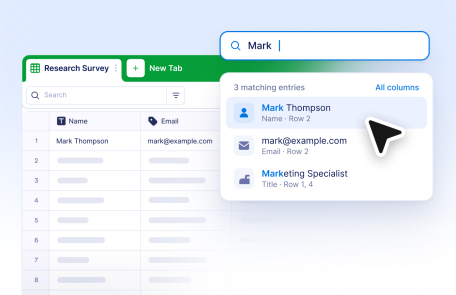
Find submissions, keywords, and specific values in Jotform Tables with a simple search.
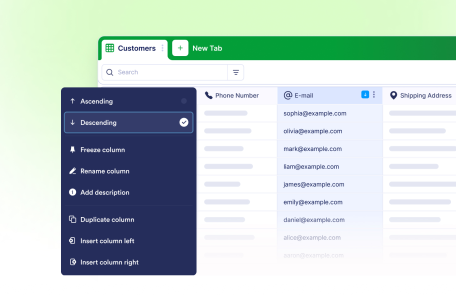
Search, Filter, and Sort
Quickly find the data you need with advanced search and filtering options built for speed and clarity.
Filter and manage your form data by date, status, tags, or keywords. Quickly find relevant submissions, organize responses, and focus on the information that matters most.
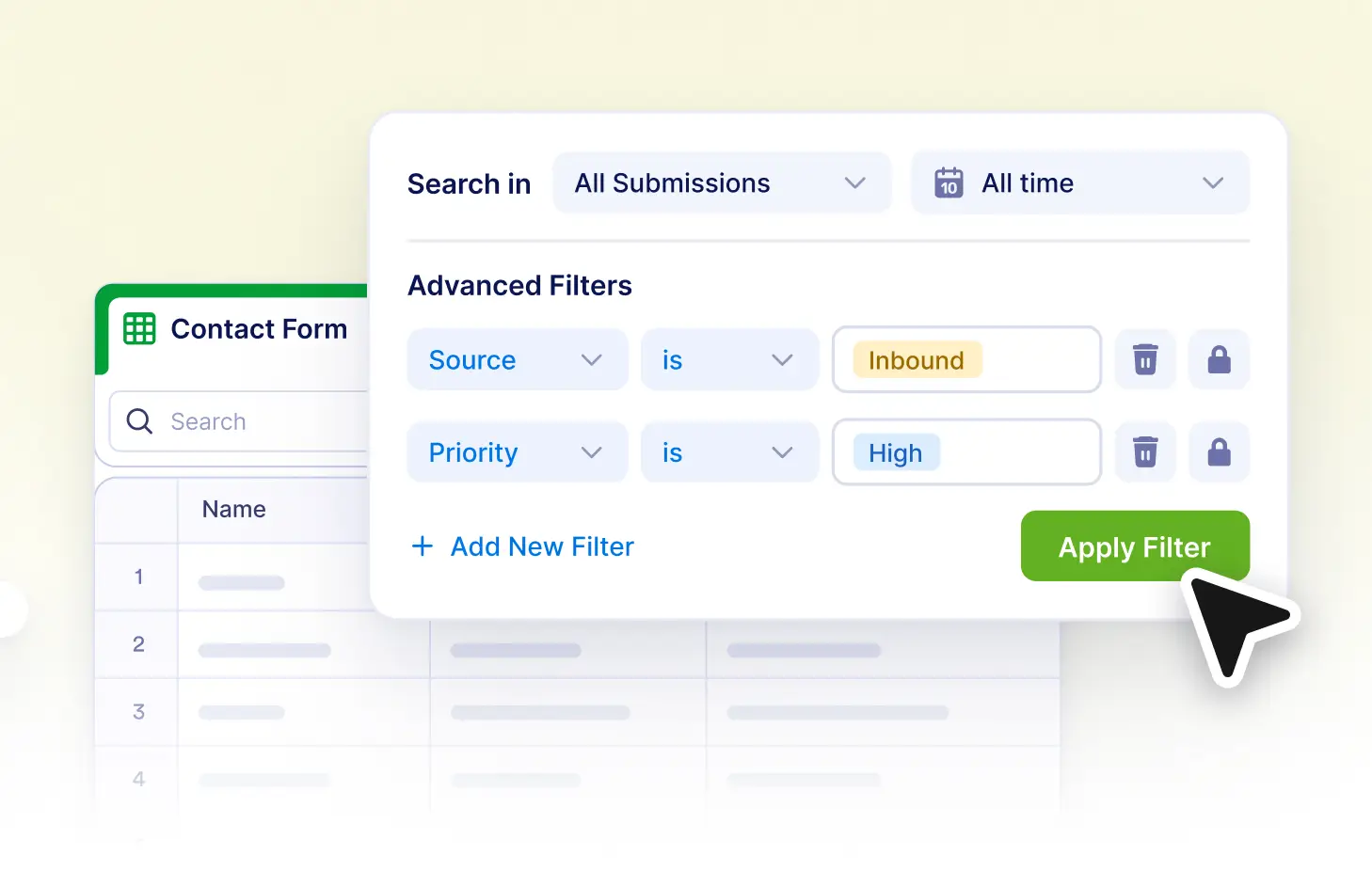
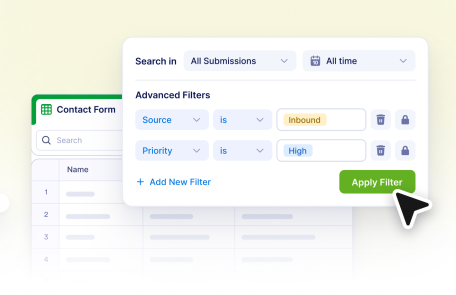
Zero in on exactly what you need without scrolling. Use advanced filters and one-click quick filters to simplify complex datasets and find relevant submissions in just a few clicks.
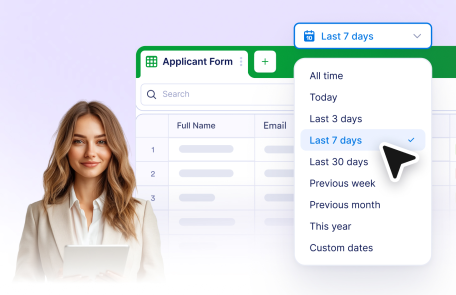
Create focused data views by filtering responses by date ranges, field values, keywords, or tags. Use quick filters to instantly find submissions by status without extra setup.
Apply filters to any column, including dates, dropdown selections, checkboxes, tags, or text inputs. Tailor your view to match your exact needs.
Turn frequently used filters into dedicated tabs for quick access. It's perfect for segmenting workflows, projects, or team-specific views.
Use one-click quick filters to switch between All Submissions, Unread, Read, Starred, and Unstarred views. Find and prioritize responses instantly without setting up filter conditions.
Lock filters to control what collaborators see without revealing filter settings. Keep locked filters active in the background while allowing users to apply additional filters within those limits.
You can filter submissions by any field in your table, including dates, dropdown selections, checkboxes, tags, and text inputs. Simply apply your preferred conditions to display only the responses that match your criteria.
Quick Filters let you instantly view submissions based on their status. You can switch between All Submissions, Unread, Read, Starred, and Unstarred with a single click, without creating custom filter conditions.
Yes. You can save frequently used filters as custom tabs in Jotform Tables. This makes it easy to revisit specific datasets and organize submissions for different projects, teams, or workflows.