Search and Find Data
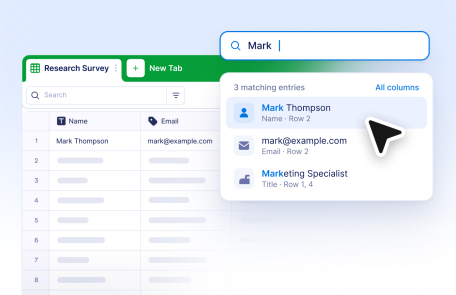
Find submissions, keywords, and specific values in Jotform Tables with a simple search.
Search, Filter, and Sort
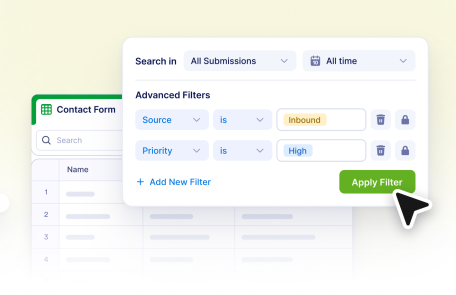
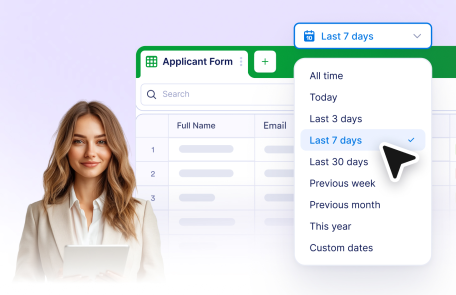
Quickly find the data you need with advanced search and filtering options built for speed and clarity.
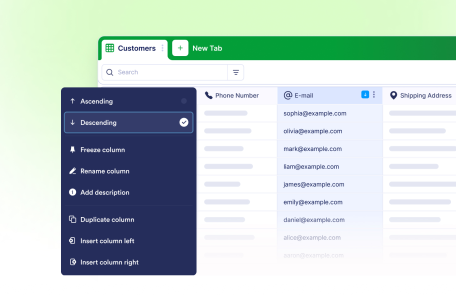
Organize your Jotform Tables data by sorting any column in ascending or descending order. Arrange names, dates, numbers, and other values to find important information faster.
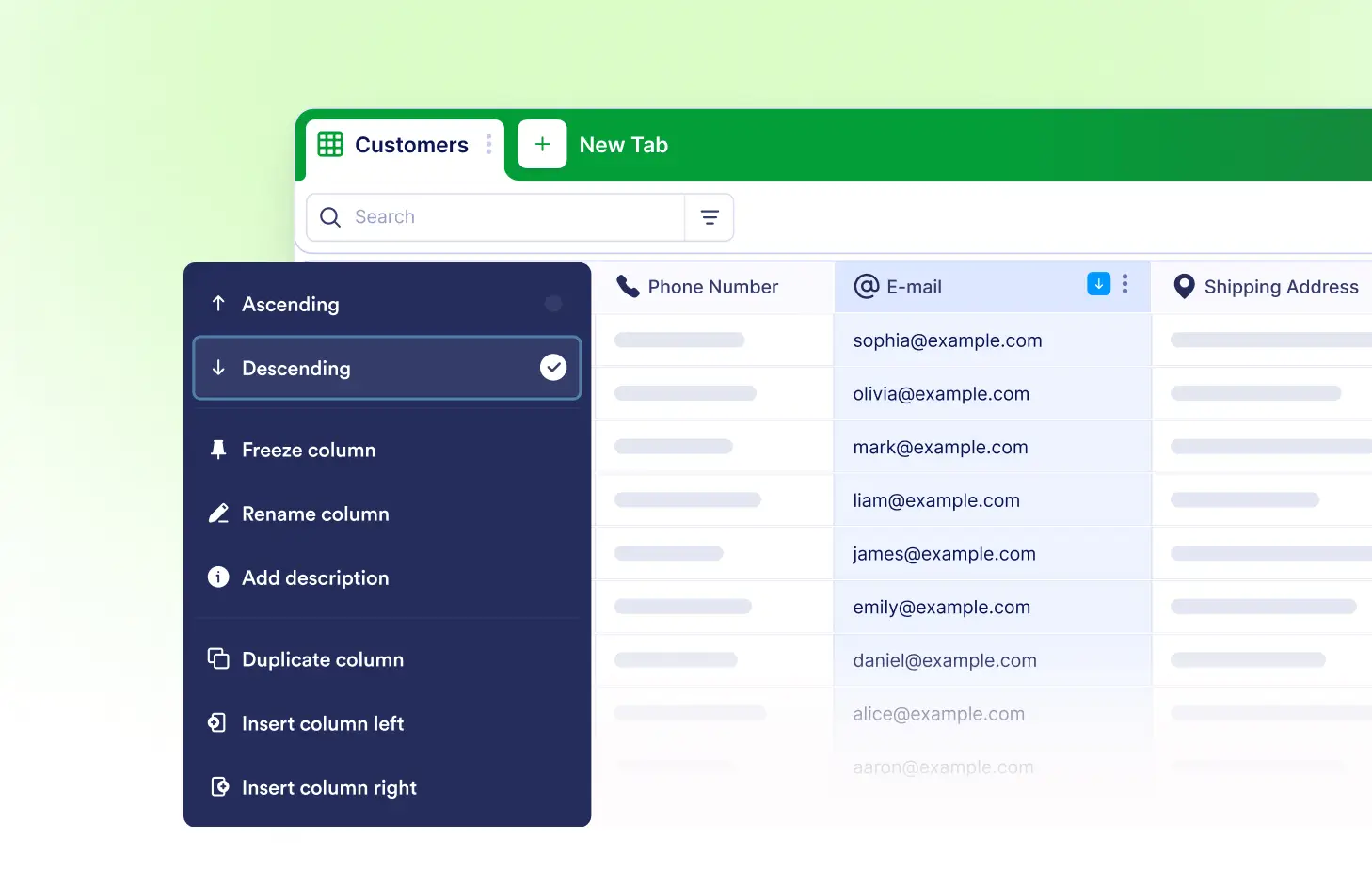
Make large datasets easier to navigate with column sorting. Quickly organize entries alphabetically, numerically, or by date to spot patterns and focus on the information you need.
Customize how your table entries appear with flexible sorting options. Arrange column values from A to Z, smallest to largest, or reverse the order to match your workflow.
Right-click any column header to access sorting options. Choose ascending or descending order to organize your entries instantly without changing the underlying submission data.
Right-click a column header and select the ascending or descending sorting option. Your table entries will be arranged based on the values in that column.
Yes. You can sort supported columns containing names, dates, numbers, and other values. This makes it easy to organize submissions alphabetically, chronologically, or numerically.
No. Sorting changes the order in which entries appear in your table without modifying the underlying submission values.