Search and Find Data
Find submissions, keywords, and specific values in Jotform Tables with a simple search.
Search, Filter, and Sort
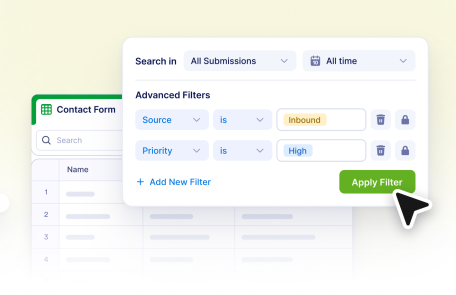
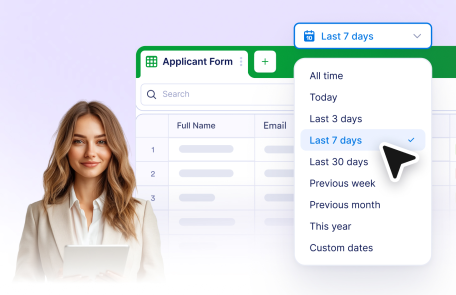
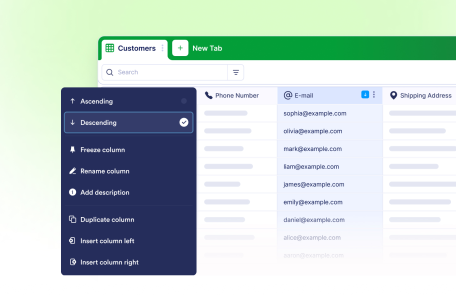
Quickly find the data you need with advanced search and filtering options built for speed and clarity.
Find submissions, keywords, and specific values in Jotform Tables with a simple search. Get instant results as you type and locate important information without scrolling through rows.
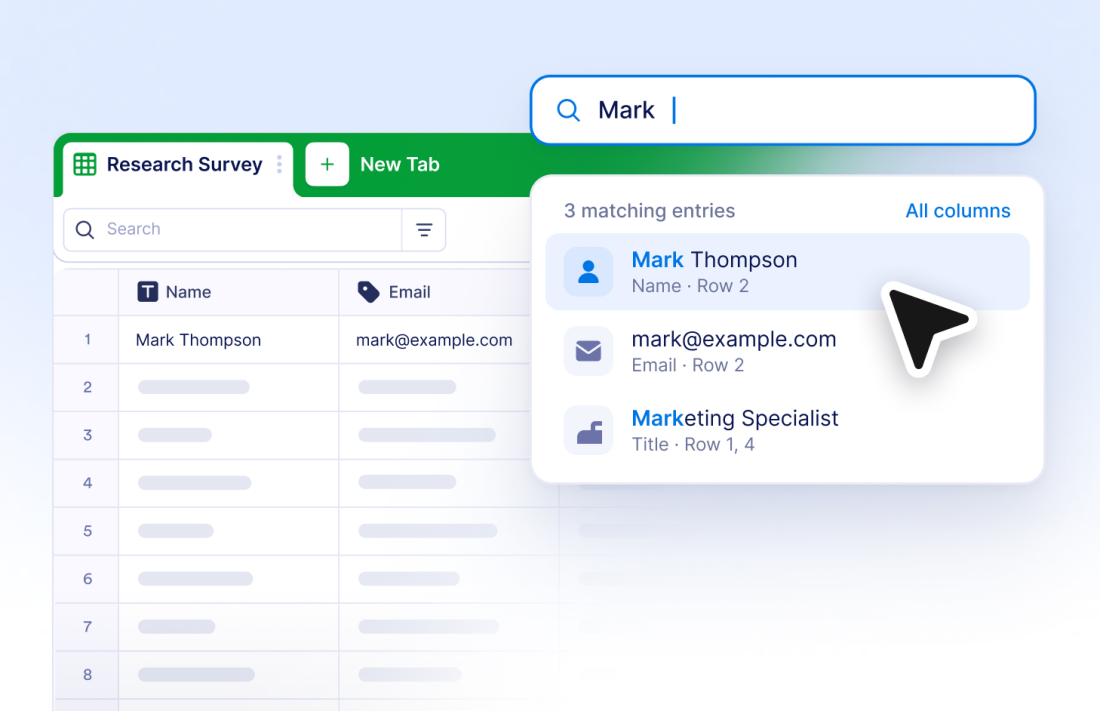
Save time searching through large datasets with real-time table search. Enter a keyword or value to quickly narrow down submissions and find the information you need in seconds.
Use the search bar to filter table entries as you type. Quickly locate form responses, customer details, and other submission data without manually reviewing every row.
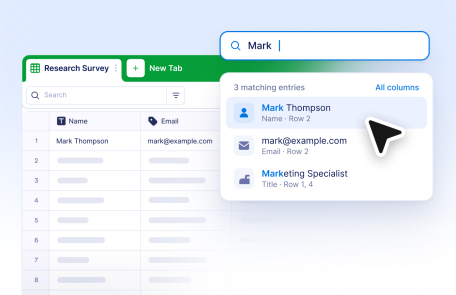
Start typing in the search bar to see matching submissions appear immediately. Results update automatically with each character, so you can find relevant entries without pressing Enter.
Search for names, email addresses, keywords, or other submitted values across your table. Find matching records without checking individual columns or scrolling through submissions.
Use the search bar in Jotform Tables and enter a keyword, name, or value. Matching submissions appear automatically, helping you find the information you need.
Yes. Search results update in real time as you enter text, so you can quickly narrow down your table entries without pressing Enter.
Yes. The search feature looks for matching values across your table's fields, making it easy to locate submissions using information from different columns.