Send Email
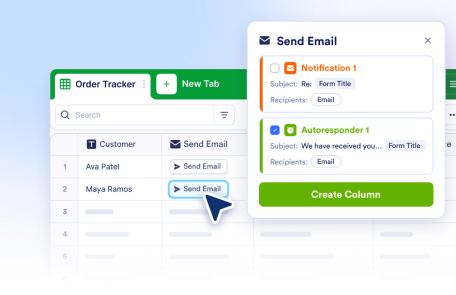
Send personalized emails to contacts directly from Jotform Tables using action buttons.
Action Buttons
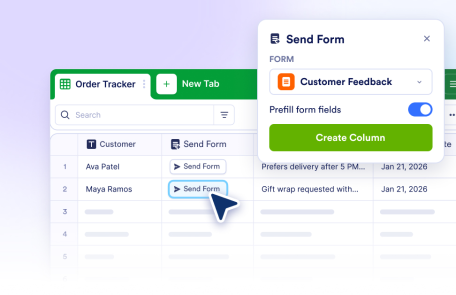
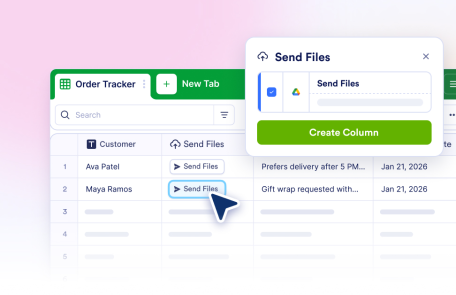
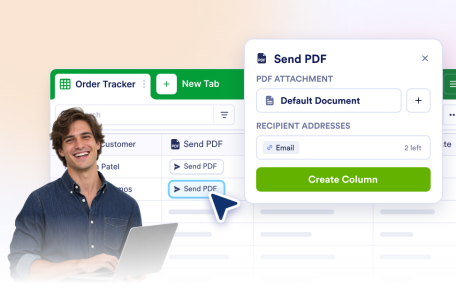
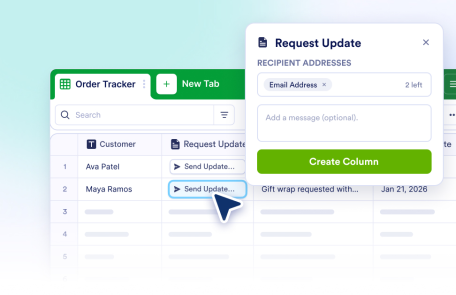
Automate tasks with action buttons in Jotform Tables. Send emails, forms, files, and PDFs, request updates, or transfer data to other apps and webhooks with a single click.
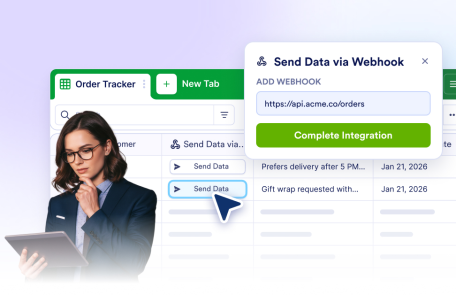
Transfer submission data from Jotform Tables to external apps using action buttons. Connect CRMs, project management tools, and other platforms to streamline your workflows.
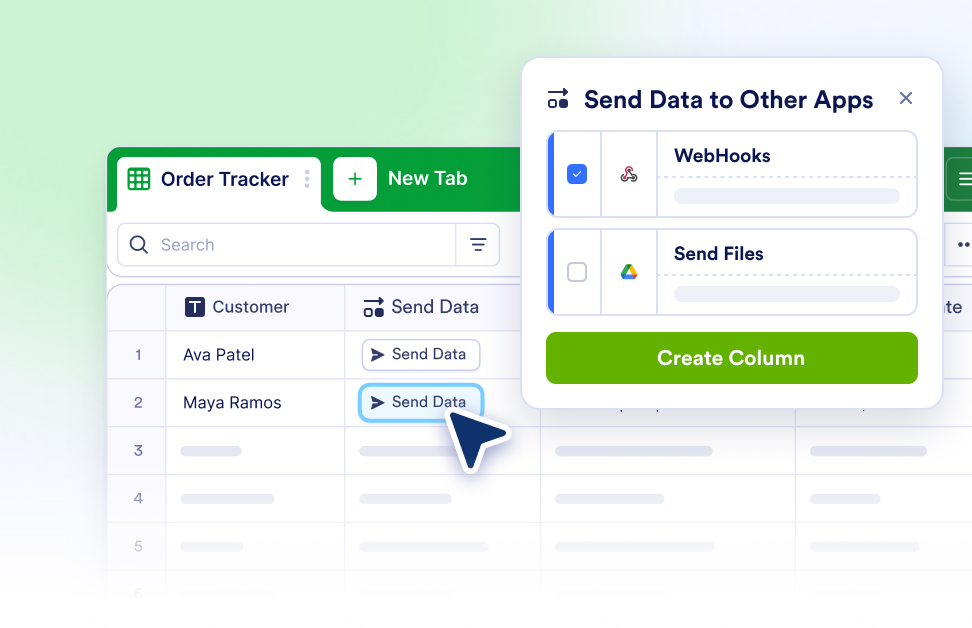
Keep your tools connected by sending table data to the apps you use. Transfer information, update records, and simplify workflows without manually copying data between platforms.
Use action buttons to send data from individual table entries to connected applications. Map fields, choose integrations, and keep information flowing across your favorite tools.
Send data to services like Google Calendar, monday.com, Salesforce, HubSpot, or Slack using Jotform integrations. Connect your table to the tools that support your workflow.
Match table columns to fields in your destination app to send the right information. Use existing form integrations to transfer submission data without rebuilding your connections.
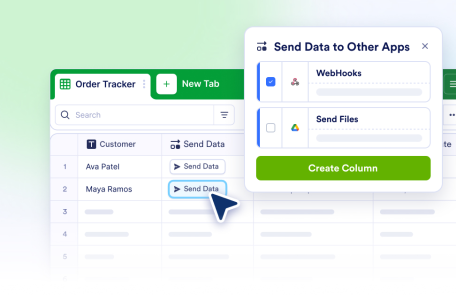
Add a Send Data to Other Apps action button to your table and select a connected integration. Configure the fields you want to send, then click the button to transfer data from an entry.
You can use supported Jotform integrations with services such as Google Calendar, monday.com, Salesforce, HubSpot, Slack, and other business applications.
Yes. Jotform Tables lets you see which entries have received update requests, helping you monitor follow-ups and manage submissions that need corrections or additional information.