Send Email
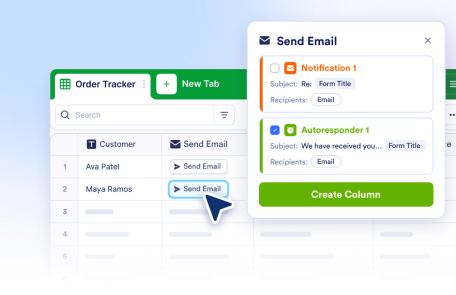
Send personalized emails to contacts directly from Jotform Tables using action buttons.
Action Buttons
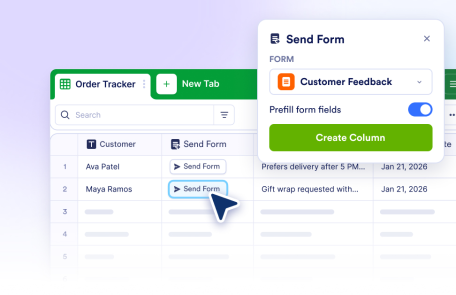
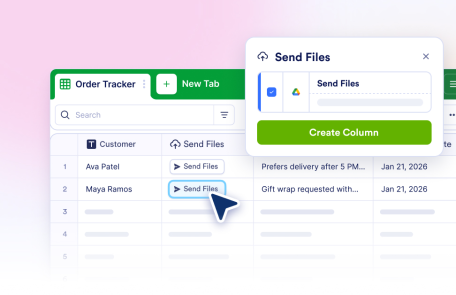
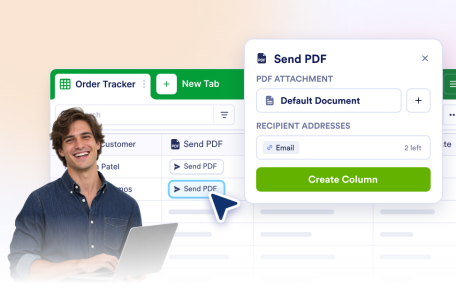
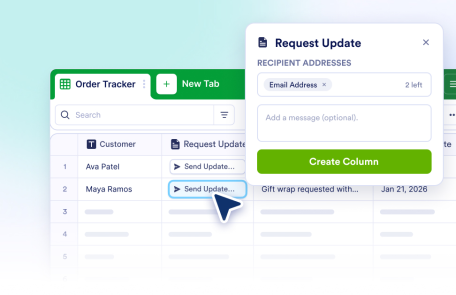
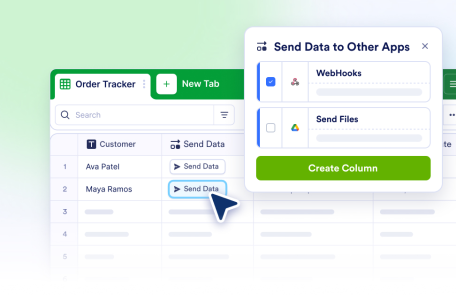
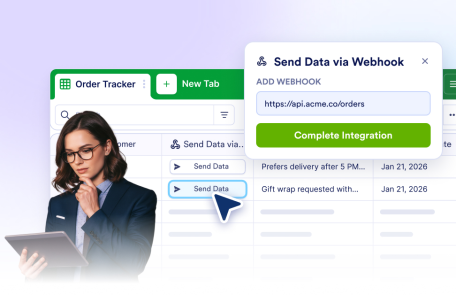
Automate tasks with action buttons in Jotform Tables. Send emails, forms, files, and PDFs, request updates, or transfer data to other apps and webhooks with a single click.
Send personalized emails to contacts directly from Jotform Tables using action buttons. Include submission details, customize your messages, and simplify communication without switching tools.
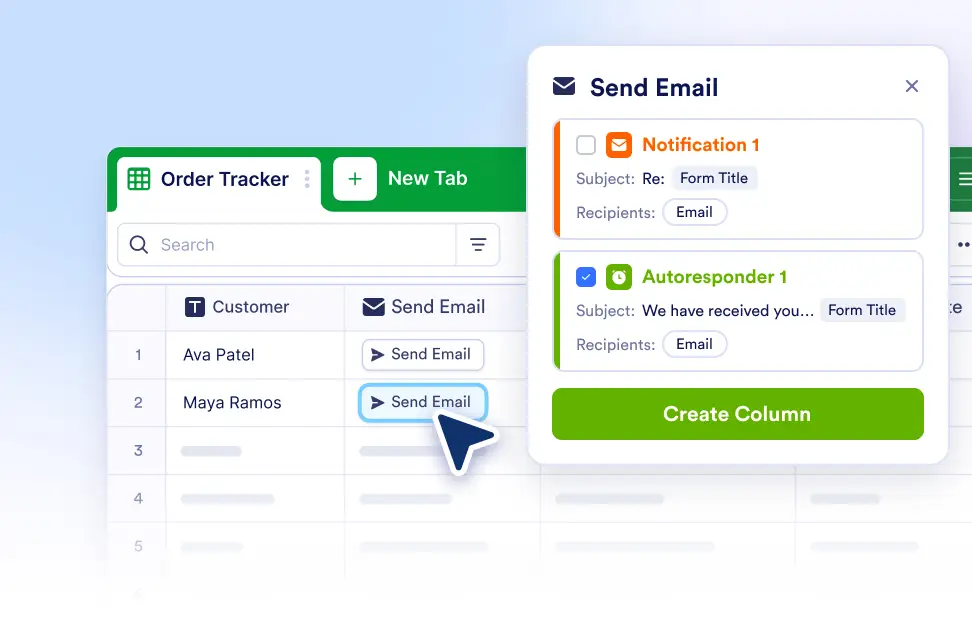
Make email communication faster with Send Email action buttons. Use existing table data to personalize messages, share updates, and follow up with contacts in just a click.
Create action buttons to send emails using contact information stored in your table. Add dynamic field values to your messages and streamline follow-ups, reminders, and notifications.
Add a Send Email action button and select a column containing recipient email addresses. Send messages directly from individual entries for reminders, confirmations, or updates.
Insert dynamic field tags into your email subject or message to include names, dates, products, or other submission details. Automatically personalize emails using data from each entry.
Add a Send Email action button to your table and select the column containing recipient email addresses. Configure your email message, then use the button to send it directly from an entry.
Yes. You can insert dynamic field tags into your email content to include values from the selected entry, such as names, dates, or other submission details.
Yes. You can select a table column containing email addresses. When you trigger the Send Email action for an entry, the email is sent to the address stored in that row.