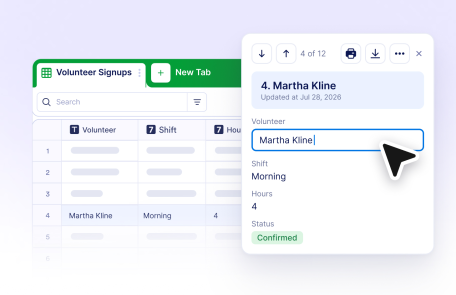
View Individual Form Submissions
Open any form submission in Jotform Tables to review its details in a clear, focused view.
Single Entry View
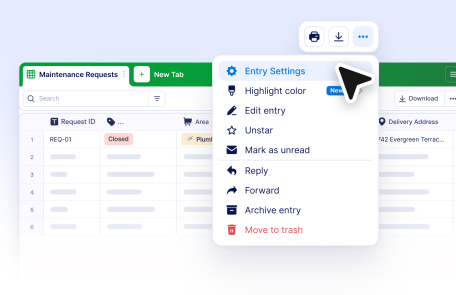
View and manage individual submissions in Jotform Tables. Review entry details, edit responses, customize field visibility, and download or print records with ease.
Open any form submission in Jotform Tables to review its details in a clear, focused view. Access individual responses, check important information, and manage records without distractions.
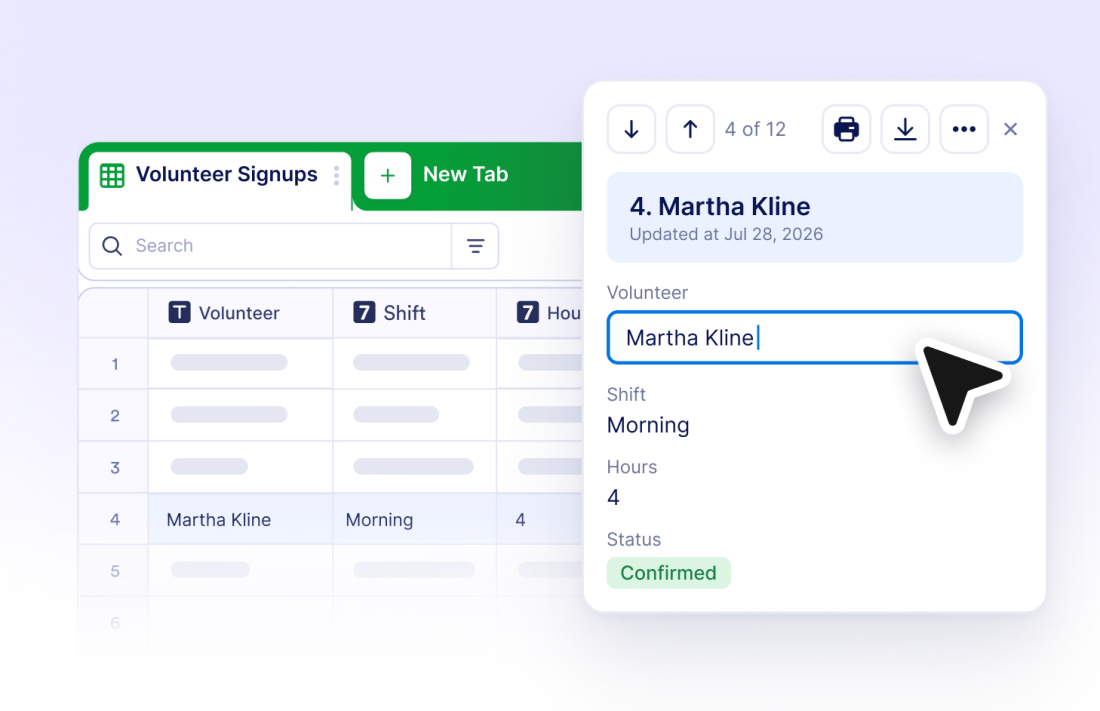
Review form submissions without navigating through table columns. Single Entry View brings responses together in an organized layout, making individual records easier to read.
Get a complete view of each submission in a structured, easy-to-read layout. Examine responses, find specific details, and review individual records without scrolling across your table.
Open any table entry in Single Entry View to see its responses in a focused layout. Review names, dates, answers, and other submitted information without navigating across columns.
Control which details appear in Single Entry View using your table's column visibility settings. Focus on relevant information while keeping unnecessary fields out of your way.
Click the View button on any table row to open Single Entry View. You'll see the submission details in a structured layout that's easier to review than a wide table.
Yes. You can update individual fields directly in Single Entry View or select Edit Entry to open the original form with existing responses prefilled for more detailed changes.
Yes. Single Entry View respects your table's column visibility settings, helping you focus on the submission details you want to see.