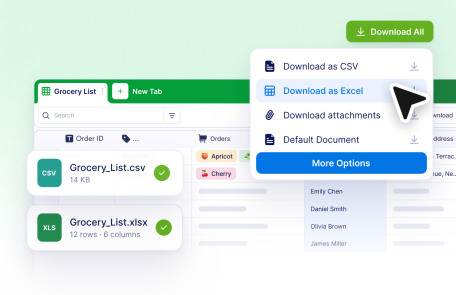
Export Submissions to CSV or Excel
Export form submissions as CSV or Excel files for easy reporting, sharing, and offline analysis.
Export Data
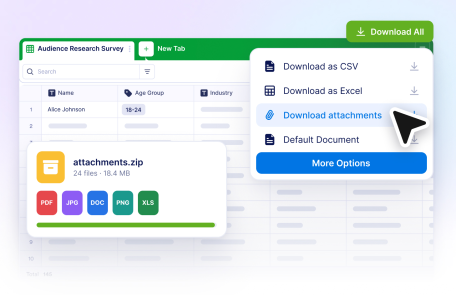
Export data from Jotform Tables in formats like Excel, CSV, and PDF. Download form submissions, attachments, and reports to back up records, share information, and work with your data offline.
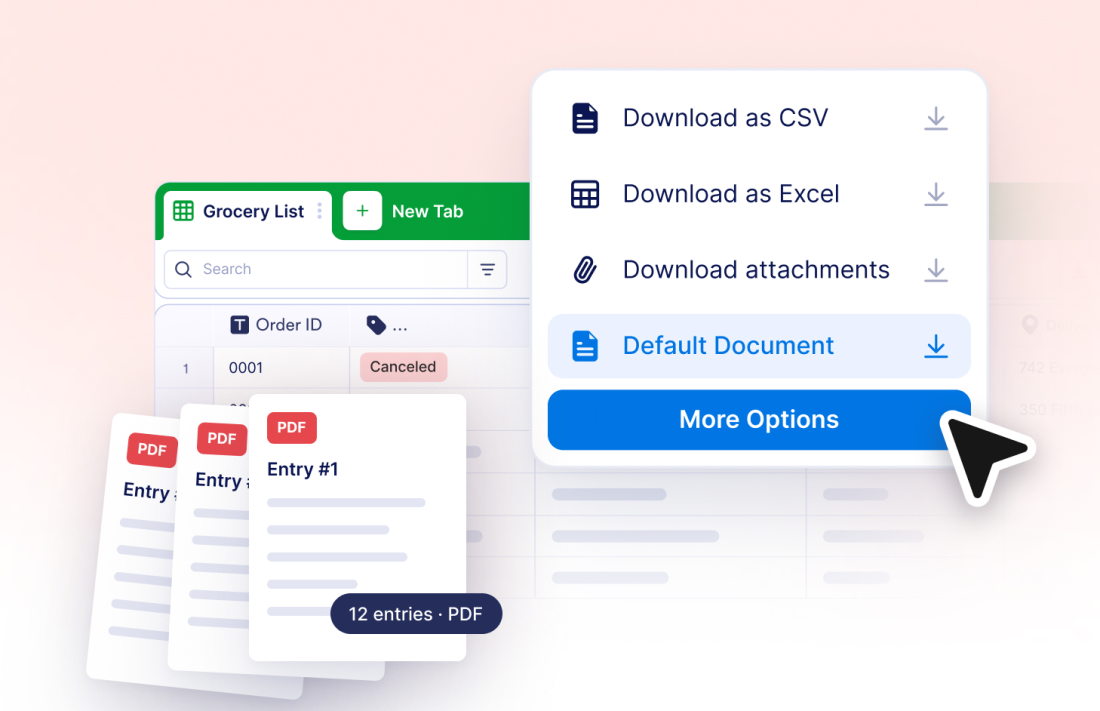
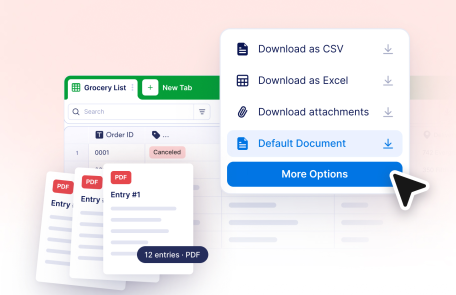
Download form submissions as PDF files directly from Jotform Tables. Save individual or multiple entries, use custom PDF designs, and keep professional documents ready to share or store.
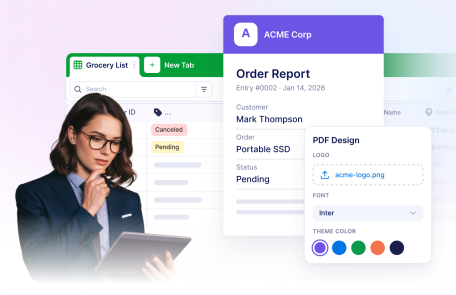
Turn form responses into polished PDF documents. Download selected submissions or entire datasets using layouts customized with Jotform PDF Editor.
Generate PDFs from your submission data for reports, records, and document sharing. Download individual entries or multiple submissions in formats that fit your business needs.
Export all submissions or select specific entries to download as PDFs. Save a single record directly or receive a ZIP file containing multiple PDF documents for easier record management.
Use PDF documents customized with Jotform PDF Editor to download submissions in your preferred layout. Create professional invoices, confirmations, certificates, or other branded records.
Access a submission's PDF directly from Single Entry View while reviewing its details. Download the document or open PDF Editor to customize its layout before generating your file.
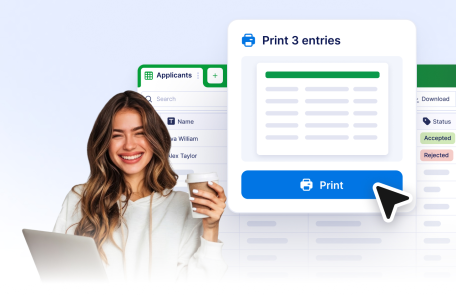
Open your table and select the Download option to export submissions as PDFs. You can download all entries or select specific submissions. For multiple entries, Jotform prepares a ZIP file and sends a download link to your registered email address.
Yes. You can use PDF documents created or customized in Jotform PDF Editor. This allows you to download submission data in your preferred design, including branded layouts for invoices, certificates, confirmations, and other documents.
Yes. You can download an individual submission as a PDF from its entry options or directly through Single Entry View. You can also access PDF Editor to customize the document before downloading it.