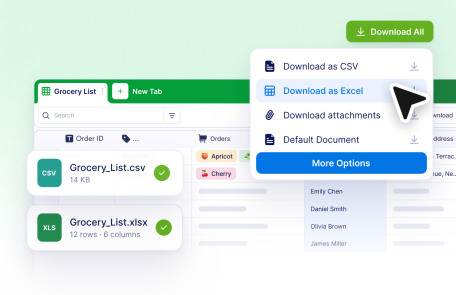
Export Submissions to CSV or Excel
Export form submissions as CSV or Excel files for easy reporting, sharing, and offline analysis.
Export Data
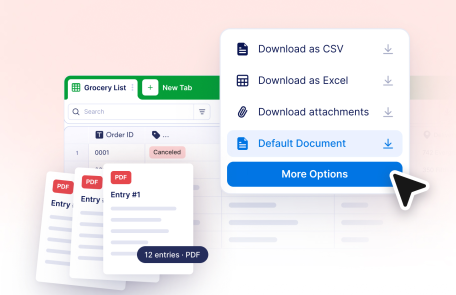
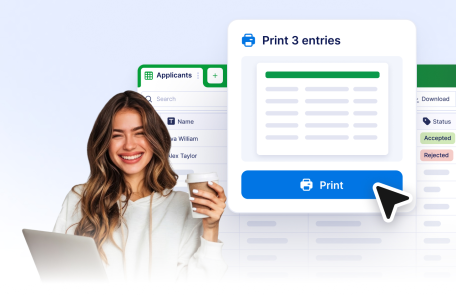
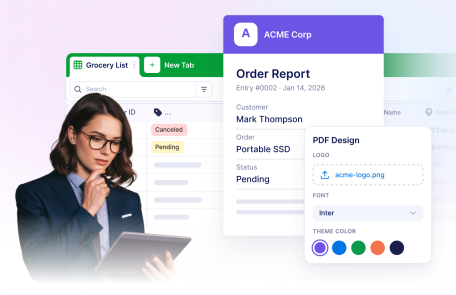
Export data from Jotform Tables in formats like Excel, CSV, and PDF. Download form submissions, attachments, and reports to back up records, share information, and work with your data offline.
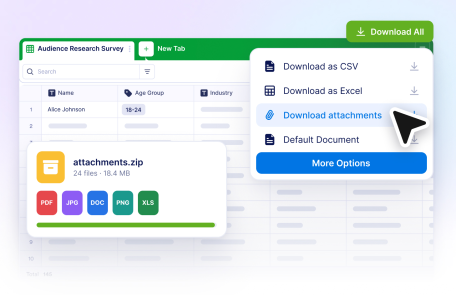
Access and download files collected through your forms directly from Jotform Tables. Save individual uploads or download attachments from multiple submissions for offline use.
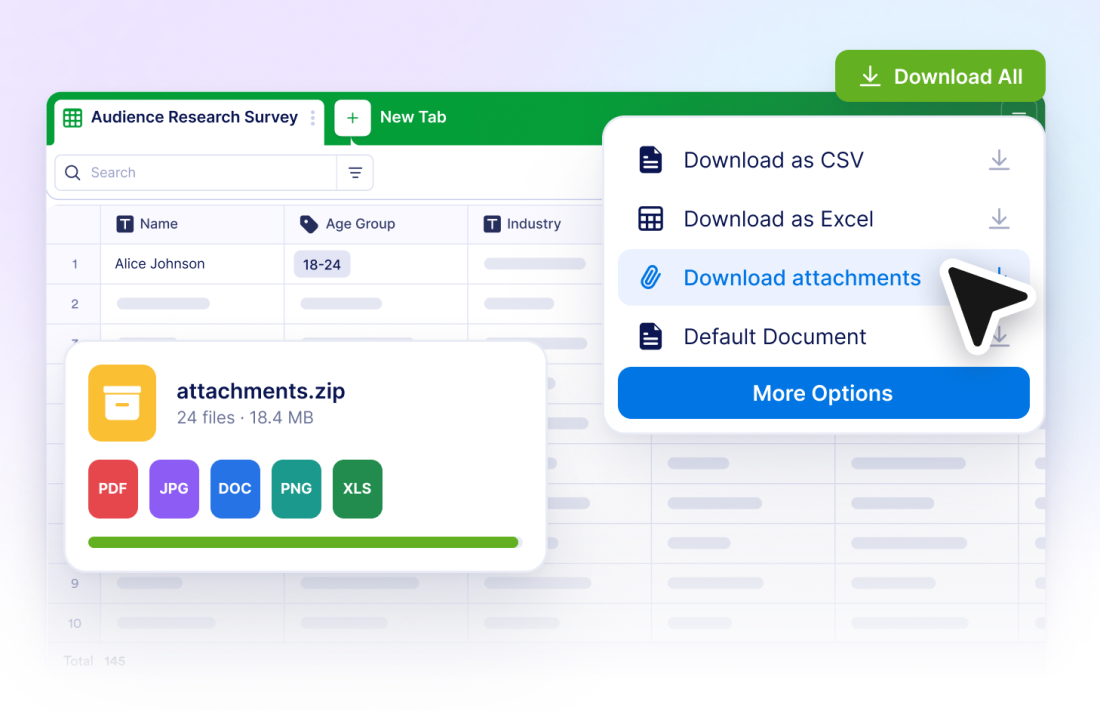
Keep uploaded documents, images, and other files within easy reach. Download all attachments or choose specific submissions to retrieve exactly the files you need.
Manage form uploads without opening every submission separately. Download individual files, collect attachments from selected entries, or export all uploaded files in one ZIP archive.
Retrieve attachments from your entire table or select specific submissions to download their files. Jotform packages the uploads into a ZIP archive for convenient storage and sharing.
Access uploaded files directly from your table and download only what you need. Save images, PDFs, documents, or other attachments without exporting entire submissions.
Filter submissions by date to focus on uploads collected during a specific period. Download the relevant attachments for monthly reporting, project records, or document reviews.
Open your table, select the Download All option, and choose Download Attachments. Jotform prepares a ZIP archive containing the uploaded files and sends a download link to your account email address when it's ready.
Yes. Select the entries containing the files you need, then choose Download Attachments. You can also apply date filters to narrow down submissions before selecting the files to download.
Yes. Click an uploaded file directly in your table and use the Download option to save it individually. This is useful when you only need one document, image, or other attachment.