Free Shared Expense Tracker
Jotform’s shared expense tracker is a free app for creating a shared expense tracker to manage and share travel, rent, and community expenses in one place. Build from scratch or customize a ready-to-use template, then share the app so others can view and contribute from any device. Integrate with 40+ payment gateways to collect online payments and settle shared costs.
Templates
Free Shared Expense Tracker App
Don’t know where to start? Choose one of our free, ready-made app templates below — then make it your own in seconds without any coding knowledge using Jotform’s drag-and-drop app builder.
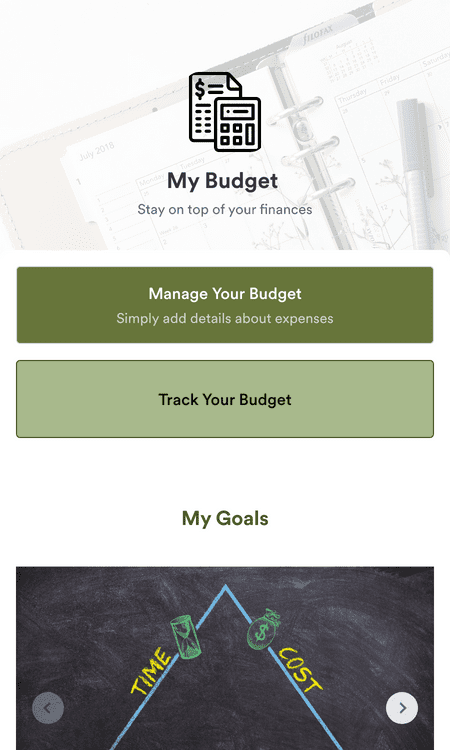
Financial Management App
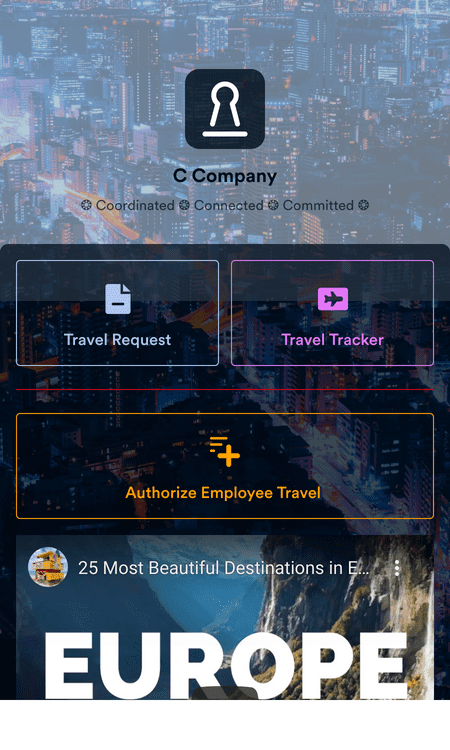
Employee Travel Management App
Benefits
No-Code App Builder
Create a Custom App
Use Jotform’s no-code app builder to create a shared expense tracker app that fits your group’s needs, whether you’re splitting travel costs, rent, or community expenses. Add forms, links, and documents so everyone can record and view expenses in one place without juggling spreadsheets. Install Jotform widgets and integrations with a click to extend functionality without technical work.
Share Your App
Put your shared expense tracker in front of others by sending an email invitation, sharing a link, generating a QR code, or embedding it into a website or group portal. Members can open the app on any smartphone, tablet, or computer so they can view and contribute expenses from wherever they are. These sharing options help everyone stay involved and aligned.
Add Payment Integrations
Connect your shared expense tracker app with trusted payment processors like PayPal, Stripe, Square, and Google Pay so contributors can send or settle shared costs directly in the app. Integrating 40+ payment options gives people flexibility while keeping payment tracking centralized and reducing the need for separate billing tools.
Testimonials
What our users say about Jotform
Learn More About Shared Expense Tracker
All your questions about Jotform — answered. Check out our FAQs for answers to common questions, or contact our support team for further information.
How do I track shared expenses?
Track and manage your shared expenses with Jotform Tables — our powerful online spreadsheet-database software. From your secure online dashboard, you can easily search, sort, and filter your expenses, as well as import and manually enter data.