Social Media Feed Widget for your website
Add a social media feed to your website and keep visitors connected with your latest posts, videos, blog updates, and RSS content. Use the Social Media Feed Widget to choose feed sources, customize layouts, control post details, and embed everything on your site without writing code.
Create Now — It’s Free!

How to create a Social Feed widget
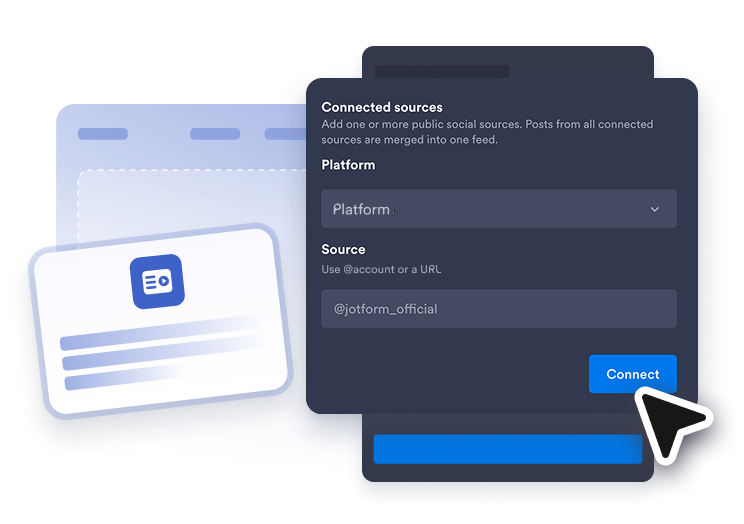
Connect a feed source
Choose the type of content you want to display, then add a public account, channel, playlist, blog, board, video, or RSS feed URL.
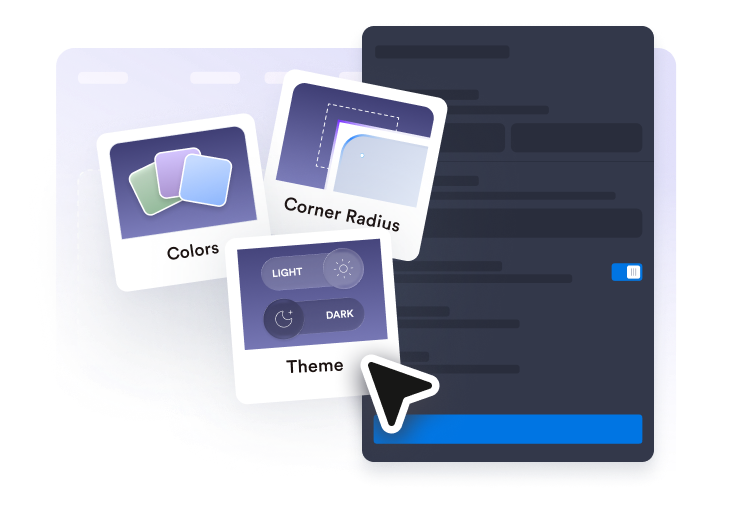
Customize the feed
Select a layout, adjust post cards, turn source tabs on or off, set popup behavior, and match the design to your website.
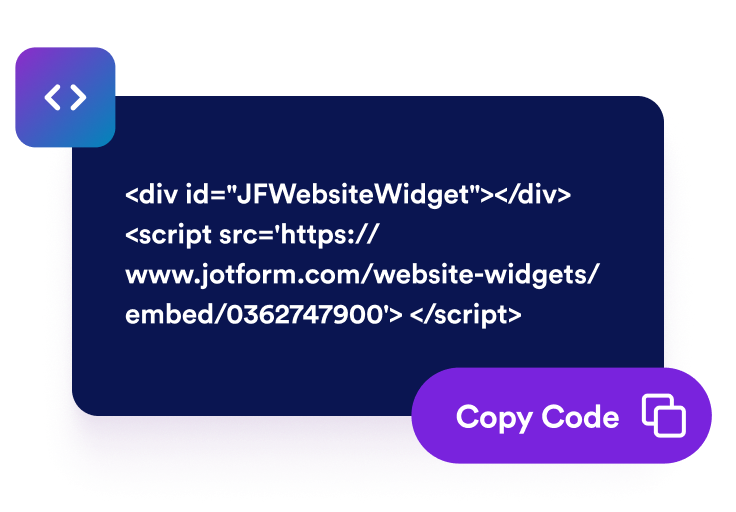
Get the embed code
Copy the generated embed code and paste it into your website’s HTML or embed block to publish your Social Media Feed Widget.
Display social updates in one feed
Choose your feed sources
Create a social media feed widget that brings selected posts, videos, blog updates, and RSS content into one section. You can build a broader Social Media Feed Widget or create source-specific feeds with the Facebook Feed Widget, Instagram Feed Widget, Twitter Feed Widget, Tumblr Feed Widget, or RSS Feed Widget.

Fit posts into your layout
Display your feed in a format that works for your page. Choose grid, masonry, list, carousel, or slider layouts, then adjust spacing, columns, rows, source tabs, sorting, and item limits for easier browsing.

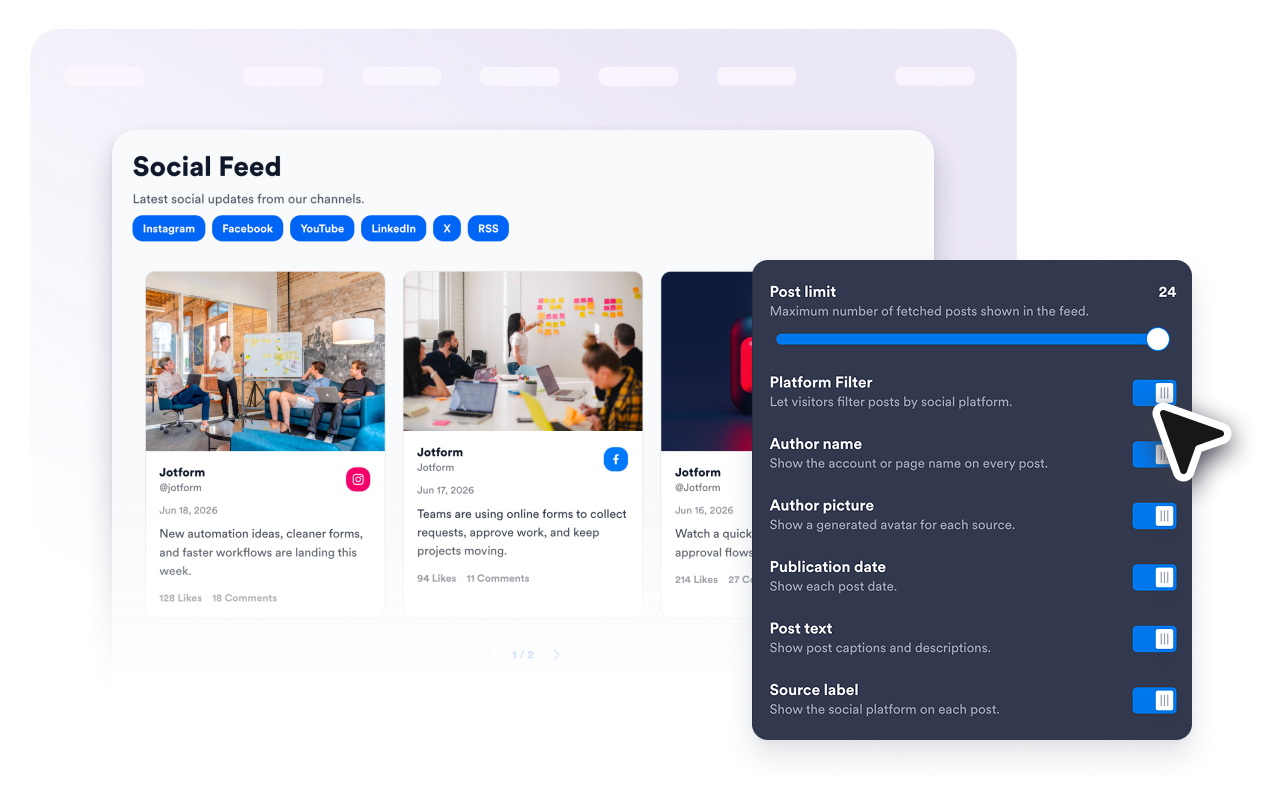
Show the right post details
Control what visitors see on each feed card. Show or hide author names, avatars, dates, captions, platform badges, action counts, external links, and popup details so every post preview feels clear and useful.
Match your website style
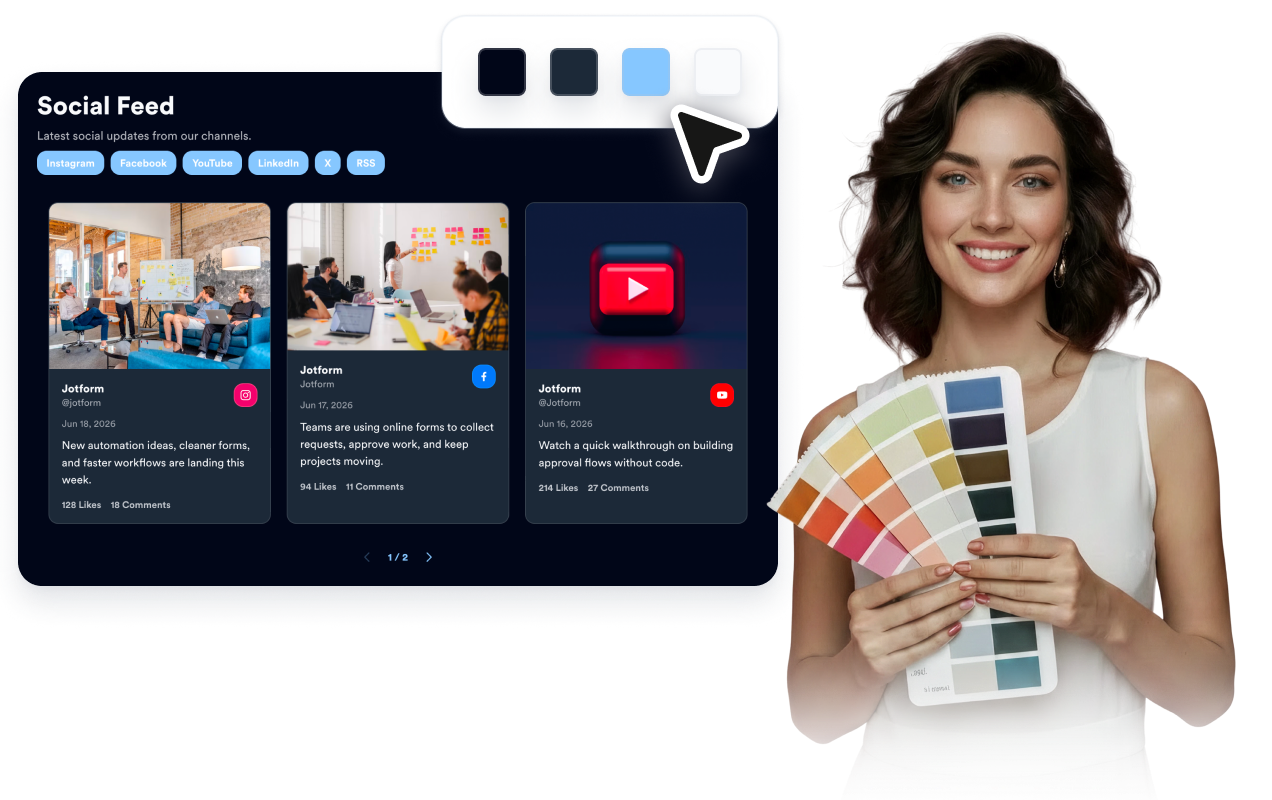
Make your social feed on website pages feel like part of your design. Use light or dark themes, customize card and popup colors, adjust arrows and pagination, and add custom CSS when you need extra styling control.
Why Jotform Website Widgets stand out
Jotform’s widgets make your website more interactive and increase conversions. There are many tools available, from star ratings and testimonial sliders to social proof popups and media embeds. Add widgets to your forms or landing pages to collect data, display proof, and capture leads — no coding required.
Add Jotform widgets to your website with a simple embed code. Customize the widget, preview how it looks, and paste it into any page that supports custom HTML or embed blocks, all without a developer.
Use Jotform Website Widgets to collect leads, show customer feedback, display social proof, embed media, or add helpful web page tools. Each widget helps visitors interact with your business directly from your website.
If you need help setting up, customizing, embedding, or troubleshooting your widget, Jotform’s customer support team is available 24-7. You can move forward with confidence, knowing that help is there when you need it.
Where to use your Social Media Feed widget
Add a Social Media Feed Widget anywhere social updates, RSS content, or campaign posts can make your website feel more active and current.
Brand homepages to highlight recent posts, announcements, videos, and campaign updates.
Event pages to share live updates, recap posts, short videos, and community content.
Portfolio pages to show creator updates, project launches, social proof, and behind-the-scenes posts.
Blog and resource hubs to combine related social media updates from a Social Media Feed Widget or fresh article updates from an RSS Feed Widget.
Product and launch pages to feature announcements, demos, tutorials, and reactions near important CTAs.
Community pages to keep visitors connected with updates from multiple feed sources.
Convert leads into paying customers with the Jotform Form Builder
Turn engagement into action with Jotform. Create powerful forms that capture leads, collect payments, and automate responses, all in one place. Every submission lands in your Jotform Inbox, where you can follow up or connect with your favorite apps.
Get Started — It’s Free!
FAQ
What is a Social Media Feed Widget?
A Social Media Feed Widget is an embeddable website widget that displays selected social posts, videos, blog updates, or RSS feed content in one responsive feed. It helps visitors browse your latest updates without leaving your website right away.
Can I embed a social media feed on my website?
Can I create platform-specific feed widgets?
Can I display customer feedback too?
Which feed sources can I use?
Can I add an RSS feed?
Can I show multiple feed types?
Can I customize the layout?
Can visitors open posts in a popup?
Can I match the widget to my website design?
Will the Social Media Feed Widget work on mobile?
Do I need to write code?
Which website platforms support the Social Media Feed Widget?
Can I get help setting up my Social Media Feed Widget?