Back to Top Widget for your website
Make long pages easier to navigate with a customizable button that returns visitors to the top. Jotform’s Back to Top Widget lets you choose the icon, size, colors, position, scroll trigger, and device visibility, then embed the button without writing code.
How to create a Back to Top widget
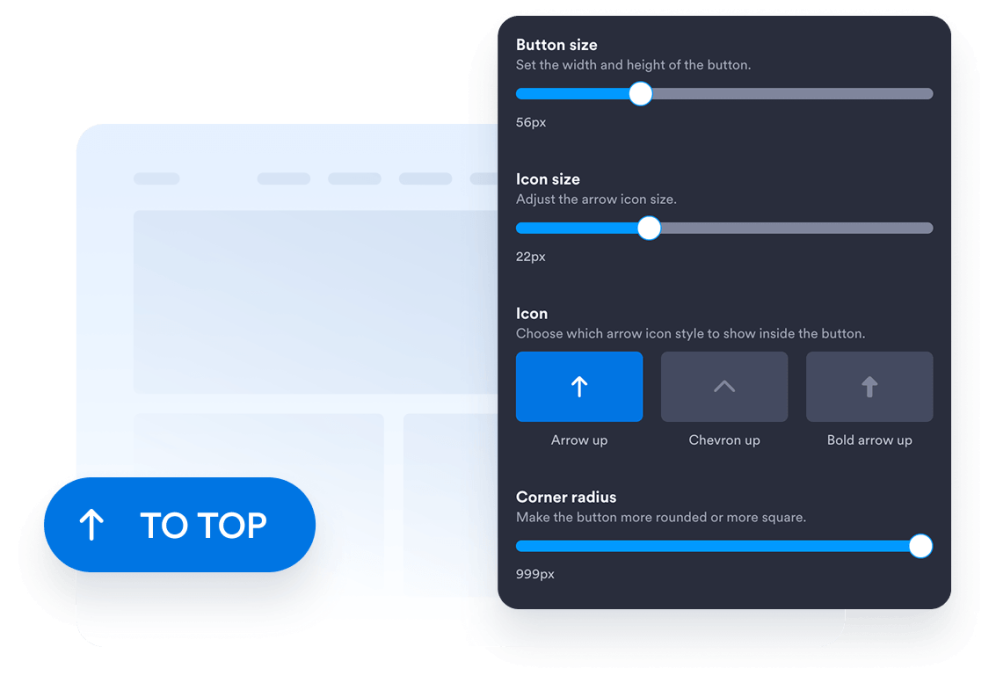
Customize your button design
Choose the button style, icon, size, colors, corner radius, and screen position. Adjust its spacing and appearance to complement your website design.
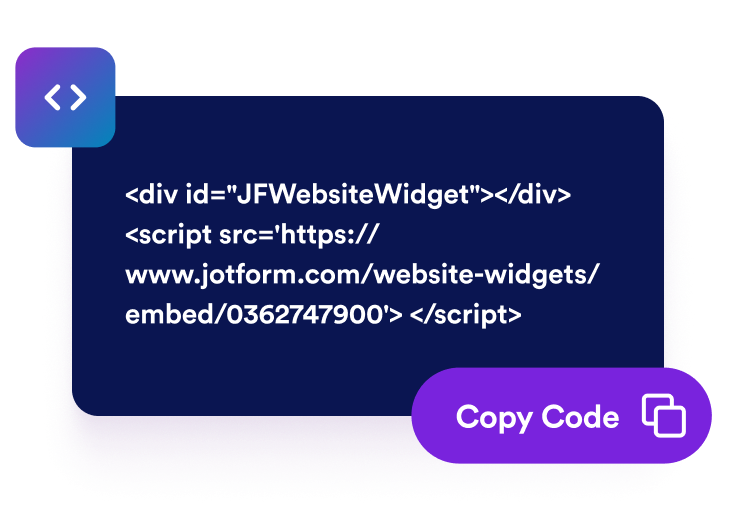
Get the embed code
Copy the ready-to-use embed code generated by Jotform. No setup or coding required.
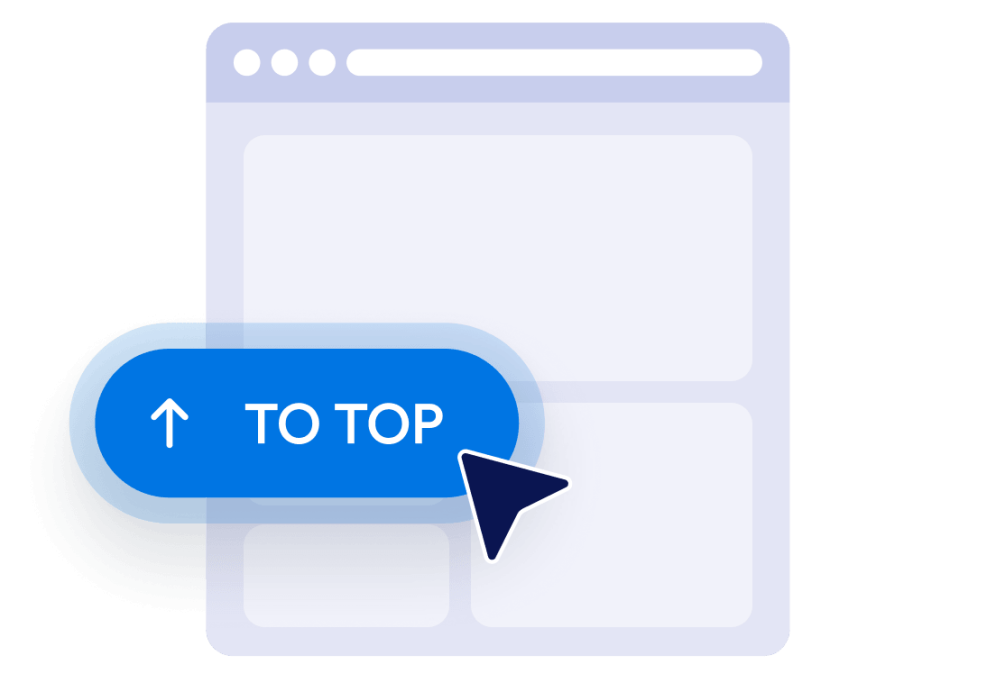
Embed it on your website
Preview the button, copy the generated embed code, and paste it into a custom HTML or embed block. Publish the page and test the button on desktop and mobile screens.
Make long website pages easier to navigate
Help visitors return to the top
Give visitors a quick way to return to the beginning of long pages without manually scrolling. The button stays within easy reach and moves visitors smoothly back to the top when selected.
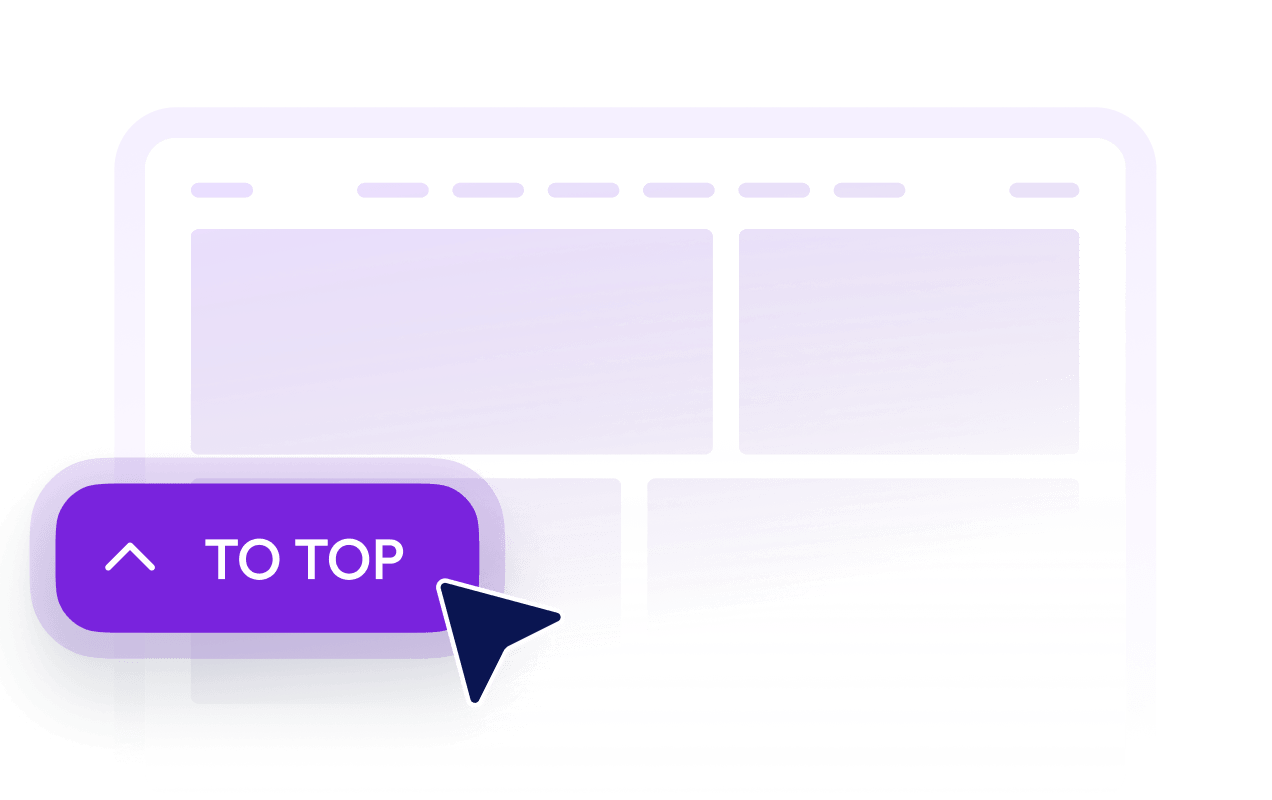
Show buttons after visitors scroll
Set how far down the page visitors must travel before the button becomes visible. This keeps the button out of the way near the top while making it available when returning becomes useful.

Match buttons to your design
Customize the icon, size, colors, corner radius, and spacing to create a Back to Top button that suits your website. Place it on the left or right side based on your page layout.

Control desktop and mobile visibility
Choose whether the button appears on desktop devices, mobile devices, or both. Device visibility and positioning controls help you avoid covering important page content while keeping navigation accessible on smaller screens.
Why Jotform Website Widgets stand out
Jotform’s widgets make your website more interactive and increase conversions. There are many tools available, from star ratings and testimonial sliders to social proof popups and media embeds. Add widgets to your forms or landing pages to collect data, display proof, and capture leads — no coding required.
Add Jotform widgets to your website with a simple embed code. Customize the widget, preview how it looks, and paste it into any page that supports custom HTML or embed blocks, all without a developer.
Use Jotform Website Widgets to collect leads, show customer feedback, display social proof, embed media, or add helpful web page tools. Each widget helps visitors interact with your business directly from your website.
If you need help setting up, customizing, embedding, or troubleshooting your widget, Jotform’s customer support team is available 24-7. You can move forward with confidence, knowing that help is there when you need it.
Where to use your Back to Top Button
Add the button to pages where visitors must scroll through substantial content, listings, images, or supporting information.
Blog posts and articles to help readers return to the headline, navigation, or table of contents.
Product category pages to let shoppers return to filters, sorting controls, or category navigation.
Landing and sales pages to help visitors revisit introductory content and primary calls to action.
Documentation pages to simplify navigation through long guides, instructions, and reference materials.
Portfolio and gallery pages to help visitors restart their browsing after viewing extensive work.
FAQ and resource pages to provide a convenient return path after visitors explore multiple sections.
Convert leads into paying customers with the Jotform Form Builder
Turn engagement into action with Jotform. Create powerful forms that capture leads, collect payments, and automate responses, all in one place. Every submission lands in your Jotform Inbox, where you can follow up or connect with your favorite apps.
Get Started — It’s Free!
FAQ
What is a Back to Top widget?
A Back to Top widget adds a floating button that returns visitors to the beginning of a page. It is especially useful on long articles, product listings, documentation, galleries, and other pages that require substantial scrolling.
How do I add a Back to Top button to my website?
Do I need to write code to create the button?
Can I customize the Back to Top button design?
When does the Back to Top button appear?
Can I change the button’s screen position?
Does the button work on mobile devices?
Is the Jotform Back to Top widget free?
Can I add a Back to Top button to WordPress or Elementor?
Which website platforms support the Back to Top Widget?