


Tuition Calculator Widget for your website
Let students and families estimate annual education costs before they contact your team. Show tuition, housing, other expenses, scholarships or grants, and the net price after aid in a responsive calculator you can customize without code.
How to add a Tuition Calculator widget
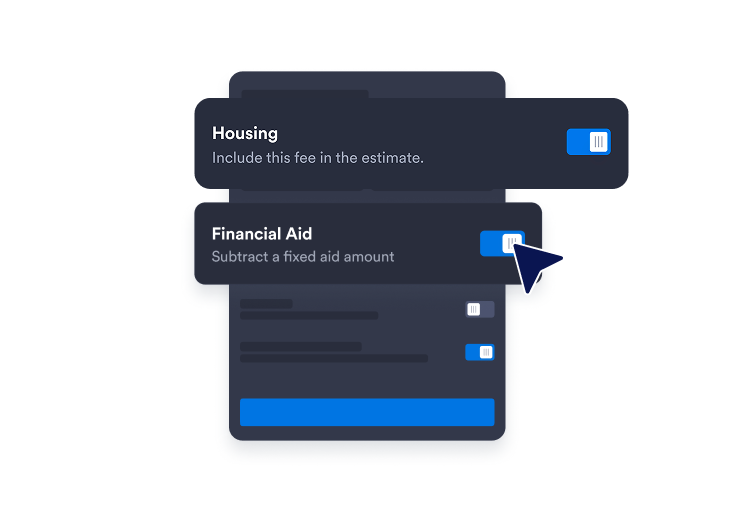
Set your cost ranges
Start with tuition, housing, other expenses, and aid fields, then customize the labels and default ranges for your school or program.
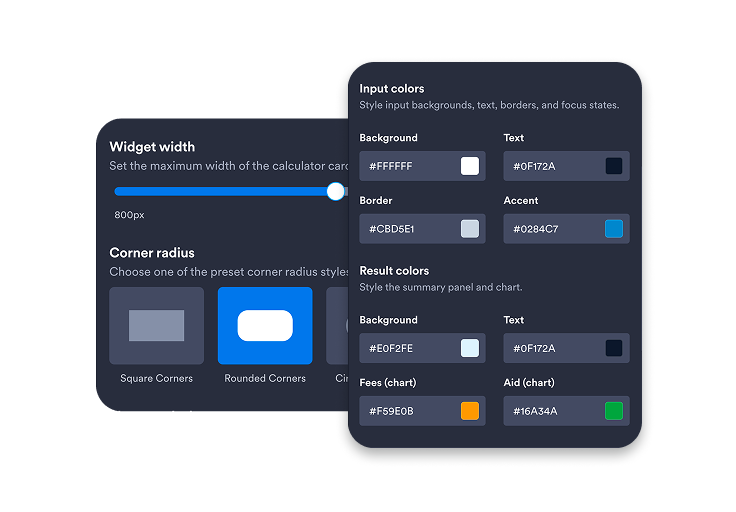
Customize the estimate
Customize colors, result styling, width, corner radius, and call-to-action text to match your school's branding.
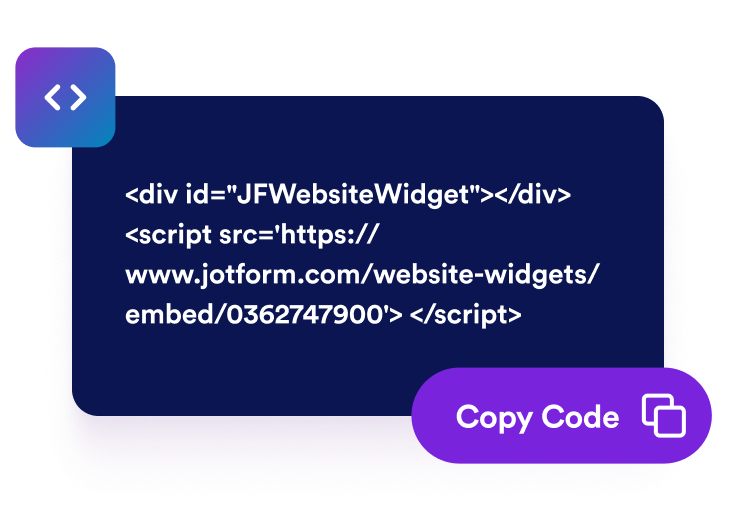
Embed it on your site
Preview the live net price, copy the embed code, and publish the calculator anywhere prospective students compare costs.
Help visitors understand education costs before they apply
Estimate the cost inputs that matter
Use ready-made tuition, housing, and other expense fields so visitors can explore annual costs with sliders and clear helper text.
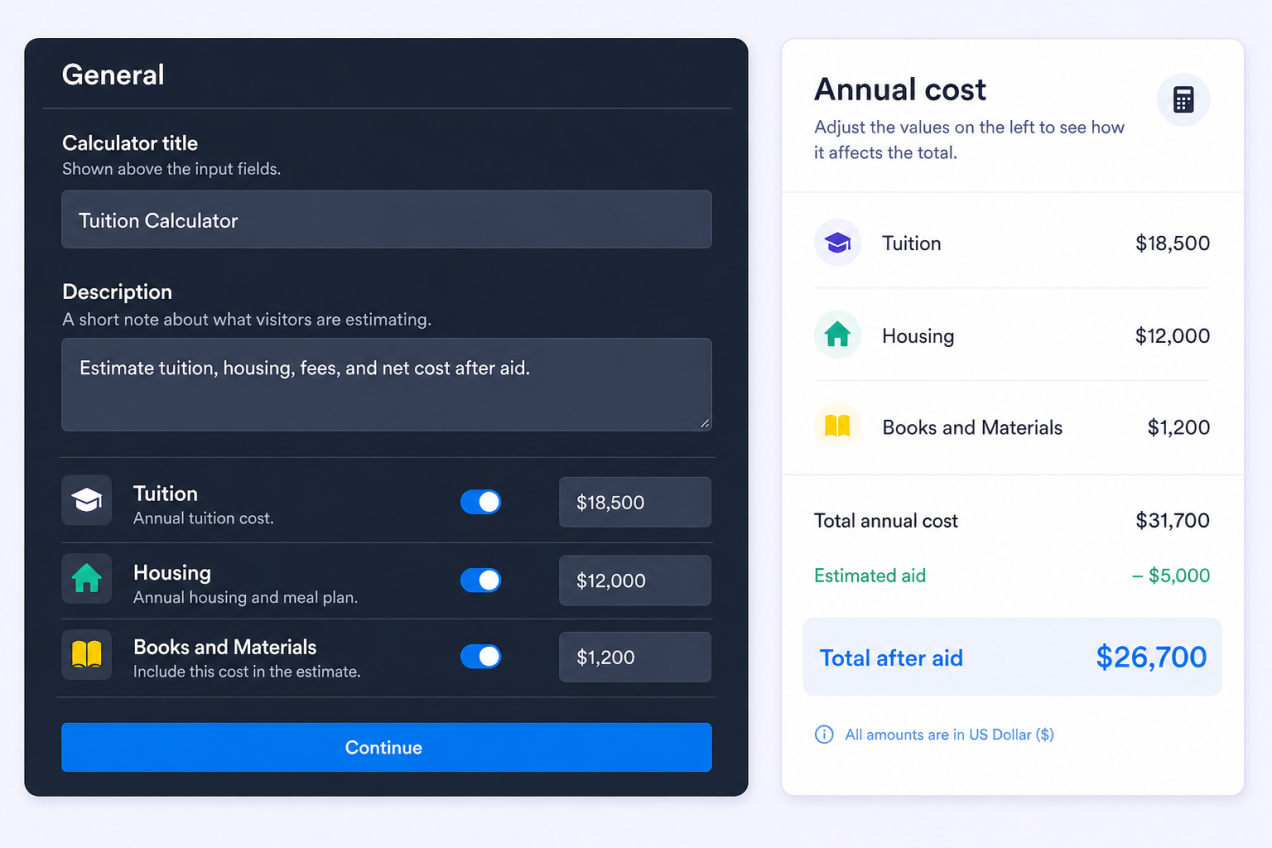
Show net price after aid instantly
Subtract scholarships and grants from estimated costs to display total costs, aid, and net price in one easy-to-scan result panel.

Guide students to the next step
Encourage visitors to begin using the calculator and explore their estimated tuition costs in just a few steps.

Customize the calculator for every device
Adjust the widget width, layout, colors, branding, and responsive visibility so the calculator works on desktop and mobile pages.

Why Jotform Widgets stand out
Jotform’s widgets make your website more interactive and conversion-ready. From star ratings and testimonial sliders to social proof pop-ups and media embeds, you can combine tools inside your forms or landing pages to collect data, display proof, and capture leads without writing code.
Add Jotform widgets to your website with a simple embed code. Customize the widget, preview how it looks, and paste it into any page that supports custom HTML or embed blocks to all platforms, no developer required.
Use Jotform Website Widgets to collect leads, show customer feedback, display social proof, embed media, or add helpful on-page tools. Each widget helps visitors interact with your business directly from the page.
If you need help setting up, customizing, embedding, or troubleshooting your widget, Jotform’s customer support team is available 24/7. You can move forward with confidence, knowing help is there when you need it.
Where to use your Tuition Calculator widget
Add the widget anywhere prospective students need a clearer cost estimate before they make contact.
Admissions pages so visitors can estimate costs while they compare schools and programs.
Financial aid pages to connect scholarships, grants, and net price with a clear next step.
Program pages where tuition, housing, books, and supplies vary by degree, certificate, or campus.
Private school websites to help families understand yearly tuition and expected out-of-pocket cost.
Scholarship campaign pages where grants and awards should visibly lower the estimated net price.
Advisor landing pages to start cost conversations before a student books a call or submits a form.
Convert leads into paying customers with Jotform Form Builder
Turn engagement into action with Jotform. Create powerful forms that capture leads, collect payments, and automate responses, all in one place. Every submission lands in your Jotform Inbox, ready to follow up or connect with your favorite apps.
Get Started - It’s Free!
FAQ
What is a Tuition Calculator widget?
A Tuition Calculator widget is an embeddable calculator that helps website visitors estimate annual education costs and net price after scholarships or grants.
What costs can visitors estimate?
How is the net price calculated?
Can I change the default tuition and expense ranges?
Can I add a call-to-action button?
Can I customize the design?
Does the widget work on mobile?
Do I need to write code?