


FAQ Widget
Create Your Own FAQ Widget in Seconds for Your Website
Build a searchable FAQ accordion with editable questions, flexible layouts, brand styling, media support, and responsive controls.
Create Your FAQ Widget - It's Free!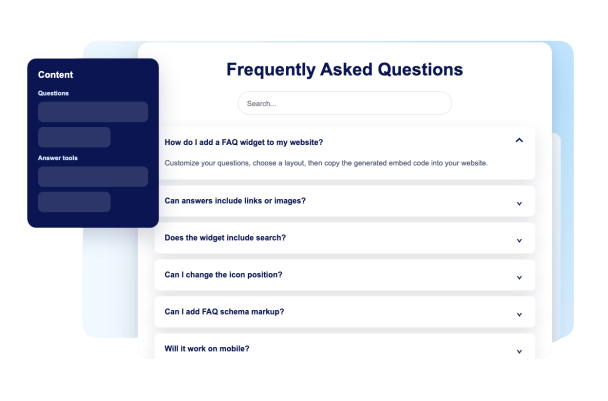

Build Questions Visually
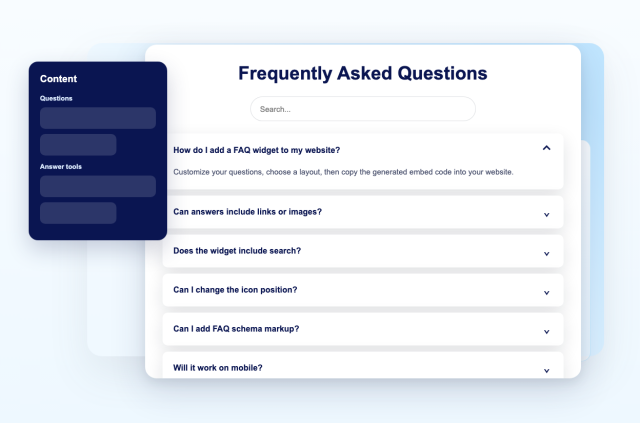
Add, duplicate, reorder, and remove questions from a dedicated FAQ editor. Keep answers clear so visitors can scan faster.
Content controls include:
Question editorAnswer editorLinks and imagesReordering
Use Layouts for Compact or Expanded FAQs
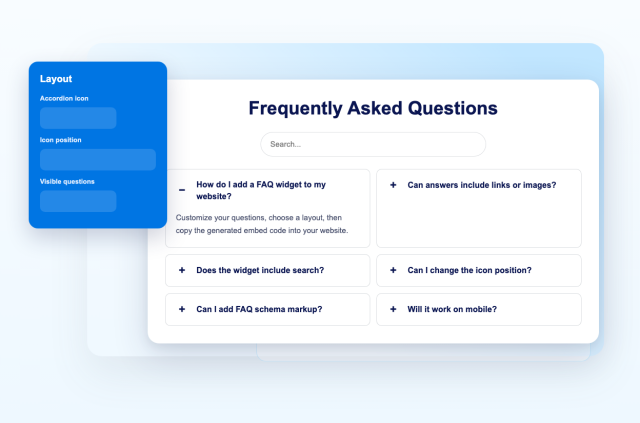
Pick accordion, list, or multicolumn layouts depending on how many answers you need to show and how much space your page has.
Layout options include:
AccordionListMulticolumnOpen first item
Help Visitors Search Long FAQ Sections
Enable search so visitors can filter across question and answer text without scanning the entire widget.
Search supports:
Question textAnswer textHighlighted matchesNo-match state
Add Rich Answers With Links and Media
Use links, uploaded images, image URLs, YouTube URLs, and Vimeo URLs to make answers more helpful without leaving the FAQ.
Answer content supports:
Text linksUploaded imagesImage URLsVideo URLs