
Top 8 AI tools for startups
Successful startups need three things, according to Paul Graham: good products, good employees, and good finances. Humans at the helm still make strategic and nuanced big-picture decisions. But at the execution level, AI agents can process natural language instructions, reference knowledge bases, and complete tasks for everything from project management to HR to customer support.
Today, a lean leadership team with the right tools can delegate dozens of tasks to AI and still bring products to market — a task that would have been difficult even for enterprise teams to match less than a decade ago. However, all of that is predicated on picking the right tools. There are hundreds of AI apps and platforms that make lofty promises. Unfortunately, some simply don’t deliver. I test dozens of solutions each month, though, and there are always a few that surpass my expectations.
In my experience working with startups and in my own companies, I’ve found that a handful of tools can cover most of a business’s bases. And while every startup’s requirements are unique, many can build a growing company on the backs of the eight AI-powered platforms I recommend in this article.
Why AI tools matter for startups
Startups live and die on efficiency. They don’t enjoy the wiggle room that established teams have when it comes to validating product ideas, recruiting talent, and generating revenue. But enterprise operations tend to fall into lengthy approval timelines and design-by-committee disagreements, even when they integrate AI platforms. Startups, on the other hand, can turn individuals and small teams into productivity powerhouses without tripping over red tape and bureaucracy.
Imagine your team needs to expand its marketing footprint. You have two choices: You can either hire a new employee to create more campaigns or equip an existing employee with tools that make campaign creation easier. The latter won’t be the best option every single time, but when AI is a good fit, it’s more predictable, more flexible, and cheaper to boot. The same goes for giving AI chatbots to support teams, large language model (LLM) coding tools to developers, or machine learning–driven accounting apps to finance departments.
Startups have been some of the biggest beneficiaries of automation tools like Zapier and Jotform Workflows, which help eliminate the truly mindless work of moving data from one place to another. Generative AI is simply the next rung on the ladder, abstracting out work that is repetitive but too “fuzzy” to fit into the binary constraints of If-This-Then-That (IFTTT) workflows. AI tools let smart individuals scope and draft a project or task, hand it off to an agent for execution, and then move on to the next big thing.
How startups benefit from AI tools
Efficiency is more than a single, measurable improvement — it’s an entire category of benefits. Adding an AI tool into a workflow, for example, can speed up task completion times and reduce input costs. These are two separate and quantifiable benefits, but they overlap with countless others:
- Many AI agents work asynchronously, freeing up managers to work on other tasks while they wait for draft outputs.
- AI platforms tend to scale more granularly than head count, flattening budgetary spikes.
- AI models can often be trained and configured quickly, updating as you write new or revised instructions.
- LLMs are fairly fungible, allowing startups to add, drop, or switch platforms without significant service interruptions.
- Always-on AI tools are able to flag subtle or sudden deviations within datasets, operating much more quickly than human employees.
While it’s dangerous to humanize LLMs and AI agents, the benefits of using them mostly revolve around producing near human-level work, without any of the factors that make working with real people so complicated. That messiness is a large part of how visionaries, inventors, innovators, entrepreneurs, and creatives generate such unique ideas. But for everything else, like the boring parts of building a business, the eight AI tools on this list can simplify a lot.
Top 8 AI tools for startups in 2026
| Tool | Best for | Key feature | Pricing |
|---|---|---|---|
 Jotform AI Agents |
Intelligent data collection and organization |
Read and update data in other apps |
|
 Google Workspace |
AI-powered productivity apps |
Use AI tool Gemini in every productivity app |
|
 Pipedrive |
AI-powered lead nurturing and reporting |
Chat with your lead database to create reports |
|
 Xero |
Agent-driven invoicing workflows |
Ask AI about industry benchmarks |
|
 Adobe Creative Cloud |
AI-assisted branding |
Perform smart recoloring, reframing, and masking tasks |
|
 Slack |
AI-assisted team and client communications |
Search and summarize chats and uploads using AI |
|
 Clockwise |
Intelligent, company-wide time management |
Schedule deep work and flexible meeting times with AI |
|
 Vercel |
AI-powered coding and deployment of apps and websites |
Connect third-party models to your deployments with the AI SDK toolkit |
|
1. Jotform AI Agents: Best for intelligent data collection and organization
Jotform AI Agents, one of the most versatile entries on this list, makes it exceptionally easy to create voice, chat, email, SMS, and presentation agents trained on your own data. These conversational interfaces deliver on their promise of efficiency with always-on AI chatbots that can not only answer sales, marketing, support, and HR questions but also take action based on user requests — all without interrupting employees whose time could be better spent elsewhere.
A startup working in the property sector might deploy a Real Estate Consultant AI Agent on its website, a user feedback agent in email footers, and an HR agent to guide new employees through training workflows. And because Jotform is an all-in-one suite of apps, every plan also includes a drag-and-drop form builder, e-signature software, project management boards, and database tooling.
Like all of the company’s platforms, Jotform AI Agents meet PCI and GDPR compliance requirements and come with a raft of HIPAA-friendly privacy features. That makes them a great option for startups in regulated or high-volume environments such as e-commerce, healthcare, finance, and education. The agents can also integrate with dozens of third-party tools, allowing them to set appointments, route file uploads, and trigger automated workflows.
Best of all, a library of 7000+ agent templates and a no-code training interface mean startups can have these tools up and running in a matter of minutes. When an agent is ready to go live, you can connect it to as many channels as you want for conversations tailored to user inputs across Gmail, WhatsApp, your website, and even within your own app.
The only thing to keep in mind is that agents will err on the side of caution to avoid providing incorrect information. You’ll receive a notification when that happens and an opportunity to have a human respond.
- How startups can leverage Jotform AI Agents:
- Preempt rote, mindless employee and customer interactions.
- Extract structured data from natural language conversations.
- Get coverage across more channels with platform-specific agents.
- Pros:
- Setting up AI Agents is quick and requires no technical expertise.
- Agents integrate with dozens of platforms and channels.
- Cons:
- Questions that agents cannot answer will require human review.
- Plans/Pricing:
- A Starter plan (free) allots you up to five agents that can be trained on up to 10 million characters of knowledge-base data for a total of 100 monthly conversations.
- A Bronze plan ($39 per month, billed annually) increases the limits to 25 agents, 20 million characters of training data, and 1,000 monthly conversations.
- A Silver plan ($49 per month) offers up to 50 agents, 50 million characters of training data, and 2,500 monthly conversations.
- A Gold plan ($129 per month) tops things out at 100 agents, 100 million characters of training data, and 10,000 monthly conversations.
- Startups can also negotiate custom plan limits by contacting Jotform directly.
 Jotform AI Agents
Build Your Custom AI Agent in Minutes
2. Google Workspace: Best for AI-powered productivity apps
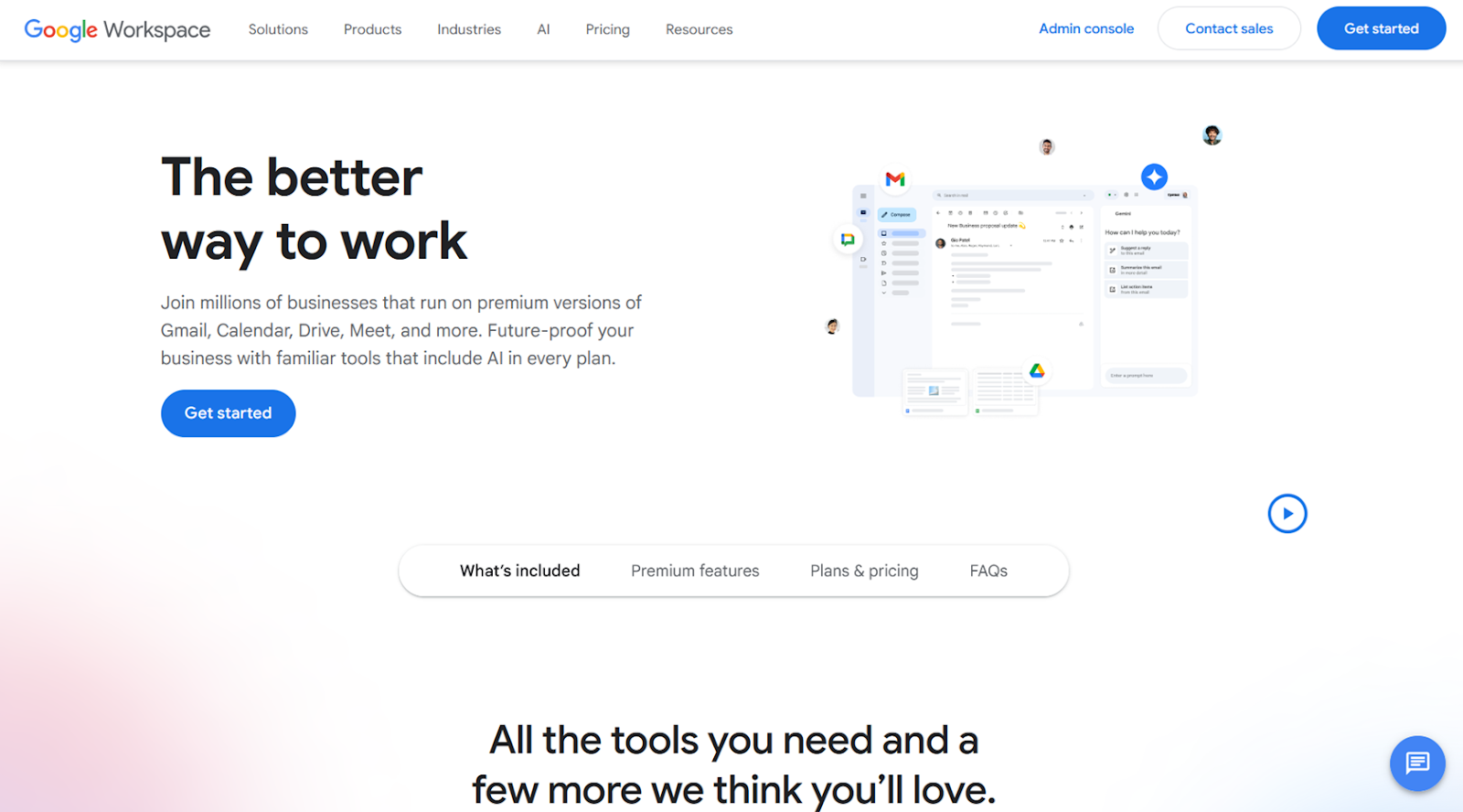
Google Workspace combines email, documents, presentations, spreadsheets, file storage, calendars, and video conferencing into a single, tightly integrated, AI-infused environment. Gemini is available in every app — or as a standalone, general purpose chatbot — for some of the best AI-generated writing, summarizing, scheduling, and search functionality around, all bundled into a single low-cost subscription.
Far from the only suite of productivity software powered by LLMs, Workspace stands out for how fluidly information moves between its various apps. It’s what I use for my own writing and collaboration, and it’s a good fit for any team that needs to draft, iterate, and publish content in short order. You might start with a brainstorming and planning call in Meet, clicking the Take notes with Gemini button to generate a document in Drive with important takeaways. Then, open that document and its Gemini popup to chat about details and research new directions before turning those notes into a polished pitch or presentation with Slides.
Everything your team creates and stores in Drive is stored in the cloud, so remote and distributed teams have access to a centralized, single source of truth. And when knowledge repositories grow too big or Gemini isn’t quite cutting it, the NotebookLM AI research assistant is available for more robust AI-powered research and ideation. Workspace’s apps may not have as many niche features as platforms like Microsoft 365, but that’s rarely something startups need to worry about.
- How startups can leverage Google Workspace:
- Draft and summarize documents, presentations, and spreadsheets with Gemini.
- Schedule, host, and summarize internal and external meetings with AI.
- Understand market trends with one of the best general purpose chatbots available.
- Pros:
- Workspace is incredibly cheap for the amount of app coverage and AI integration it offers.
- Scaling is smooth from a few employees to hundreds.
- Cons:
- Some Workspace apps prioritize simplicity over niche features.
- Plans/Pricing:
- A Starter plan ($7 per month, billed annually) comes with 30 GB of storage per user, the Gemini app and Gemini for Gmail, and video conferencing for up to 100 participants.
- A Standard plan ($14 per month) bumps you up to 2 TB per user, Gemini in all Workspace apps, NotebookLM, videoconferencing for up to 150 participants, and appointment booking pages.
- A Plus plan ($22 per month) increases storage per user to 5 TB and includes eDiscovery for email, 500-participant videoconferencing, and enterprise security features.
- Enterprise plans with custom pricing will get you custom storage ceilings, advanced email customizations, AI data classification for Drive, and even more security options than the Plus tier.
3. Pipedrive: Best for AI-powered lead nurturing and reporting
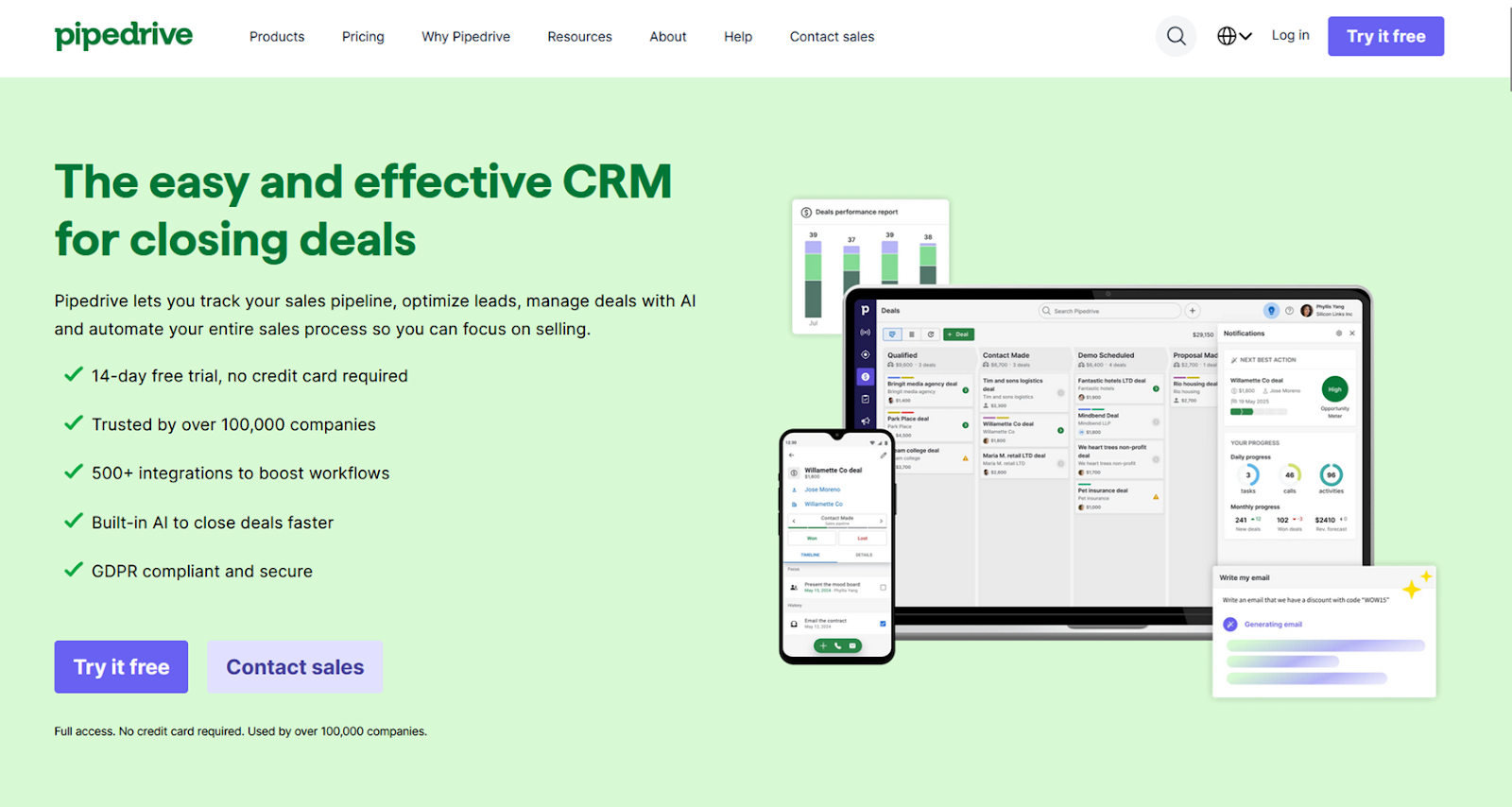
Pipedrive is an AI-native customer relationship management (CRM) platform that helps small teams grow their sales quickly. It automatically classifies leads, gives suggestions for next actions, prioritizes leads by how they compare to other open deals, and provides forecasts based on historical data. For startups, this takes most of the guesswork out of sales pipelines and avoids the trap of scattered notes and fragmented inbox threads.
Perfect for any early-stage startup that’s still finding its footing, Pipedrive is affordable and built to identify trends and insights that less experienced teams tend to miss. With a few natural language prompts, its Sales Assistant chatbot can score leads, rank them by potential value, build lead nurture automations, and draft follow-up emails. One of the startups I worked at previously got by with a single Pipedrive seat for nearly two years because that one person could accomplish the work of multiple people, thanks to the platform’s AI features. There are plenty of integrations available to help pull in data from external sources (including Jotform), but make sure you test the waters early on with custom fields as the integrations are fairly limited on cheaper plans.
Revisiting the Pipedrive interface for this article, I was most impressed by its AI report creation, which lets you generate visualizations based on short, simple prompts. There are also templated reporting prompts that are a breeze to tweak for your own use cases. These plain language requests, paired with Sales Assistant’s next-step recommendations, are invaluable for founders who don’t have strong sales backgrounds or a dedicated team of salespeople.
- How startups can leverage Pipedrive:
- Act on AI-generated reminders and notifications for neglected or high-priority leads.
- Create key performance indicators (KPIs) and performance dashboards based on brief descriptions.
- Generate personalized and sales-optimized emails with AI.
- Pros:
- The interface can be made as simple or as detailed as you want.
- AI features significantly reduce the onboarding and learning curve.
- Cons:
- Reports and custom fields are quite limited on the cheaper plans.
- Plans/Pricing:
- A Lite plan ($14 per month, billed annually) comes with up to 2,500 lead entries, AI-powered report creation, and customizable pipelines.
- A Growth plan ($39 per month) will get you 5,000 lead entries, email inbox sync, custom automations, and deal forecasting.
- A Premium plan ($59 per month) raises the lead entry ceiling to 15,000 and adds in lead scoring, lead routing, data enrichment, and AI email generation.
- An Ultimate plan ($79 per month) is the most expensive with up to 20,000 lead entries and several enterprise-level security features.
4. Xero: Best for agent-driven invoicing workflows
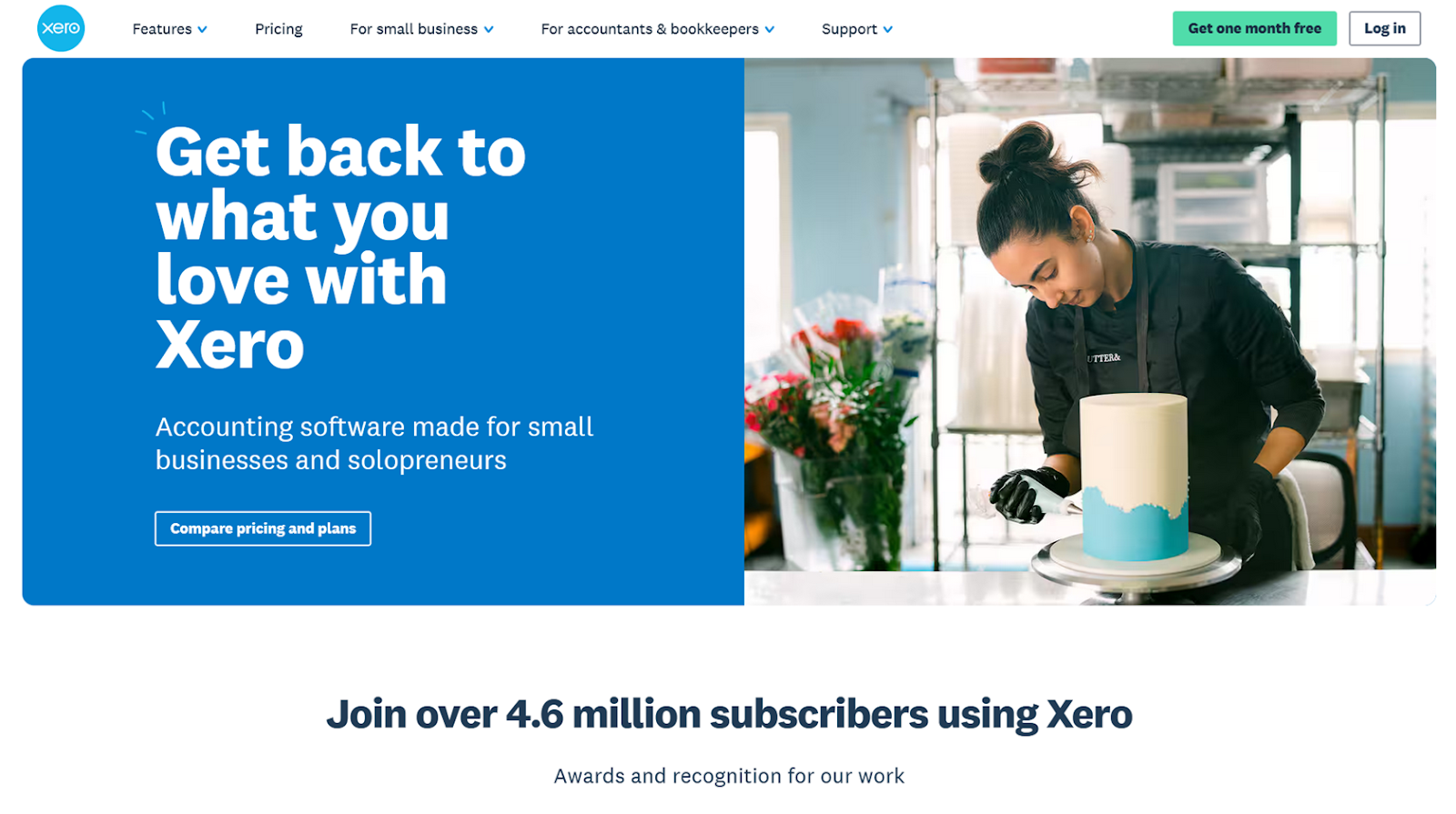
As Jotform AI Agent conversations start funneling leads into Pipedrive and salespeople close more deals, Xero is the tool I recommend for tracking financial transactions. The platform caters specifically to startups and recently released its JAX AI agent, which provides personalized suggestions on everything from improving financial standing to dealing with tax obligations.
Xero is a massive help for startups selling software-as-a-service (SaaS) subscriptions or seeking outside funding because it helps one- to two-person teams adapt to big changes practically overnight. That’s not the sort of environment where you want to be worried about AI hallucinations, which is why Xero’s Just Ask Xero, or JAX, agent is one of the more understated AI tools on this list. You can ask JAX to chart past performance, benchmark industry rates, and create quotes and invoices, all from inside a chat window — just make sure a human always confirms and verifies what to do next.
JAX began rolling out in September 2025, and Xero is (rightly) taking its time adding new features. Automatic bank transaction reconciliation is the most recent rollout, but in my experience, that won’t save nearly as much time as Xero’s AI-generated invoicing emails, which have the potential to save accounting teams dozens of hours per month.
- How startups can leverage Xero:
- Ask about market trends and baselines to establish financial goals.
- Hand off invoice creation to an AI agent.
- Create financial performance visualizations from unstructured prompts.
- Pros:
- JAX constantly adapts to operational patterns.
- It is hallucination-averse by design.
- Cons:
- AI features are fairly limited as of this writing.
- Plans/Pricing:
- An Early plan ($25 per month) sets your invoice and quote cap at 20 per month, but it does include W-9 and 1099 management, sales tax tools, and 30-day cash flow forecasting.
- A Growing plan ($55 per month) offers unlimited invoices and quotes, as well as AI bank reconciliations, custom performance dashboards, and personalized financial health scorecards.
- An Established plan ($90 per month) gives you everything in the Growing plan, plus 180-day cash flow forecasting, multi-currency tracking, and advanced expense tracking.
5. Adobe Creative Cloud: Best for AI-assisted branding
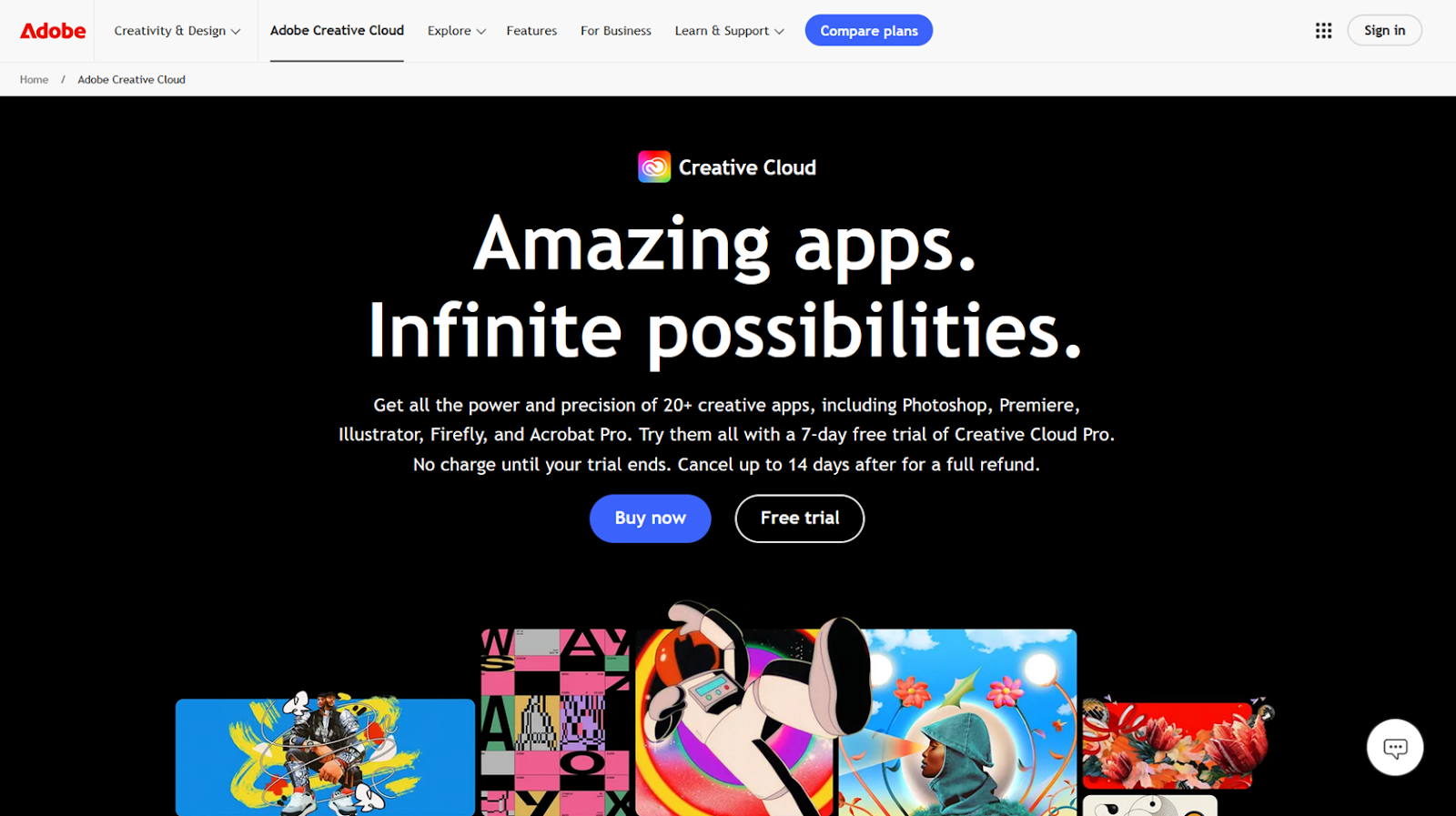
I’m no designer, but I have worked alongside several that swear by the Adobe Creative Cloud suite of apps, even if it is one of the more expensive and enterprise-level options. Canva may have a lot to offer, including generative-AI tools, but nothing provides the coverage and level of control that Adobe offers. The full Creative Cloud suite includes more than 25 apps — ranging from staples like Photoshop and Illustrator to niche offerings like InCopy and Dimension — with AI integrated into almost everything.
I’d argue that the best reason to go with Creative Cloud over more basic AI design tools is branding. Some startups are able to scrape by with drag-and-drop apps early on, but those platforms very quickly become frustrating and unsustainable as you run into edge cases, like print media, seasonal campaigns, and brand localization. Adobe’s AI features are a tremendous time-saver for consistent branding, with tools like Generative Fill, content-aware resizing, and background replacement that allow small teams to iterate quickly while maintaining visual consistency.
Adobe Express’s On-brand Recolor tool, for example, lets designers prioritize composition and layout first, then apply a brand palette later. And features like Lightroom’s AI Masking and Premiere Pro’s Auto Color help give all your assets a similar feel and personality. Adobe’s approach requires more design skills than simple prompt-based AI tools, but is far more predictable and reliable.
- How startups can leverage Adobe Creative Cloud:
- Generate variations for ads, landing pages, and social posts without duplicating effort.
- Launch campaigns in new mediums and channels faster with the help of AI edits.
- Let non-designers mock up ideas and references before involving designers.
- Pros:
- Adobe Creative Suite offers support and coverage for virtually every design task.
- Mature, enterprise-level AI tools are available in almost every app in the suite.
- Cons:
- Adobe has a steeper learning curve than other design tools.
- Plans/Pricing:
- There is only one Creative Cloud plan, with different pricing options based on annual billing or prepaid discounts. A month-by-month Creative Cloud Pro subscription for business costs $99.99 per month, giving you access to all of Adobe’s apps, unlimited basic use of generative AI, 4,000 premium generative credits, Adobe Fonts licensing, and 100 GB of cloud storage.
6. Slack: Best for AI-assisted team and client communications
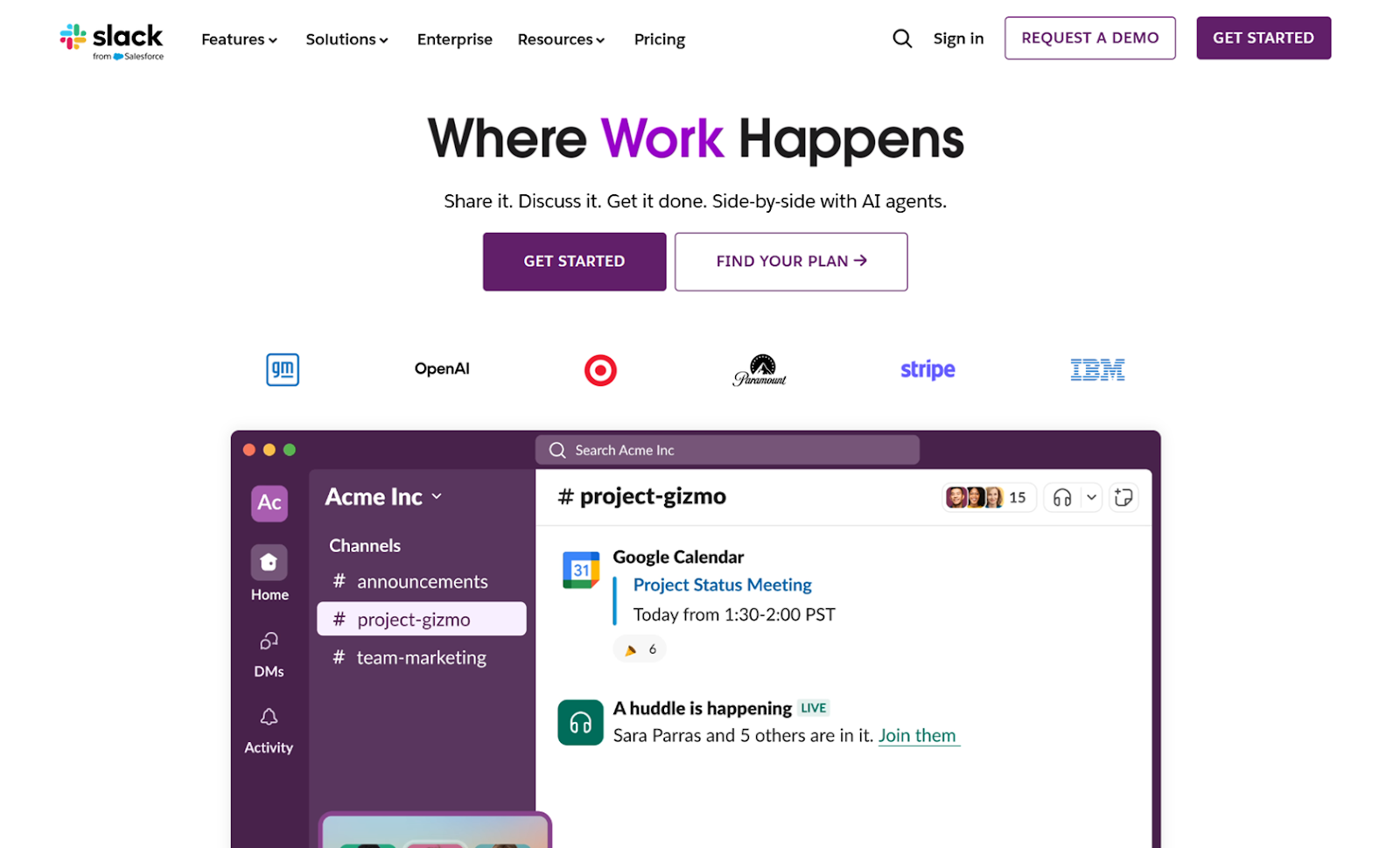
Chat is where startup employees spend most of their days. Slack knows how much of a time suck that can be and has built an entire portfolio of AI features around pulling out the most valuable bits of conversation and making them accessible to everyone. These tools are intuitive, subtle, and pervasive (if you’re on the plan tier that includes them), helping employees feel less pressure to read and respond to every message as soon as possible.
Slack’s AI tools shine brightest in fast-growing startups where the head count is rising and the org chart is constantly changing. Managers, new hires, and remote workers can find relevant information with a quick search instead of an ad hoc meeting. I spent a lot of time learning Slack’s pre-AI search syntax to be able to find buried information reliably, but that’s no longer necessary. Today, you can just click the search bar and enter something like “What is the workflow for publishing articles to the blog?” and see relevant results — even if some people described it using completely different verbiage.
Summarization is one of the most common features of any AI implementation. And it’s usually one of my least favorite, being either too vague to be valuable or too indistinguishable from the original. In Slack, however, group and thread summaries are amazing. You can skip right over the memes, circular discussions, and debates about where to go to lunch to get caught up and move on quickly. There are even summaries for files uploaded to chat!
Most of Slack’s AI features are limited to its highest-tier plan, and $18 per month per user is not the most startup-friendly pricing. But at this point, I cannot imagine communication with colleagues and clients outside of the Slack interface.
- How startups can leverage Slack:
- Replace stand-up meetings with AI-generated daily recaps in team channels.
- Surface knowledge buried in channels, files, and past conversations.
- Summarize shared documents and files at the point of discussion.
- Pros:
- Wordy, meandering conversations turn into concise action items with the help of summarization.
- Slack’s AI features require zero training to use.
- Cons:
- Most AI features are limited to Business+ plans.
- Plans/Pricing:
- There is a Free plan, but it’s limited to 90 days of chat history and direct one-on-one chats and meetings.
- A Pro plan ($8.75 per month) offers you unlimited message history, group chats, app integrations, external connections, and basic AI conversation summaries.
- A Business+ plan ($18 per month) includes everything in Pro, plus AI search, workflow generation, file summaries, and daily recaps.
- An Enterprise+ plan is locked behind a sales call but opens up several advanced privacy, security, and compliance features.
7. Clockwise: Best for intelligent time management
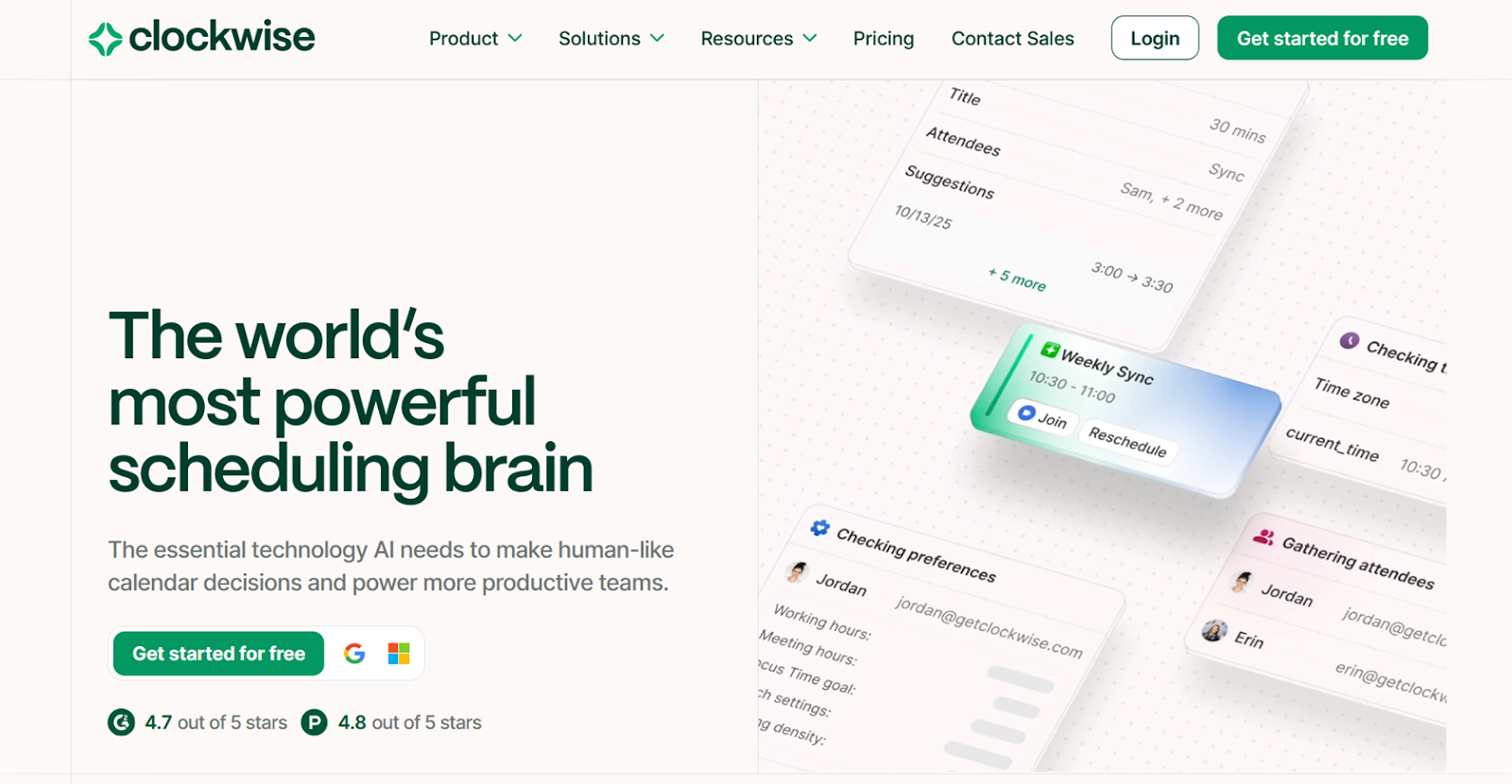
Google has a robust calendar platform, but it’s supported by relatively few AI features as compared to Docs, Sheets, and Slides. As long as that remains true, I think Clockwise is well worth the cost as a worthy alternative. It’s a tool that’s built to reorganize people’s calendars to create long, uninterrupted chunks of time for focused work.
The pitch for Clockwise gets even more compelling as startups grow and begin to suffer from meeting creep and constant context switching. Clockwise can analyze scheduling patterns, cluster similar types of events, and jump in when users start being pulled in too many directions. It’s one of the most hands-off AI agents on this list, automatically adding blocks for deep work without any prompting.
One of my favorite features during testing was flexible meetings and holds, where you tell Clockwise that an event can be moved around to make the best use of your time. If you don’t want back-to-back meetings or you need to add travel buffers for external meetings, you can also tell the AI how it should handle those situations once and Clockwise will adjust all future events. It can do all of this even when you use multiple calendars, and with the Business plan, it can carve out company-wide blocks of time by analyzing scheduling loads across the entire startup. One word of caution, though: As with any AI calendar tool, make sure that everyone pays extra attention to their privacy settings so nothing is shared that shouldn’t be.
- How startups can leverage Clockwise:
- Automatically reschedule low-priority meetings when conflicts arise.
- Use AI insights to understand calendar patterns that drain team productivity.
- Cluster related meetings and free up large blocks for deep work.
- Pros:
- Clockwise helps you find more time for focused work without tedious calendaring.
- It integrates with Slack, Google Calendar, and email platforms.
- Cons:
- If not properly configured, Clockwise is prone to oversharing calendar info.
- Plans/Pricing:
- With a Free plan, startups get unlimited scheduling links, automated calendar management, and scheduling suggestions.
- A Teams plan ($6.75 per month, billed annually) adds AI Focus Time scheduling and group scheduling links for internal and external meetings.
- A Business plan ($11.50 per month) measures meeting loads across an entire startup and offers the ability to schedule company-wide blocks.
- Enterprise plans are priced based on sales conversations and include advanced security and preferential support channels.
8. Vercel: Best for AI-powered coding and deployment of apps and websites
I am not a developer. But I have deployed full-stack web apps thanks to AI coding tools. And right now, I believe Vercel is the best of the bunch for most startups. It covers a wide range of use cases, from letting non-developers vibe code small projects to drastically speeding up complicated and technical deployments that are scoped by engineers assisted by AI.
Any startup that relies on websites and apps for driving revenue needs a deployment and hosting platform. Whether it’s a company website with minimal interactivity or a full-blown platform requiring user authentication and database encryption, Vercel speeds up deployment cycles and lowers the technical bar for working on front-end and backend infrastructure. And for the vibe coders on the team, Vercel’s v0 tool can build an idea into a fully deployable website or app with a prompt.
For teams with limited developer time and resources, Vercel does an excellent job of explaining build fails and errors in beginner-friendly language, highlighting where things went wrong and suggesting fixes. And if a startup wants to use AI to build AI-powered interfaces, Vercel’s AI SDK gets you as close to plug-and-play as it gets, connecting third-party models to your code base. Not everyone can jump right in, though — while you may not need to write any code, you’ll still need a grasp of first principles to get anything working reliably.
- How startups can leverage Vercel:
- Turn plain-language product ideas into working website and app layouts.
- Fix site issues faster with the help of AI explanations instead of digging through technical logs.
- Keep infrastructure decisions simple by relying on AI-guided defaults.
- Pros:
- Vercel can deploy and iterate hosted content much faster thanks to AI.
- The platform covers everything from creating and deploying to updating and debugging, as well as maintaining services.
- Cons:
- The tool requires significant technical background to use.
- Plans/Pricing:
- A Hobby plan is free forever and allows you to import and deploy code repositories, set up a global content delivery network (CDN), and protect against distributed denial-of-service (DDoS) attacks.
- A Pro plan ($20 per month) includes $20 of build credits, faster build times, and AI code review.
- An Enterprise plan comes with custom pricing negotiated via a sales call, offering multi-region compute, a 99.99 percent service level agreement (SLA), and cheaper Vercel Agent token costs.
Work smarter in a startup with AI tools
When integrated carefully (and intentionally) AI tools can lead to better products, people, and finances. They help startups ship updates faster, communicate more effectively, and hit KPIs more consistently. AI can’t eliminate human input from the equation, but it can empower your team to perform beyond their means.
Just a few years ago, AI was a mere chat window. Today, it includes agents that take action, improving your writing, keeping projects on track, simplifying complicated workflows, and leveling up design and development work. All told, the apps on this list add up to less than $250 per month (for one seat per app) — a pittance considering they provide coverage for almost every essential business function.
But AI tools that create more work and oversight than a human employee are a painful cost center. Adobe’s Creative Cloud won’t be as good a fit as Canva for startups that lack experienced designers. And Lovable might be better than Vercel for teams looking for one-click publishing. Founders need to invest real time into choosing tools with clear short-term and long-term benefits to avoid creating another layer to manage.
With a generous free forever plan and easy setup, Jotform AI Agents offer a perfect starting point. They handle real conversations, produce structured data, and integrate with the rest of a startup’s stack without engineering overhead. Sign up today to get started.
Frequently asked questions about AI tools for startups
Startups get the most value by using AI to absorb repeatable, low-judgment work that eats up a lot of employee time. That usually means drafting, summarizing, classifying, routing, and monitoring projects and communication to increase output per person — not to replace humans or build fragile, over-automated systems.
Google Workspace’s Gemini is well suited for making a business plan as it can help outline, draft, and polish data in both Docs and Sheets and then link them together. The strongest plans still require human judgment, but AI can dramatically speed up research, structure, and iteration.
This article is for startup founders, small business operators, and growth-focused teams who want to harness AI tools to automate tasks, reduce costs, and scale smarter without the need for large teams or technical complexity.









































































































Send Comment: