
Comparing LiveChat and Zendesk usually comes down to a core trade-off: speed vs scalability. Do you want a live chat tool you can set up quickly and start using today, or a full customer experience platform that can support a larger, more complex operation?
Both are customer service software, but they solve different problems. LiveChat is a specialized website live chat tool that focuses on real-time conversations with site visitors. Zendesk is an omnichannel customer service suite that combines ticketing, messaging, automation, and reporting across multiple channels.
In this guide, I’ll break down LiveChat and Zendesk by use case, features, integrations, setup, scalability, and pricing so you can choose the right tool for your team.
But before I dive into the nitty-gritty, here’s a quick overview of how they compare:
 LiveChat |  Zendesk | |
|---|---|---|
| Best for | Fast website chat to assist sales or customer support | Scaling support orgs needing unified ticketing across channels |
| Primary focus | Website live chat | Omnichannel support (ticketing at core) |
| Channels | Web chat (plus add-ons/integrations) | Email, chat/messaging, voice, and social |
| Ticketing/help desk | Limited (via add-ons) | Core product (Agent Workspace) |
| Automation/AI | Proactive chat and canned responses | Routing, macros, and AI copilot |
| Knowledge base | Via integrations/marketplace | Built-in help center |
| Setup complexity | Low (quick setup) | Moderate to high (suite configuration) |
| Pricing approach | Per-seat chat plans | Per-seat suite tiers + add-ons |
| Free trial? | Yes; 14 days | Yes; 14 days |
What is LiveChat?
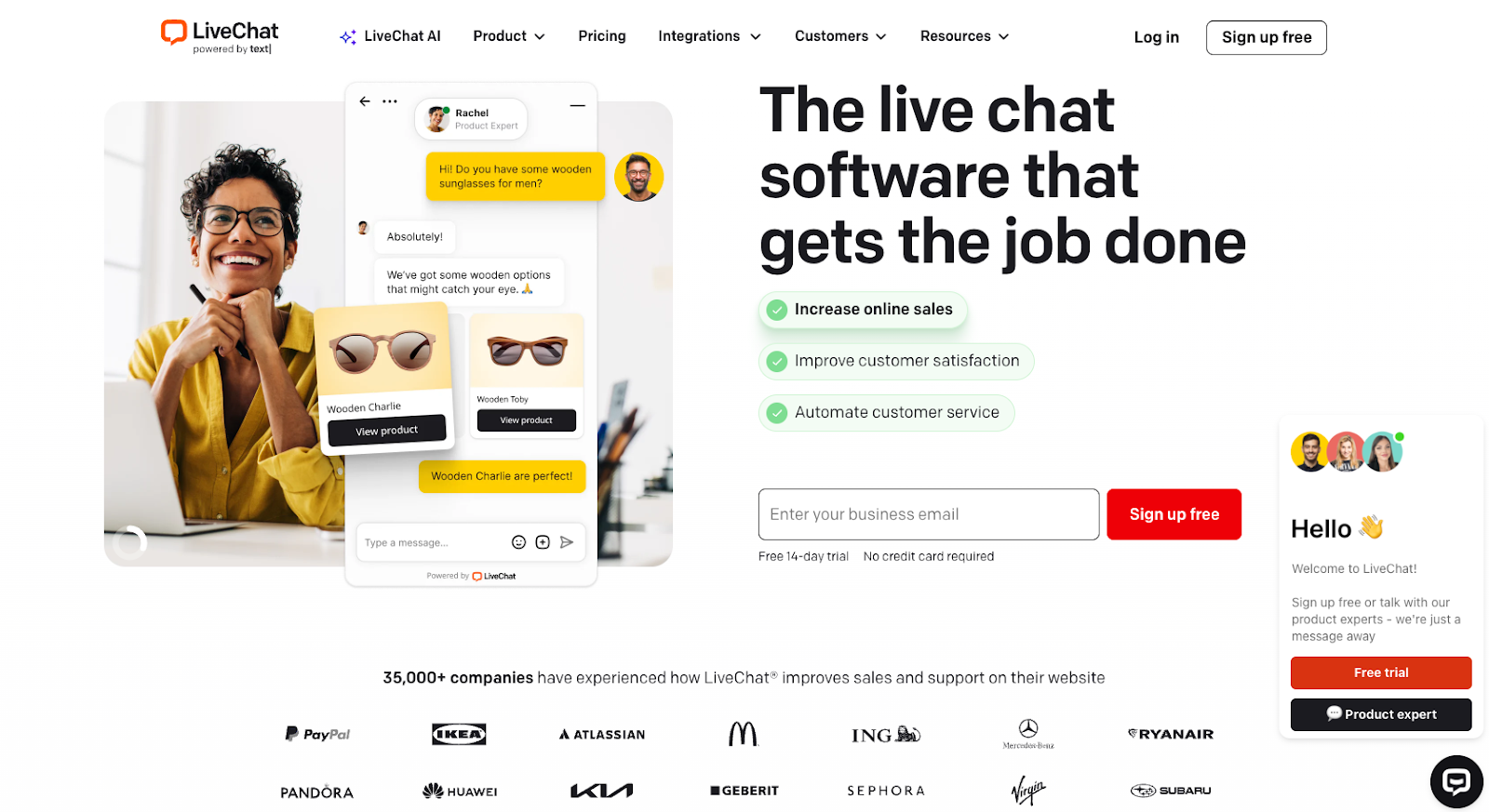
- Best for: Fast website chat to assist sales or customer support
- You should know: Automation and reporting are helpful but intentionally lighter than a full ticketing system.
LiveChat is a real-time chat tool built for fast conversations with customers and prospects. It’s customer service technology that focuses on one job: helping teams talk to website visitors the moment they need help. You add a chat widget to your site, customize how it looks and behaves, and let agents respond from web, desktop, or mobile app.
LiveChat is a good fit for support and sales teams that prioritize speed and direct conversations. It works well when chat is the main channel and ticketing is secondary. You get chat transcripts, basic routing, canned responses, reports, and a large integration marketplace.
Key features of LiveChat
LiveChat supports a simple customer service process that prioritizes real-time help over complex workflows.
The features I see teams use most often are
- Customizable widget and greetings: Control how the chat widget looks and decide when proactive messages appear. This helps start conversations at the right moment without them feeling intrusive.
- Canned responses for faster replies: Saved replies let agents answer common questions quickly and consistently. It’s an easy way to keep response times fast during busy periods.
- Chat transcripts and conversation history: Every chat is saved, so agents can review past conversations and maintain context. This is useful for handoffs and basic reporting.
- Agent routing and basic automation: LiveChat routes chats to the right agent or team using simple rules. Automation stays lightweight, which keeps setup and maintenance simple.
- Reports and real-time monitoring: Built-in reports show metrics, such as chat volume and response times. Real-time views make it easier to monitor active conversations.
- Integrations and app marketplace: LiveChat connects with popular tools through its marketplace, making it easier to plug chat into existing workflows without custom development.
If you’re comparing chat-first tools, check out our LiveChat alternatives roundup for more information.
What is Zendesk?
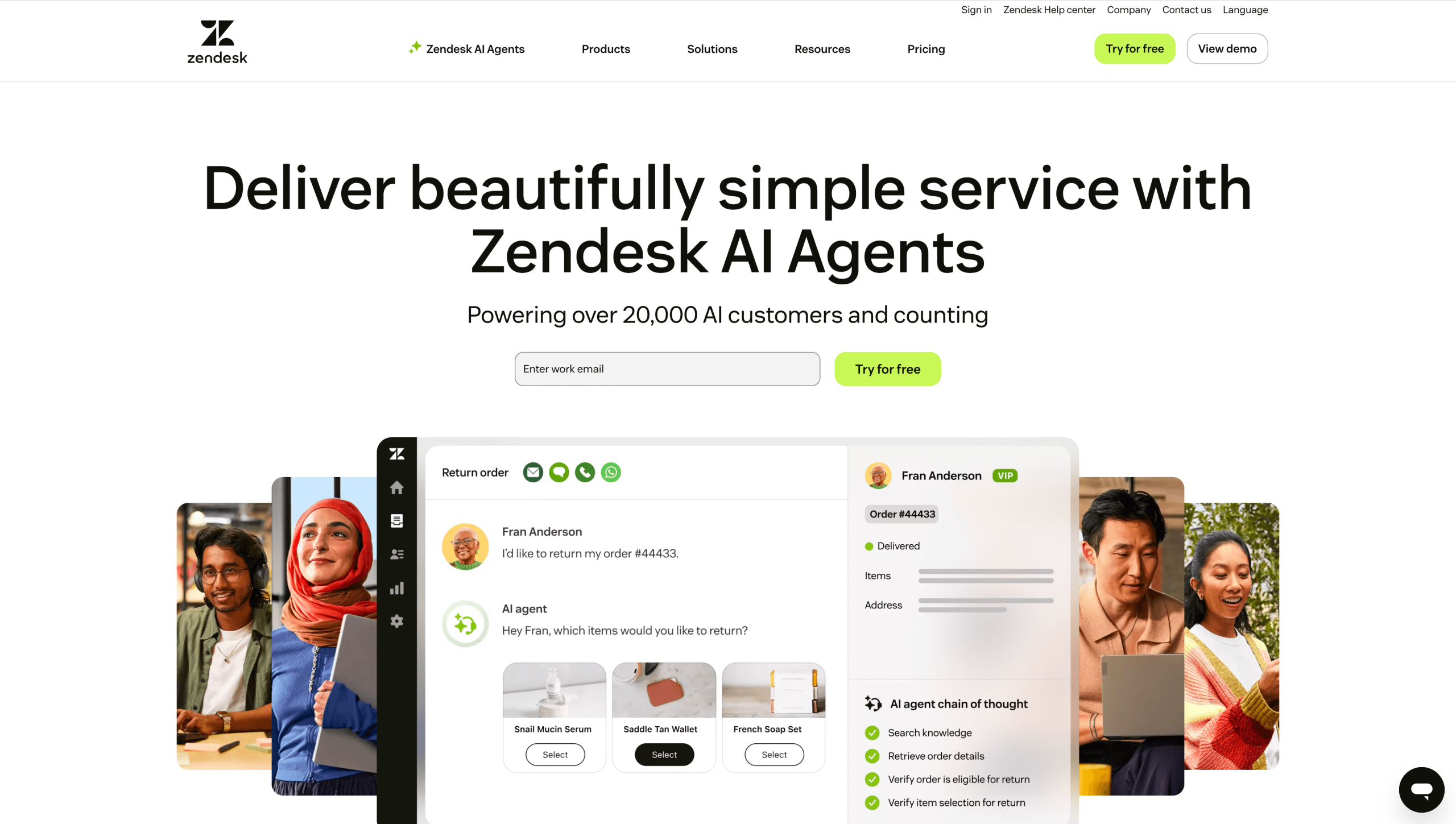
- Best for: Scaling support teams that need unified ticketing across channels
- You should know: Ticketing sits at the center of the platform.
Zendesk is an AI-enabled customer service suite built around structured ticketing. Teams use it to manage customer service across email, web chat, mobile apps, and social messaging. Messaging, ticketing, and automation all flow into a single Agent Workspace, so agents can manage conversations without switching tools.
Zendesk is designed to scale. It includes a self-service help center, reporting tools, and AI features such as a copilot to support agents. But that flexibility comes with trade-offs. Setup takes more time, and teams often need to plan workflows and integrations up front.
Key features of Zendesk
Zendesk supports many types of customer service by bringing channels, data, and automation into one system.
These are the features I see teams rely on most:
- Ticketing and Agent Workspace: All customer conversations flow into tickets, with Agent Workspace providing a single view across channels. This helps agents maintain context without switching tools.
- Multichannel messaging:Zendesk lets teams manage conversations from websites, mobile apps, and social channels in one place. Messages stay tied to tickets, which helps ensure consistent follow-up.
- AI copilot assistance: AI-powered automation handles repetitive tasks such as assigning tickets or applying macros. It also assists agents with replies and next steps.
- App marketplace for integrations: The marketplace connects Zendesk with a wide range of third-party apps, including Jotform. This makes it easier to extend the platform as your needs grow.
- Help center and knowledge base:Built-in tools make it easy to create and maintain a help center, supporting self-service and reducing incoming ticket volume over time.
- Reporting and analytics:Zendesk offers detailed reports on volume, response times, and agent workload. These insights help teams spot trends and plan staffing.
If you’re comparing broader platforms, check out our Zendesk alternatives roundup for more information.
LiveChat vs Zendesk: Which one should you choose?
To choose between LiveChat and Zendesk, start with your current support needs and how complex you expect them to become over time. Both platforms use generative AI in customer service, but they support different growth stages.
When to choose LiveChat
LiveChat makes sense when speed and simplicity matter more than advanced workflows. I usually recommend it to teams that want real-time conversations without the overhead of a full support platform.
LiveChat is ideal for
- Small teams: If your support team is lean, LiveChat is a good option because it’s easy to manage without a dedicated admin. Agents can jump in quickly, handle chats, and move on without dealing with heavy configuration.
- E-commerce: LiveChat works well for e-commerce sites where quick answers help move purchases forward. It’s especially popular for WooCommerce chat setups, where customers often ask last-minute questions before checking out.
- SaaS marketing pages needing fast deployment: For SaaS teams focused on conversion, LiveChat is easy to set up on high-traffic pages. You can start conversations with visitors right away without redesigning your support flow.
- Proactive sales chat:LiveChat supports proactive greetings that let sales teams reach out first. This is useful when chat is part of lead generation rather than a long-term support record.
When to choose Zendesk
Zendesk is better suited for teams that need structure, history, and scale. I’ve seen it shine when support becomes more than just live conversations.
Choose Zendesk if you need
- Efficient omnichannel ticketing: Zendesk lets teams handle email, chat, social, and messaging in one place. Tickets keep conversations organized as volume grows.
- Vast knowledge base:If self-service matters, Zendesk’s help center tools make it easy to create and manage a full knowledge base. This helps deflect tickets and gives customers answers without waiting.
- Advanced analytics: Zendesk provides deeper reporting for tracking trends, workloads, and performance over time. This is useful when leadership needs visibility beyond daily conversations.
- Automation at scale: As ticket volume increases, Zendesk’s automation, AI features, and chatbot capabilities help route issues and assist agents. This is where AI in customer service has a larger operational impact.
Key similarities and differences between LiveChat and Zendesk
Between LiveChat and Zendesk, I see overlap at the surface and bigger differences once I dig deeper. They both handle customer conversations, but they’re designed in ways that lead teams in totally different directions.
Where they overlap
At a basic level, LiveChat and Zendesk cover similar ground. The difference shows up in depth, scale, and how much structure each tool expects you to work with.
Here are some of the similarities:
- Real-time web chat: Both tools let teams chat with website visitors in real time. LiveChat centers the experience on live conversations, while Zendesk treats chat as one channel within a broader ticketing system.
- Basic automations: Each platform supports simple customer service automation, such as routing conversations or triggering saved replies. Zendesk’s automation can grow into more complex workflows, while LiveChat keeps things intentionally lighter.
- Branding controls: Both tools let you customize the look and feel of chat experiences. LiveChat focuses on widget-level branding, while Zendesk applies branding across chat, tickets, and help center pages.
- Integrations: Both platforms offer app marketplaces and integrations with popular tools. Zendesk can even integrate with Jotform and supports deeper multichannel orchestration and ticket-based workflows, which gives it an advantage for larger teams.
What makes each tool unique
The real decision point comes down to what each platform is built to do best and the kind of support experience you want to run.
LiveChat stands out for its fast setup and focus on website conversations. It’s often considered one of the best live chat tools for WordPress, thanks to its native integration and built-in chatbot. Zendesk doesn’t offer a native WordPress plug-in. This makes it appealing for sales-assist use cases and teams that want straightforward admin with minimal setup.
Zendesk offers an end-to-end support stack that includes ticketing, a knowledge base, and messaging across channels. It’s designed to scale, with advanced workflows, reporting, and chatbots that support higher volumes, more complex processes, and long-term support operations.
Zendesk vs LiveChat pricing and value
Both tools use tiered pricing based on plans and features, so the best way to evaluate value is to match the cost to the structure and scale your team actually needs.
LiveChat offers a 14-day free trial, so you can test it and see how it fits your workflow before committing. Zendesk also offers a 14-day free trial and uses a suite-based pricing model, in which ticketing, messaging, help center tools, and AI features are bundled into plans you can grow into.
For small teams or stores that want real-time chat without complex setup, LiveChat’s simplicity can deliver value quickly. For larger support teams handling multiple channels with reporting, workflows, and AI agents, Zendesk’s pricing better reflects the depth of its capabilities.
In both cases, think about your team size and channel needs, then review pricing tiers and official pricing pages to refine your estimate.
Still unsure? Maybe Jotform AI Agents are the right choice for you
If LiveChat feels too limited and Zendesk feels like a bigger commitment than you need, there’s a third option worth considering. Jotform AI Agents sit in the middle, giving teams flexible, AI-powered support without heavy setup or rigid workflows.
With more than 7,000 templates, Jotform AI Agents help support, sales, and ops teams deliver instant, on-brand help across chat, voice, and messaging without any coding.
I can spin one up in minutes, train it using URLs, documents, and FAQs, then deploy it wherever customers are, including websites, WhatsApp, Instagram, Messenger, SMS, phone calls, kiosks, and more. The agent can easily answer questions, guide users, book appointments, and complete tasks.
Here are some key benefits of using Jotform AI Agents:
- Engage everywhere: One agent works across web chat, direct messages, SMS, voice, and more, so customers reach you on their preferred channels.
- Do more than chat: AI Agents can trigger workflows, send emails or Slack messages, search your site, make API calls, and schedule meetings in Google Calendar.
- Train in minutes: Upload files, share links, or add custom Q&As. Updates are quick, so answers stay accurate.
- On-brand and multilingual: Control tone, appearance, and interaction style for a consistent experience across channels.
- Human handoff when needed: Review conversations and step in through the Jotform AI Agent & Chatbot app when a human needs to take over.
Jotform AI Agents also work natively with Jotform forms, apps, and payments. You can build end-to-end workflows from the first question to the final follow-up. Every interaction is logged in Agent Conversations, giving you visibility across channels without the need for extra tools.
Get started with Jotform AI Agents
Getting started with Jotform AI Agents is simple. Create an agent, connect it to your content, and publish it to your preferred channels without touching code or reworking your existing tools.
Pricing is flexible, with a free Starter plan and options that scale as usage grows, so you’re not locked into a big commitment up front. If you want to see how it works in practice, the fastest way is to try it yourself.
Demo AI Agents for free and see how they fit your workflow.
This article is for the support leaders, ecommerce managers, founders, and product/growth teams comparing a dedicated live chat tool (LiveChat) to a full CX suite (Zendesk).




















































Send Comment: