
Top 10 Sendbird alternatives
Businesses looking for Sendbird alternatives want a more affordable solution, greater customization options, or scalability. As in-app messaging becomes a standard feature across SaaS, marketplaces, and mobile apps, teams want platforms that are easier to integrate, flexible enough for complex use cases, and cost-effective as user volumes grow.
This guide breaks down the 10 best Sendbird competitors, comparing their features, pros, cons, ratings, reviews, and pricing to help you find the right fit.
What to look for in a Sendbird alternative
When evaluating Sendbird competitors, consider what you need from your new customer messaging platform. This will depend on your business and team, but below are some key features and capabilities that will have the greatest impact on performance, scalability, and overall fit.
API flexibility and developer experience
If you have a development team and want them to shape the chat experience, look for well-documented APIs, robust chat SDKs, and tools that make it easy to create custom message flows, automation, or AI-enhanced interactions.
Customization capabilities
From user interface (UI) kits to advanced workflow control, ensure the platform lets you tailor the experience to match your brand and its needs. If you don’t have a developer, look out for drag-and-drop interfaces.
Real-time messaging performance
Real-time messaging feels like a must-have for everyone, because it’s what customers expect. Ensure the platform supports fast message delivery, presence indicators, typing status, offline messaging, and reliable performance at scale.
Security and compliance readiness
For industries such as healthcare, fintech, and marketplaces, compliance is essential. Check for GDPR, HIPAA, SOC 2, ISO 27001, and data residency requirements if applicable.
Ease of integration with existing apps
If you’ve already got an established tech stack, look for integrations with the other tools you’re using. Seamless connections with existing software can help encourage team-wide adoption.
Transparent and scalable pricing models
Many businesses look for Sendbird alternatives to avoid unexpected overages. Evaluate pricing based on monthly active users (MAUs), message volume, or feature tiers. The model that works for you will be dependent on your preferences, but managed monthly costs are popular.
Artificial intelligence (AI) capabilities
Look for built-in AI assistants, summarization, sentiment analysis, or automation tools. These save your team’s time and energy, allowing them to focus on what really matters to your customers.
The 10 Best Sendbird alternatives
 Jotform AI Agents |  CometChat |  Twilio |  Botsonic |  Stream Chat |  Ably Chat |  Rocket.Chat |  TalkJS |  PubNub |  Agora | |
|---|---|---|---|---|---|---|---|---|---|---|
| Best for | No-code solutions and multi-channel conversations | All-in-one real-time chat, voice, and video SDKs with embedded UI options | Messaging across chat, SMS, WhatsApp, and voice | Non-developers who want AI-powered chatbots trained on their data | High-scale, deeply custom in-app messaging with enterprise features | Infrastructure-scale real-time messaging with full control | Regulated industries needing data control, compliance, and self-hosted chat | Fast, plug-and-play in-app chat with minimal setup | Real-time messaging and event streaming | Real-time voice, video, and chat on a global scale |
| Key features | Multichannel support, custom agent builder, workflow and automation triggers | Real-time text, voice, and video chat across platforms; built-in guardrails, insights, and notification workflows | Strong infrastructure, robust documentation | Train on your own data, AI actions, and workflows; multichannel deployment and multilingual support | Deep customization and SDK support, enterprise-grade infrastructure and compliance | Massive-scale infrastructure with global low-latency delivery | Self-hosting and private cloud deployment options, enterprise-grade security, compliance tool | Pre-built chat UI components, simple dashboard for managing users and conversations, built-in compliance and security controls | Event streaming beyond chat, includes all the expectations of chat and built-in reliability and offline support | Global real-time engagement network, ultra-low-latency voice and video SDKs, designed for live interaction |
| Plans/pricing | Free version; paid plans start from $34 per month | Free version; paid plans start from $239 per month | Free version; paid plans are custom pricing | Seven-day free trial; paid plans start from $16 per month | Paid plans start from $399 per month | Free version; paid plans start from $29 per month | Free version; paid plans start from $8 per month | Free version; paid plans start from $279 per month | Free version; paid plans start from $98 per month | Contact Agora for information on plans and pricing |
1. Jotform AI Agents: Best for no-code solutions and multi-channel conversations
Jotform AI Agents is a no-code conversational platform with AI enhancements. On one single dashboard, you can deploy and manage chatbots, voice agents, email agents, and multichannel assistants.
- Key features: Deploy AI agents across channels, including websites, phone calls, WhatsApp, SMS, Gmail, Facebook Messenger, Instagram, and more; train the agent on your data (via URLs, document uploads, questions and answers, or a knowledge base), and define tone, avatar, and behavior so that your agent behaves like a real member of staff; agents can initiate actions such as submitting forms, creating support tickets, sharing QR codes, annotating images, or collecting payments; automations feed information through to integrated tools, such as your customer relationship management (CRM) or support software
- Pros: Can handle high volumes across multiple channels, and multiple team members can manage everything from a single dashboard; doesn’t just automate chat responses, but also actions and integrations into business workflows — for example, if a new lead submits a form, it’ll be sent to your CRM instantly
- Cons: Less focused purely on embedded real-time chat inside mobile or web apps compared to dedicated SDKs
- Plans/pricing:
- Starter (free): Up to five AI agents and 100 monthly conversations
- Bronze ($34 per user per month, billed annually): 25 AI agents and 1,000 monthly conversations
- Silver ($39 per user per month, billed annually): 50 AI agents and 2,500 monthly conversations
- Gold ($99 per user per month, billed annually): 100 AI agents and 10,000 monthly conversations
- Enterprise (custom pricing)
- G2 rating: 4.7/5 based on over 4,000 reviews
2. CometChat: Best for all-in-one real-time chat, voice, and video SDKs with embedded UI options
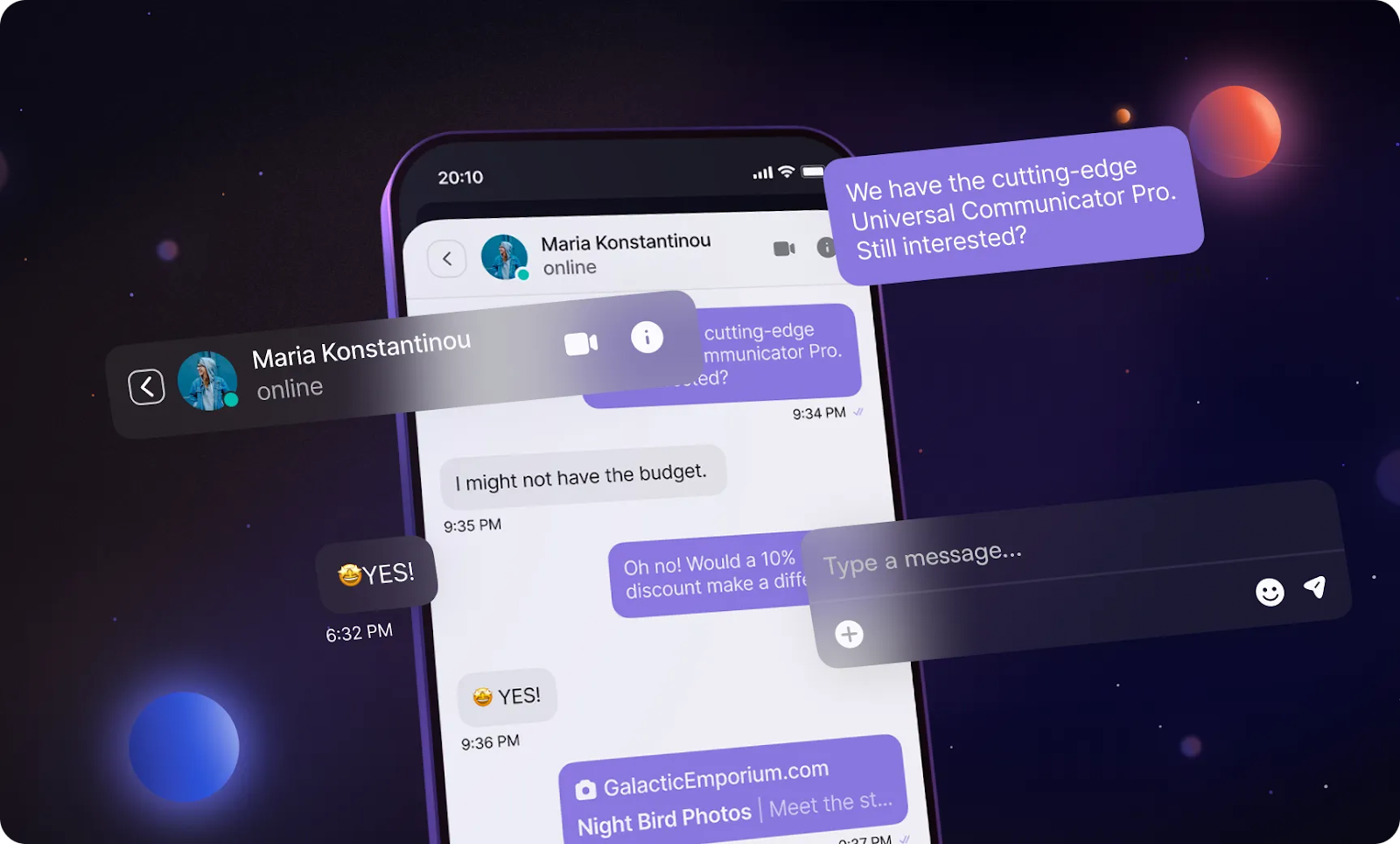
Compared to Sendbird, CometChat is a cheaper alternative. It offers a comprehensive set of tools for building in-app chat, voice, and video, with ready-made UI kits and SDKs for web and mobile. It’s ideal for companies wanting a “chat stack” that covers user-to-user and user-to-support workflows at a moderate price.
- Key features: Real-time text, voice, and video chat across platforms, so you can manage everything in one secure and scalable platform; guardrails, insights, and notification workflows are already integrated, so your team can launch features faster and keep conversations safe and smooth; AI rule-based moderation, analytics, and scalable global delivery with CometChat’s edge network
- Pros: You can start with a simple chat solution and scale as required; built-in UI kits and components speed up deployment; you can monitor everything from conversation quality to agent performance — built-in dashboards let you optimize the user experience, refine your logic, and track your return on investment without relying on extra tools
- Cons: May require a higher level of developer effort than a more minimal chat API — although this could be a pro for some if advanced development is required
- Plans/pricing: Pricing depends on the number of monthly users you need — the prices below are for 1,000 users and are billed annually:
- Build (free)
- Basic ($239 per month)
- Advanced ($339 per month)
- Enterprise (custom pricing)
- G2 rating: 4.6/5 based on over 100 reviews
3. Twilio: Best for messaging across chat, SMS, WhatsApp, and voice
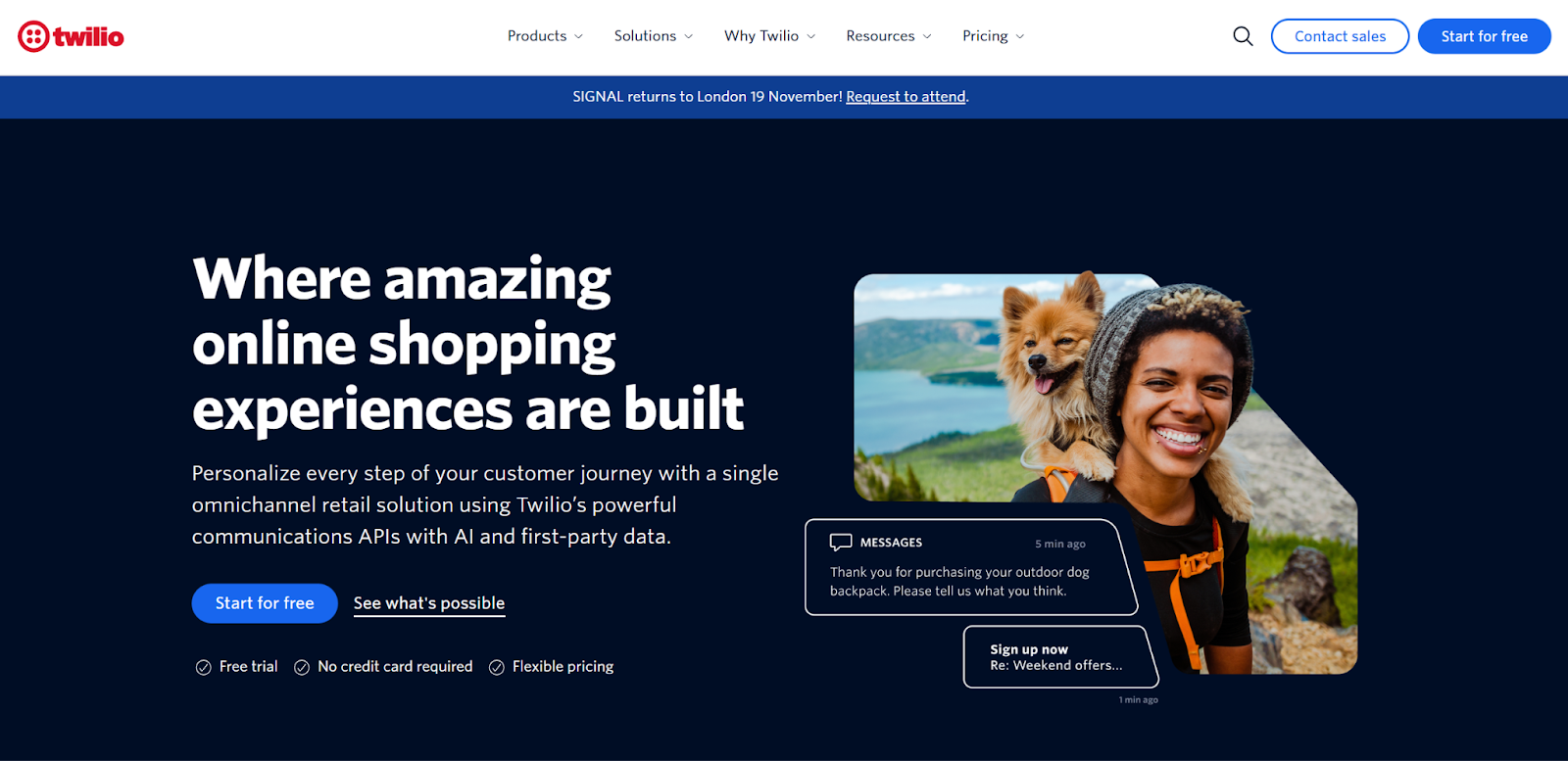
Twilio goes beyond traditional in-app chat by unifying messaging across channels like SMS, MMS, WhatsApp, web chat, and voice.
- Key features: Developers can manage conversations across multiple channels through a single API, meaning you don’t need separate systems for each messaging type — ideal if you want users to start a conversation in one channel and continue in another without losing context; combined with Twilio’s in-depth documentation, SDKs, and sample apps, your teams can build complex communication workflows more reliably and with fewer unknowns
- Pros: It’s part of the wider Twilio ecosystem, which means you can build cross-channel workflows, notifications, and support experiences within one platform; Twilio uses an MAU-based model, which can be more predictable than message-volume billing and makes it easier to budget as your user base grows — especially if your audience interacts across SMS, WhatsApp, and in-app chat
- Cons: Pricing can become complicated, particularly when mixing channels with different per-message costs (like SMS, WhatsApp, and chat); you may need more custom work to build rich in-app chat experiences compared to tools that specialize solely in embedded chat
- Plans/pricing: Free version; paid plans are custom pricing depending on the channels and number of messages you want to send
- G2 rating: 4.2/5 based on over 400 reviews
4. Botsonic: Best for non-developers who want AI-powered chatbots trained on their data
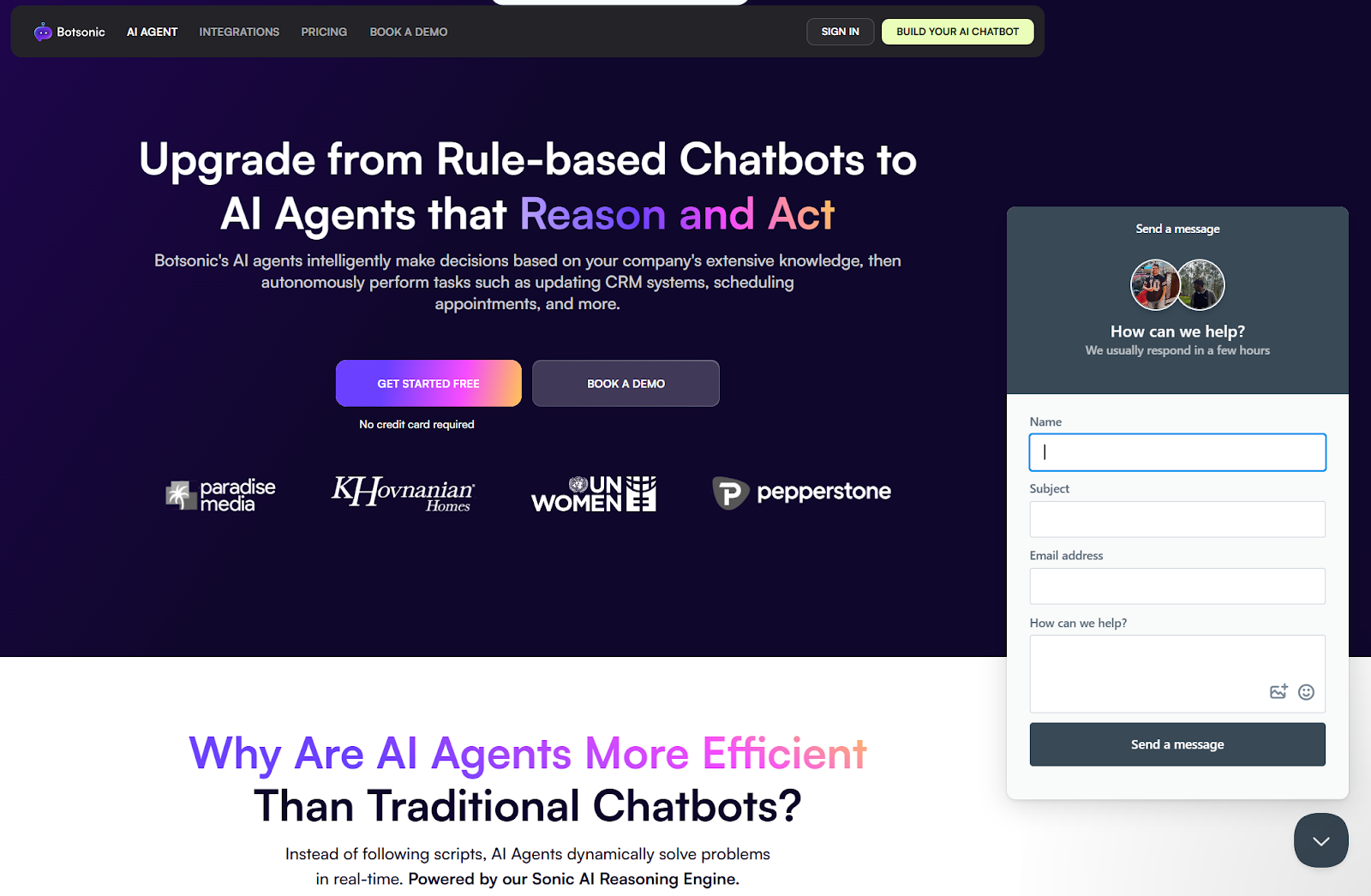
Botsonic is a no-code AI chatbot builder that lets you train bots on your own content, including website pages, PDFs, spreadsheets, and frequently asked questions. You can then deploy agents across website widgets and messaging channels with minimal tech effort.
- Key features: Upload documents, website links, and spreadsheets, and Botsonic uses that content to craft an AI agent with knowledge specific to your business; beyond basic responses, you can set up AI workflows and actions (e.g., checking order status, making bookings, and handing off to live agents) triggered by intents in conversation; deploy the chatbot on websites, WhatsApp, Telegram, Facebook Messenger, and more — with support for over 50 languages
- Pros: You can build and deploy a custom AI chatbot quickly with little coding required; competitive pricing and features let you experiment with AI chatbots without a high cost; the ability to train bots on your own business content and push them across many channels means more tailored bots
- Cons: Customization options are narrower than you’d get with developer-focused chat SDKs; it’s tied to the Writesonic ecosystem, so you may find fewer integration options than with larger, enterprise platforms
- Plans/pricing:
- Seven-day free trial
- Starter ($16 per month, billed annually)
- Professional ($41 per month, billed annually)
- Advanced ($249 per month, billed annually)
- Enterprise (custom pricing)
- G2 rating: 4.6/5 based on over 110 reviews
5. Stream Chat: Best for high-scale, deeply custom in-app messaging with enterprise features
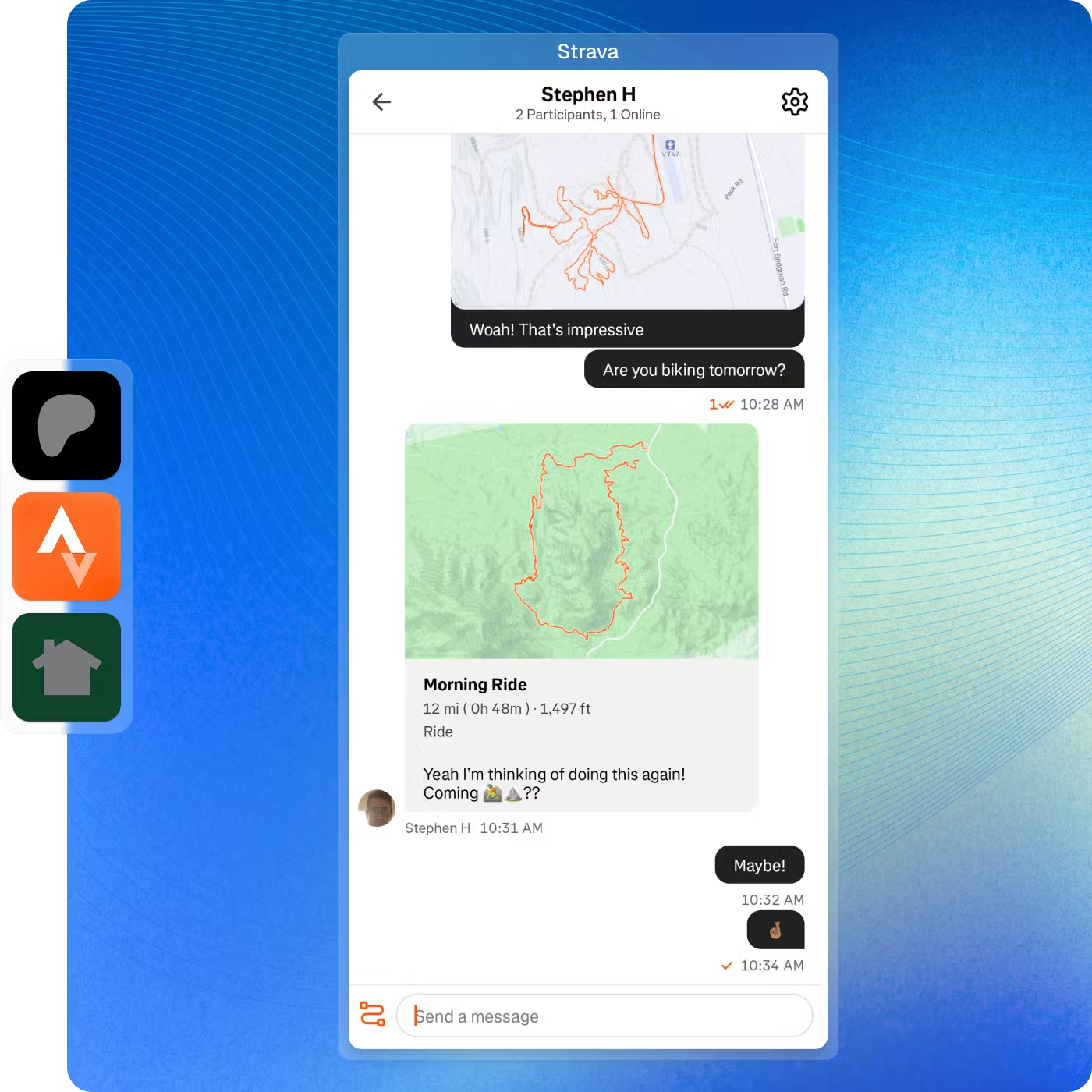
Stream Chat is a developer-first messaging platform that empowers teams to build customized real-time chat experiences, including video agents, inside mobile and web apps.
- Key features: Provides full SDKs and UI components, plus advanced features such as threads, reactions, typing indicators, presence, and custom message types; built for high availability and performance; supports GDPR, HIPAA, SOC 2, and ISO 27001 compliance as well as global multi-region deployment
- Pros: Ideal if you require full control over the chat user experience and backend, thanks to SDKs and wide customization options; supports production-ready plans with millions of MAUs and flexible overage pricing
- Cons: Because it’s developer-centric and highly customizable, implementation may require more engineering effort compared to simpler chat SDKs or no-code solutions — though you can start simple and launch in days while you work on your complete solution
- Plans/pricing: Pricing varies based on the selected product and the number of monthly users — the below plans are for chat messaging with 10,000 MAUs:
- Build (free)
- Start ($399 per month, billed annually)
- Elevate ($599 per month, billed annually)
- Enterprise (custom pricing)
- G2 rating: 4.5/5 based on over 50 reviews
6. Ably Chat: Best for infrastructure-scale real-time messaging with full control

Ably Chat is a high-performance real-time messaging API built on the Ably Realtime platform. It’s designed for apps that need fast messaging and multiple users online at once.
- Key features: Supports billions of connected devices with low-latency delivery, which means it handles fast messaging, streaming, and other real-time use cases; gives you all the essentials you’d expect from a modern chat system, such as typing indicators, who is online, emoji reactions, and the ability to edit or delete messages; can connect to a moderation tool to keep conversations safe and well-managed — like Spectrum Labs, a behavioral AI that flags toxic or unsafe user messages
- Pros: Excellent for businesses needing full control over the chat experience and a platform that can scale globally; very cost-effective at a large scale thanks to message batching (grouping messages when possible); robust support for complex architectures — you can combine chat with live updates, streaming, presence, and notifications, all under one roof
- Cons: Because the focus is on infrastructure and APIs, you’ll need more developer effort — UI, moderation workflows, and other higher-level features are less “out of the box” than those in more chat-specific SDKs; if all you need is a basic in-app chat with a small user base, the high-scale infrastructure and pricing model may add unnecessary complexity and costs
- Plans/pricing: Choose a package, and then pay by user or minute:
- Free (free)
- Standard ($29 per month)
- Pro ($399 per month)
- Enterprise (custom pricing)
- G2 rating: 4.8/5 based on over 60 reviews
7. Rocket.Chat: Best for regulated industries needing data control, compliance, and self-hosted chat
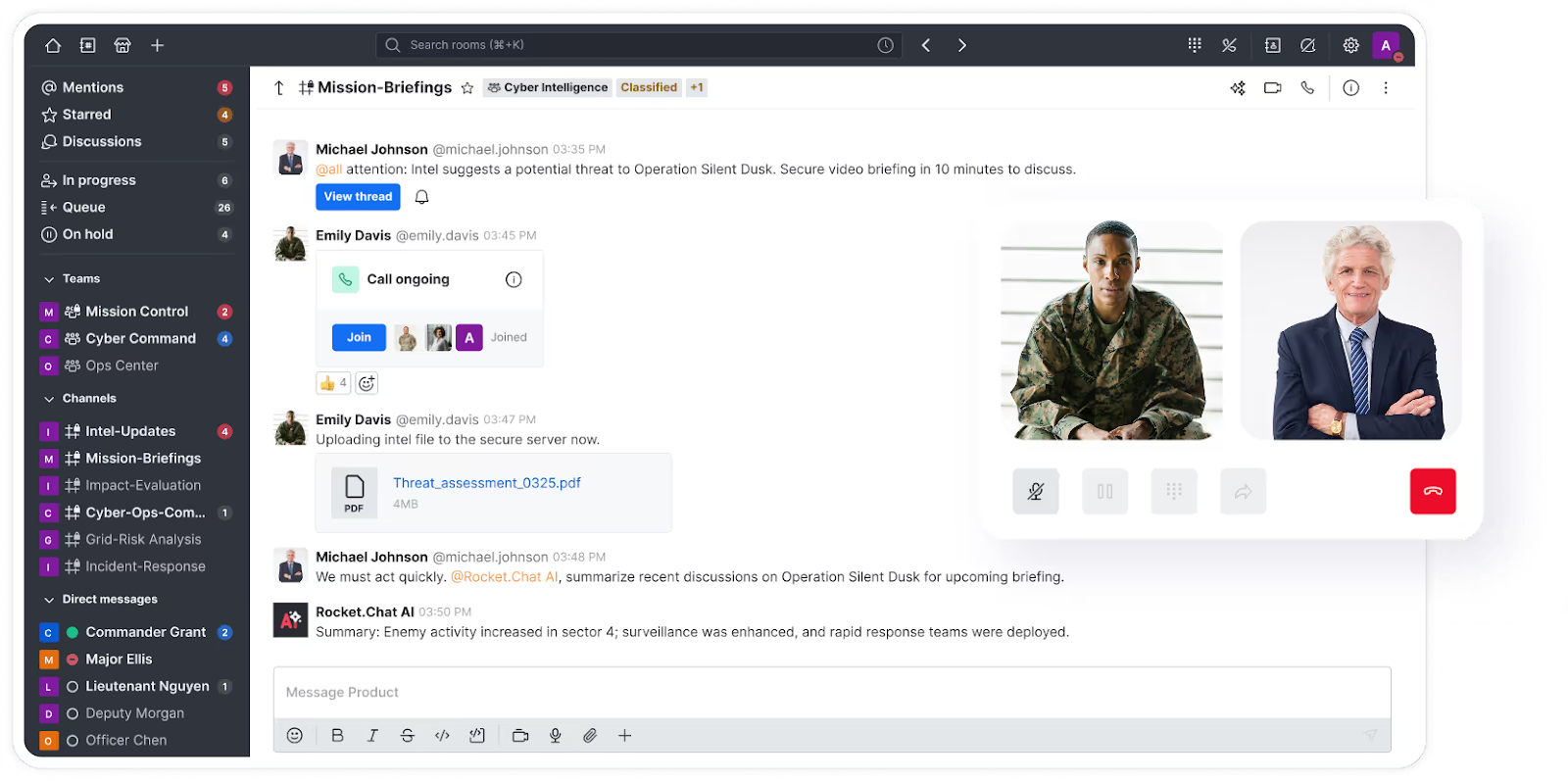
Rocket.Chat is an open-source messaging platform, which makes it highly customizable. Unlike other tools, Rocket.Chat can be self-hosted or deployed in a private cloud. It’s a good fit for regulated industries and privacy-focused organizations that want full control.
- Key features: Self-hosting and private cloud deployment options give you complete control over where your data lives — ideal for companies in healthcare, government, or finance that must comply with strict regulatory requirements; includes features like two-factor authentication, role-based permissions, audit logs, end-to-end encryption, and single sign-on, which help teams meet GDPR, HIPAA, and ISO-related requirements; Rocket.Chat connects live chat, email, WhatsApp, and social channels into a single inbox
- Pros: Integrates with systems like CRM tools, DevOps platforms, and monitoring software, making it easier to manage communication in one place; open-source foundation means high transparency and deep customization potential
- Cons: More complex to set up and maintain than other chat platforms; not as quick to deploy as plug-and-play SDK chat tools like TalkJS or CometChat
- Plans/pricing:
- Starter (free)
- Pro ($8 per month, billed annually)
- Enterprise (custom pricing)
- G2 rating: 4.2/5 based on over 300 reviews
8. TalkJS: Best for fast, plug-and-play in-app chat with minimal setup
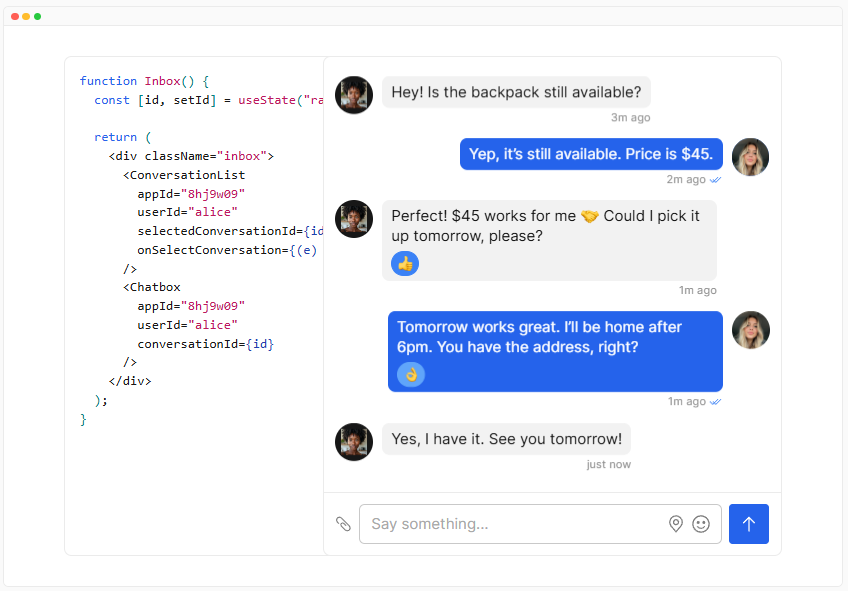
TalkJS is built for teams that want to add in-app messaging quickly without dealing with complex infrastructure or backend systems. It provides pre-built chat interfaces and SDKs so you can embed messaging into web and mobile apps with very little engineering effort. If speed and simplicity are your priority, TalkJS is one of the easiest Sendbird alternatives to launch.
- Key features: Offers pre-built chat UI components that you can style to match your brand, meaning you can launch faster without designing your chat from scratch; you can manage users, messages, and permissions through an admin dashboard without writing backend logic yourself; includes GDPR support, encrypted data storage, and hosting in secure environments, making it suitable for organizations that handle sensitive data
- Pros: Fast setup compared to developer-heavy chat platforms; clean user experience with minimal configuration needed
- Cons: Less flexible for teams needing deep custom logic or advanced workflows
- Plans/pricing:
- Free to use in development mode
- Basic ($279 per month)
- Growth ($569 per month)
- Enterprise (custom pricing)
- G2 rating: 4/5 based on only one review
9. PubNub: Best for real-time messaging and event streaming
PubNub is built for applications that need reliable, real-time communication between large numbers of users and devices. But it does more than just chat — you can also power real-time events, notifications, live updates, and messaging.
- Key features: Real-time event streaming for use cases like live feeds, game state updates, and Internet of Things messaging; supports chat, presence, typing indicators, reactions, and message history; includes message retry and delivery guarantees to ensure messages arrive even if connections drop briefly
- Pros: Great for high-scale systems where performance matters; works well for both chat and non-chat real-time features, such as live dashboards and notifications
- Cons: Less focused on pre-built UI components — developers must build chat interfaces themselves
- Plans/pricing:
- Free (free)
- Starter ($98 per month)
- Pro (custom pricing)
- G2 rating: 4.4/5 based on over 10 reviews
10. Agora: Best for real-time voice, video, and chat on a global scale
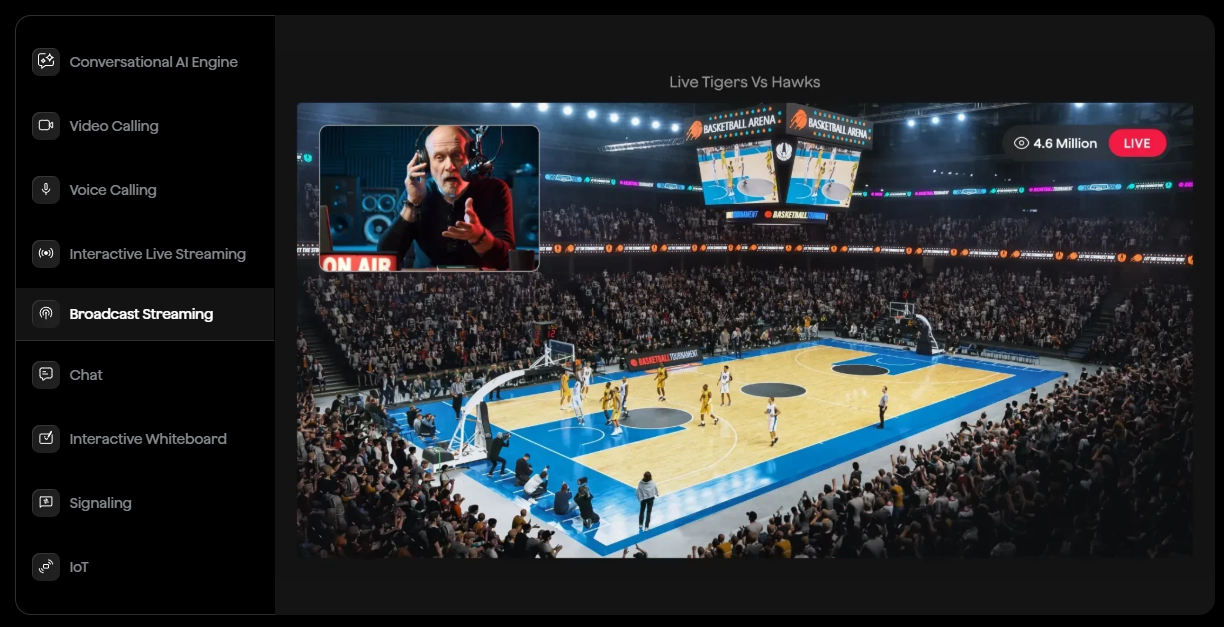
Agora provides chat features, but its real strength lies in powering experiences like video calls, virtual events, and interactive broadcasts.
- Key features: Uses a worldwide software-defined real-time network to deliver consistent performance, even in regions with unstable internet connectivity; designed for live interaction, Agora enables high-quality calls, streaming, and group conversations with minimal delay; features such as audience interaction, co-hosting, live chat, and moderation support make Agora popular for events, education, and social streaming apps
- Pros: Excellent live video or voice communication, which can save companies the need for two tools for chat and video; supports large-scale live events and broadcasts
- Cons: If all you need is chat, Agora can be overkill
- Plans/pricing: Contact Agora for information on plans and pricing
- G2 rating: 4.1/5 based on over 40 reviews
The right Sendbird alternative comes down to one thing: Your priorities
As you can see from the ten tools in this round-up, there’s no single “one-size-fits-all” replacement for Sendbird. Some teams need developer-heavy SDKs for custom chat builds, others want global infrastructure for scale, and many are prioritizing AI-powered automation and cost efficiency. The right choice depends on whether you’re building peer-to-peer chat, automating customer conversations, supporting global users, or embedding messaging into a complex product ecosystem.
That said, if you’re looking for the most flexible, future-proof, and accessible solution overall, Jotform AI Agents is the standout choice for 2026. Unlike traditional chat-first platforms, Jotform goes beyond messaging by combining AI agents, automation, and multi-channel communication into a single no-code platform. It’s ideal for businesses that want powerful conversational experiences without the overhead of complex SDKs, infrastructure management, or unpredictable pricing.
Plus, you can try Jotform AI Agents for free. Get started with a risk-free solution, then scale later.
This article is for product managers, founders, developers, and support teams evaluating Sendbird alternatives who want a clearer comparison of modern in-app messaging, chat SDKs, and AI-driven communication platforms. It’s especially useful for businesses seeking more affordable, scalable, or flexible solutions as their user base and messaging needs grow.








































































































Send Comment: