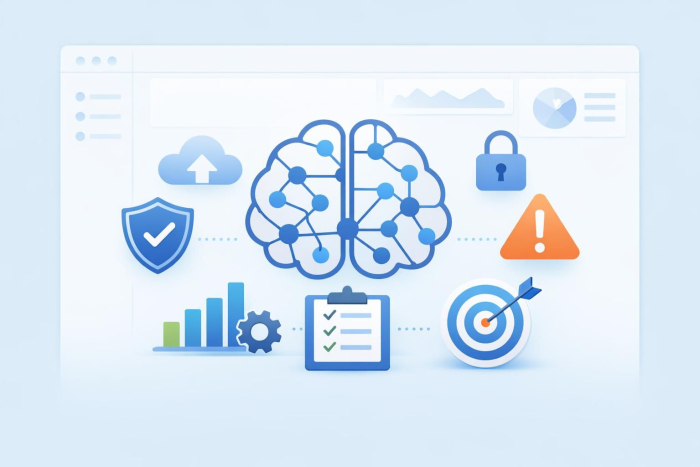
Most conversations about AI focus on what it can do on its own: write, summarize, predict, answer, analyze, automate. But in real work, the true value lies in what AI can help people stop doing manually, repeatedly, and inefficiently.
That is especially true in IT. When IT runs smoothly, the business moves. When IT gets buried in vague requests, manual follow-ups, and repetitive tickets, everyone feels it.
That’s why I stopped looking at AI in IT only as a way to automate technical tasks. The more useful question became: Where does IT work get messy before anyone even starts solving the actual problem?
For me, the answer was intake. I started using AI — specifically Jotform’s AI Agents — as a practical front door for IT requests, helping people explain what they needed and collecting cleaner information before anything reached the IT team. This article explains how using AI for better workflow design, rather than just pure automation, made the work clearer before humans ever had to act on it.
How I used Jotform AI Agents in IT workflows
I started using Jotform AI Agents because I wanted a better way to collect and organize IT requests.
A traditional form can collect information, but it depends on the user knowing what to write. The problem is that most employees don’t think in IT categories. They know they need access, something is broken, or something looks suspicious. They don’t always know what details matter. With Jotform AI Agents, I could guide users through the process instead of leaving them with a blank field.
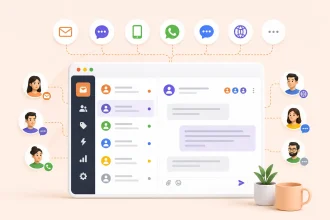
Take software access. Before I improved it, requests came from everywhere: emails, direct messages, old forms, manager notes, and quick messages like, “Can I get into the dashboard?” or “Can I have the same access as Mark?”
Those requests sound simple, but they create risk. Which dashboard? What level of access? Why is it needed? Is it temporary or permanent? Who approved it? Does this person actually need the same access as Mark, or just access to one shared report? That message would also have to sit in the queue for a day or two while IT tracked down what Mark actually had access to and whether that was even appropriate to replicate.
With guided intake, the agent asks the requester directly which system, what permission level, why, and whether it’s temporary — so the ticket arrives already scoped, instead of IT having to reverse-engineer the request.
Importantly, the AI didn’t approve access — and I wouldn’t want it to. Access decisions can involve cybersecurity, compliance, and business risk. That’s why I keep AI focused on collecting, summarizing, and routing — not deciding. The agent made sure the request arrived with the right context so a human could review it properly. The goal was never to remove IT professionals from the process, but to remove the repetitive friction so that they can focus on decisions that actually require expertise.
The same idea worked for support with one exception
Once I saw how useful guided intake was for access requests, I applied the same logic to device troubleshooting.
Instead of a user simply writing “my laptop is slow,” the agent narrowed the issue by asking what felt slow: startup, internet, apps, VPN, video calls, or everything. It then asked when it started, whether anything had changed recently, and whether other people were having the same problem. By the time the ticket reached IT, the technician had a real starting point instead of a vague complaint.
The same approach applied to suspicious email reports. Instead of inconsistent forwards, screenshots, or after-the-fact mentions, the agent asked whether the user had clicked a link, entered credentials, or noticed anything about payment, payroll, or urgent approval requests. The security team then got a consistent baseline to triage from.
It wasn’t flawless. The device-troubleshooting flow worked well for common issues, but for anything unusual, the guided questions sometimes pushed the user down the wrong branch before a technician stepped in and just asked directly. Guided intake helps most with common, well-understood problem categories. It’s weaker on edge cases, and I don’t think that will fully go away.
Again, the AI wasn’t making the final security decision. A human still needed to review the risk — they just started with better information.
The best AI workflows feel simple
One thing I learned quickly is that users don’t care whether something is powered by AI. They care whether it helps them finish the task faster and with less confusion.
That changed how I designed the workflow. I didn’t want the agent to sound technical for its own sake — I wanted it to ask questions the way people actually describe problems. There’s a real difference between asking someone to “describe endpoint performance degradation” and asking, “What feels slow: startup, internet, apps, video calls, or everything?” The second gets better answers because it sounds human.
And for IT teams, clearer answers mean less back-and-forth. Every complete request means faster routing. Every structured report means better prioritization. The value is consistency as well as speed.
Rather than a single dramatic metric, that consistency showed up as a steady improvement that grew over time. Tickets that used to bounce back and forth two or three times mostly arrived complete on the first pass. Requests moved the same day instead of waiting on follow-up questions. Individually, these moments don’t look like much, but reducing that constant drag meant less operational noise and better use of the team’s attention.
Try Jotform for fewer delays and better decisions
AI is already part of modern work. The real question now is not whether companies should use it, but where it can create the most practical value.
In IT, that value often starts with intake. AI can support cybersecurity, improve system reliability, reduce repetitive work, and help teams make faster decisions. But before any of that becomes meaningful, IT teams need cleaner ways to receive, understand, and act on requests.
That’s what I found so useful about Jotform AI Agents: They turned vague requests into structured workflows, reduced back-and-forth, and made support easier for users and more manageable for IT — all without removing human oversight from the decisions that need it.
AI in IT is not just about doing things faster. It is about better context, better routing, better decisions, and fewer small delays.
This article is for IT leaders, support teams, cybersecurity professionals, operations managers, and anyone who wants to use AI-guided intake to reduce vague requests, streamline IT workflows, and improve human decision-making.

































































Send Comment: