Customize Tables
Customize your tables with AI by describing the changes you want, from columns and tabs to formulas and actions.
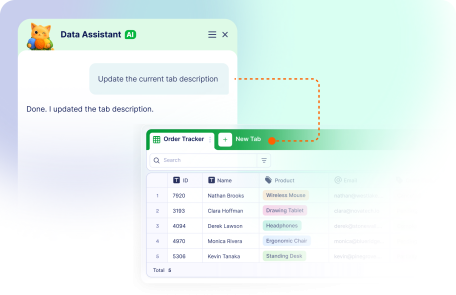
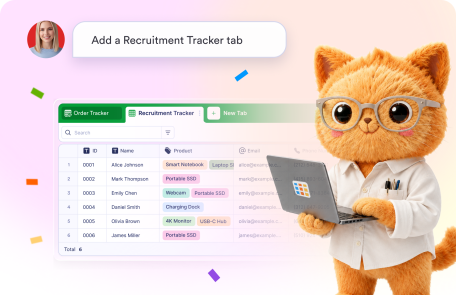
Describe the tab you need, and Jotform AI Data Assistant creates it for you automatically. Build custom views for different workflows quickly.
Manage your table tabs without manual setup. Jotform AI Data Assistant lets you rename tabs, add notes to tabs, and update tab colors with simple prompts.
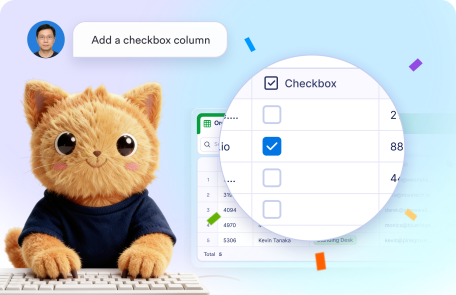
Add new columns to your tables using Jotform AI Data Assistant. Simply describe the type of column you need, and AI creates it instantly.
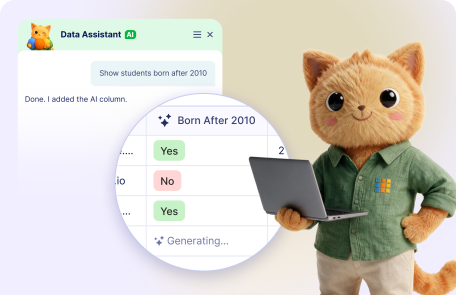
Create AI-powered columns by describing what you want them to do. Jotform AI Data Assistant turns your prompt into a working AI column.
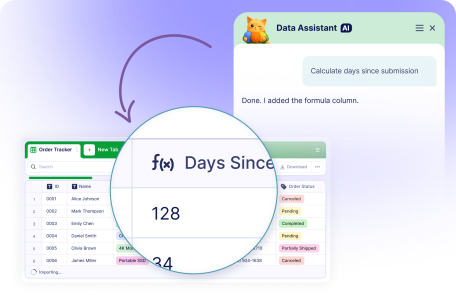
Add formula columns to your tables by simply describing the calculation you need. Jotform AI Data Assistant creates single or multiple formula columns automatically.
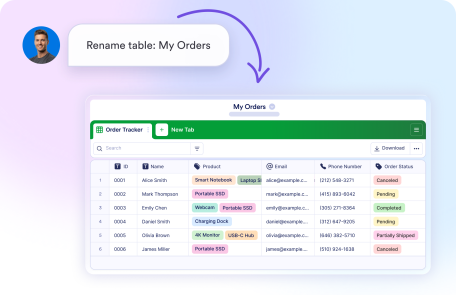
Quickly change your table name by asking Jotform AI Data Assistant. Simply tell Jotform's Data Assistant what you'd like to call your table, and the new title is applied right away.
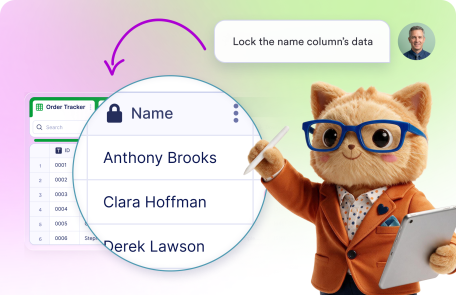
Manage your table columns with Jotform AI Data Assistant. Rename columns, lock column data, freeze important columns, or hide fields quickly.
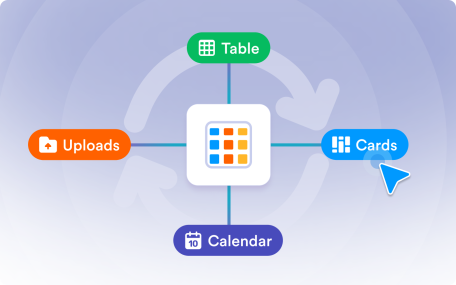
Change how your data appears with Jotform AI Data Assistant. Switch between table, calendar, cards, and upload views with simple prompts.