Account Tracking App helps teams and individuals organize account records, monitor account activity, and quickly spot trends in performance. It works well for sales and account management teams, agencies handling multiple client accounts, finance and operations teams maintaining internal account lists, or any organization that needs one place to review accounts, log updates, and pull quick insights without hunting through spreadsheets.
With Jotform, you can publish this app template as a self-service hub where users browse an accounts list, add new accounts through a connected form, and review activity and insights pages for a clearer picture of what’s happening across your accounts. Use Jotform’s no-code app builder and drag-and-drop interface to tailor navigation, adjust the look and feel, and connect your data collection to the workflows you already rely on.
Related templates
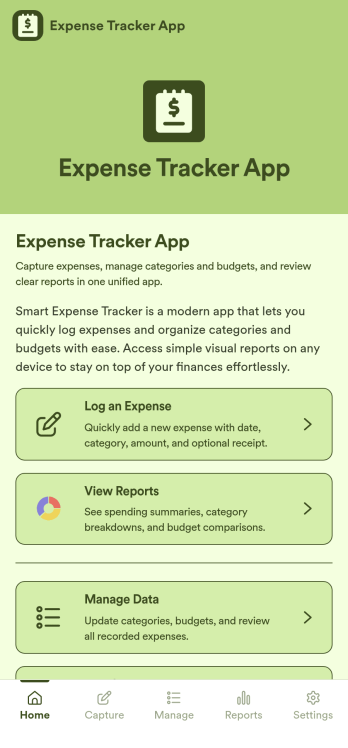
Expense Tracker App
Expense Tracker App is an app template designed to simplify and streamline the process of recording and monitoring expenses for businesses, freelancers, finance teams, and individuals. This robust app is built for making budgeting and expense management easier and more efficient, centralizing all expense data into one accessible location. Whether it’s for tracking daily operational costs, monitoring project expenses, or consolidating personal financial records, this app serves as a solid foundation for maintaining financial discipline and visibility. The app collects data related to the expenses, such as cost categories, transaction details, and corresponding notes, offering users a comprehensive view of their spending patterns. Its ready-to-use design makes it ideal for those seeking to improve their financial tracking without the need for complex setups or configurations. It's best for those who manage multiple expenses and need a reliable, convenient platform to monitor their financial activities.Jotform’s Expense Tracker App is easy to use and customizable, making it an excellent choice for all types of users, regardless of their technical expertise. The drag-and-drop interface allows for easy customization of the app to cater to specific financial tracking needs. Users can easily modify forms, adjust color schemes, and even add their logo, enhancing user experience and reinforcing their brand. The added convenience of electronic signature collection provides an additional layer of verification for expense records, enhancing accountability within teams. Moreover, Jotform’s platform supports seamless data collection, making it easier to generate comprehensive sheets and reports for analysis or audit purposes. Take control of your budgeting and expense management with Jotform’s Expense Tracker App.
Go to Category:Finance & Accounting Portal Apps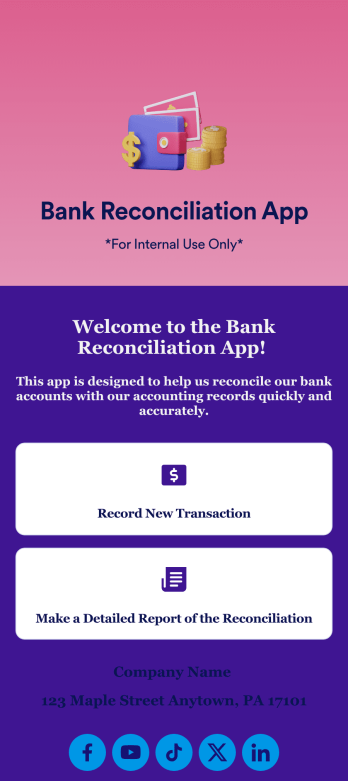
Bank Reconciliation App
Bank reconciliation is the process in which a bank account’s balance is reconciled to the amount reported by a financial institution according to the account’s most recent statement. To carry out this process in the easiest way possible, consider using Jotform to create a Bank Reconciliation App for internal use. Add forms to record new transactions, make detailed reports, and more! To share this app with others, simply link to it directly, share via QR code, or embed it in your online workspace.Need to make changes to how your Bank Reconciliation App looks? Just use our drag-and-drop app builder to do so. Upload personal branding assets, change fonts and colors, integrate with helpful payment or scheduling tools, edit letter text, and more depending on your needs. Make bank reconciliation easier for all parties with Jotform.
Go to Category:Finance Apps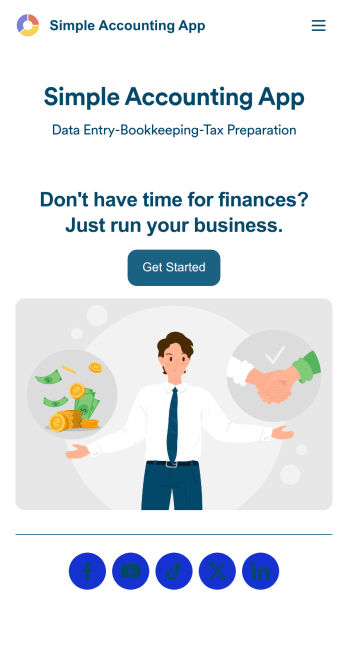
Simple Accounting App
Looking for an easy and convenient way to manage your accounting clients? With Jotform’s Simple Accounting App, you can create a bookkeeping app that works seamlessly for both you and your clients. Build your app from scratch or pick one of our ready-made app templates to spark your creativity. Add pricing information, contact forms, showcase past client reviews, and more.Customize your Simple Account App with Jotform’s easy-to-use app builder. Use our drag-and-drop app builder to change up the look and feel of your app, add powerful app elements, install helpful app widgets, and integrate with one of our 30+ payment processors, including Stripe and Square to collect fees and payments. Share your customized app via email or embed it directly into your own website. Help your clients reach their finance goals with your very own Simple Accounting App.
Go to Category:Company Portal Apps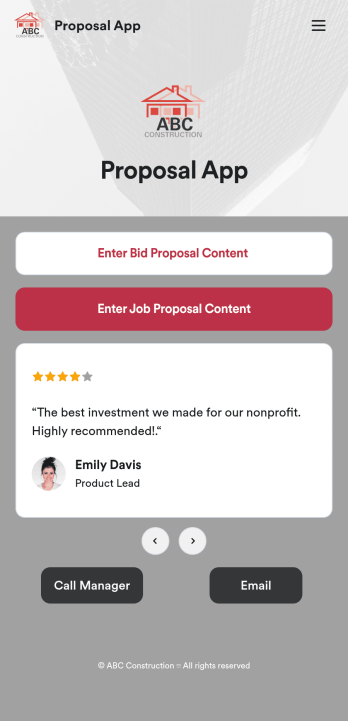
Custom Proposal App
Proposals are necessary for assuring clients that your construction services are the right fit for the job. Share and fill out your proposal forms in one place with our free Proposal App for construction companies and contractors. This ready-made app template includes a bid proposal form and job proposal form where users can enter client, contractor, and project details from any device. Since this app works with our Job Proposal PDF Template, form submissions will automatically turn into professional PDFs!Customizing your Proposal App only takes a few minutes with our drag-and-drop builder. Without any coding, you can create and add new forms, embed links to other pages, include images, and update app details such as name, icon, and splash page for a fully-custom design. When your app is ready to use, it can be downloaded from any smartphone, tablet, or computer. Make a good impression on your clients with a professional and personalized Proposal App for your services!
Go to Category:Finance Apps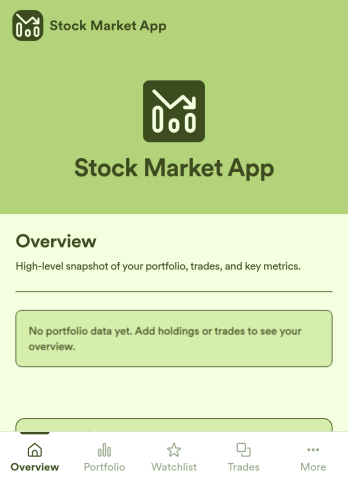
Stock Market App
Stock Market App is an app template designed to centralize and streamline financial data collection for financial service providers, fintech startups, investment platforms, and organizations. Its main purpose is to serve as a reliable platform for tracking stock market activity, monitoring investments, and providing users with a comprehensive view of their financial information in one system. With its ready-to-use functionality, this app template is an efficient solution for financial coordinators seeking to eliminate scattered data sources and bring consistency to their investment monitoring processes. The Stock Market App collects relevant financial data, making it a must-have for firms looking to simplify and optimize their investment tracking, especially in an environment of fast-paced stock market dynamics.Jotform’s no-code, drag-and-drop interface helps financial service providers easily customize their Stock Market App with their branding, fonts, and colors without the need for technical know-how. The addition of e-signature capabilities further streamlines data collection by enabling users to authenticate and approve transactions directly within the app. Ease of use is at the heart of Jotform's offering, and this extends to sharing and accessibility as well. The Stock Market App can be accessed on any smartphone, tablet, or desktop, and installed directly to users' home screens without requiring an App Store download. This seamless experience, combined with Jotform’s commitment to providing ready-to-use, effective solutions, makes the Stock Market App an invaluable addition to any financial service provider’s operational workflow.
Go to Category:Finance Apps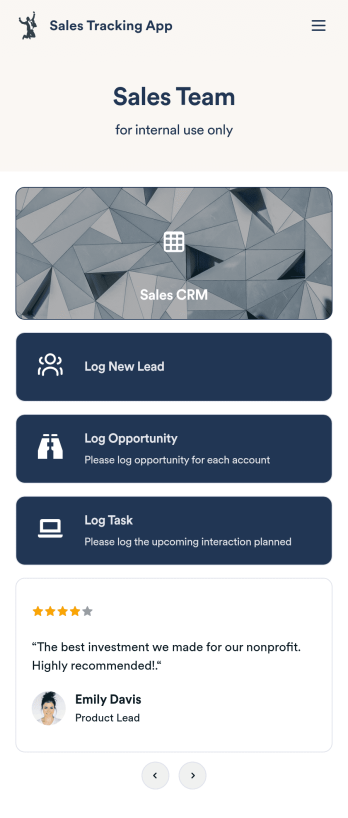
Customizable Sales Tracking App
A sales tracking app enables you to track your sales from any device. Get started with our free Sales Tracking App for businesses of all sizes. This ready-to-use app bundles multiple forms that you can sync to your CRM, so you can create a seamless workflow for generating leads and logging tasks. To get started, customize the template for your company using our drag-and-drop app builder. When you’re satisfied with the look and feel of your app, download it on your smartphone, tablet, or desktop computer, or share it with other members of your sales team to save onto their own devices.Customizing this Sales Tracking App for your sales team won’t require any coding. In just a few clicks, you can create new forms, integrate them with your CRM, embed links, add images and buttons, and change app settings such as name, icon, and splash screen for a fully-custom experience. To share it, just copy and paste the app link in emails or messages to your sales team members. Your Sales Tracking App will be easy to pull up on any device, so you can track and grow sales no matter where you are — even on the go.
Go to Category:Company Portal Apps