
AI Session Tracking App is an app template for recording, reviewing, and evaluating sessions involving artificial intelligence tools or processes. Consultants, project teams, researchers, trainers, and operations staff can use it to maintain a consistent record of each session without relying on scattered notes. Users can start a new session, revisit session details and review notes, track follow-up actions and outcomes, and view connected insights. This organized history makes it easier to compare results, identify recurring issues, monitor progress, and support informed decisions across pilots, evaluations, client work, training programs, and internal initiatives.
Jotform App Templates help teams turn repeatable processes into accessible digital experiences. With Jotform’s no-code app builder and drag-and-drop interface, you can tailor this app template with branded pages, navigation cards, forms, and supporting content. Connect data collection to tables, approvals, notifications, and other workflow steps so session information remains useful after it is recorded. The finished app can support self-service access on desktop and mobile devices, then be shared through a direct link, custom app URL, embedded experience, or scannable code.
Related templates
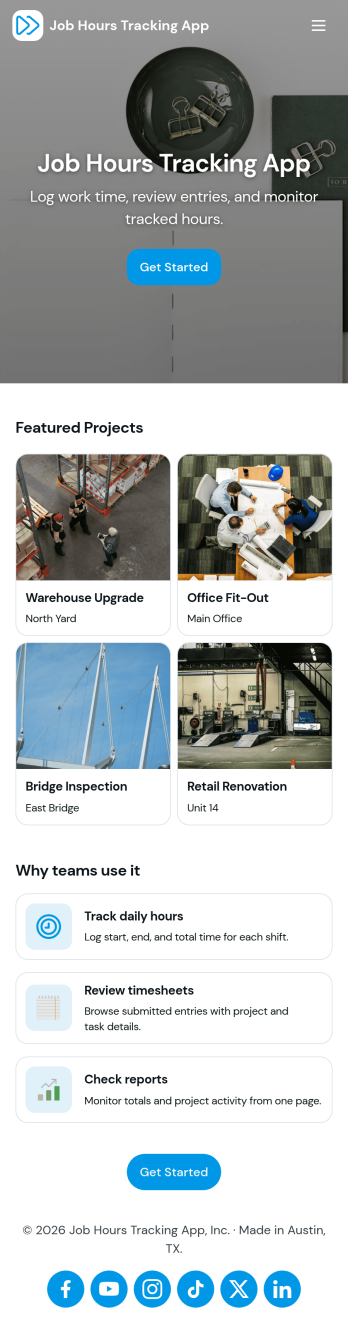
Job Hours Tracking App
Job Hours Tracking App helps teams record shift time in one place, so payroll prep and time reviews don’t depend on scattered notes or messages. Employees can quickly log a shift, add another shift when they’re done, and review My Entries to confirm what they’ve submitted. It’s a practical fit for small businesses, agencies, field service crews, and hourly teams that need a clear timesheet view by employee and a consistent way to capture work hours across roles.Jotform makes it easy to turn this app template into a polished, self-service experience without coding. With a drag-and-drop interface, you can adjust pages, buttons, and the connected form that collects shift details, then share the app as a simple link for your staff. As entries come in, you can keep your workflow organized for approvals, reporting, and ongoing operations while maintaining a single source of truth for job hours tracking.
Go to Category:Activity Tracking Apps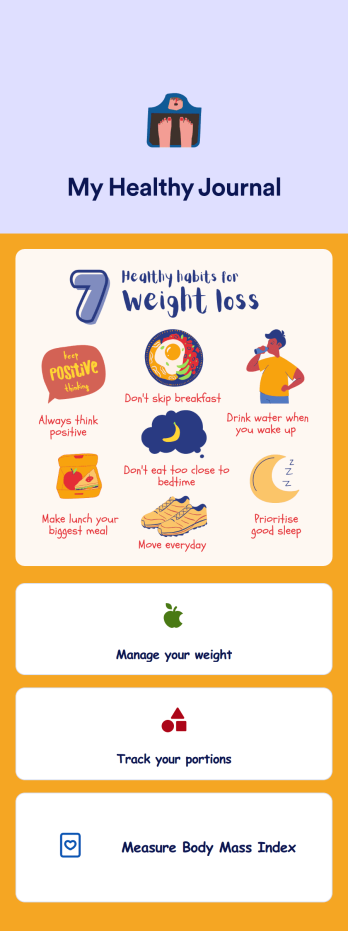
Weight Loss Journal App
A weight loss journal app is used by personal trainers or by individuals to keep track of meals, portion sizes, body mass index (BMI), and more. With this free Weight Loss Journal App, you can stop tracking your weight loss journey with pen and paper and do it in a convenient app that works great on iOS and Android devices! Just customize the app, download it, and start tracking instantly.Feel free to change the app design any way you like. Upload images, choose new fonts and colors, choose a new background or app icon, and make other changes with our drag-and-drop no-code builder. You can then share your custom Weight Loss Journal App with clients or download it instantly onto your smartphone, tablet, or computer.
Go to Category:Activity Tracking Apps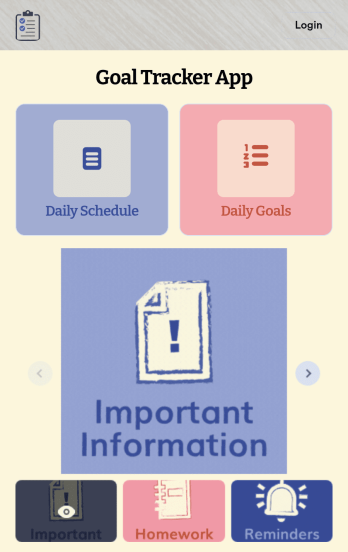
Customizable Goal Tracker App
Need an easier way for your clients to track their goals? With Jotform’s Goal Tracker App, you can build an online goal tracking app in minutes. Start creating your app from scratch or choose one of our ready-made app templates to get your creativity flowing. Add a contact form, let your customers create a schedule that works for them, showcase past client reviews, and more. Once you’ve customized your app to your liking, share with clients — downloadable onto any computer or iOS or Android device.Personalize your Goal Tracker App with Jotform’s easy-to-use app builder. Just drag and drop to change the look and feel of your app, add powerful app elements, install helpful app widgets, and integrate with one of our 25+ payment processors, including Stripe and Square. Share your customized app via email or embed it directly into your own website for easy access. Help your clients reach their goals with your very own Goal Tracker App — free on Jotform.
Go to Category:Activity Tracking Apps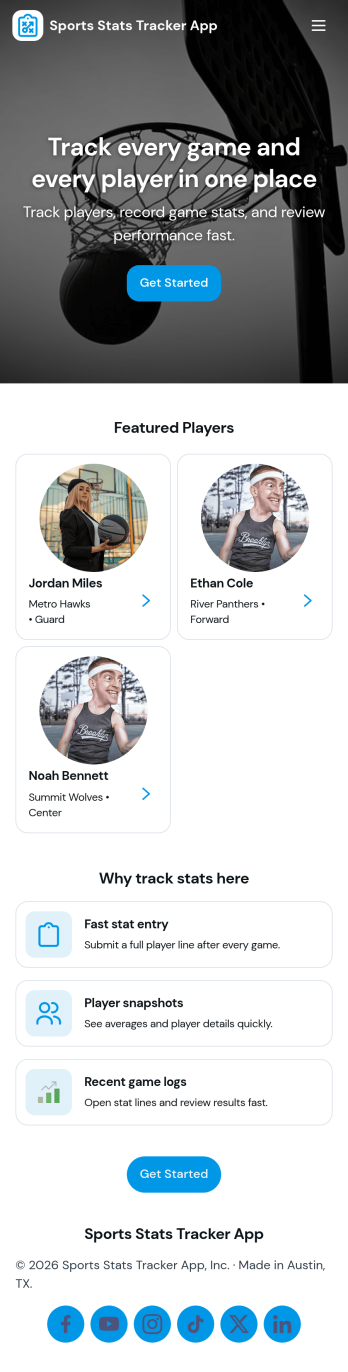
Sports Stats Tracker App
Sports Stats Tracker App helps teams record and review player and game performance in one place. Use it to keep a player list, log games, and add stat lines as results come in, making it easier to stay consistent across practices, tournaments, and full seasons. Coaches, team managers, club administrators, and even adult rec leagues can use the app to reduce missed details and create a reliable history of performance without juggling scattered notes.Jotform makes it simple to turn this sports tracking workflow into a polished, shareable experience. With Jotform’s no-code app builder and drag-and-drop interface, you can customize the pages for Players, Games, and Stats, connect forms for data collection, and keep records organized as your roster changes. Publish your app in minutes and share it with staff so everyone can support the same workflow and self-service access to up-to-date stats.
Go to Category:Sports Apps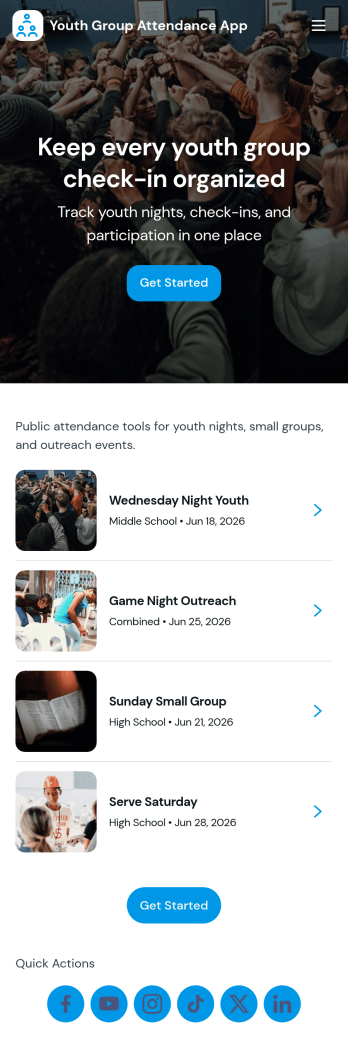
Youth Group Attendance App
Youth Group Attendance App helps youth leaders keep a reliable record of who’s involved and who shows up each week, without juggling paper sign-in sheets or scattered messages. Use it to maintain a simple member list, add new participants as they join, and run a quick check-in flow at meetings, small groups, retreats, or service nights. With dedicated areas for Members, Check-In, and Records, it supports fast attendance capture and easy lookups when you need to confirm participation, follow up with families, or understand engagement trends over time.Built with Jotform, this app template turns attendance tracking into a mobile-friendly self-service experience your team can use anywhere. Start with this app template, then customize pages, branding, and navigation in Jotform’s no-code app builder with a drag-and-drop interface. Connect your check-ins to forms and an Attendance Table to keep data collection organized, reduce manual updates, and support a smoother workflow for volunteers and staff.
Go to Category:Activity Tracking Apps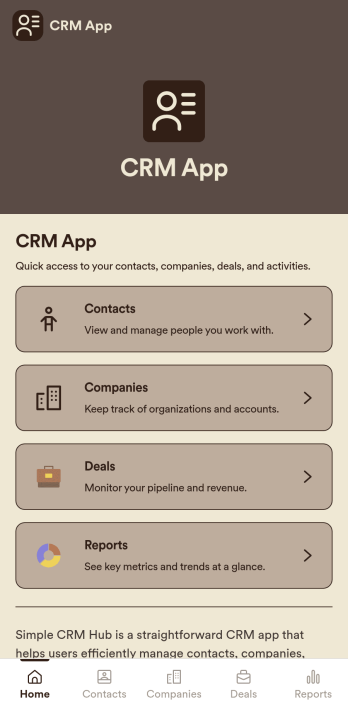
CRM App
CRM App is a practical app template designed to streamline operations for businesses, sales teams, customer support teams, and organizations. It acts as a centralized hub for customer data, allowing easy traceability of every interaction, and supporting sales and service workflows for effective relationship management. This ready-to-use app template is adept at collecting essential data from customers such as contact information, past interactions, preferences, and other crucial details. The CRM App benefits businesses by providing clarity in data management, ensuring consistency across departments, and simplifying data collection processes. It offers a systematic approach to maintaining customer records and is ideal for businesses aiming to eliminate manual data tracking and foster data-driven decision-making.With Jotform’s drag-and-drop interface, customizing the CRM App to match your business requirements is an effortless process. You can integrate electronic signature fields for seamless onboarding of clients, or for validating important transactions. The app proves to be a user-friendly solution for data collection and management, with its intuitive interface making it incredibly easy to use. The CRM App also enables you to generate comprehensive reports and create data sheets for further analysis. Leveraging these features, businesses can efficiently manage and monitor their customer relationships, resulting in improved customer satisfaction and retention. Experience the simplicity and efficiency of Jotform’s CRM App in managing your customer relationships today.
Go to Category:Activity Tracking Apps