
The Brand Ambassador Program App is a central workspace for marketing teams, community managers, and growing businesses that coordinate ambassador campaigns. It gives participants a convenient place to browse program resources, submit promotional activities, and review activity details such as dates, types, and supporting proof links. Organizations can use this app template to manage product advocacy, referral initiatives, social campaigns, event promotion, or community outreach without relying on scattered messages and spreadsheets. Clear resource access and consistent data collection help program managers monitor participation while giving ambassadors a simple self-service experience.
Jotform App Templates make it easy to adapt the Brand Ambassador Program App to a team’s processes and visual identity. With Jotform’s no-code app builder and drag-and-drop interface, users can update pages, navigation, buttons, and content without programming. Forms and connected workflows can collect activity reports, organize records, send notifications, and support internal reviews. Once customized, the app can be shared through a direct link or QR code, providing ambassadors with mobile-friendly access wherever campaign activity takes place.
Related templates
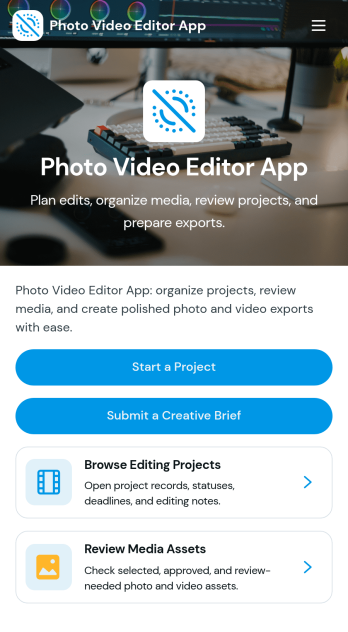
Photo Video Editor App
Photo Video Editor App brings your photo and video editing work into one organized place, so creators can plan edits, manage projects, and follow a consistent workflow from first draft to export. It’s useful for influencers, marketing teams, photographers, and editors who juggle multiple deliverables and need a clear way to create a project, browse a saved project library, and open each project to view key details like editing goals, source media links, and notes. With guided sections for photo and video workflows plus an export check, the app helps reduce missed steps and keeps production moving even when several people contribute.Jotform makes it easy to build and publish app experiences like this using customizable App Templates and a no-code app builder with a drag-and-drop interface. Connect pages to your forms and workflows to support data collection, keep project info consistent, and share a self-service hub with your team or clients. You can update the layout, add new steps, and tailor navigation as your editing process evolves, all without needing to write code.
Go to Category:Entertainment Apps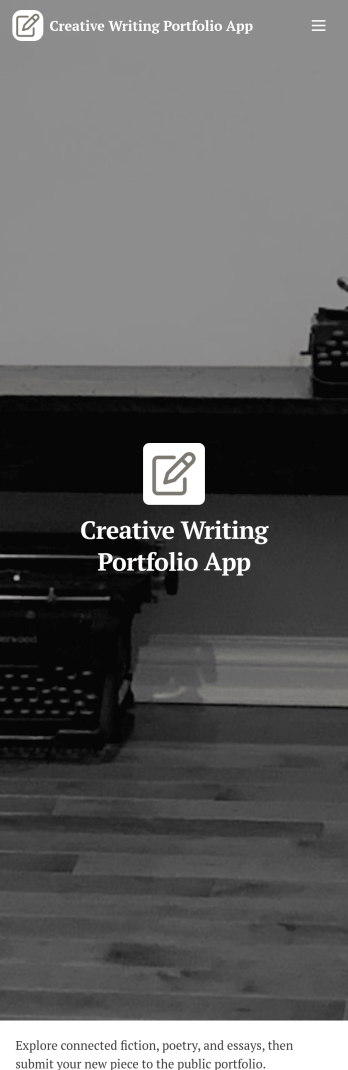
Creative Writing Portfolio App
Creative Writing Portfolio App brings your writing samples into one place so readers can browse, discover, and reach out without digging through scattered links. It works well for writers, students, MFA candidates, freelancers, writing groups, and small publications that want a simple way to present pieces by author and genre, invite new submissions, and answer common writing questions in a polished, mobile-friendly format. Visitors can explore the portfolio through a browsable list, open individual entries to read more, and use clear calls to action to submit a writing sample or contact the curator.With Jotform, you can turn this app template into a branded portfolio experience using a no-code app builder and a drag-and-drop interface. Connect the submission forms to your workflow, route new entries to the right person, and keep data collection organized in one system for review and follow-up. Publish and share your app in minutes, then refine pages, buttons, and content as your portfolio grows, giving audiences an easy self-service way to engage with your work.
Go to Category:Influencer Apps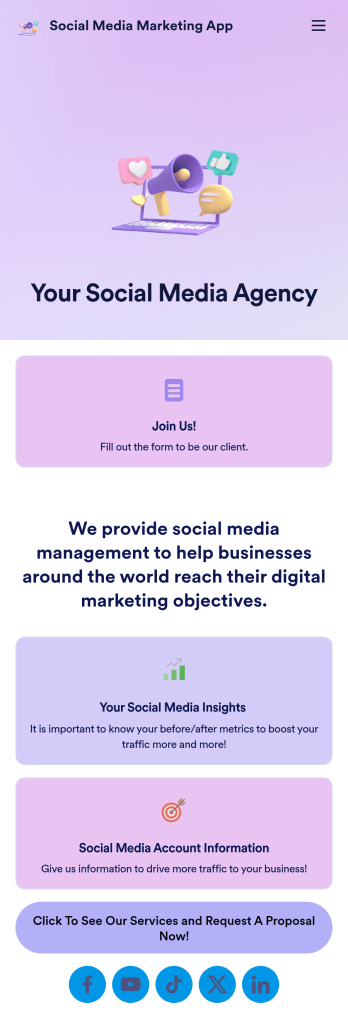
Social Media Marketing App
A social media marketing app is used by social media managers or marketing agencies to list their services, accept proposal requests, and list their contact information. With this ready-made Social Media Marketing App, your business can provide clients with a convenient mobile app — which they can instantly download onto their smartphone for easy access.Need to make design changes? Add your company logo and branding, update the listed services, and change the app background, colors, and icon for a personal touch. No coding knowledge is required with our drag-and-drop builder! Give your customers a quicker way to contact you and book your services with a custom Social Media Marketing App.
Go to Category:Consulting Apps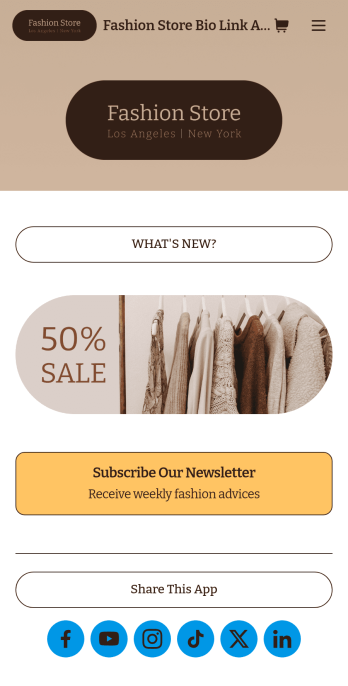
Brand Instagram Bio Link App
Add an app to your Instagram bio with a free Brand Instagram Bio Link App from Jotform. Whether you’re looking to share company promotions, campaigns, announcements, or sell products through your Instagram bio, bundle it all together in an app that your followers can view or download on any device. Any responses submitted through your app’s forms will be stored securely in your Jotform account, so you can view them and get in touch with your customers fast.Make this Brand Instagram Bio Link App template match your branding by uploading your logo, changing the app icon, uploading a new background image, and adding as many links, forms, images, documents, and buttons as you’d like. You can then copy and paste the app link directly into your bio for easy access. Create a custom app to gather information and sell products through your Instagram bio in a few quick clicks with Jotform’s free Brand Instagram Bio Link App.
Go to Category:Influencer Apps
Copywriter App
A copywriter app is used to book a copywriter’s services. If you’re a copywriter and want to create a free downloadable app for your clients to use, get started with this Copywriter App from Jotform. You can add your services and pricing, collect quote requests and appointment bookings, and gather payments on any device.Want to make changes to this app? Feel free to add your branding and logo, showcase your portfolio, include your social media links, and more. You can even integrate with a payment processor to gather payments from clients — while paying no extra transaction fees to Jotform. Take your copywriting business to the next level with a convenient Copywriter App for iOS and Android.
Go to Category:Online Service Apps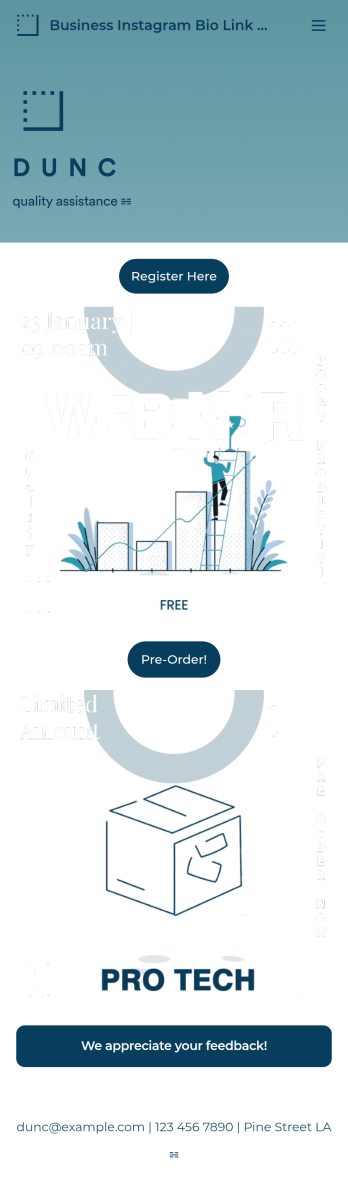
Business Instagram Bio Link App
Create an app to add to your company’s Instagram bio with Jotform’s Business Instagram Bio Link App. With this app template, you can make company announcements, showcase webinars and events, create pre-order forms, and have your followers submit feedback — all accessible from a single app in your Instagram bio. Submissions made to your app are stored in your secure Jotform account, which you can view on any smartphone, tablet, or desktop.Make this Business Instagram Bio Link App your own by adding your own branding. Just use Jotform’s drag-and-drop form builder to upload your logo or a background image, choose a custom app icon, change fonts and colors, and more — no coding required. You can also fully customize your app’s splash screen by adding or changing form elements or installing widgets. After you’re finished, simply copy and paste a link to your app in your Instagram bio and you’re off and running. Create an all-in-one app that your followers can access on any device with this free Business Instagram Bio Link App.
Go to Category:Information Technology Apps