
Call Time Allowance App gives managers, operations teams, and employees a central place to assign approved call minutes, record call usage, and review remaining balances. It suits organizations that need to monitor time allocated for customer outreach, support conversations, interviews, consultations, or other work-related calls. Users can browse current allowances, check approved minutes and active dates, add contextual notes, and log each call with its purpose. This clear record helps teams reduce manual calculations, identify usage patterns, and keep call activity within assigned limits.
Jotform App Templates make it easy to adapt this app template to an existing process without writing code. With Jotform’s no-code app builder and drag-and-drop interface, teams can adjust pages, navigation, branding, and connected forms to suit their workflow. Information collected through the app can be organized for convenient review, while direct links and scannable codes provide simple mobile access. Publish a polished self-service experience that brings allowance management, data collection, and call records together in one accessible location.
Related templates
Construction Project Tracker
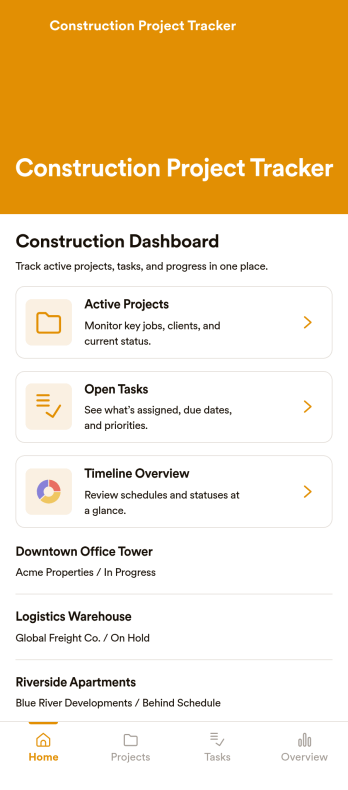
Construction Project Tracker is an app template designed to streamline the management of multiple construction projects. This template serves as a comprehensive platform for tracking tasks, timelines, budgets, and progress updates, which are essential for construction professionals, contractors, project managers, site supervisors, and small to mid-sized construction companies. It simplifies project management for subcontractors and field teams by providing real-time updates, eliminating the need for complex software. The template collects daily site activity, allowing users to upload photos and update task statuses to keep everyone aligned. Its table view facilitates easy scanning of project details, identifying delays, and prioritizing work, while the dashboard provides a quick overview of project status. The Construction Project Tracker offers a clear and straightforward solution for property developers and homeowners managing builds. It's the go-to digital assistant for systematic organization and seamless project progression.Utilizing the Jotform's No-Code App Builder, the Construction Project Tracker can be customized to match your project management style without needing any coding knowledge. Its drag-and-drop interface allows for straightforward layout customization, enabling you to design a tracker that fits your needs perfectly. You can also leverage Jotform's payment integrations to manage project budgets directly within the app, offering a centralized solution for all your construction project tracking needs. What's more, with Jotform's cross-platform compatibility, you can manage your projects on any device, whether it's a smartphone, tablet, or desktop. Stay on top of your construction projects with the Construction Project Tracker from Jotform!
Go to Category:Activity Tracking Apps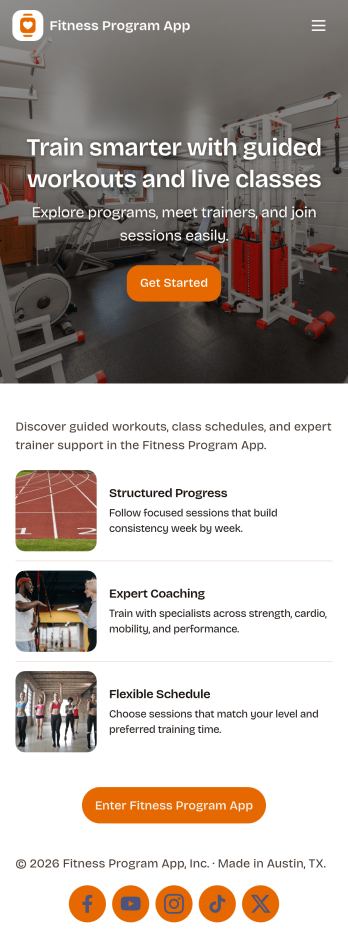
Fitness Program App
A fitness program app brings your training plan into one place so people can find workouts, stay consistent, and see momentum over time. This template fits personal trainers, gyms, wellness coaches, and anyone running a structured program for clients or a community. Participants can browse workouts, log a check-in after each session, and review progress without searching through messages or spreadsheets. It works well for multiweek challenges, small-group coaching, or self-guided routines where you want clear next steps and simple habit tracking.Jotform helps you turn this experience into a branded, shareable app using app templates and a no-code app builder with a drag-and-drop interface. Connect workout lists and check-in forms to keep data collection organized, route updates through a simple workflow, and give clients a self-service way to interact with your program from any device. You can publish quickly, update content as your plan evolves, and keep everything aligned with how your program actually runs.
Go to Category:Activity Tracking Apps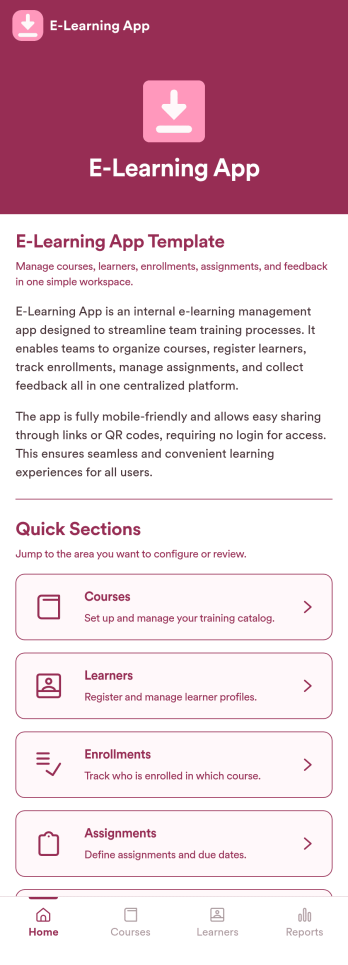
E-Learning App
E-Learning App is an app template designed to foster the creation and management of online learning experiences, specifically tailored for educators, training providers, schools, and organizations. It provides a structured platform for the seamless delivery of educational content and training programs, creating a centralized hub for learning materials, assignments, quizzes, and discussions. The integrated data collection feature ensures the capture of vital learner data, such as enrollment details, progress tracking, and feedback, making it a comprehensive solution for educational and training workflows. It is commonly used for distance learning, corporate training, and continual professional development programs, and is best suited for those needing a ready-to-use, robust platform for delivering a streamlined e-learning experience.Jotform’s intuitive, no-code app builder makes customizing your E-Learning App a breeze. Personalize the app to align with your organizational branding: swap out forms, choose fonts and colors, and upload your logo without a single line of code. Its cross-platform compatibility allows your learners to access the app on any smartphone, tablet, or desktop, ensuring a consistent learning experience across different devices. With the added convenience of electronic signature collection, authentication of important documents such as consent forms and agreements becomes effortless. Take advantage of Jotform's seamless integration with Sheets for easy management and visualization of collected data, and generate comprehensive reports to track learner progress and course effectiveness. With Jotform, managing your online learning program becomes an easy, efficient, and rewarding process.
Go to Category:Activity Tracking Apps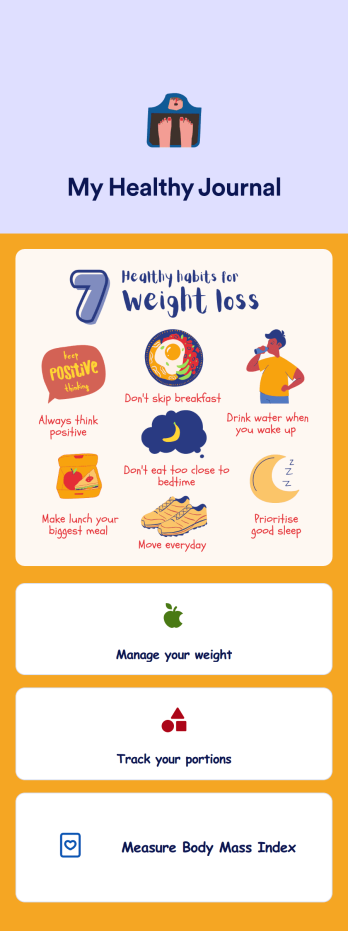
Weight Loss Journal App
A weight loss journal app is used by personal trainers or by individuals to keep track of meals, portion sizes, body mass index (BMI), and more. With this free Weight Loss Journal App, you can stop tracking your weight loss journey with pen and paper and do it in a convenient app that works great on iOS and Android devices! Just customize the app, download it, and start tracking instantly.Feel free to change the app design any way you like. Upload images, choose new fonts and colors, choose a new background or app icon, and make other changes with our drag-and-drop no-code builder. You can then share your custom Weight Loss Journal App with clients or download it instantly onto your smartphone, tablet, or computer.
Go to Category:Activity Tracking Apps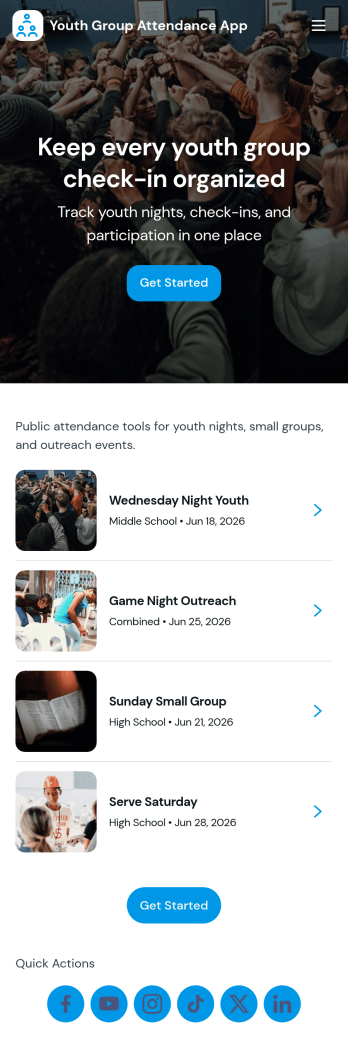
Youth Group Attendance App
Youth Group Attendance App helps youth leaders keep a reliable record of who’s involved and who shows up each week, without juggling paper sign-in sheets or scattered messages. Use it to maintain a simple member list, add new participants as they join, and run a quick check-in flow at meetings, small groups, retreats, or service nights. With dedicated areas for Members, Check-In, and Records, it supports fast attendance capture and easy lookups when you need to confirm participation, follow up with families, or understand engagement trends over time.Built with Jotform, this app template turns attendance tracking into a mobile-friendly self-service experience your team can use anywhere. Start with this app template, then customize pages, branding, and navigation in Jotform’s no-code app builder with a drag-and-drop interface. Connect your check-ins to forms and an Attendance Table to keep data collection organized, reduce manual updates, and support a smoother workflow for volunteers and staff.
Go to Category:Activity Tracking Apps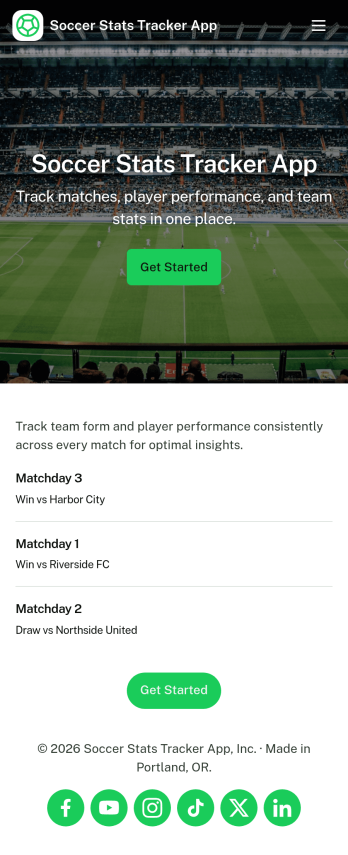
Soccer Stats Tracker App
Soccer Stats Tracker App helps coaches, team managers, and players keep key team information organized in one place, from player lists to match history and recent results. Use it to maintain a clear roster, quickly look up player details, and log matches as the season progresses, so you always have a reliable record to reference during training, selection decisions, and post-game reviews. It works well for youth clubs, school teams, amateur leagues, and tournament squads that want a simple way to stay consistent with match tracking without relying on scattered notes or spreadsheets.Built with Jotform App Templates, this app template is easy to tailor with a no-code app builder and a drag-and-drop interface, so you can publish a mobile-friendly experience without development time. Connect roster and match logging to your existing Jotform workflows for data collection, keep updates in sync as your team changes, and share a self-service link with staff or players to keep everyone aligned throughout the season.
Go to Category:Sports Apps