
Client Paperwork Intake App provides consulting firms, agencies, contractors, professional service teams, and independent providers with a central place to collect and review paperwork from new or existing clients. Clients can submit required information and supporting documents through a clear intake experience, while staff can browse individual client records and reference contact details without sorting through scattered emails. This app template is useful for onboarding, project preparation, account updates, service requests, and other processes that depend on receiving complete paperwork before work can begin. It reduces manual follow-ups, keeps intake records organized, and gives clients a convenient self-service option.
Jotform Apps helps teams turn this workflow into a polished, mobile-friendly experience without writing code. Use the drag-and-drop app builder to adjust pages, cards, buttons, navigation, colors, and fonts to match your process and visual identity. You can connect forms for data collection, organize submitted details in tables, add approval steps, and trigger notifications for timely follow-up. Once customized, the app can be published and shared through a direct link or QR code, making Jotform app templates a practical starting point for consistent client intake across office and remote service settings.
Related templates
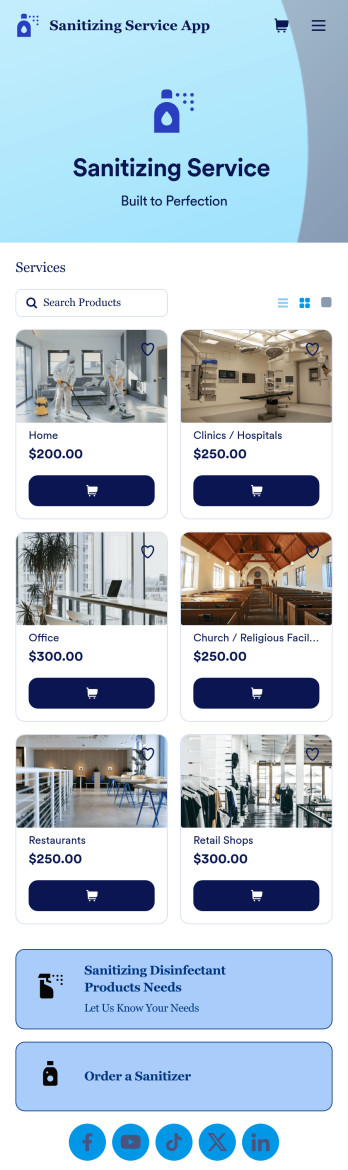
Sanitizing Service App
Sanitizing service apps are used by clients to book services from companies that offer sanitization and cleaning services. If you’re looking to build a professional app for your sanitization business, look no further than this ready-made Sanitizing Service App from Jotform. Upload available booking times, detail your different services, link to company reviews, add product descriptions, and more!Customize the look and feel of your Sanitizing Service App with Jotform’s easy-to-use online app building tool. Pick colors and fonts you like, integrate with payment services to collect fees up front, upload branding assets, pick a backsplash, and more. Create the perfect app for your services with Jotform Apps today.
Go to Category:Customer Portal Apps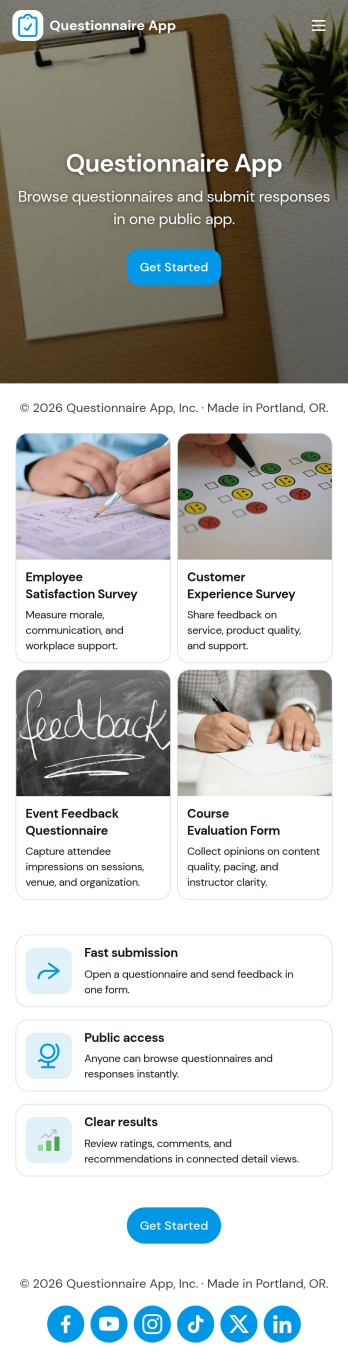
Questionnaire App
A questionnaire app brings your questions, response collection, and follow-up into one place so you can gather consistent input without juggling links or spreadsheets. Use it to create and share questionnaires for customer discovery, employee feedback, student check-ins, intake and screening, research, or post-event evaluation. With clear paths to build a questionnaire, submit a response, and review responses, this app suits teams that need repeatable data collection and an easy way to look back on what people said.Jotform makes it simple to publish this Questionnaire App using app templates and a no-code app builder with a drag-and-drop interface. Connect your questionnaires to forms for fast data collection, organize responses in connected tables, and route information through automated workflow steps when needed. Share the app with a link so people can complete questionnaires from anywhere, while your team manages updates and response review in a single self-service experience.
Go to Category:Quiz Apps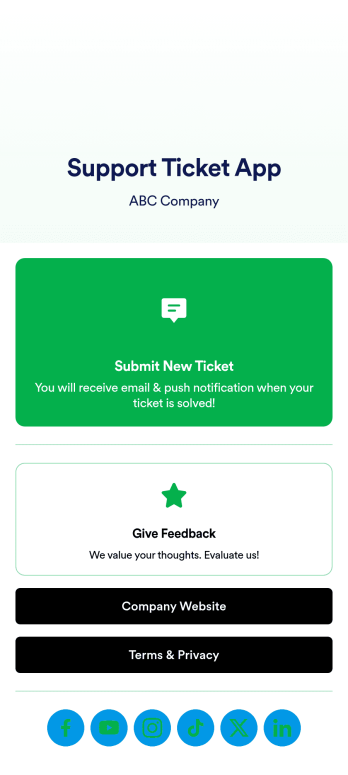
Support Ticket App
Jotform's Support Ticket App template allows customer support teams and IT departments to efficiently manage customer inquiries and issues without any coding. This free, no-code app builder enables users to create a fully customized app with forms, widgets, products, and branding that can be downloaded onto any device. With this template, support teams can collect tickets and feedback to streamline their ticketing system and provide timely assistance to customers.Are you looking for a way to simplify your customer support process? Jotform's Support Ticket App template is the solution you need. With features like a drag-and-drop builder, powerful app elements, and 70+ app widgets, you can create a seamless experience for your customers. Improve user engagement with push notifications and give users access to their submission history. Experience the ease of use and customization that Jotform Apps offer, making it the perfect choice for customer support teams and IT departments.
Go to Category:Customer Portal Apps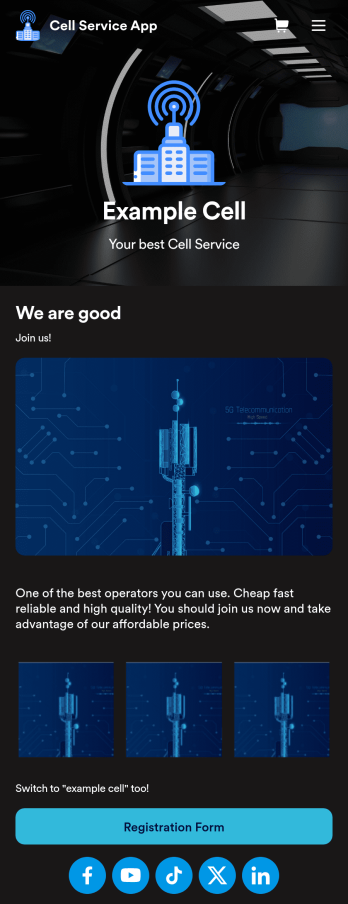
Cell Service App
If you sell cell phones or are a cell phone service provider, use this free Cell Service App to give customers an easy way to contact you and purchase your products or services! Start by customizing the app template to match your needs and branding — then share the app to be downloaded onto any iOS or Android tablet or smartphone. Customers can then submit orders, feedback, and other form responses on the go.Want to customize the design of this Cell Service App template? Drag and drop to get the look you want. Add your logo and products, update the app icon and background, split the app into multiple pages, and make other design changes in seconds with no coding required. All submissions through your custom Cell Service App are stored securely in your Jotform account, ready to view and respond to fast.
Go to Category:Customer Portal Apps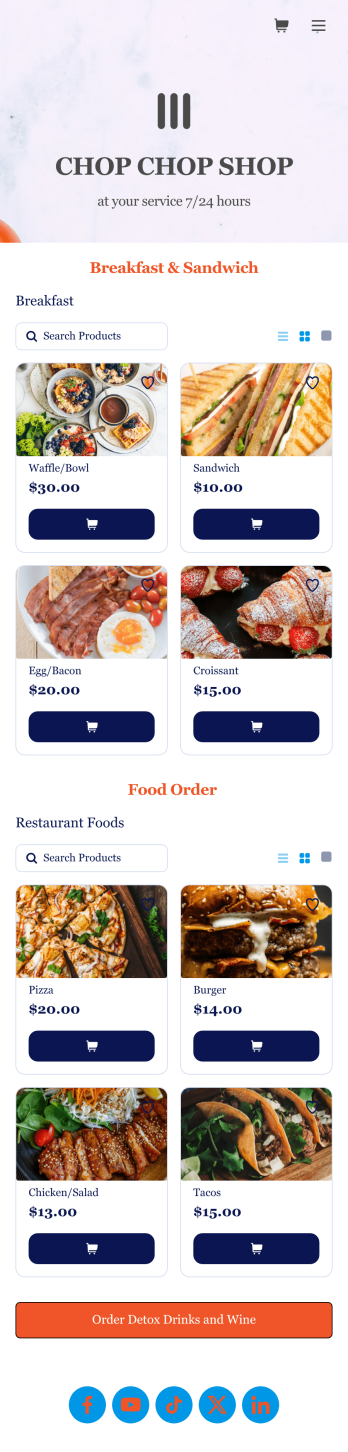
Food Order App
Discover how to sell food orders online with Jotform. No matter what type of cuisine you serve, make online ordering easy for your customers and sell food orders online with Jotform’s free Food Order App! This customizable mobile app bundles together multiple order forms and contact forms. Once they’ve downloaded your app onto their favorite device, customers can easily place their orders and submit payments all in one go. You’ll receive form submissions instantly, so you can begin fulfilling orders without delay.Customize this Food Order App for your business in just a few clicks. Jotform’s drag-and-drop interface makes it easy to create and attach forms, upload logos, add links, and include other elements in your mobile app. When you’re done customizing, share your app with customers by posting the link on your website, social accounts, or in newsletter emails. Customers can save your Food Order App onto their computer or any iOS or Android device, so they can order your food no matter where they are!
Go to Category:Delivery Apps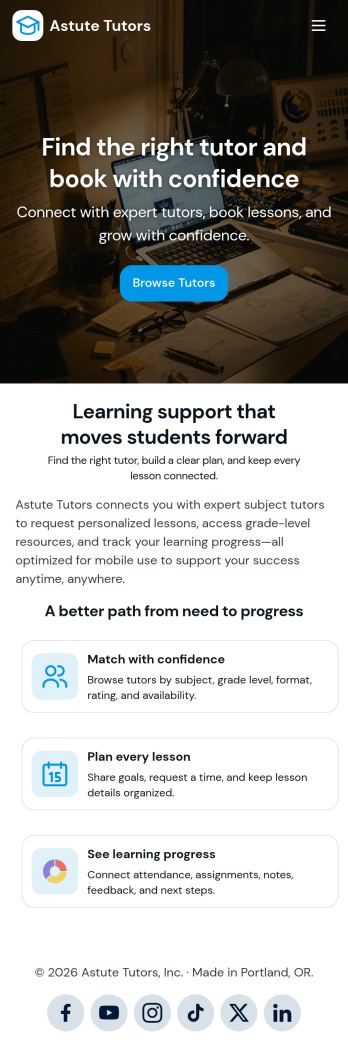
Tutoring App
Tutoring App is an app template designed to streamline the process of finding and connecting with suitable tutors. This app aids in the submission of tutoring requests, providing a platform for students, parents, and educational institutions to specify their learning goals and subject needs. This app is ideal for anyone in need of personalized academic support and learning assistance, providing a central hub for one-on-one or group instruction. The template collects information such as subject areas, desired tutoring schedules, and specific learning objectives, bringing clarity and consistency to the tutor-student matching process. It is a perfect fit for those desiring an efficient and systematic approach to locating the right tutoring support.Jotform's Tutoring App brings additional benefits to the tutoring process by offering cross-platform compatibility enabling usage across smartphones, tablets, and desktops. With its no-code app builder, customization of the app is straightforward, allowing users to tailor the app to their specific needs without writing any code. Adding forms or customizing layouts is made possible with its drag-and-drop interface. The app also provides options for sharing directly via email, social media, or QR codes, thereby making it convenient for users to distribute their tutoring requests widely. Jotform's Tutoring App, with its focus on creating a seamless experience for its users, is the go-to solution for efficient and effective tutoring coordination.
Go to Category:Course & Training Registration Apps