
The Computer Donation and Assistance App is an app template for nonprofits, community groups, schools, and technology assistance programs that collect donated computers and connect people with needed devices. It brings donation intake, assistance requests, and computer resource information into one accessible experience. Donors can offer usable equipment, while individuals, families, students, or community members can request support through connected forms. Clear navigation helps visitors find relevant resources and understand how to participate, reducing scattered inquiries and making it easier for coordinators to manage outreach.
Jotform Apps helps organizations turn this template into a branded, mobile-friendly resource with no coding required. Use the drag-and-drop app builder to adjust pages, text, images, buttons, and navigation, then connect forms to organized data collection workflows. The finished app can be shared through a direct link or QR code, giving donors and assistance seekers convenient self-service access from nearly any device. Start with one of Jotform’s App Templates and customize the experience to match your program’s processes, eligibility guidance, and community resources.
Related templates
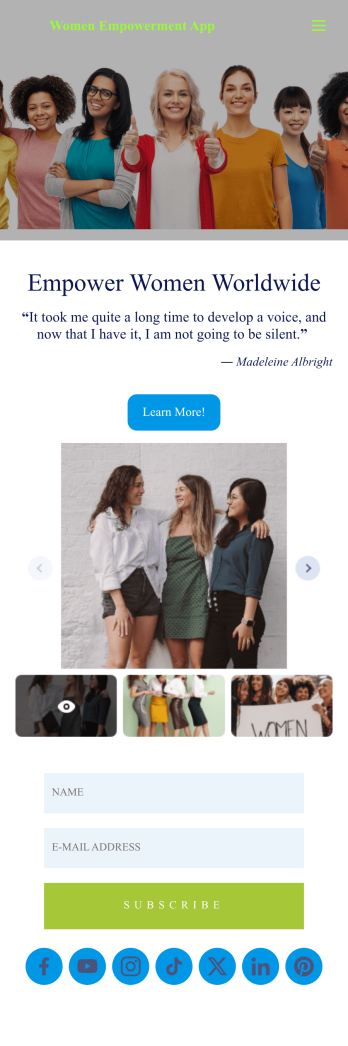
Women Empowerment App
A women empowerment app is used by charities or nonprofits whose goal it is to empower women. With this free downloadable mobile app, you can give supporters of your cause a more convenient way to donate, sign up for your email list, see upcoming events, or view contact information. Use the app as is or customize it in a few easy clicks, then share it for download on iOS or Android.Feel free to add your logo, enter event information, and personalize the look of the app with our drag-and-drop builder. You can even connect with 30+ payment processor integrations to receive donations with no extra transaction fees! Once your custom Women Empowerment App is ready to go, you’ll be free to start collecting donations, event registrations, and more on any device.
Go to Category:Community & Engagement Portal Apps
Animal Shelter App
An animal shelter app is a mobile app used by animal shelters to showcase available animals, receive donations, collect volunteer signups, and more. Put all of your organization's important information into a single shareable app with this free Animal Shelter App from Jotform Apps! Once you’ve customized it to your liking, add it to your social media bios or send it to your email list to get it in front of your audience.No coding knowledge? No problem. Just drag and drop to get the design you want. Include photos of your animals, customize donation amounts, add your logo and branding, and make other changes in seconds. Supporters can even download your custom Animal Shelter App onto their iOS or Android devices for easy access — perfect for boosting engagement with your shelter.
Go to Category:Donation Apps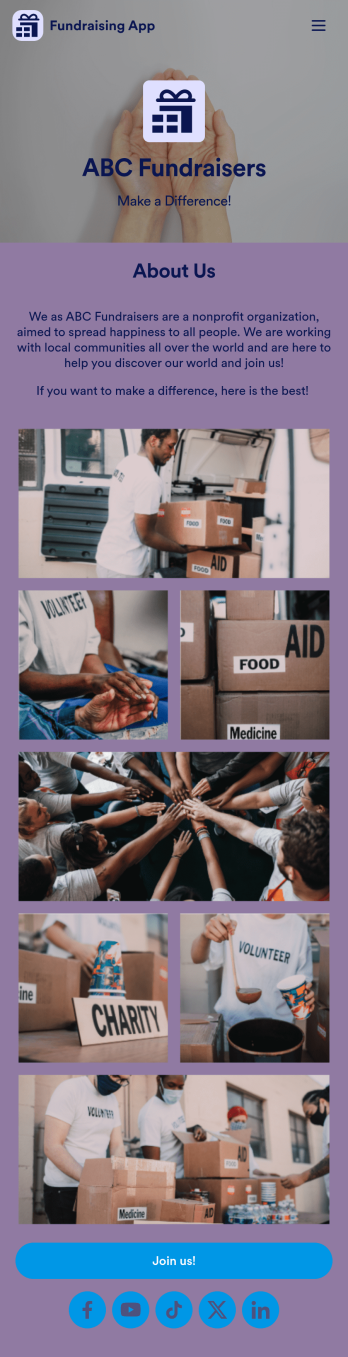
Fundraising App
Make fundraising fun and enjoyable for all with this intuitive online Fundraising App from Jotform. Add sign up sheets, track and collect volunteer hours, process donor payments, collect RSVPs, and more. You can also log your organization’s expenses and payments using Jotform Tables — perfect for small and large nonprofit organizations.Want to make changes to your Fundraising App? No problem! All you have to do is use our drag-and-drop app builder to add your own personalized look and feel. Upload videos or images of previous fundraisers, change up colors and fonts, add a fun app backsplash, and so much more. Once you’re done customizing, all you need to do is share your fundraising app’s link by putting it in your social media bios or by email.
Go to Category:Community & Engagement Portal Apps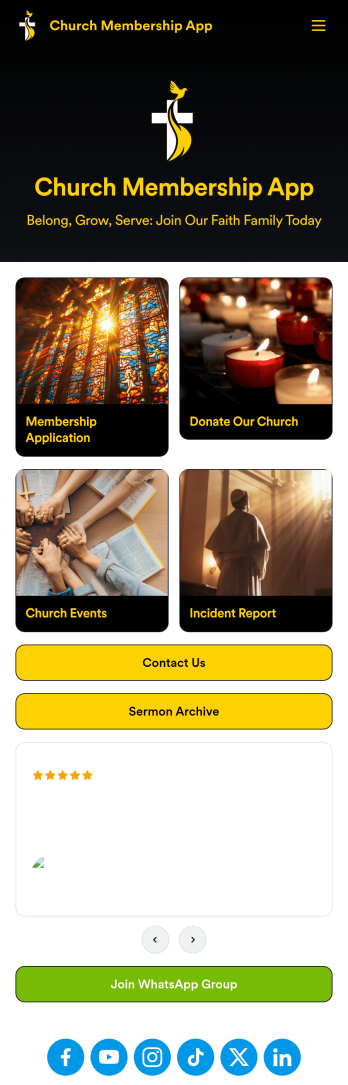
Church Membership App
A church membership app is a type of mobile application used by churches to manage their day to day operations. With this ready-made Church Membership App from Jotform Apps, you can receive new member applications, collect donations, sign up volunteers for upcoming events, and more. Simply use this app template, customize it to your liking, and share it with your community.Want to change the look and feel of this Church Membership App? No problem. Drag and drop to make any changes you see fit. Add or remove forms, change fonts and colors, add useful widgets like our Donation Box, and more. You can even integrate your app with 200+ platforms to send data directly to your other accounts — it’s that easy with Jotform.
Go to Category:Community & Engagement Portal Apps
Taxi Tip App
Collect tips on the road with your own custom Taxi Tip App from Jotform Apps — great for rideshare drivers or taxi companies. Gather donations or tips from customers or clients seamlessly with the Donation Box element. Add a donation progress bar if you have a goal amount in mind, or input your own custom tipping amounts to give it a more personal feel.Need to change up the look and feel of this Taxi Tip App? Not a problem. Use our drag-and-drop app builder to personalize your app. Upload branding assets or images, integrate with a payment gateway of your choosing, add previous customer reviews, change fonts and colors, and much more. After you’re done designing your app, all you need to do is share it via QR code, direct link, or by embedding directly into your taxi or rideshare website.
Go to Category:Donation Apps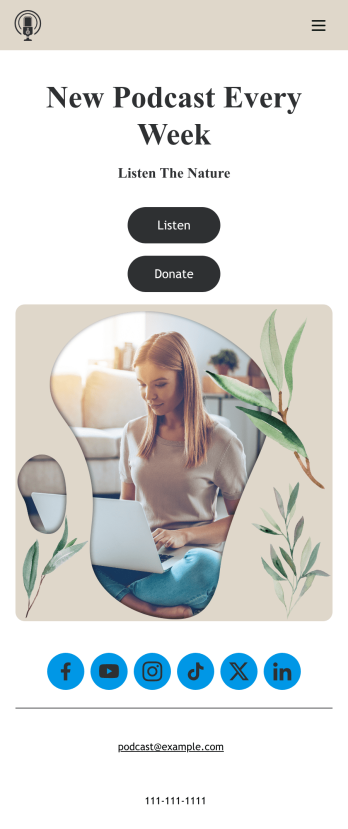
Customizable Podcast App
Consolidate your podcast episodes and collect listener donations from a single convenient location with Jotform’s free Podcast App. Build an app from scratch or choose one of our ready-made app templates — then make it your own without any coding knowledge. Embed individual podcast episodes or entire seasons with our Spotify and SoundCloud widgets. You can also collect listener donations directly through your app with Jotform’s 30+ payment processors with no additional fees to Jotform.Personalize your Podcast App with our intuitive app builder. Simply drag and drop to add additional forms and pages, choose fonts and colors, install powerful widgets and integrations, and upload your unique branding. Once you’re satisfied with the look and feel, you can share your custom app by sending email invites, including links in your social media accounts, or by seamlessly embedding it in your website. Create a one-stop shop for your podcast with this Podcast App that works on any device.
Go to Category:Donation Apps