
Computer Optimization Service App is an app template for computer repair specialists, information technology consultants, support teams, and independent technicians who need a clear way to present optimization services and receive customer requests. Customers can review available service options, view relevant details, submit a service request, and understand the follow-up stages from one convenient location. This self-service experience reduces unclear inquiries, helps technicians collect consistent information, and gives customers greater visibility into what happens next. It is suitable for handling performance tuneups, startup improvements, software cleanup, system assessments, and related support for individuals or businesses.
Jotform App Templates make it easy to adapt this app template to your services without writing code. Use the no-code app builder and drag-and-drop interface to update pages, navigation, service information, colors, fonts, and other visual elements. You can connect forms, tables, approvals, and automated workflows to support data collection and organize incoming requests. Once the Computer Optimization Service App matches your process, publish it for mobile-friendly access and share it through a direct link, personalized web address, or QR code. Jotform helps service teams create a polished customer experience while keeping requests and resources connected.
Related templates
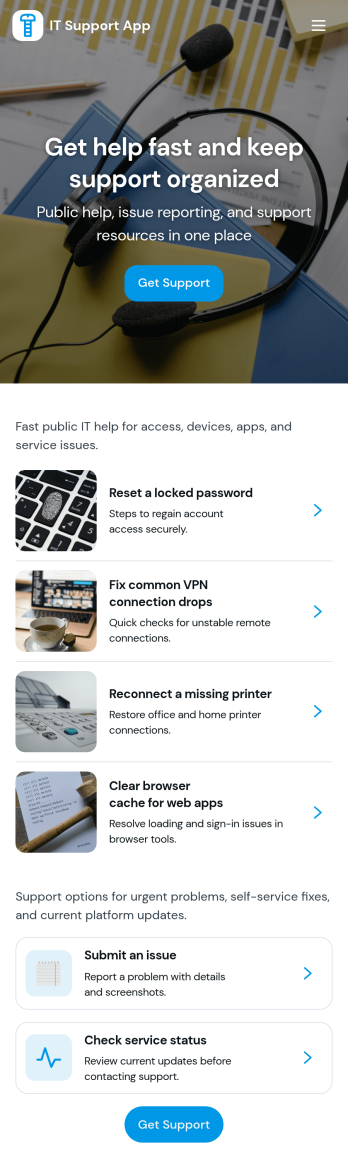
It Support App
It Support App helps teams centralize everyday IT help desk requests so employees can report issues, check service status, and find answers without guessing who to contact. It works well for internal IT departments, MSPs supporting multiple clients, and operations teams that need a simple front door for support. With clear entry points for creating a new ticket, browsing a knowledge base, and viewing service status updates, the app reduces repeated questions and keeps requests organized from the start.Built with Jotform App Templates, this app template can be tailored in a no-code app builder with a drag-and-drop interface, so you can adjust pages, labels, and navigation to match your support process. Connect ticket intake to Jotform forms and route responses into workflows your team already follows, then share the app via link or QR code for easy self-service on any device. As requests grow, Jotform helps you keep data collection consistent and make support interactions faster for both employees and IT staff.
Go to Category:Information Technology Apps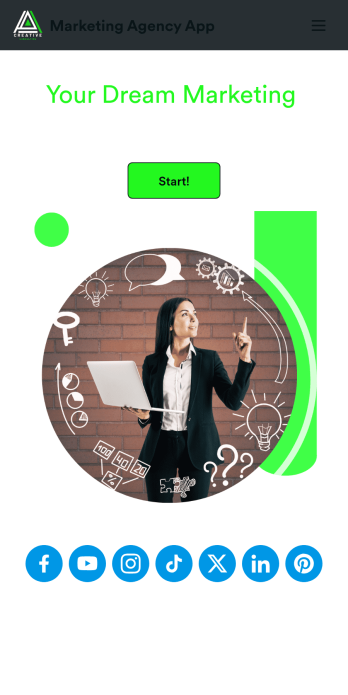
Marketing Agency App
Reach a wider audience and take your marketing agency online with a branded app from Jotform Apps. With this ready-made Marketing Agency App, you can showcase your offered services, marketing portfolio, and link to your social media accounts. Clients can access and download your app onto any smartphone, tablet, or desktop computer in seconds.Want to personalize this Marketing Agency App to suit your needs? No problem! Jotform’s drag-and-drop builder makes it easy to add form elements, install helpful widgets and integrations, change fonts and colors, upload your agency’s unique branding, and much more without any coding or design knowledge. Share your app by sending email invitations, including the app link in social media accounts and posts, or by seamlessly embedding it in your company website with a simple copy-paste code.
Go to Category:Consulting Apps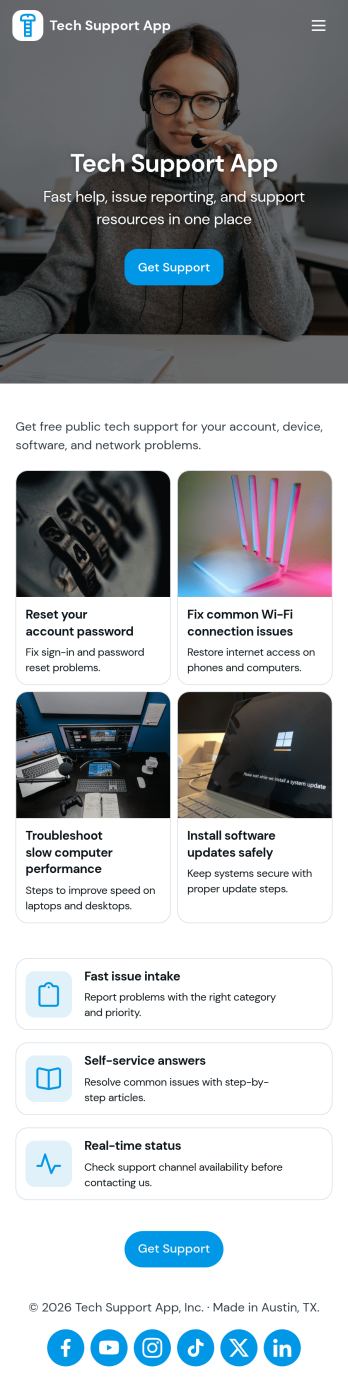
Tech Support App
Tech Support App helps teams centralize IT help requests so users can open a ticket, track progress, and find their place in the support queue without chasing updates. It’s a practical fit for internal IT departments, MSPs, SaaS support teams, and school or nonprofit tech offices that need a clear intake path and a simple way for requesters to check status. With quick actions like Submit Ticket and New Ticket plus a dedicated My Tickets area, the app supports fast reporting of issues, consistent triage, and fewer repeated emails about the same problem.Built with Jotform App Templates, this app template can be tailored in minutes using Jotform’s no-code app builder and drag-and-drop interface. Connect the ticket form to your existing workflow, organize requests in one place, and share the app through a link or QR code for easy self-service. As your volume grows, you can refine pages for different support needs, keep your process consistent across locations, and manage data collection in a way that works for both requesters and support staff.
Go to Category:Information Technology Apps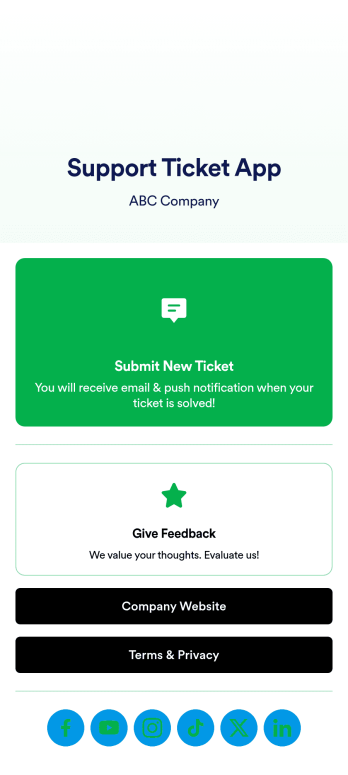
Support Ticket App
Jotform's Support Ticket App template allows customer support teams and IT departments to efficiently manage customer inquiries and issues without any coding. This free, no-code app builder enables users to create a fully customized app with forms, widgets, products, and branding that can be downloaded onto any device. With this template, support teams can collect tickets and feedback to streamline their ticketing system and provide timely assistance to customers.Are you looking for a way to simplify your customer support process? Jotform's Support Ticket App template is the solution you need. With features like a drag-and-drop builder, powerful app elements, and 70+ app widgets, you can create a seamless experience for your customers. Improve user engagement with push notifications and give users access to their submission history. Experience the ease of use and customization that Jotform Apps offer, making it the perfect choice for customer support teams and IT departments.
Go to Category:Customer Portal Apps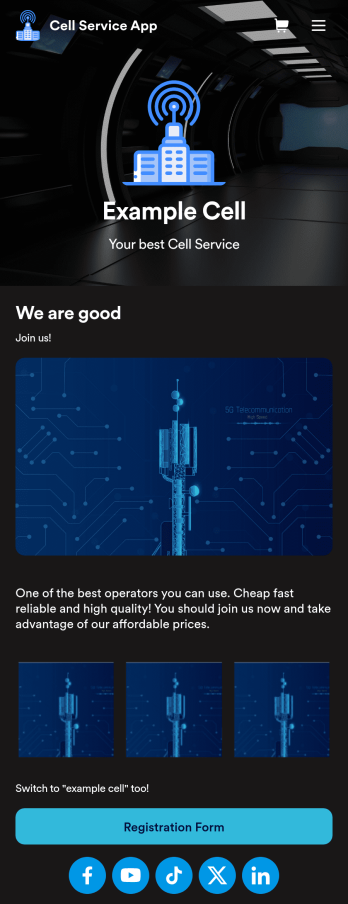
Cell Service App
If you sell cell phones or are a cell phone service provider, use this free Cell Service App to give customers an easy way to contact you and purchase your products or services! Start by customizing the app template to match your needs and branding — then share the app to be downloaded onto any iOS or Android tablet or smartphone. Customers can then submit orders, feedback, and other form responses on the go.Want to customize the design of this Cell Service App template? Drag and drop to get the look you want. Add your logo and products, update the app icon and background, split the app into multiple pages, and make other design changes in seconds with no coding required. All submissions through your custom Cell Service App are stored securely in your Jotform account, ready to view and respond to fast.
Go to Category:Customer Portal Apps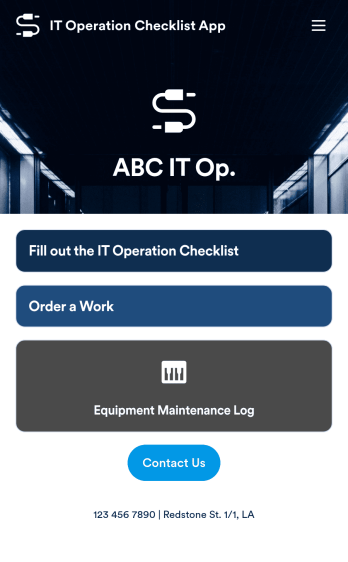
IT Operation Checklist App
An IT operation checklist app is used by IT departments for documenting routine operations and maintenance. This free app template from Jotform is a great way for IT departments to keep track of system servers, network status, and equipment maintenance. With an included IT Operation Checklist Form, IT associates can fill out and digitally sign a daily, weekly, or monthly general operations checklist. Supervisors and employees can also request new IT jobs with a Job Work Order Form, and specify a starting date, tools and requirements, and upload any relevant images and documentation. Equipment maintenance submissions are stored in an Equipment Maintenance Log, which you can sort, filter, and search from your secure Jotform account.You can easily make changes to this IT Operation Checklist App with Jotform’s intuitive app builder. No coding required — simply drag and drop to add or swap out form elements, edit checklist items, choose fonts and colors, create a custom app icon and splash screen, upload your own branding, and much more. Once you’re finished, share your custom app with other IT associates by sending email invites, or by embedding it in an internal website. Create an all-in-one app for routine IT work with this IT Operation Checklist App that works on any device.
Go to Category:Checklist Apps