
The Construction Resident Portal App is a resident-facing digital space for sharing construction updates and collecting questions, requests, or feedback through connected forms. Contractors, property managers, project teams, and community coordinators can use it to keep residents informed without scattering information across emails and paper notices. Residents can browse posted updates, open detailed announcements, and submit relevant information from one convenient location. This app template supports clearer communication during renovations, building work, neighborhood projects, and other construction activities that may affect daily access, schedules, or shared spaces.
Jotform Apps helps teams turn communication and data collection processes into accessible digital experiences without writing code. Start with this option from Jotform App Templates, then use the no-code app builder and drag-and-drop interface to adjust pages, branding, navigation, and content. Connected forms can feed resident input into an organized workflow, while direct links and scannable codes make the portal easy to share. The finished app can serve as a mobile-friendly self-service resource that keeps project information and resident communication together.
Related templates
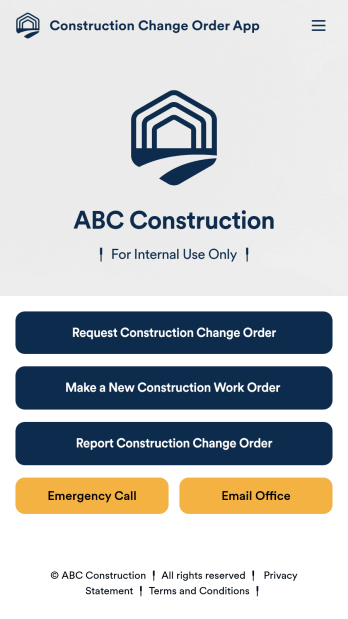
Construction Change Order App
A change order is an amendment to a construction contract that modifies the original project plans, such as adding work, altering the design, or updating the schedule. Keep track of change orders for your construction company with our free Construction Change Order App! This ready-to-use app keeps all your construction forms in one place, so you can receive new work orders, change order requests, and reports with ease. You can even use the attached Change Request Approval Process Template to streamline your approval flow for requests.Need to modify this Construction Change Order App? No coding or heavy lifting required — our drag-and-drop builder makes it easy to customize this app template for your construction company. You can easily build new forms, embed links, update text, upload images, and even change the app name, icon, and splash page. When it’s ready to be used, share your app with teammates by sending them the link to open and download onto their smartphone, tablet, or computer. Stay on top of change orders by receiving them instantly with a custom Construction Change Order App!
Go to Category:Construction Apps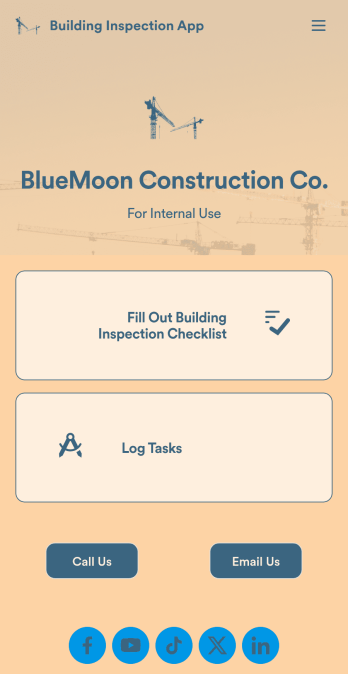
Building Inspection App
A building inspection app allows building inspectors to complete their work using any device. Conduct inspections from any smartphone, tablet, or computer with Jotform’s free Building Inspection App. This readymade template comes with a building inspection checklist and task log, but with our drag-and-drop builder you can add whatever else you need to make the app your own. All entries will be stored in your secure Jotform account and ready to view at any time.Customize your Building Inspection App without any coding. Just drag and drop to add more forms, checklists, documents, links, and even your branding. When you’re done, download it onto your favorite device or share it with other building inspectors via link or email invite. With a fully-custom Building Inspection App, you’ll be able to efficiently conduct building inspections and write reports no matter where you are!
Go to Category:Construction Apps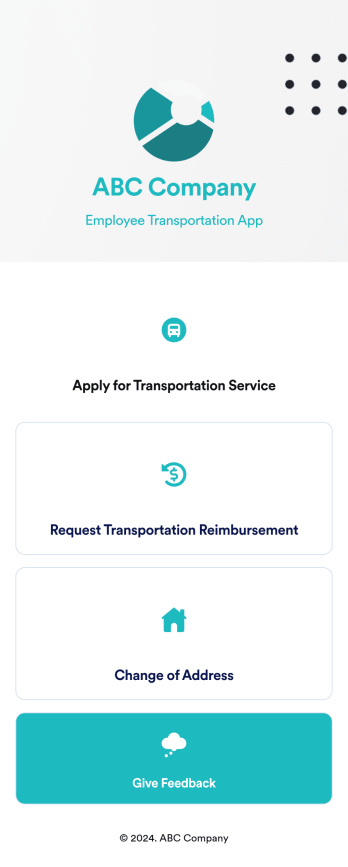
Employee Transportation App
An employee transportation app is used by companies or organizations to track and manage employee transportation requests and reimbursements. Build your own Employee Transportation App for free with Jotform Apps to streamline your company transportation practices. Once you’re finished creating your app, send it off to your employees via direct link or embed it in your company’s online portal for easy access.Customizing your Employee Transportation App is easy with Jotform’s no-code app builder. Drag and drop to change fonts and colors, integrate with trusted apps and payment processors, edit company policies, upload company branding assets and images, and so much more. Upgrade the way your company handles employee transportation with this free Employee Transportation App.
Go to Category:Construction Apps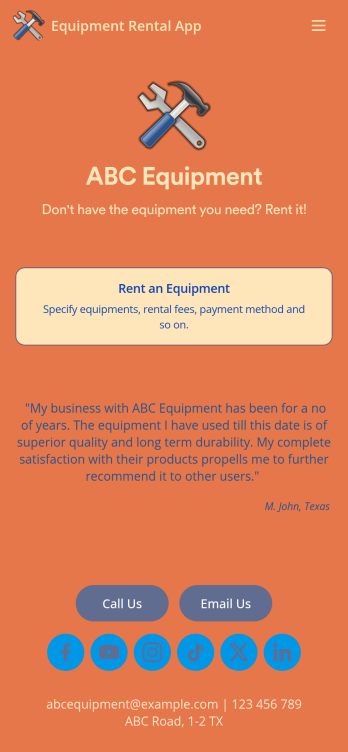
Equipment Rental App
An Equipment Rental App is used by companies that need to keep track of loaned out equipment. This app template allows customers to enter general contact and payment information, log start and end dates, and specify which equipment they’re taking out and why. There are also two digital signature boxes to be signed by both parties before submitting the agreement form. Once submitted, an Equipment Rental Agreement PDF is automatically generated. Rental agreements are stored securely in an easy-to-read spreadsheet in your online account.Personalizing this Equipment Rental App is easy. Using our drag-and-drop interface, you can add or change forms, choose fonts and colors, upload your company logo, update the app name, text and splash page, and more — all with zero coding. After you’re done customizing, your app can be shared via link and then accessed and downloaded on any smartphone, tablet, or desktop computer. Make equipment rental a breeze with this customizable Equipment Rental App!
Go to Category:Construction Apps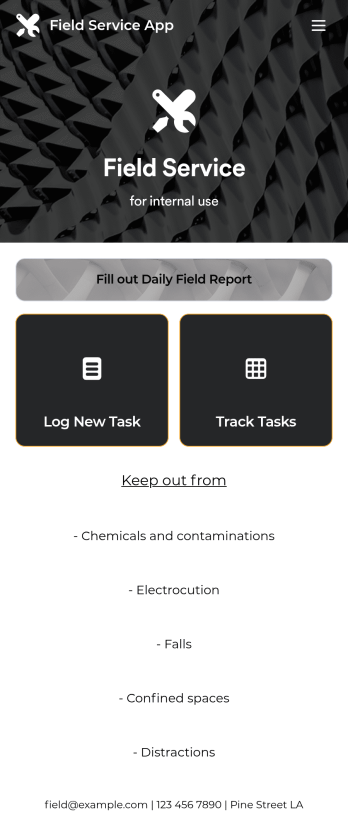
Custom Field Service App
A field service app makes it easier for technicians and other employees who work offsite to submit reports while in the field. Instead of using paper forms or waiting until you’re back at your office computer to submit reports, use this free Field Service App powered by Jotform to work anywhere, anytime. This customizable app template includes forms for submitting daily reports, logging new tasks, and tracking completed tasks. All submissions are instantly synced to your secure Jotform account.Need to modify this Field Service App to meet your needs? Just use our drag-and-drop builder to add forms, links, documents, buttons, pages, text, images, videos, tables, data grids, and much more. When it’s ready to use, download your app onto your smartphone, tablet, laptop, or computer for easy access. You can also share it with others via the app link or email invites. Get work done wherever you are with a custom, easy-to-use Field Service App.
Go to Category:Company Portal Apps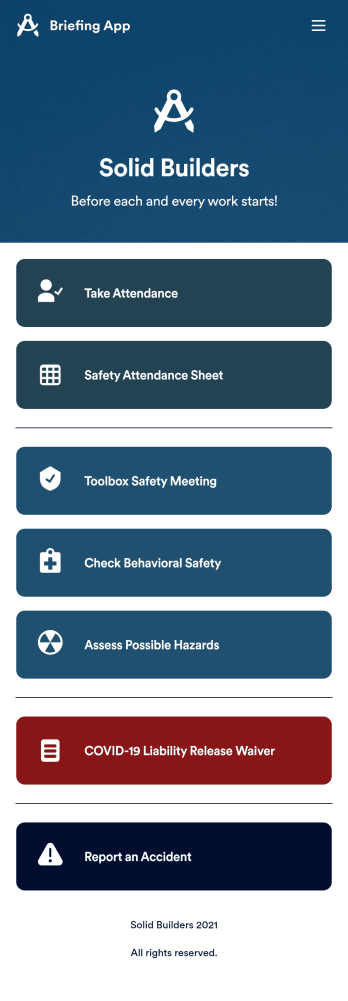
Briefing App
A briefing app is used by worksite safety managers and employees for taking attendance and reviewing safety procedures prior to beginning work. Our readymade Briefing App bundles several forms, including an attendance tracking sheet, and safety guidelines and checklists for tools and equipment, PPE, and hazardous materials and conditions. Employees can also fill out and digitally sign a COVID-19 liability waiver and report worksite accidents directly from the app. Attendance and form submissions are instantly synced and stored in your secure Jotform account, so you can keep everything organized in one convenient location.Make this app template your own in just a few clicks with Jotform’s no-code app builder. Simply drag and drop to add form elements, edit existing forms, attach documents, upload your own branding, and more. You can even use the main page of your app to post work schedules, make announcements, and link to external resources. After you’re done, share your app with employees via email or the app link, and they can download and use it on their preferred devices directly from the jobsite. Build an app to keep everyone safe and accounted for with Jotform’s fully-customizable Briefing App.
Go to Category:Construction Apps