Credit Card Receipt Tracking App helps you capture, organize, and review card purchase receipts in one place so expenses don’t get lost in inboxes, wallets, or chat threads. Use it to log a receipt as soon as a purchase happens, browse saved receipts later, and keep a clear record of merchant details for reimbursements, month-end close, or budgeting. It’s a practical fit for employees who submit expenses, finance teams who need cleaner documentation, and small business owners tracking day-to-day spending across company cards.
With Jotform, you can turn receipt tracking into a guided self-service experience that works on desktop or mobile. Start with this app template, adjust pages and buttons with a no-code app builder, and connect the app to your underlying receipt form and a central table view for easier review. As receipts come in, teams can keep information consistent, reduce missing documentation, and maintain a reliable workflow for expense tracking without adding complexity.
Related templates

Employee Travel Management App
Employee Travel Management App is an app template designed to transform the way companies and their employees handle business travel. This innovative application provides an all-inclusive platform to streamline trip requests, approval workflows, itinerary management, and expense tracking. The app is ideal for companies of all sizes, enabling employees to submit travel plans and receive approval in a systematic, efficient manner. It offers a central location for tracking all travel-related activities, significantly reducing the time spent on coordinating and managing business trips. The Employee Travel Management App also promotes adherence to travel policies, maintaining compliance while saving time and money. It is best suited for travel coordinators, financial administrators, and operations teams who are tasked with managing and optimizing their company's business travel.With Jotform's no-code app builder, customizing the Employee Travel Management App to fit the specific needs of your organization is effortless. The drag-and-drop interface allows you to tailor the app's features, elements, and layouts to perfectly mirror your company's brand and workflow. Whether it's adding new forms or widgets or adjusting the colors and fonts, Jotform provides a seamless, code-free experience. Furthermore, the app's cross-platform compatibility means it can be accessed and utilized on any device, be it a smartphone, tablet, or desktop, offering convenience and accessibility. The Employee Travel Management App from Jotform delivers a streamlined, efficient solution for business travel management, simplifying processes and enhancing productivity.
Go to Category:Company Portal Apps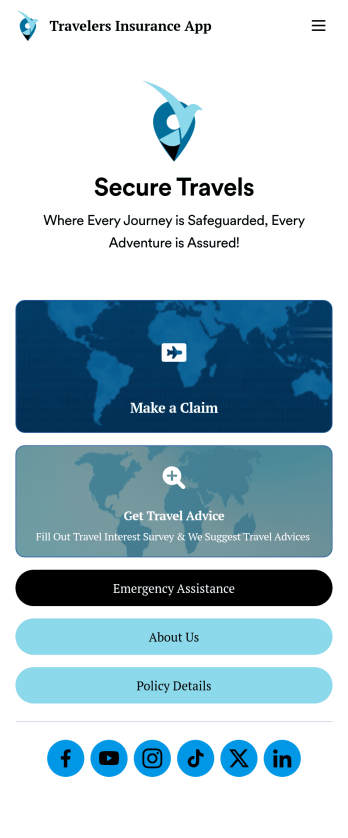
Travelers Insurance App
A travelers insurance app is used by travel insurance companies to provide information for and collect important information from their clients. With this ready-made Travelers Insurance App, your company can start collecting insurance claims from your clients in just a few clicks! Simply update the app design to perfectly match your needs, then share it to be used seamlessly on any device.Make changes to the design with Jotform’s drag-and-drop builder — no coding required. Add your company branding, include intake forms or other types of forms, and add resources for your clients to access. Once the design is ready to go, your custom Travelers Insurance App is easy to share on social media, via email, or to be downloaded for iOS and Android.
Go to Category:Finance Apps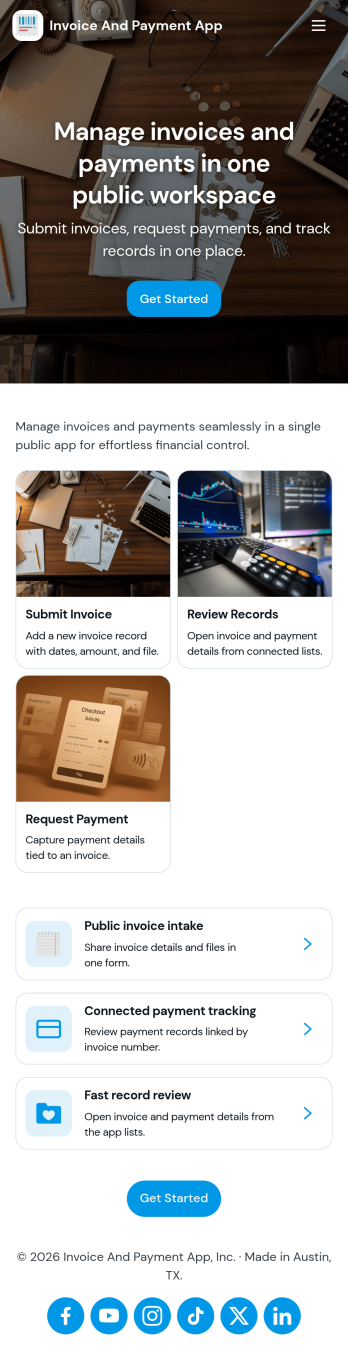
Invoice and Payment App
Invoice and Payment App helps small businesses and teams create invoices, record payments, and keep a clear view of what’s been billed versus what’s been paid. It’s a practical fit for freelancers, agencies, consultants, contractors, and service providers who need a consistent way to issue invoices and log incoming payments without digging through spreadsheets or scattered emails. With quick navigation for creating a new invoice and recording a payment, you can keep billing tasks moving and reduce missed follow-ups when multiple people handle finance admin.Built with Jotform App Templates, this app template can be customized in minutes using Jotform’s no-code app builder and drag-and-drop interface. Connect it to your existing Jotform forms to support reliable data collection, then publish a self-service experience your team can access from anywhere to manage invoicing and payment workflows. As your process grows, you can adjust pages, add steps, and keep all records organized in one place while staying aligned with how your business actually bills clients.
Go to Category:Finance & Accounting Portal Apps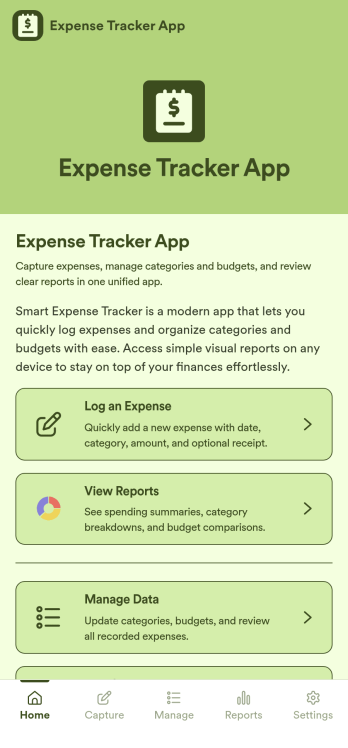
Expense Tracker App
Expense Tracker App is an app template designed to simplify and streamline the process of recording and monitoring expenses for businesses, freelancers, finance teams, and individuals. This robust app is built for making budgeting and expense management easier and more efficient, centralizing all expense data into one accessible location. Whether it’s for tracking daily operational costs, monitoring project expenses, or consolidating personal financial records, this app serves as a solid foundation for maintaining financial discipline and visibility. The app collects data related to the expenses, such as cost categories, transaction details, and corresponding notes, offering users a comprehensive view of their spending patterns. Its ready-to-use design makes it ideal for those seeking to improve their financial tracking without the need for complex setups or configurations. It's best for those who manage multiple expenses and need a reliable, convenient platform to monitor their financial activities.Jotform’s Expense Tracker App is easy to use and customizable, making it an excellent choice for all types of users, regardless of their technical expertise. The drag-and-drop interface allows for easy customization of the app to cater to specific financial tracking needs. Users can easily modify forms, adjust color schemes, and even add their logo, enhancing user experience and reinforcing their brand. The added convenience of electronic signature collection provides an additional layer of verification for expense records, enhancing accountability within teams. Moreover, Jotform’s platform supports seamless data collection, making it easier to generate comprehensive sheets and reports for analysis or audit purposes. Take control of your budgeting and expense management with Jotform’s Expense Tracker App.
Go to Category:Finance & Accounting Portal Apps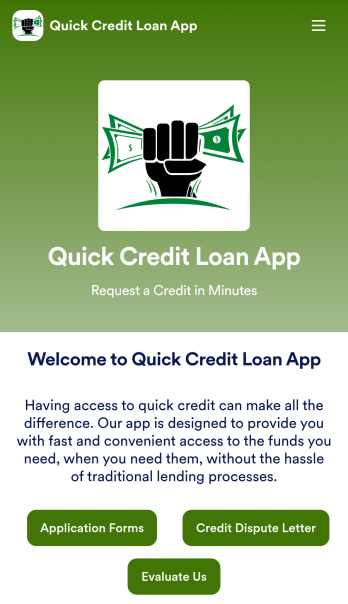
Customizable Quick Credit Loan App
Need a quick credit loan app for your business? If your financial institution needs a quick and easy way for customers to apply for a loan to improve their credit, this free Quick Credit Loan App is a great place to start. You can use the app as-is or easily customize it to fit your needs — with no coding required.Add your logo and branding, update the loan application form, include your contact information, and make other design changes in seconds. You can even connect your app with other platforms — like Salesforce, HubSpot, or Zoho — to send new leads to your CRM platform automatically. Get loan applications fast with a Quick Credit Loan App from Jotform.
Go to Category:Finance Apps
Expense Report App
An expense report app is used by companies for keeping track of employee expenses. This free Expense Report App allows employees to log business expenses by filling out a form with general contact information, cost, description, date and time, and payment and expense type. There is also an upload form for employees to attach any relevant documents and receipts. Expense reports are immediately synced and stored securely in your account, and can be sorted, filtered, and exported from any device.Customize this app template in no time using Jotform’s drag-and-drop form builder. You can easily add or swap out form elements, change text, customize your app icon and splash page, and more — no coding necessary. Share a link to your app in an email or embed it in your website, and employees can access and download it on any smartphone, tablet, or computer for future use. Keep track of all your employees’ business expenses with this Expense Report App.
Go to Category:Company Portal Apps