
Decal Catalog App is an app template for decal shops, print studios, independent sellers, creative teams, and organizations that need a clear way to present decal options. Visitors can browse glossy and matte collections, review useful product details such as size and recommended surfaces, and submit a decal for consideration through a connected form. This organized catalog helps customers compare available designs before making an inquiry while giving staff a central place to share application and care guidance. It works well for product showcases, internal design libraries, customer self-service resources, and curated community collections.
With Jotform Apps, businesses can turn this Decal Catalog App into a polished mobile-friendly experience without writing code. The drag-and-drop app builder makes it easy to update pages, adjust navigation, apply custom branding, and connect forms or tables to the wider workflow. Teams can manage data collection in one place, publish changes quickly, and share the finished catalog through a direct link or scannable code. Starting with one of Jotform’s App Templates reduces setup time while leaving room to tailor content, styling, and connected processes to each catalog.
Related templates
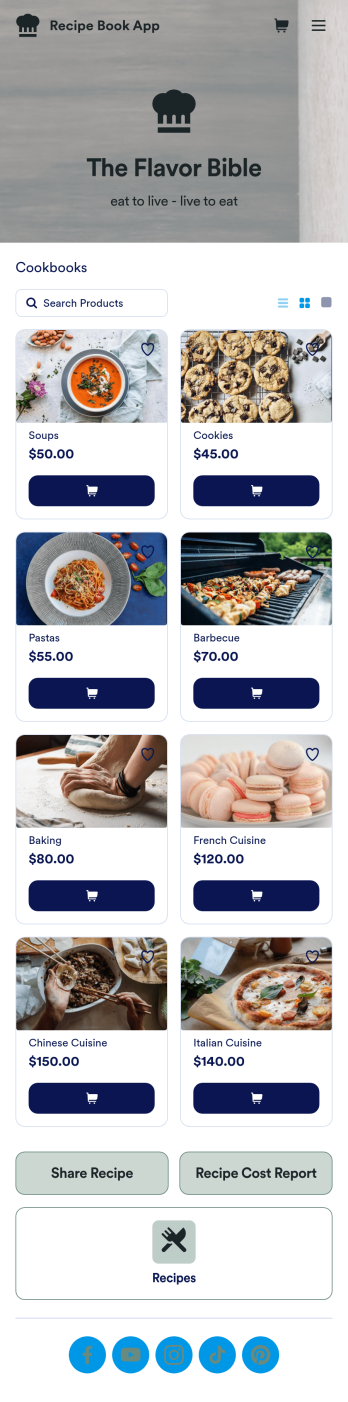
Custom Recipe Book App
As a chef, you’ve probably got a million recipes floating around in your head — so why not keep them all in one convenient place with this Recipe Book App? This free app includes a form where you can record dish type, prep time, ingredients, number of servings, and more — all of which can be viewed and sorted in an easy-to-understand spreadsheet from your Jotform account! There is also an upload form where you can attach notes and images to individual recipes.Want to customize the look of this Recipe Book App? With just a few clicks, our drag-and-drop interface allows you to add or change forms, upload images, change fonts and colors, and more — all with no coding. You can even share your app with other people, who can then add their own recipes to your recipe book from any smartphone, tablet, or computer. Never forget a recipe again with this free Recipe Book App.
Go to Category:Online Store Apps
Beauty Salon Appointment App
A beauty salon appointment app helps clients book appointments, order beauty products, and find professionals who can help them look and feel their best. Create a mobile app for your beauty salon without any coding using our free Beauty Salon Appointment App Template. This ready-made template bundles multiple forms — including a client information form, COVID-19 consent form and an appointment form — all in one place. Clients will be able to fill out your forms from their smartphone, tablet, or computer with ease.Customizing your Beauty Salon Appointment App won’t take up any time with our drag-and-drop builder. You can easily add new forms to sell beauty supplies online, as well as add surveys, links, text, images, and even your branding for a more professional and personalized look. Once it’s ready to use, share your app by embedding the link in your website or posting it on social media. Stop wondering how to sell beauty supplies online and gather appointment bookings — create a contactless way for clients to book services and pay for products at your beauty salon with a fully-custom Beauty Salon Appointment App that works on any device.
Go to Category:Appointment & Booking Apps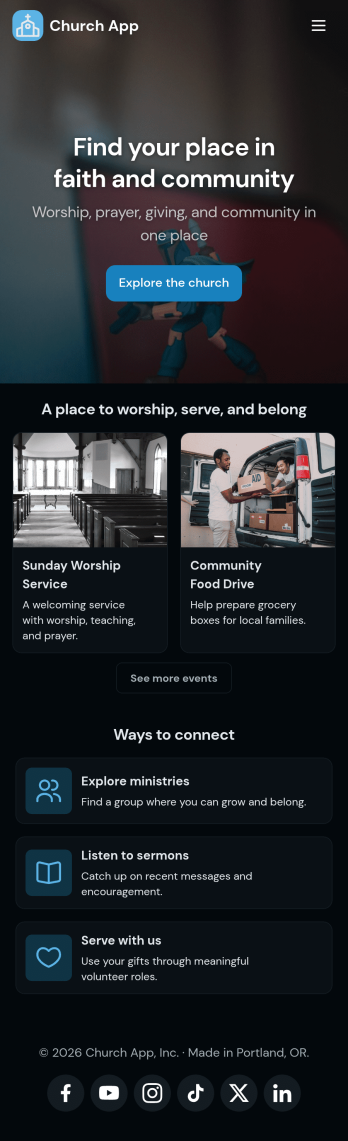
Church Donation App
No matter what type of church you run, create your own online application with our free Church Donation App! You can share all your church forms—such as donation forms, contact forms, prayer request forms, and more—through your app, making it easier to stay connected with your community. Current and new members of your church can open the app from any smartphone, tablet, or computer and even download it for future use.Want to customize this Church Donation App to better represent your church? Your prayers have been answered—using our drag-and-drop builder, you can easily make this ready-made template your own! Jotform’s List Element feature lets you connect Tables and add actions, making it easy to organize data and manage your app’s flow. Feel free to create and add new forms, update the app name and icon, change the background image or splash page, embed links, and much more. When it’s ready, share your app with members of your church via link. Keep in touch with members of your church on the go with a custom Church Donation App for your congregation.
Go to Category:Community & Engagement Portal Apps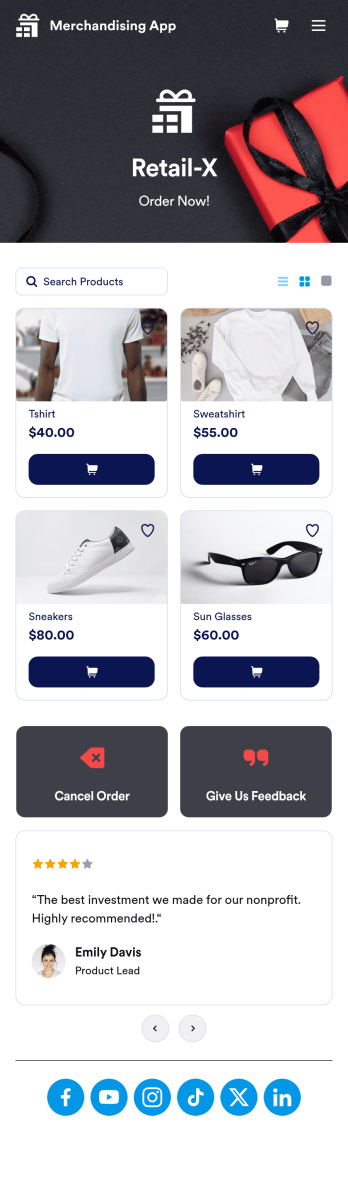
Merchandising App
A merchandising app is used by retail store owners to sell merchandise online. Want to know how to sell your merchandise online? With this Merchandising App, customers can place orders by adding items to their cart, filling out their contact and shipping information, and paying using any of our 30+ payment gateways. Customers can also cancel orders and leave feedback directly through your app. Orders are instantly synced to your secure Jotform account, where you can keep track of them in an easy-to-understand spreadsheet.Make this free app template your own with Jotform’s intuitive no-code app builder. Simply drag and drop to add or change form elements, upload your logo, attach thumbnail images to products, customize your splash screen with customer testimonials, and more. Once you’re satisfied with the look and feel, share your app by including a link in your website or social media bio. Customers can then access and download your app from any smartphone, tablet, or desktop. Start taking online orders and selling merchandise with your very own Merchandising App from Jotform.
Go to Category:Online Store Apps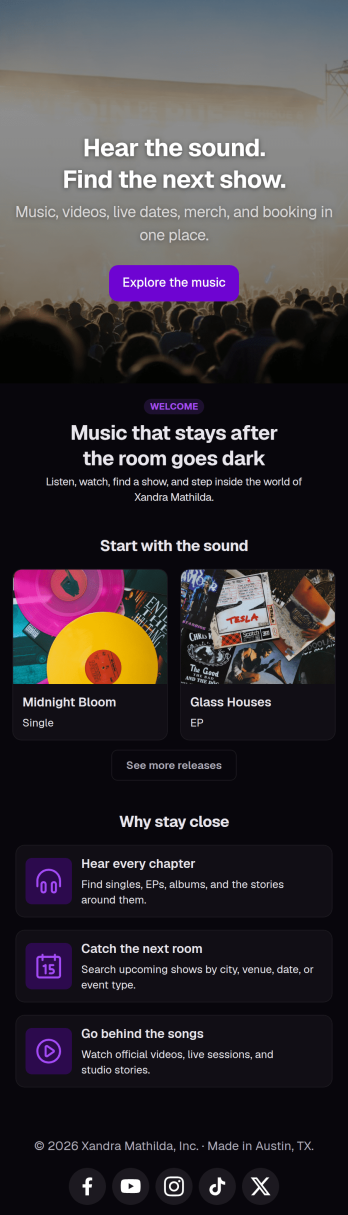
Musician Instagram Bio Link App
Wondering how to sell music online through Instagram? Add ordering links, forms, and more to your Instagram bio with a free Musician Instagram Bio Link App from Jotform. Whether you want to list upcoming concerts, collect orders for your merch store, or share album releases or other announcements, do it in a free downloadable app that followers can access in a single click. All orders and submissions through your Musician Instagram Bio Link App, and forms are stored in your secure Jotform account, ready to view on any device.Need to customize this app template? Add order forms for concert tickets, merch, or to sell music online, links to your website, or other app elements like images, documents, or text boxes at the touch of a button with our drag-and-drop builder. No coding knowledge necessary. Once your Musician Instagram Bio Link App is ready to go, add it to the bio of your music page to give your followers an easy way to access all of your important links at once.
Go to Category:Online Store Apps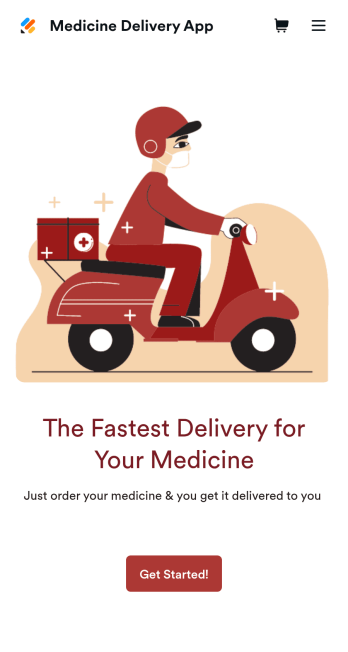
Medicine Delivery App
If your pharmacy offers medicine delivery services and is wondering how to sell medicine deliveries online, collect orders and payments from any device with Jotform’s free Medicine Delivery App. This customizable app includes a medicine order form as well as a feedback form that patients can fill out using any computer, tablet, or smartphone. Submitted orders will be received instantly, so you and your pharmaceutical staff can begin filling prescriptions without any delay.Customize this Medicine Delivery App for your pharmacy without coding. Simply drag and drop to add forms, tables, links, documents, text, images, logos, and other app elements. Then share your app with patients by sending them email invites to download it onto their own devices, or by posting the app link on your website. With a fully-custom Medicine Delivery App that works anywhere, you can sell medicine deliveries online and ensure that patients can refill their prescriptions with ease.
Go to Category:Delivery Apps