Easy Clocking App helps teams record work time with quick clock-ins, a personal clock history view, and a simple way to report clocking issues when something looks off. It fits hourly workplaces that need clean, consistent time logs across shifts, including retail, hospitality, field services, clinics, and growing operations with multiple roles. Employees can clock in or out in seconds, review their own entries for accuracy, and add shift notes to capture context like break changes, task handoffs, or schedule exceptions.
With Jotform, you can turn everyday time tracking into a shareable, mobile-friendly experience without coding. Use a drag-and-drop app builder to adjust pages, add your branding, and connect the app to the forms that collect clock-ins, shift notes, and issue reports. As your workflow evolves, you can update the layout, centralize resources in one place, and publish the app to your team with a simple link or QR code for reliable self-service time tracking.
Related templates
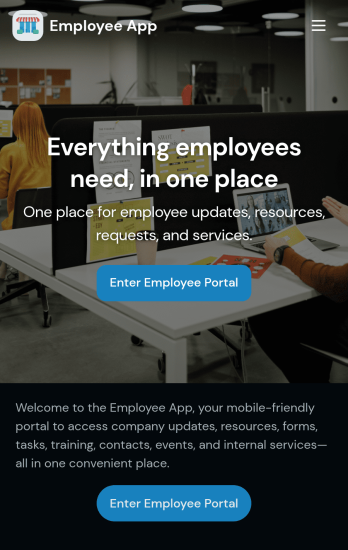
Custom Employee App
An employee app allows employees to access important company information and submit their own data from any device. Create an employee portal for your company with Jotform’s free Employee App. This ready-to-use template includes multiple forms such as employee referral forms, leave request forms, meeting reservation forms, COVID-19 screening forms, expense reimbursement forms, and more. Thanks to the role-based visibility condition, only selected admin users can see certain forms, such as department rotation. Using the app, employees can access and fill out any of the included forms from any smartphone, tablet, laptop, or desktop.Customize your Employee App to match your company in just a few clicks. With our drag-and-drop builder, you can easily add as many forms, links, documents, buttons, pages, and other app elements as you need. Plus, you can update fonts and colors, upload logos, and change the app icon and name to better represent your company. With Jotform’s Role-based feature, you can control access so tutors, admins, and other users see only the parts of the app relevant to them. Share your app with employees to download onto their own devices by sending email invites or the app link. Keep important company forms all in one secure, easily accessible Employee App!
Go to Category:Company Portal Apps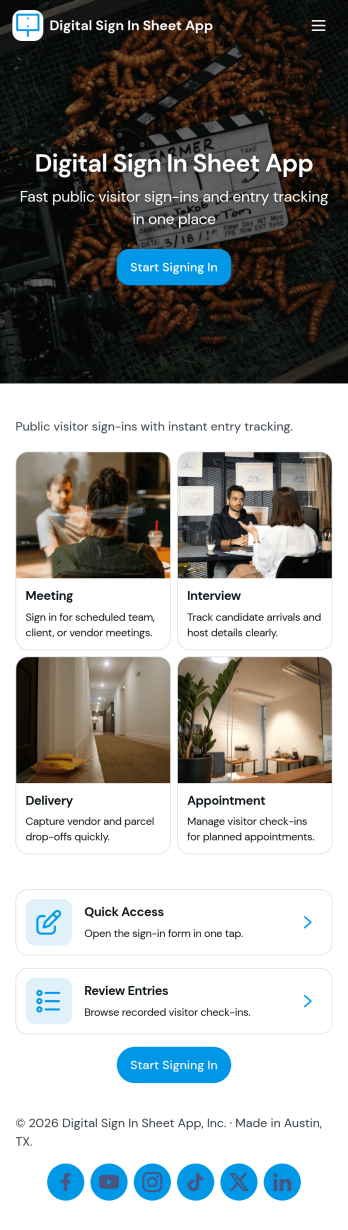
Digital Sign in Sheet App
Digital Sign in Sheet App helps organizations replace paper sign-in sheets with a simple, trackable check-in experience. Use it at a front desk, office, classroom, studio, job site, or event entrance to capture arrivals quickly and keep an accurate record of who is on-site. The app supports fast check-ins through a dedicated Check In page, plus a searchable Roster that helps staff confirm names, reduce manual errors, and handle repeat visitors without rewriting details each time.Built with Jotform, this app template can be tailored with a no-code app builder and a drag-and-drop interface, so you can match the flow to your space and your process. Connect the check-in form to your data collection workflow, keep entries organized in one place, and share the app through a link or QR code for smooth self-service sign-ins. Add branding, adjust navigation cards, and publish updates anytime without slowing down daily operations.
Go to Category:Sign In Apps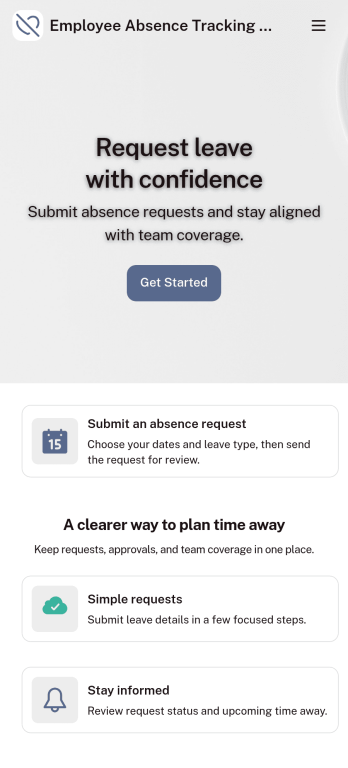
Customizable Employee Absence Tracking App
This Employee Absence Tracking App helps employees request time off and helps HR, managers, and employers track absences from any device. It includes submission tracking, with Admin-only access to view and manage requests and keep information organized and relevant based on the type of leave. All submissions are automatically available in Jotform Tables where admins can review them as a spreadsheet, calendar, or cards for faster follow-up and reporting.The app can be customized with multiple request forms for different leave types, a personalized splash screen or icon, and guidance text to support employees while submitting requests. With Jotform’s Role-based feature, you can control access so tutors, admins, and other users see only the parts of the app relevant to them. For privacy and compliance, sick leave request forms require employee login, ensuring only authenticated users can submit sensitive absence information. Save time and simplify leave management with a secure, streamlined way to handle employee absences.
Go to Category:Company Portal Apps
HR Jobs App
An HR jobs app, or human resources jobs app, helps HR departments keep track of every step of the recruitment process. Track new employee onboarding, existing employee information, attendance, and more with this ready-made HR Jobs App. Feel free to use the app as is, or customize it with our no-code builder — then share and download it to fill out easily on any device.Need to make changes to this HR Jobs App? Upload your company logo, add or remove forms, customize the app icon or background, and make other design changes in seconds. You can also connect your forms with automated approval flows, and 100+ free integrations to sync information to other platforms automatically — perfect for speeding up your HR processes and saving your team precious time.
Go to Category:Company Portal Apps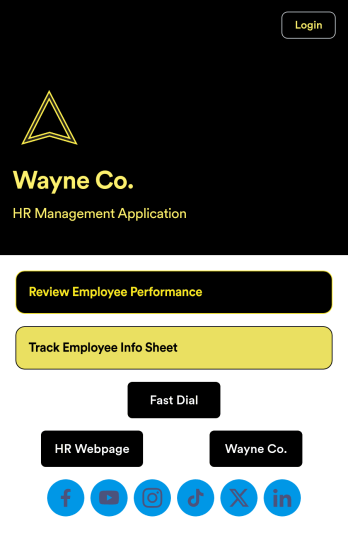
Employee Review App
An employee review app is used by HR professionals or managers to monitor the performance of employees in a company. With this free app that downloads onto any smartphone, tablet, or computer, employee reviews are a breeze! Just share the app with the members of your company who conduct employee reviews or track employee information for a paper-free solution.Without coding, you can personalize this Employee Review App by changing the icon or splash screen, creating and including other online forms, and adding any other information or spreadsheets you may need. All data is kept safe and secure with Jotform’s advanced security measures, and easy to access when you need it in a Human Resources Table. Perform employee reviews more efficiently with a free Employee Review App.
Go to Category:Company Portal Apps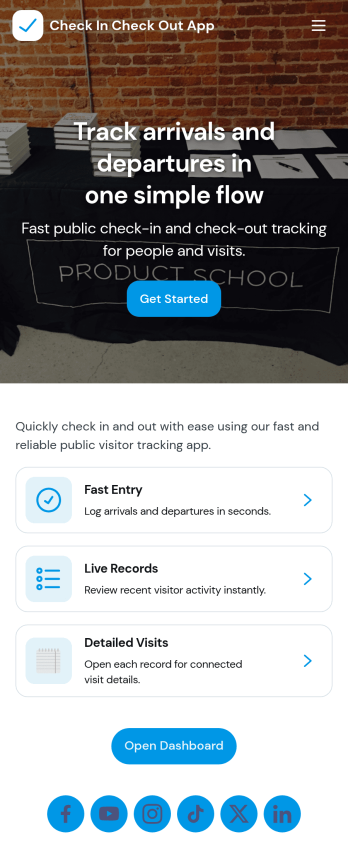
Check In Check Out App
Check In Check Out App helps organizations record arrivals and departures across multiple locations and shifts without relying on paper logs or scattered messages. With quick access to check-in and check-out actions, a location list for navigating between sites, and a visit history view, teams can keep attendance and on-site presence consistent from day to day. It works well for offices, warehouses, schools, events, job sites, clinics, and any workplace that needs a simple way to confirm who is currently on site and when they came and went.Jotform makes it easy to turn this app template into a branded, self-service experience using a no-code app builder and a drag-and-drop interface. Connect the app to your forms and tables to support reliable data collection, reduce manual follow-ups, and keep records organized for managers and staff. You can tailor the pages, navigation, and connected workflows to match your locations, shift window rules, and internal processes, then share the app with a link or QR code for fast access.
Go to Category:Sign In Apps