Gambling Odds Analytics App helps you capture, review, and compare betting odds so you can spot changes over time and make more informed decisions. Use the Submit Odds button to collect odds in a consistent format, then browse entries in a list to monitor events, lines, and updates as they come in. With quick access to event cards and a dedicated Compare Bookmakers area, this app works well for sports bettors, odds compilers, tipsters, content creators, and small teams who want a single place to organize odds data and keep comparisons easy to reference.
Built with Jotform, this app template can be tailored in a no-code app builder with a drag-and-drop interface, so you can adjust pages, labels, and visuals to match your workflow. Connect your odds form to tables for organized data collection, keep your process moving with notifications and approvals when needed, and share the app as a self-service link for your team or community. Jotform makes it simple to publish an analytics-focused experience without maintaining separate spreadsheets or scattered notes.
Related templates
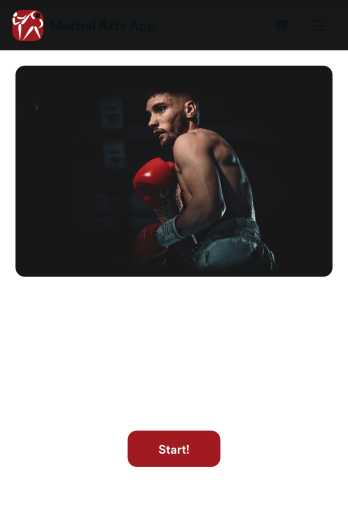
Martial Arts App
Need a way to manage all your dojo signups and communications? Wondering how to sell martial arts class bookings online? Look no further with Jotform’s free Martial Arts App. This app allows you to collect registrations for your studio and send out information about scheduling. Your students can access this app on any iOS or Android device for easy on-the-go access. Every submission from your students will be stored in your Jotform account so you’ll never lose any info again.Kick your app into high gear and customize it how you want it. Use our no-code drag-and-drop customizing tools to change your app’s design — add your dojo’s special logo, update outgoing communications, choose an app icon, and more. Once your app is ready to go you’ll be able to embed the link directly in your website, send it out via direct messaging, or link it in a scannable QR code to sell martial arts class bookings online. Get your black belt in app design – try Jotform’s Martial Arts App today.
Go to Category:Course & Training Registration Apps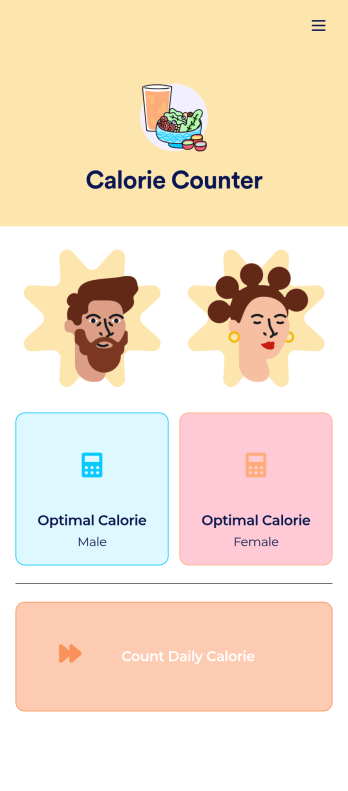
Customizable Calorie Counter App
A calorie counter app is used to track calorie intake from any device. No matter what your weight goals are, start tracking calories with Jotform’s free Calorie Counter App. This customizable app template comes with a calorie calculator and tracking form that you can fill out yourself or assign to clients if you’re a personal trainer or dietician. Submissions will be received instantly and synced to your secure Jotform account.Customize this Calorie Counter App to meet your needs in just a few clicks. Without coding, you can use our drag-and-drop builder to add or remove forms, create new app buttons or pages, embed links, upload images or videos, and include other app elements. When it’s ready to use, your app can be downloaded onto any device and shared via app link or email invite. Make calorie counting easy from anywhere with a custom calorie counter on your favorite device!
Go to Category:Self Care Apps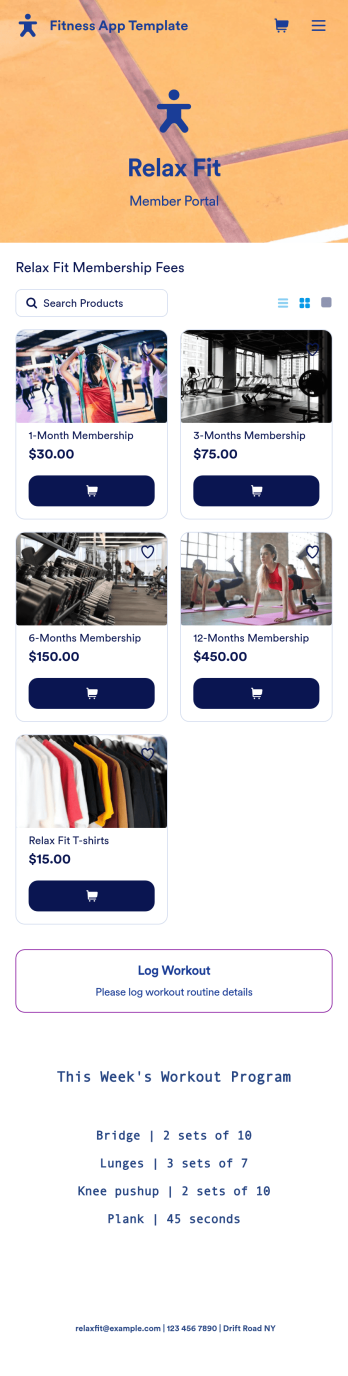
Fitness App Template
Recording your workouts is a great way to measure progress and achieve fitness goals. This Fitness App is designed for gyms to distribute to customers and includes an intake form for general information and medical history, a consent form with a digital signature box, and a workout routine log. Entries are compiled and stored in a Workout Log in your online account, where you can easily sort, group, and filter your workouts to track your daily and weekly progress.Your Fitness App can be fully customized to your liking with no coding. Just use our drag-and-drop interface to add and change forms, choose fonts and colors, upload your logo, update the app name, text and splash page, and more. After you’re done customizing, your app can be shared with a link and opened on any device. Help your customers keep track of their progress with this free Fitness App!
Go to Category:Sports Apps
Summer Camp App
A summer camp app is used to collect summer camp registrations, medical information, waivers, and bus registrations. Camp attendants can access and download Jotform’s all-in-one Summer Camp App onto their preferred device and fill out registration forms from anywhere. There’s also a separate form where people can sign up to be camp volunteers! All submissions are instantly synced and stored in your secure Jotform account, which you can easily access and manage from any device.You don’t need to have any coding knowledge to fully customize this app template to your liking. Using Jotform’s intuitive app builder, simply drag and drop to add form elements, create new pages, edit text fields and checklist items, choose fonts and colors, upload your camp’s unique logo, and much more. Share your custom app by sending email invites, embedding it in a website, or linking to it in a social media bio. Go paperless and streamline your camping registration process with Jotform’s free Summer Camp App.
Go to Category:Course & Training Registration Apps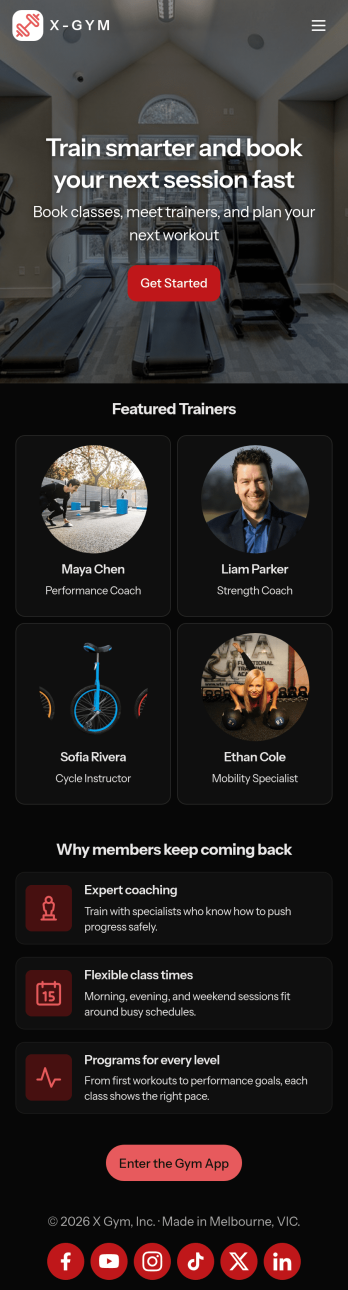
Gym Schedule App
A gym schedule app is used by gyms and personal trainers to allow gym members to directly manage training schedules and evaluations from any device. This Gym Schedule App contains three forms for filling out general contact information, scheduling appointments with personal trainers, and recording post-workout evaluations. Submissions are instantly synced and stored in your Jotform account, where you can manage all your members’ data from one location.Customize this app template to match your gym’s branding with Jotform’s no-code form builder. Just drag and drop to add or change various form elements, create a custom app icon and splash screen, upload your logo, and more. Once you’re done, share a link on your website or in a welcome email and gym members can then access and download your app on any device. Connect gym members with personal trainers and help them achieve their fitness goals with this Gym Schedule App from Jotform.
Go to Category:Sports Apps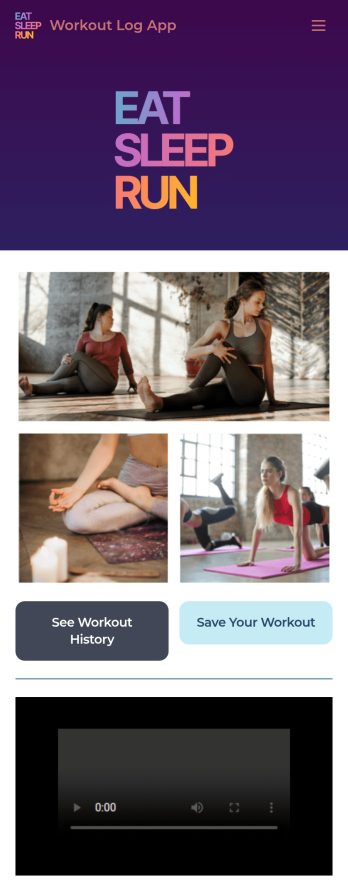
Workout Log App
No matter what your fitness goals are, tracking your workouts will help you reach them — so get started with our free Workout Log App! This readymade app template is already set up for you, so you can add your workouts through the provided form and check your progress by seeing all submitted workouts in Jotform Tables. You can use this app yourself or share it with clients if you’re a personal trainer or coach to help others meet their goals.Want more from this Workout Log App? No problem — using our drag-and-drop interface, you can customize this app to fit your exact requirements or preferences. It’s easy to add more forms, include links or text, upload images, and even change the app name, icon, and splash screen. Once it’s ready, your workout app can be opened and downloaded onto any smartphone, tablet, or desktop computer for easy access. Whether you’re looking to build your strength, improve your speed, or simply make exercise a habit, get fit with a Workout Log App that’s customized just for you.
Go to Category:Sports Apps