
The Guidance Library App is a centralized resource for organizing practical guidance by topic and helping people find clear next steps. It suits consulting teams, human resources departments, educational institutions, nonprofits, support teams, and small to medium-sized businesses that regularly share instructions or recommendations. Users can browse topic-based cards, move between resource pages, and review practical steps without searching through scattered documents or lengthy message threads. This app template can support employee guidance, client education, student resources, community programs, internal procedures, and service information while making essential knowledge easier to navigate and apply.
Jotform helps teams turn this App Template into a branded, mobile-friendly guidance library without writing code. Its no-code app builder and drag-and-drop interface make it easy to adjust pages, cards, headings, text, and navigation as resources evolve. Teams can also connect forms and workflows for data collection, feedback, requests, or follow-up actions, creating a more useful self-service experience. Customize the design with modern fonts and rounded visual elements, collaborate on updates, and publish the finished Guidance Library App through a direct link or QR code for convenient access.
Related templates
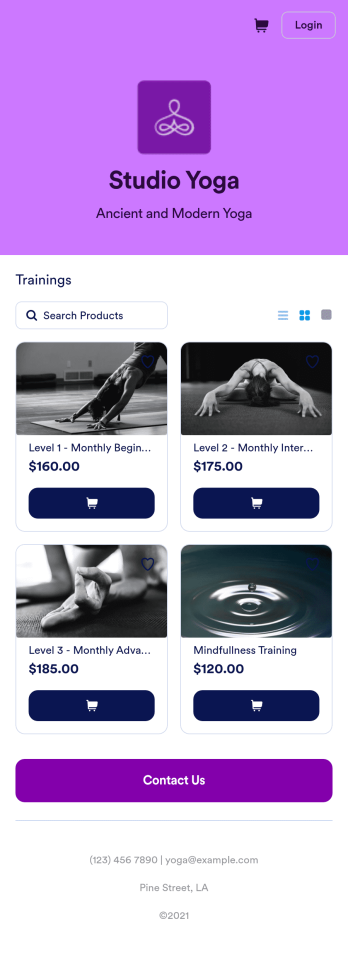
Yoga Class App
A yoga class app makes it easy for students to register for yoga classes from any device. Whether you teach yoga at a gym or yoga studio, take the stress out of class registration with Jotform’s free Yoga Class App. This ready-to-use template comes with a registration form and contact form that students can fill out using any smartphone, tablet, or computer. Submissions will appear instantly in your secure, easily-accessible Jotform account.Customize this Yoga Class App in just a few clicks with our drag-and-drop builder. Without coding, you can add or remove forms, change the app icon and name, and include documents, links, buttons, and other app elements. Once you’re happy with your app design, share it with your students by sending email invites or posting the app link on your website or social media accounts. Give your students and yourself peace of mind with a custom Yoga Class App for easier online registration.
Go to Category:Course & Training Registration Apps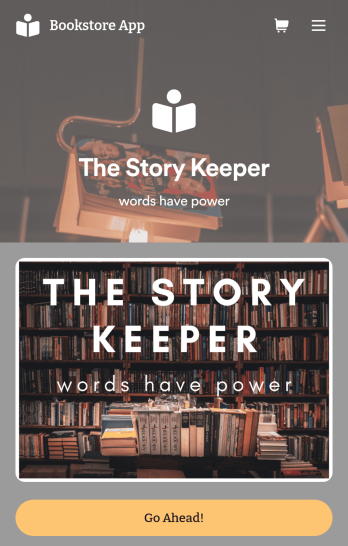
Bookstore Management App
Manage your bookstore from a single location with this free Bookstore Management App from Jotform. Ready to learn about how to sell your books online? Customers can download this app onto any device to order and request books, fill out book evaluations and surveys, submit feedback, and contact your store directly. Book orders and form responses are instantly synced and stored in your secure Jotform account for ease of access.Need to make changes to this Bookstore Management App? With Jotform’s no-code app builder, simply drag and drop to edit form fields and checklist items, install helpful widgets and integrations, choose fonts and colors, upload your bookstore’s branding, and much more. Once you’ve got your app just the way you want it, share it with customers by embedding it in your store’s website or by including the app link in newsletter emails. You can also generate a unique QR code to place in the window or add to the bottom of your receipts. Create a one-stop shop for all things related to your bookstore with this ready-made Bookstore Management App that works on any device.
Go to Category:Education Apps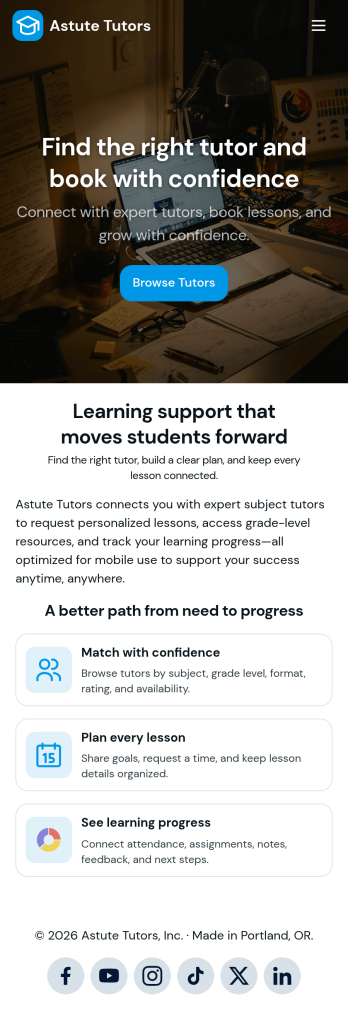
Tutoring App
Tutoring App is an app template designed to streamline the process of finding and connecting with suitable tutors. This app aids in the submission of tutoring requests, providing a platform for students, parents, and educational institutions to specify their learning goals and subject needs. This app is ideal for anyone in need of personalized academic support and learning assistance, providing a central hub for one-on-one or group instruction. The template collects information such as subject areas, desired tutoring schedules, and specific learning objectives, bringing clarity and consistency to the tutor-student matching process. It is a perfect fit for those desiring an efficient and systematic approach to locating the right tutoring support.Jotform's Tutoring App brings additional benefits to the tutoring process by offering cross-platform compatibility enabling usage across smartphones, tablets, and desktops. With its no-code app builder, customization of the app is straightforward, allowing users to tailor the app to their specific needs without writing any code. Adding forms or customizing layouts is made possible with its drag-and-drop interface. The app also provides options for sharing directly via email, social media, or QR codes, thereby making it convenient for users to distribute their tutoring requests widely. Jotform's Tutoring App, with its focus on creating a seamless experience for its users, is the go-to solution for efficient and effective tutoring coordination.
Go to Category:Course & Training Registration Apps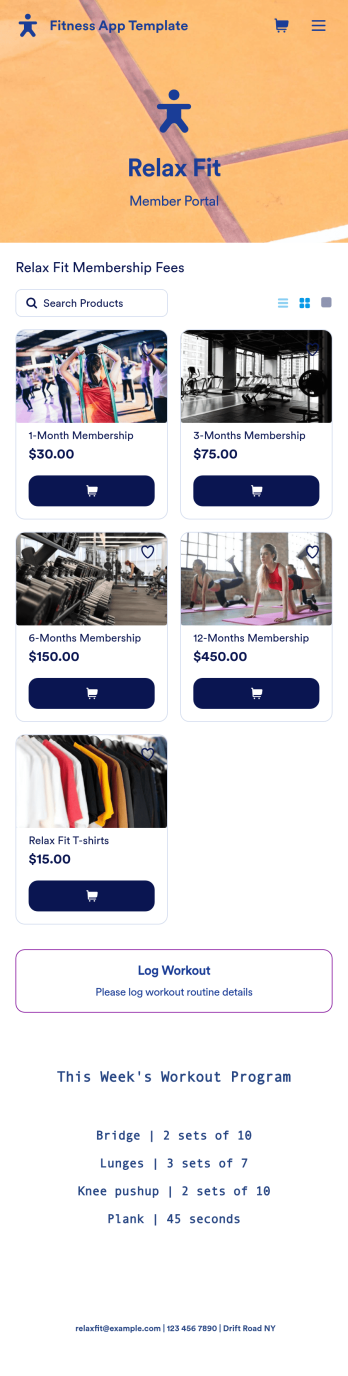
Fitness App Template
Recording your workouts is a great way to measure progress and achieve fitness goals. This Fitness App is designed for gyms to distribute to customers and includes an intake form for general information and medical history, a consent form with a digital signature box, and a workout routine log. Entries are compiled and stored in a Workout Log in your online account, where you can easily sort, group, and filter your workouts to track your daily and weekly progress.Your Fitness App can be fully customized to your liking with no coding. Just use our drag-and-drop interface to add and change forms, choose fonts and colors, upload your logo, update the app name, text and splash page, and more. After you’re done customizing, your app can be shared with a link and opened on any device. Help your customers keep track of their progress with this free Fitness App!
Go to Category:Sports Apps
Employee Training App
Monitor your employees’ training progress from a central location with Jotform’s free Employee Training App. Employees can download this app onto any device and document when they’ve completed individual training courses, as well as evaluate the effectiveness of their courses and instructors with a detailed checklist. HR can track employee training statuses and attendance using built-in Jotform Tables spreadsheets.Customize this ready-made app template to match your company’s branding without any coding knowledge. Simply drag and drop to add or change form fields and checklist items, create additional pages, choose fonts and colors, personalize the app icon and splash screen with your unique branding — and much more. After you’re finished, simply embed your app in an internal company website or send out email invites to new employees during the onboarding process. Make sure your employees are getting the training they need with this fully-customizable Employee Training App from Jotform.
Go to Category:Company Portal Apps
Soccer Training App
Create an app for your soccer training camp in minutes with this free Soccer Training App template! Need to know how to sell soccer lessons online? You can collect registrations, share your contact information, introduce your coaches, and add tutorial videos in a few quick clicks. Just customize the app to perfectly match your needs, then share the app with a link or via email for others to download onto their iOS or Android devices.Want to make changes to this Soccer Training App? Drag and drop to update the app icon or splash screen, add or remove forms, include your unique logo, and make other changes fast. All form responses are stored securely in your Jotform account, ready to view instantly on any device. No coding knowledge needed — make your own custom Soccer Training App easily with Jotform.
Go to Category:Sports Apps