Kiosk Survey App makes it easy to collect quick, on-the-spot feedback from visitors on a shared device. Set it up at a front desk, retail counter, event booth, lobby, or waiting room so people can tap Start Survey and submit responses in seconds. It’s a practical fit for customer experience teams, venue staff, healthcare offices, restaurants, schools, and any organization that needs consistent survey data across multiple locations. With built-in navigation to View Insights and Recent Responses, teams can keep an eye on participation and spot patterns without slowing down day-to-day operations.
Jotform helps you turn this app template into a branded kiosk experience using a no-code app builder and a drag-and-drop interface. Connect the survey form to your workflow, route data collection to the right team, and keep feedback organized for ongoing improvements. Share the app with a link or QR code, tailor pages for different {4_location} entries, and update the experience anytime without rebuilding from scratch.
Related templates
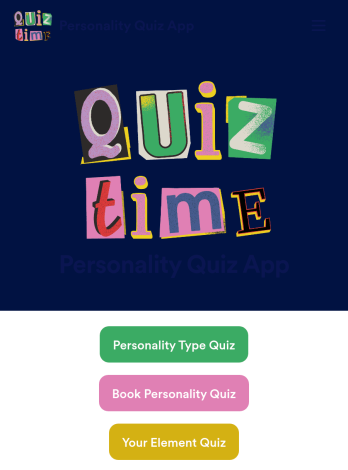
Customizable Personality Quiz App
A personality quiz app is a mobile app used to share personality quizzes. This ready-made Personality Quiz App can be shared with friends or customers to download instantly onto their iOS or Android device — ready for them to use to determine their personality type! You don’t need to know how to code to create your own mobile app with Jotform, so it only takes a few steps to get started.Feel free to update questions, add or remove forms, and make other design updates with our drag-and-drop builder. You can then share your custom app with a link, add it to your social media bio, or generate a QR code for it to get it in front of your audience. Whether you’re looking to create and share personality quizzes or fill one out yourself, do it with this ready-made Personality Quiz App.
Go to Category:Entertainment Apps
Song Quiz App
A song quiz app is a mobile application used to quiz people on their song knowledge. Whether you’re hosting a pub quiz or other event, this ready-made Song Quiz App gives you a convenient and fun way to quiz people on any device! Just customize and share the app to collect responses — you’ll be able to view them all from your Jotform account.Need to customize this Song Quiz App? Drag and drop elements to get the design you want. Add photos, include your logo and branding, update the existing quiz or add your own, and make other changes with no coding required. You can even integrate your app with 200+ platforms to sync quiz results to them automatically!
Go to Category:Quiz Apps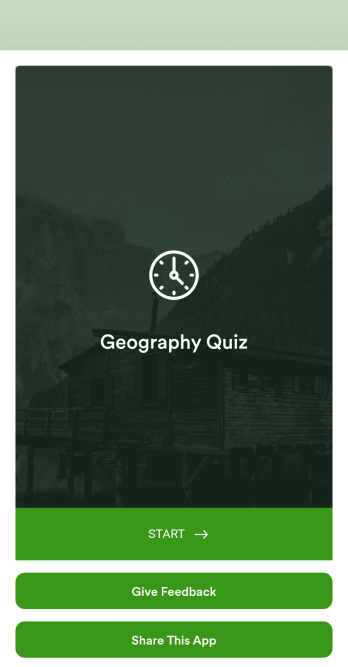
Custom Geography Quiz App
A geography quiz app is a type of mobile application used to test knowledge about the Earth and its features, inhabitants, and processes. This quiz is great for geography quizzes, trivia nights, and studying. Create your own with this ready-made Geography Quiz App from Jotform. Add your questions, edit the look and feel of your app, and share it with your students or audience to start collecting responses.Customize this Geography Quiz App seamlessly with our drag-and-drop app builder — no coding required. Add or remove form questions, select a unique app icon, change fonts and colors, integrate forms with 200+ platforms, and more. Once you’re happy with your Geography Quiz App, share it via direct link or QR code. Build fun, engaging quizzes with Jotform Apps.
Go to Category:Education Apps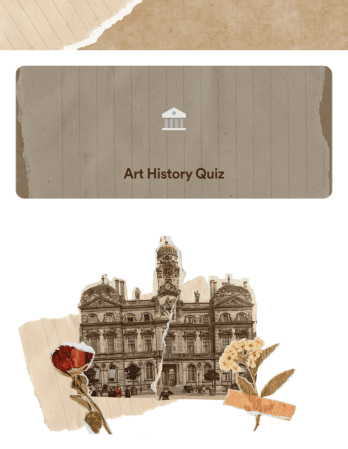
Art History Quiz App
An art history quiz app is a mobile application for testing users on their art history knowledge. This type of app is perfect for in-class quizzes, study sessions, and trivia nights. To build your own, use this ready-made Art History Quiz App and customize it to match your needs. Once you’re satisfied with your app, send it via direct link, email, or by sharing a scannable QR with your users.Want to switch up the look of this Art History Quiz App? No problem. Making changes to your app’s design is simple with our no-code app builder. Just drag and drop to add or remove app elements, change fonts and colors, choose a new backsplash, and more. You can also integrate your app with 200+ platforms to track and manage quiz data elsewhere. Make learning fun with your very own Art History Quiz App from Jotform.
Go to Category:Quiz Apps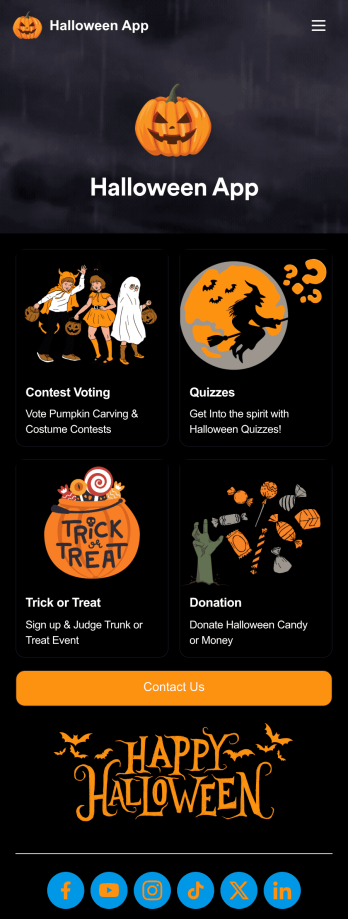
Halloween App
A Halloween app is a type of mobile application used to organize and manage Halloween events. Use this ready-made Halloween App to send and receive party RSVPs, collect costume contest votes, gather trunk or treat registrations, and more. Simply select this template, personalize it to your liking, and share with your audience to collect responses.Jotform’s drag-and-drop builder makes designing your Halloween App easy and fun — all with no coding involved. Drag and drop to add or remove forms, change fonts and colors, select a unique app icon, upload images, and more. You can even integrate your Halloween App with 200+ platforms like Google Calendar, PayPal, and more.
Go to Category:Donation Apps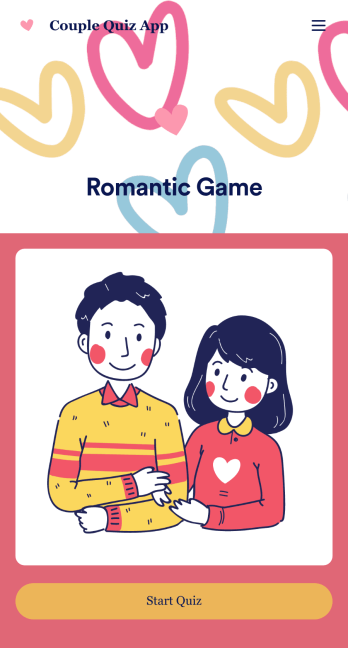
Couple Quiz App
Want to make a sweet and romantic game for your partner for an upcoming anniversary or birthday? Create your own Couple Quiz App with Jotform to show your appreciation for your loved one in just a few clicks. Add photos of you two together or places you’ve been, include cheeky questions, link to songs you both love, and more.This Couple Quiz App is ready to be used instantly, however that shouldn’t stop you from personalizing it to your liking if you feel so inclined. Upload images and videos, change fonts and colors, integrate with useful widgets, and more. Then share your app with your partner via direct link, email, or QR code.
Go to Category:Entertainment Apps