Lead Generation App helps teams capture new prospects, record follow-up activity, and keep opportunities moving through a simple pipeline. It’s a practical fit for sales and marketing teams, agencies, consultants, and small businesses that need one place to collect lead details, review lead sources, and monitor outreach without juggling scattered notes. With quick actions to add a new lead and log activity, you can stay consistent on follow-ups, reduce missed touchpoints, and build a clearer picture of what’s working across channels.
Jotform makes it easy to turn this app template into a branded, shareable experience using a no-code app builder and a drag-and-drop interface. Connect the app to your lead capture and activity forms, organize records in tables, and guide your team through the right workflow with navigation pages for lead lists, activity logs, and pipeline stages. Share the app by link so reps can update progress from anywhere while keeping data collection standardized for reporting and handoffs.
Related templates
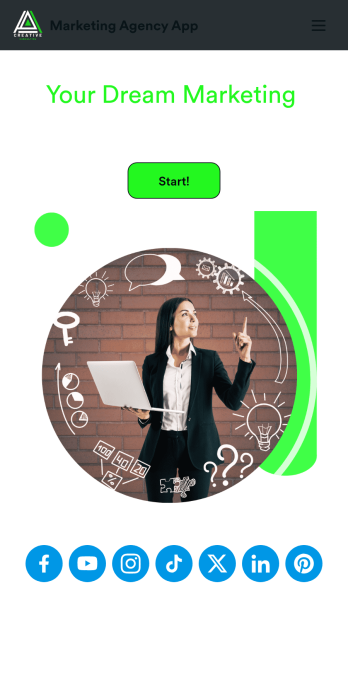
Marketing Agency App
Reach a wider audience and take your marketing agency online with a branded app from Jotform Apps. With this ready-made Marketing Agency App, you can showcase your offered services, marketing portfolio, and link to your social media accounts. Clients can access and download your app onto any smartphone, tablet, or desktop computer in seconds.Want to personalize this Marketing Agency App to suit your needs? No problem! Jotform’s drag-and-drop builder makes it easy to add form elements, install helpful widgets and integrations, change fonts and colors, upload your agency’s unique branding, and much more without any coding or design knowledge. Share your app by sending email invitations, including the app link in social media accounts and posts, or by seamlessly embedding it in your company website with a simple copy-paste code.
Go to Category:Consulting Apps
Expense Report App
An expense report app is used by companies for keeping track of employee expenses. This free Expense Report App allows employees to log business expenses by filling out a form with general contact information, cost, description, date and time, and payment and expense type. There is also an upload form for employees to attach any relevant documents and receipts. Expense reports are immediately synced and stored securely in your account, and can be sorted, filtered, and exported from any device.Customize this app template in no time using Jotform’s drag-and-drop form builder. You can easily add or swap out form elements, change text, customize your app icon and splash page, and more — no coding necessary. Share a link to your app in an email or embed it in your website, and employees can access and download it on any smartphone, tablet, or computer for future use. Keep track of all your employees’ business expenses with this Expense Report App.
Go to Category:Company Portal Apps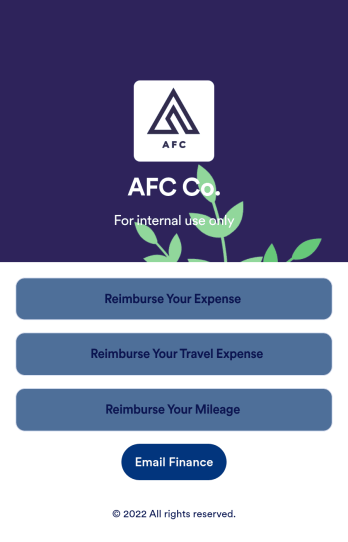
Reimbursement App
Jotform's Reimbursement App template is designed to streamline the process of submitting and managing expense reports. Ideal for corporate employees, freelancers, and small business owners, this no-code app builder allows users to easily log business or travel expenses, upload and organize receipts, and submit reports for approval. The Reimbursement App allows users to customize forms, add e-signature fields, and integrate with payment gateways, simplifying the reimbursement process for all users. Looking for a hassle-free way to manage expense reports and reimbursements? Look no further than Jotform's Reimbursement App. With a drag-and-drop builder, powerful app elements, and over 70 widgets to choose from, creating a customized app has never been easier. Add e-signature documents for quick approvals, connect with payment gateways for seamless transactions, and enjoy the flexibility of building a unique app that fits your specific needs. Plus, with features like advanced sharing options, custom URLs, and push notifications, staying on top of expense management has never been more convenient.
Go to Category:Finance Apps
Sales Order App
This Sales Order App provides one convenient location for your customers to place and cancel sales orders. From this readymade app, customers can fill out account and shipping information, choose item and quantity numbers, and pay for their orders by card or PayPal. There is also a separate form for leaving feedback, and you can share testimonials on your splash page. Customers can access and download your app to their smartphone, tablet, or desktop computer for future use.Want to change the look of your Sales Order App? Our drag-and-drop interface makes customization a snap! With a few clicks, you can add forms, choose fonts and colors, upload your own logo, update the app icon and splash page, and more—no coding necessary. With Jotform’s Require Login feature, you can secure your app pages by requiring users to sign in before accessing certain content or features. Once you’re satisfied with your app’s design, simply share a link with your customers and they can start making orders from any device. Simplify your ordering process with this free Sales Order App!
Go to Category:Customer Portal Apps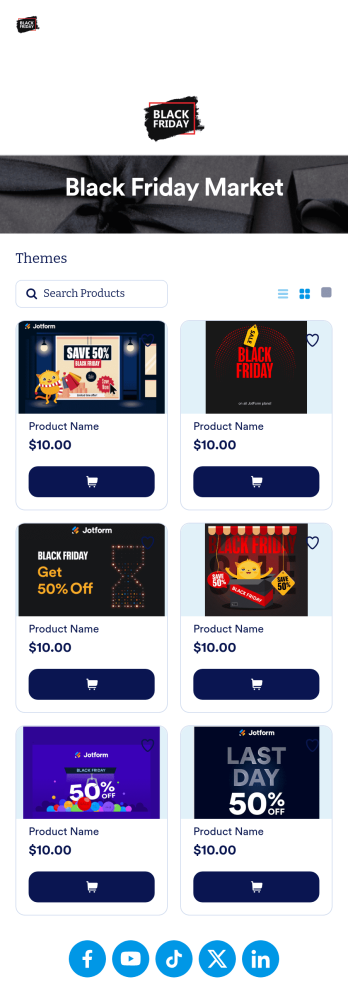
Black Friday App
Does your store need an easy way to sell your Black Friday merchandise and notify shoppers of hot deals? Look no further than this ready-made Black Friday App from Jotform. Add items, item descriptions, current deals and coupons, and more depending on your business’ needs. Then simply share your app with customers via email, QR code, or by linking straight to your mobile app in your social media bios.Use this Black Friday App ready-made, or customize it to match your store’s look and feel in just a few clicks. Our drag-and-drop builder makes it simple to add your own personal touch. Pick fonts and colors you like, upload images, integrate with helpful payment processors, and more. Engage smarter with your customers with this Black Friday App from Jotform.
Go to Category:Product Selling Apps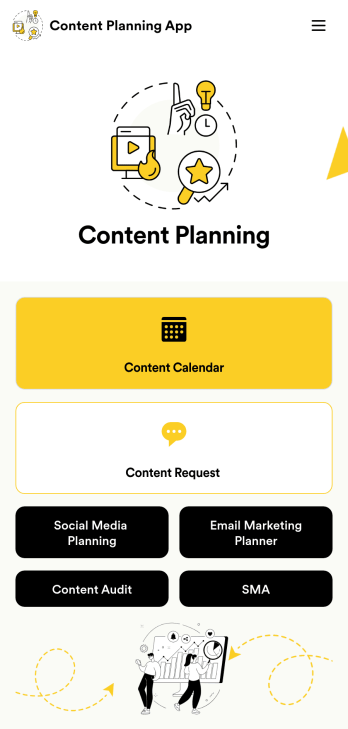
Content Planning App
A content planning app is commonly used by marketing teams to manage content calendars. With Jotform Apps, you can build your own Content Planning App for free. Add a content calendar, brainstorm notes, content audits, and so much more. You can even integrate your app with 250+ platforms to send data straight to your other marketing accounts — all with no coding required.Customizing your Content Planning App is easy and intuitive with Jotform’s drag-and-drop builder. Add or remove forms, switch up fonts and colors, choose a unique app icon, upload branding assets and images, and so much more. Once you’re happy with your app, all you need to do is share it with your team. Embed it in your online workspace or send it via link so your team members can download it to their mobile, tablet, or desktop device.
Go to Category:Company Portal Apps