
Literature Study Guide App gives students, teachers, tutors, book clubs, and independent readers one organized place to explore literary works and prepare for lessons or assessments. Users can browse study resources, examine themes and key characters, review questions, record study notes, and take a practice quiz. It is well suited to classroom reading assignments, tutoring sessions, exam preparation, literature courses, and guided discussions. By bringing essential context and study activities together, the app reduces scattered materials and helps learners engage more thoughtfully with each text.
Jotform makes this app template easy to adapt without coding. Use the drag-and-drop app builder to add pages, update study content, adjust navigation, and apply a modern visual style that suits a class or learning program. Connected forms support data collection for notes and responses, while links and interactive resources can guide learners through a consistent workflow. Publish the finished Literature Study Guide App with a direct link or QR code so students can reach it from phones, tablets, or computers. Jotform App Templates also make it simple to expand the experience with new reading materials, quizzes, and self-service learning resources as educational needs change.
Related templates

Yoga Studio App
Yoga is all about finding harmony in body and mind — so make the journey as smooth as possible for your members with our Yoga Studio App! This ready-to-use template makes tracking course schedules and registering for upcoming yoga classes a breeze. Members can fill out personal contact information, provide yoga history, and sign a digital terms and conditions consent form. There are also spaces for testimonials and feedback. Members can easily access and download your app through their smartphone, tablet, or computer.This Yoga Studio App is ready to use and doesn't require any coding, but you can easily customize this app template to match your studio’s branding. With our drag-and-drop interface, it only takes a few clicks to add and change forms, images, text, logos, links, and more. You can also fully customize your app’s settings, icon, name, and splash screen to make it your own. Give your yoga studio members peace of mind with this free and easy-to-use Yoga Studio App!
Go to Category:Wellness Apps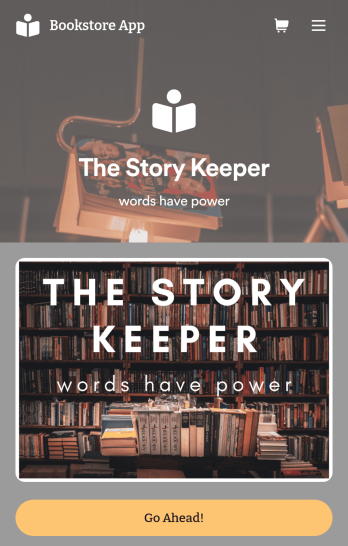
Bookstore Management App
Manage your bookstore from a single location with this free Bookstore Management App from Jotform. Ready to learn about how to sell your books online? Customers can download this app onto any device to order and request books, fill out book evaluations and surveys, submit feedback, and contact your store directly. Book orders and form responses are instantly synced and stored in your secure Jotform account for ease of access.Need to make changes to this Bookstore Management App? With Jotform’s no-code app builder, simply drag and drop to edit form fields and checklist items, install helpful widgets and integrations, choose fonts and colors, upload your bookstore’s branding, and much more. Once you’ve got your app just the way you want it, share it with customers by embedding it in your store’s website or by including the app link in newsletter emails. You can also generate a unique QR code to place in the window or add to the bottom of your receipts. Create a one-stop shop for all things related to your bookstore with this ready-made Bookstore Management App that works on any device.
Go to Category:Education Apps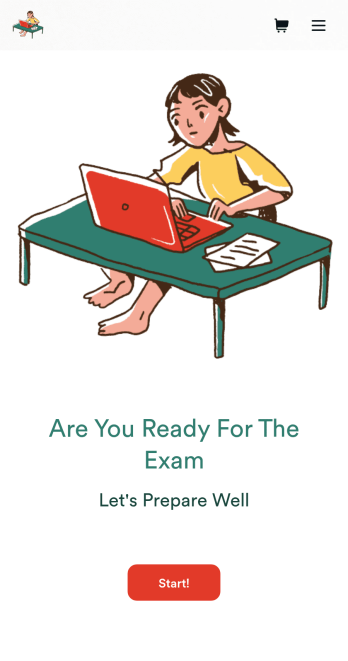
Custom Exam Preparation App
Whether you’re a teacher or a tutor, help students prepare for their exams with Jotform’s free Exam Preparation App. This fully customizable mobile app includes an exam registration form, sample exam questions, and contact buttons for students to easily access from any computer or mobile device. All submissions will be instantly synced to your Jotform account — ready to view, download, share, and approve.You won’t need to take a coding class to customize this Exam Preparation App. Simply drag and drop to add forms, images, documents, links, buttons, pages, and other app elements. Then share your app with students by posting the app link on your website or sending email invites to newly registered students. With a fully custom Exam Preparation App your students can easily access from any device, you can ensure they’ll be ready for their next exam!
Go to Category:Course & Training Registration Apps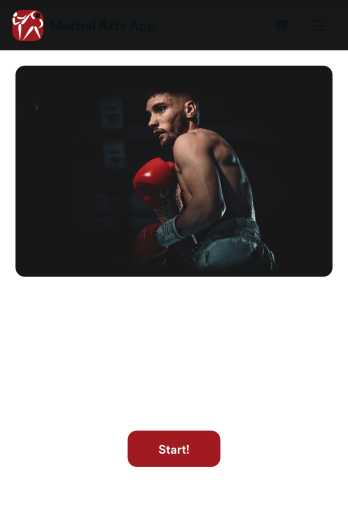
Martial Arts App
Need a way to manage all your dojo signups and communications? Wondering how to sell martial arts class bookings online? Look no further with Jotform’s free Martial Arts App. This app allows you to collect registrations for your studio and send out information about scheduling. Your students can access this app on any iOS or Android device for easy on-the-go access. Every submission from your students will be stored in your Jotform account so you’ll never lose any info again.Kick your app into high gear and customize it how you want it. Use our no-code drag-and-drop customizing tools to change your app’s design — add your dojo’s special logo, update outgoing communications, choose an app icon, and more. Once your app is ready to go you’ll be able to embed the link directly in your website, send it out via direct messaging, or link it in a scannable QR code to sell martial arts class bookings online. Get your black belt in app design – try Jotform’s Martial Arts App today.
Go to Category:Course & Training Registration Apps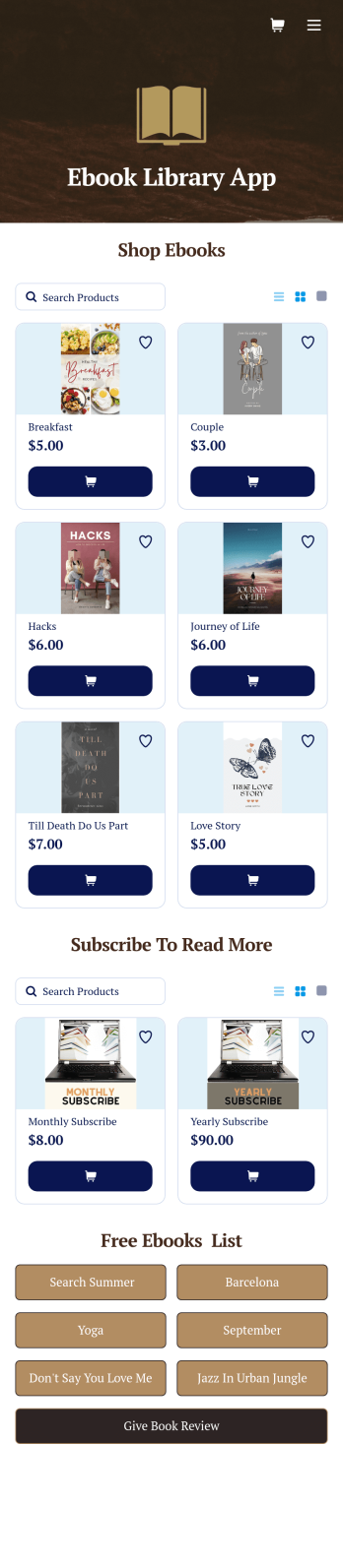
Ebook Library App
An e-book library app is used by teachers, schools, and small libraries for sharing free e-books with others. Need to know how to sell e-books online? With Jotform’s E-book Library App, you can upload multiple e-books as PDF documents to the app, and display them in a list of available titles on the main page. Users can browse and read e-books directly through the app’s interface, or download them onto their device with the tap of a button. This app template can also be used by individuals who wish to create a private library for storing their e-books in one convenient location.Want to make changes to this app template? Jotform's intuitive app builder makes it easy for anyone to customize the look and feel of their app with just a few clicks. No coding required — just drag and drop to add or change form elements, choose custom color schemes and backgrounds, add widgets, upload images, and more. Once you’re satisfied, share your app with others by sending email invites or the app link, and they can then access and download your app on any smartphone, tablet, or computer right away. Create a digital library of downloadable e-books with Jotform’s E-book Library App that works anywhere.
Go to Category:Education Apps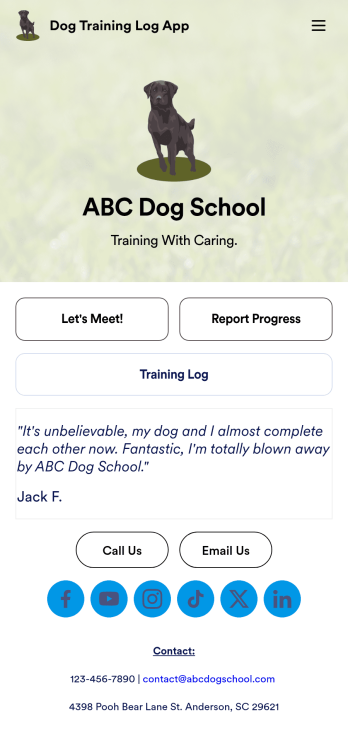
Dog Training Log App
You’ve already got your hands full training dogs all day long — so streamline the paperwork with our Dog Training Log App! With this free app template, customers can fill out an intake form with general contact information, as well as some information about their dog’s weight, breed, training goals, and more. There is also a progress form for individual training sessions so you can record whatever training commands or activities were practiced that day. Submissions are stored securely in Jotform Tables, and compiled into a single easy-to-understand progress spreadsheet. You and your customers can use this app on any smartphone, tablet, or desktop.Want to customize this Dog Training Log App to match your own branding? No problem — simply use our drag and drop interface to add more forms, upload your logo, change the background or splash screen, choose fonts and colors, update the app name or text, and more. Once you like the look and feel of it, just share the link on your website or social media and you’re good to go. Help your customers reach their dog training goals with this customizable Dog Training Log App.
Go to Category:Log Apps