
The Lunar Observation Tracker App is an app template for recording and reviewing observations of the moon in an organized digital log. It gives amateur astronomers, astronomy clubs, students, educators, and science program leaders a convenient place to document each viewing session and revisit earlier records. Users can submit an observation, browse saved entries, and review key context such as sky conditions, viewing location, and observer details. This makes it easier to compare sightings over time, support classroom assignments, coordinate group activities, and maintain a consistent observing habit without relying on scattered notes or spreadsheets.
Jotform makes this app template easy to adapt with a no-code app builder and an intuitive drag-and-drop interface. Add educational resources, adjust navigation, apply a custom visual style, or connect forms and tables to support data collection and related workflows. The app can be shared by direct link or QR code for mobile-friendly access in the field, helping individuals and groups create a practical self-service experience. Start with one of Jotform’s App Templates, personalize the content, and publish a polished lunar observation resource without coding.
Related templates
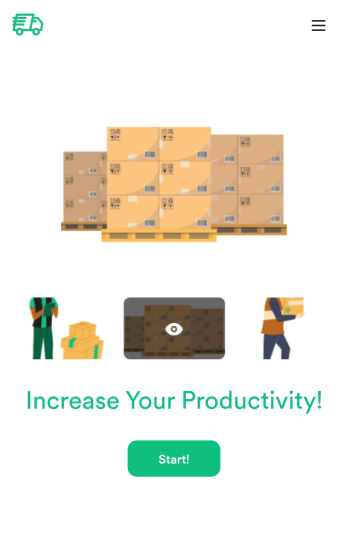
Custom Logistics Management App
A logistics management app is used by logistic companies to log important company information. With this Logistics Management App from Jotform, managers can keep track of vehicles, drivers, and driver availability information. Drivers can download this app on their mobile devices to record trip information such as truck number, departure date, and total mileage using a Drivers Log Sheet. You can also manage driver job applicants from an easy-to-understand Driver Application Tracking Log.Making changes to this Logistics Management App is easy with Jotform’s no-code app builder. Simply drag and drop to add or change form elements, edit text fields and checklist items, choose fonts and colors, upload your company’s branding, and much more. Share your custom app with management and other drivers by sending email invites or the app link, where they can then download it on any device. Ditch the paperwork and use this Logistics Management App to keep digital records of all your vehicle and driver information.
Go to Category:Automotive Apps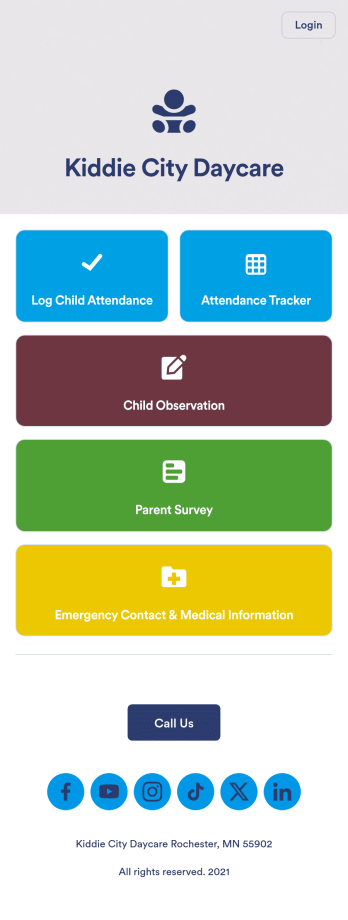
Daycare App
A daycare app is used by childcare providers to track attendance, complete child observation forms, and track and store emergency contact information. With this free Daycare App from Jotform, your daycare can ditch messy paper forms and seamlessly log information on any device. All submissions are protected with advanced security measures and easy to view in a spreadsheet directly from the app.Drag and drop to change elements of this app template in seconds. Add your business logo, rearrange the layout, add helpful forms or links, and make other changes with no coding knowledge or fancy developer team needed. Once your app is ready to go, share it with your staff to download onto their smartphone for easy access. Save time and paper with a custom Daycare App from Jotform.
Go to Category:Education Apps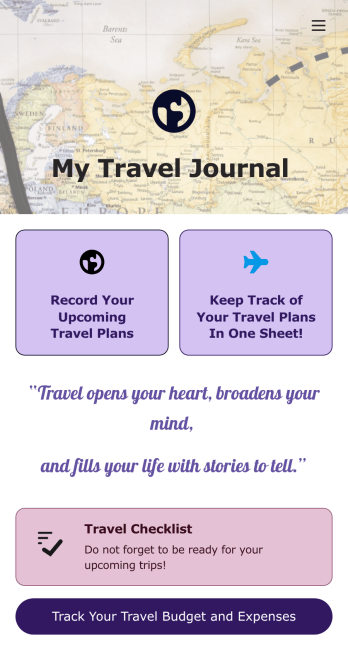
Travel Journal App
A travel journal is used by travel agencies or individual travelers to plan and track vacation itineraries and other important trip details. Build your own Travel Journal App for your traveling needs with Jotform’s app builder. Include a preparation checklist, list of possible destinations, transportations tickets, payment plans, and other important documents.Change the look and feel of your Travel Journal App up with our easy-to-use online app builder. Drag and drop to add personal touches like uploading branding assets, changing colors and fonts, picking an app icon, and much more. Then simply share your app with your clients or other travelers via link, QR code, or by embedding a link in your online portal or website.
Go to Category:Log Apps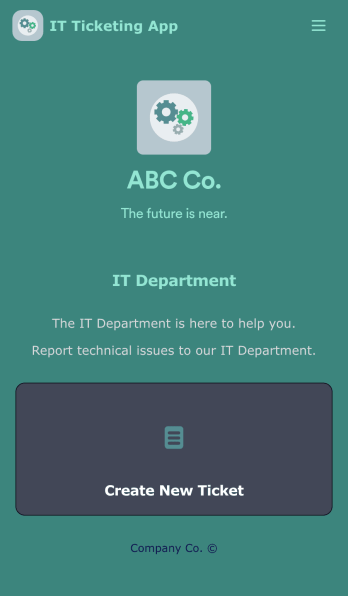
IT Ticketing App
An IT Ticketing App is used by companies to internally record IT issues using support tickets. This readymade app allows employees to specify their IT issue, browser, and operating system, add relevant URLs, assign priority level, and even attach screenshots using an included upload form. IT tickets are then stored securely in your account, where they are compiled into an easy-to-read spreadsheet in Jotform Tables.Our drag-and-drop interface makes customizing this IT Ticketing App a breeze. With just a few clicks, you can add or change forms and text, choose fonts and colors, upload your company logo, update the app name and icon, and more — no coding required. When you’re finished, just share a link with your employees, where they can access and download your app on any smartphone, tablet, or desktop. Start squashing bugs today with this fully customizable IT Ticketing App!
Go to Category:Tracker Apps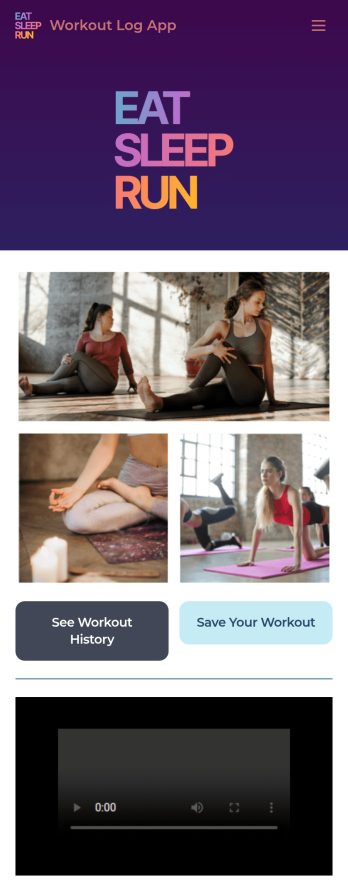
Workout Log App
No matter what your fitness goals are, tracking your workouts will help you reach them — so get started with our free Workout Log App! This readymade app template is already set up for you, so you can add your workouts through the provided form and check your progress by seeing all submitted workouts in Jotform Tables. You can use this app yourself or share it with clients if you’re a personal trainer or coach to help others meet their goals.Want more from this Workout Log App? No problem — using our drag-and-drop interface, you can customize this app to fit your exact requirements or preferences. It’s easy to add more forms, include links or text, upload images, and even change the app name, icon, and splash screen. Once it’s ready, your workout app can be opened and downloaded onto any smartphone, tablet, or desktop computer for easy access. Whether you’re looking to build your strength, improve your speed, or simply make exercise a habit, get fit with a Workout Log App that’s customized just for you.
Go to Category:Sports Apps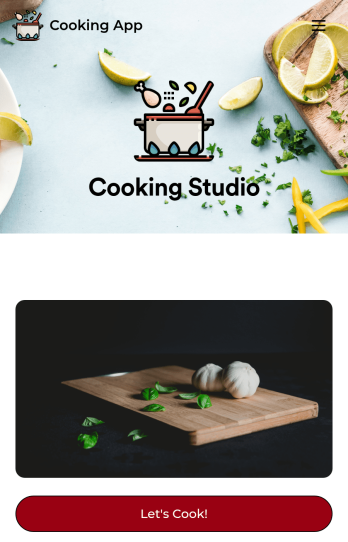
Cooking App
Whether you run a recipe blog or teach online cooking classes, share your recipes with the world using Jotform’s free Cooking App! This readymade app template includes a recipe submission form, recipe log, and feedback form. Users can download your app onto their favorite device and fill out the bundled forms with ease. All entries will be synced to your secure Jotform account. Customize this Cooking App in just a few clicks using Jotform’s drag-and-drop interface. No coding necessary — you can easily add new forms and app pages, upload links and images, display your logo, and include other elements as well. When it’s ready to share, post the app link in your website or social accounts. Users can then open and save your Cooking App on any computer, smartphone, or tablet for easy access to your recipes.
Go to Category:Entertainment Apps