Online Exam Platform App helps schools, training providers, and teams run exams in one organized place, from discovering what’s available to completing an assessment and checking outcomes. Learners can browse available exams, start a public exam when appropriate, take an exam on their own device, and return later to review results and submit another attempt. It’s useful for ongoing practice quizzes, certification prep, employee assessments, and classroom check-ins where people need clear next steps and fast access to the right exam.
With Jotform App Templates, you can publish a branded exam experience without code and update it as your program changes. Use Jotform’s no-code app builder and drag-and-drop interface to customize navigation, connect the app to forms for data collection, and keep exam records organized for easier follow-up. Share the app with a link so learners can self-service their exams and results while your team keeps the workflow simple and consistent.
Related templates
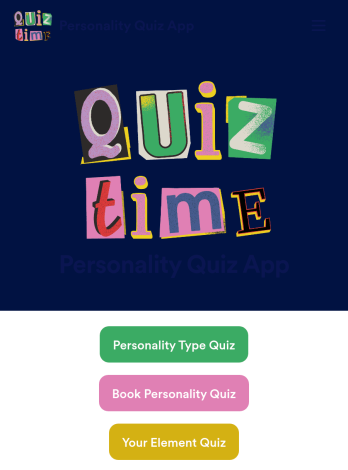
Customizable Personality Quiz App
A personality quiz app is a mobile app used to share personality quizzes. This ready-made Personality Quiz App can be shared with friends or customers to download instantly onto their iOS or Android device — ready for them to use to determine their personality type! You don’t need to know how to code to create your own mobile app with Jotform, so it only takes a few steps to get started.Feel free to update questions, add or remove forms, and make other design updates with our drag-and-drop builder. You can then share your custom app with a link, add it to your social media bio, or generate a QR code for it to get it in front of your audience. Whether you’re looking to create and share personality quizzes or fill one out yourself, do it with this ready-made Personality Quiz App.
Go to Category:Entertainment Apps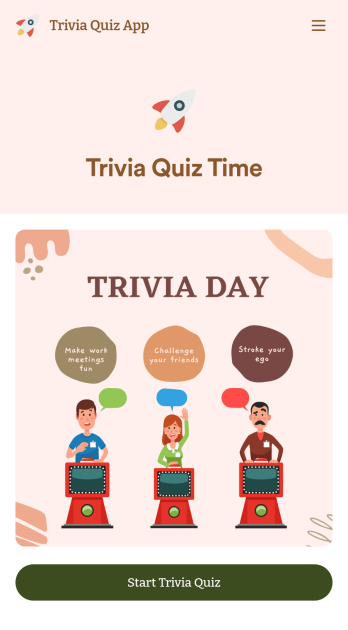
Trivia Quiz App
Create a fun trivia quiz app for your coworkers, students, or friends. Using this ready-made Trivia Quiz App, you can quickly add your quiz and share the app to be downloaded onto any iOS or Android device. Then the people who download your app can complete the quiz no matter where they are, sending you their results instantly upon completion.Customize this Trivia Quiz App with our drag-and-drop builder. Add or remove questions, upload images, add fun form widgets, change the app’s background image or icon, and make other changes in seconds with no coding knowledge needed. Enjoy a quick, easy way to create your own custom Trivia Quiz App with Jotform.
Go to Category:Entertainment Apps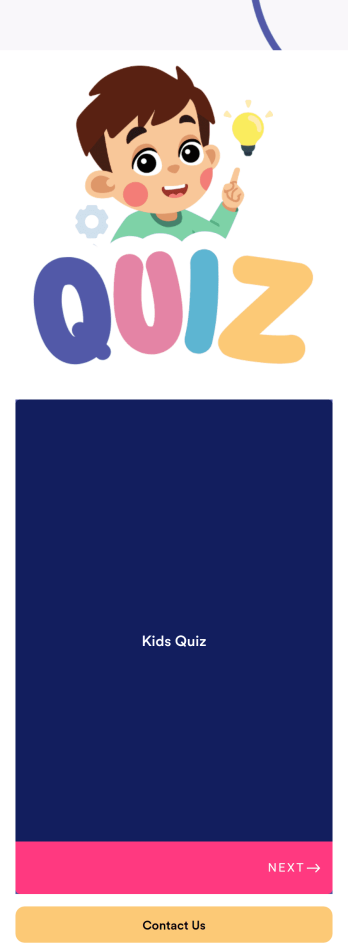
Customizable Kids Quiz App
A kids quiz app is a mobile application used by preschool or elementary school teachers to quiz their students. With an easy-to-use interface and customizable design, this app is perfect for kids! Just add your own questions, customize to match your needs, and share with your students to start collecting responses.Personalize this Kids Quiz App seamlessly with our no-code app builder. Simply drag and drop to make any design or content changes you need. Add or remove app elements, choose a unique app icon, upload videos or images, and more. You can even integrate your app with 200+ platforms to send quiz data straight to your other accounts. Make learning fun with this free app from Jotform.
Go to Category:Entertainment Apps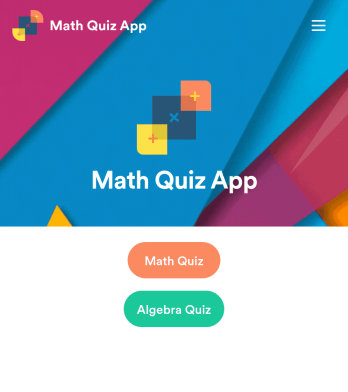
Math Quiz App
Create math quizzes for your students and share them in a free, downloadable app with Jotform. Whether you’re a math teacher or tutor, make quizzes that can be filled out seamlessly on any device — including computers, tablets, or smartphones — to gather responses instantly online. This ready-to-use app provides you with premade quizzes that calculate the submitter's results automatically. You can add your own quizzes or change the existing ones to get started. Once you are done, share the app with your quizzers. Submissions are stored in your secure account and ready to view in Jotform Tables or turn into reports using Jotform Report Builder.Customize this Math Quiz App template with our drag-and-drop builder. Change the app icon or splash screen, add new quizzes or update existing ones, and include as many links, documents, and images as you like. You can even set up calculations to calculate each student’s grade automatically! Save time and paper with a free Math Quiz App from Jotform.
Go to Category:Education Apps
In Class Quiz App
An in-class quiz app is a mobile application used by teachers and educators to quiz their students during in-person lessons. Use this ready-made In-Class Quiz App to facilitate quizzes seamlessly. Simply create and customize your quiz, add your quiz questions, and send them to your students for them to fill out on any device. Send quizzes to students via direct link or by displaying a QR code for them to scan.Customizing your In-Class Quiz App is simple with Jotform’s no-code builder. All you need to do is drag and drop to make any design or content changes. Edit your quiz questions, switch up fonts and colors, add or remove app sections, upload videos and images, and more. You can even connect your app with 200+ platforms to send quiz data straight to other platforms like Google Drive, OneDrive, and Box for added convenience.
Go to Category:Education Apps
Art History Quiz App
An art history quiz app is a mobile application for testing users on their art history knowledge. This type of app is perfect for in-class quizzes, study sessions, and trivia nights. To build your own, use this ready-made Art History Quiz App and customize it to match your needs. Once you’re satisfied with your app, send it via direct link, email, or by sharing a scannable QR with your users.Want to switch up the look of this Art History Quiz App? No problem. Making changes to your app’s design is simple with our no-code app builder. Just drag and drop to add or remove app elements, change fonts and colors, choose a new backsplash, and more. You can also integrate your app with 200+ platforms to track and manage quiz data elsewhere. Make learning fun with your very own Art History Quiz App from Jotform.
Go to Category:Quiz Apps