
Operating Systems Course App is an educational app template for instructors, tutors, training teams, and academic departments that need one accessible place for course material. It helps learners study core operating system concepts through organized lesson overviews, key concept summaries, practical exercises, and assessment topics. Students can move between learning sections, review skill-focused tasks, and submit information through a connected form without searching across separate resources. The template is suitable for classroom teaching, remote instruction, technical training, revision programs, and guided self-service learning.
Jotform makes this Operating Systems Course App easy to adapt with a no-code app builder and a flexible drag-and-drop interface. Educators can update pages, navigation cards, instructional text, and visual styling to match a course structure or teaching approach. Forms can support data collection, while connected tables, notifications, approvals, and other workflow tools help instructors organize responses and follow-up activities. Publish the finished app with a shareable link or QR code so learners can open it from a phone, tablet, or computer. Jotform App Templates provide a quick starting point for creating a branded learning experience without programming.
Related templates
Dog Training Log App
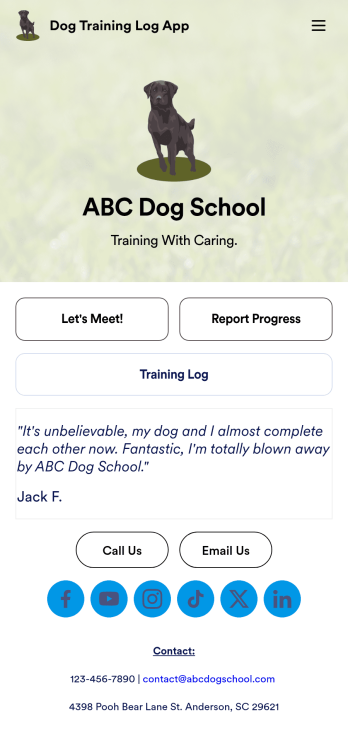
You’ve already got your hands full training dogs all day long — so streamline the paperwork with our Dog Training Log App! With this free app template, customers can fill out an intake form with general contact information, as well as some information about their dog’s weight, breed, training goals, and more. There is also a progress form for individual training sessions so you can record whatever training commands or activities were practiced that day. Submissions are stored securely in Jotform Tables, and compiled into a single easy-to-understand progress spreadsheet. You and your customers can use this app on any smartphone, tablet, or desktop.Want to customize this Dog Training Log App to match your own branding? No problem — simply use our drag and drop interface to add more forms, upload your logo, change the background or splash screen, choose fonts and colors, update the app name or text, and more. Once you like the look and feel of it, just share the link on your website or social media and you’re good to go. Help your customers reach their dog training goals with this customizable Dog Training Log App.
Go to Category:Log Apps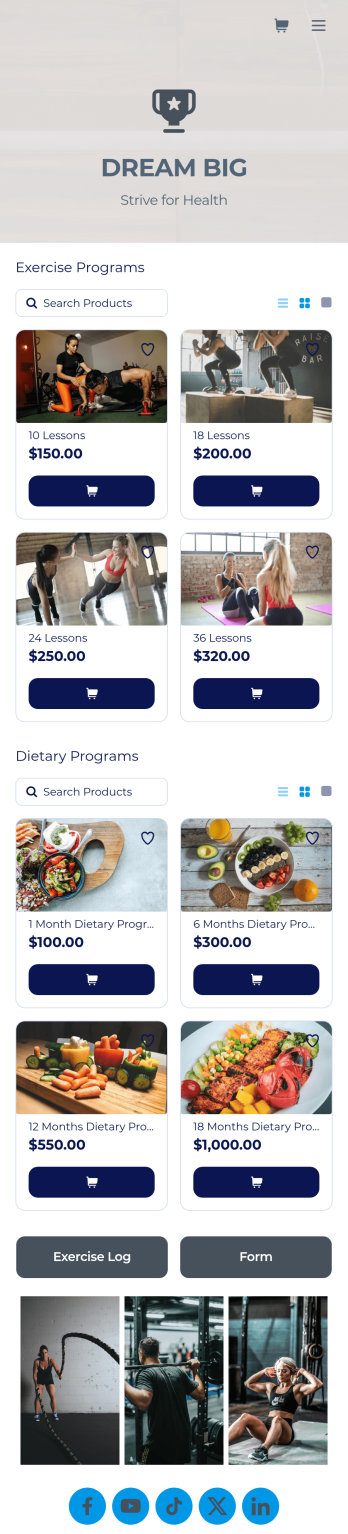
Personal Trainer App
A personal trainer app is used by personal trainers to keep track of information about their trainees. With Jotform’s Personal Trainer App — which can be downloaded on any smartphone, tablet, or computer for easy access — trainees can record their workouts, keep a daily food log, and request appointments for training sessions. All form submissions are instantly stored in the personal trainer’s Jotform account, ready to view instantly on any device.Every trainer does things differently, so be sure to customize your app to add new forms, remove existing ones, include your logo, and add other helpful links, documents, and information. Once you’ve got your app working great for your needs, share the app link so trainees can start recording their workouts. Give clients an easier way to log their training details with this free Personal Trainer App!
Go to Category:Sports Apps
Martial Arts App
Need a way to manage all your dojo signups and communications? Wondering how to sell martial arts class bookings online? Look no further with Jotform’s free Martial Arts App. This app allows you to collect registrations for your studio and send out information about scheduling. Your students can access this app on any iOS or Android device for easy on-the-go access. Every submission from your students will be stored in your Jotform account so you’ll never lose any info again.Kick your app into high gear and customize it how you want it. Use our no-code drag-and-drop customizing tools to change your app’s design — add your dojo’s special logo, update outgoing communications, choose an app icon, and more. Once your app is ready to go you’ll be able to embed the link directly in your website, send it out via direct messaging, or link it in a scannable QR code to sell martial arts class bookings online. Get your black belt in app design – try Jotform’s Martial Arts App today.
Go to Category:Course & Training Registration Apps
Bookstore Management App
Manage your bookstore from a single location with this free Bookstore Management App from Jotform. Ready to learn about how to sell your books online? Customers can download this app onto any device to order and request books, fill out book evaluations and surveys, submit feedback, and contact your store directly. Book orders and form responses are instantly synced and stored in your secure Jotform account for ease of access.Need to make changes to this Bookstore Management App? With Jotform’s no-code app builder, simply drag and drop to edit form fields and checklist items, install helpful widgets and integrations, choose fonts and colors, upload your bookstore’s branding, and much more. Once you’ve got your app just the way you want it, share it with customers by embedding it in your store’s website or by including the app link in newsletter emails. You can also generate a unique QR code to place in the window or add to the bottom of your receipts. Create a one-stop shop for all things related to your bookstore with this ready-made Bookstore Management App that works on any device.
Go to Category:Education Apps
Summer Camp App
A summer camp app is used to collect summer camp registrations, medical information, waivers, and bus registrations. Camp attendants can access and download Jotform’s all-in-one Summer Camp App onto their preferred device and fill out registration forms from anywhere. There’s also a separate form where people can sign up to be camp volunteers! All submissions are instantly synced and stored in your secure Jotform account, which you can easily access and manage from any device.You don’t need to have any coding knowledge to fully customize this app template to your liking. Using Jotform’s intuitive app builder, simply drag and drop to add form elements, create new pages, edit text fields and checklist items, choose fonts and colors, upload your camp’s unique logo, and much more. Share your custom app by sending email invites, embedding it in a website, or linking to it in a social media bio. Go paperless and streamline your camping registration process with Jotform’s free Summer Camp App.
Go to Category:Course & Training Registration Apps
Soccer Training App
Create an app for your soccer training camp in minutes with this free Soccer Training App template! Need to know how to sell soccer lessons online? You can collect registrations, share your contact information, introduce your coaches, and add tutorial videos in a few quick clicks. Just customize the app to perfectly match your needs, then share the app with a link or via email for others to download onto their iOS or Android devices.Want to make changes to this Soccer Training App? Drag and drop to update the app icon or splash screen, add or remove forms, include your unique logo, and make other changes fast. All form responses are stored securely in your Jotform account, ready to view instantly on any device. No coding knowledge needed — make your own custom Soccer Training App easily with Jotform.
Go to Category:Sports Apps