Post Tracking App helps teams capture new content details and monitor the status of posts across channels in one place. It’s a practical fit for social media managers, marketing teams, creators, and small businesses that need a simple way to add posts, review a running list of what’s been published or planned, and keep progress visible without digging through messages or spreadsheets. With entry points like Add Post and New Post plus an easy Track Posts area, it supports consistent posting habits and clearer handoffs.
Built with Jotform, this app template pairs self-service navigation with connected data collection so your process stays organized as volume grows. Using Jotform’s no-code app builder and drag-and-drop interface, you can tailor pages, buttons, and views to match your workflow, then share the app as a single link for collaborators. Connect the experience to your forms and stored records so updates stay centralized and your team always knows what’s next.
Related templates
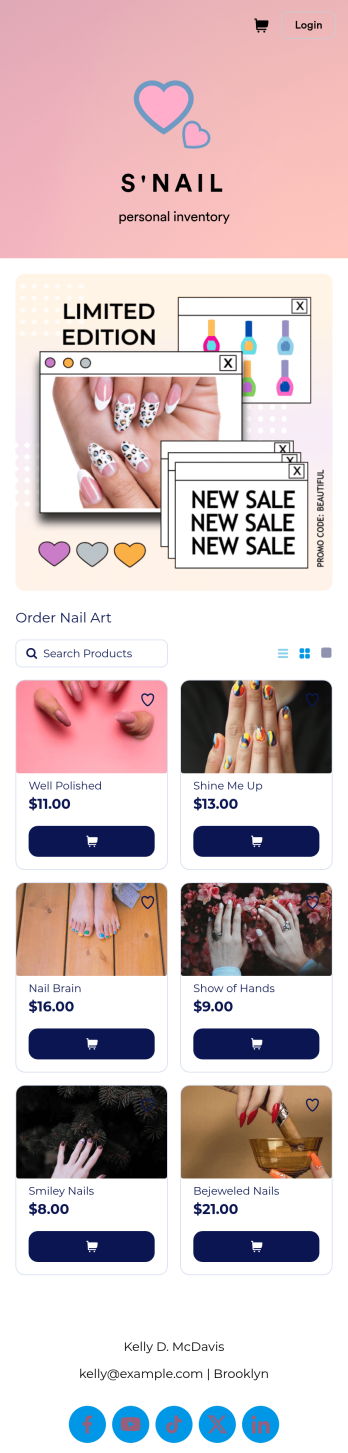
Nail Art Bio Link App
Looking to find out how to sell nail art online? Give your customers an easy way to order nail art through your social media profile page with a free Nail Art Bio Link App from Jotform. By including a custom order form or pre-order form in your app link, you can gather orders and payments seamlessly from your customers on any device. Simply customize this app template to match your branding, add the link into your Instagram bio, and start collecting responses instantly.Make this Nail Art Bio Link App look as flawless as your nail designs with our drag-and-drop app builder. With no coding, you can upload your logo, change colors to match your branding, integrate your payment forms with 30+ popular payment processors to sell nail art online, and make other changes in a matter of minutes. Then just copy and paste your custom Nail Art Bio Link App into your Instagram bio, and you’re good to go!
Go to Category:Social Bio Link Apps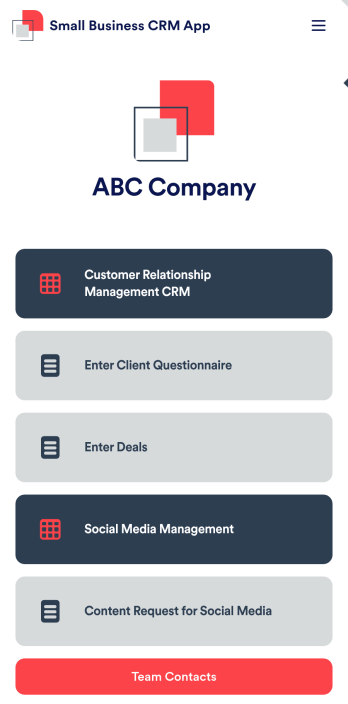
Small Business CRM App
A small business CRM app is used by small businesses for customer relationship management (CRM). This Small Business CRM App lets you receive client questionnaires, track and manage deals, submit content requests for social media, and more. Simply customize the app to perfectly match your needs with no coding required, then share the app to start collecting form submissions.Need to customize this free app template? Drag and drop to get the design you want. Add your company logo and branding, update the included forms, split your app into multiple pages, and make other changes in seconds. You can even integrate the app with 200+ other platforms to automatically sync submissions to your other accounts! Streamline your business’ workflow with a ready-made Small Business CRM App from Jotform.
Go to Category:Company Portal Apps
Creative Community Social Network App
Creative Community Social Network App gives artists, writers, designers, makers, and other creators a central digital space where they can discover community information and stay connected. Its adaptable page can present creative prompts, member highlights, announcements, upcoming activities, and links to relevant resources. Studios, arts organizations, community managers, creator collectives, educational groups, and independent professionals can use this app template to build a welcoming destination for communication and participation. It helps reduce scattered updates, makes useful content easier to find, and supports stronger relationships among people with shared creative interests.Jotform App Templates make it easy to turn this starting point into a branded community experience without writing code. Using Jotform’s no-code app builder and drag-and-drop interface, organizers can update the page, add visual content, create navigation options, and connect forms or other workflows as their community grows. The completed app can be shared through a direct link or QR code for convenient mobile access. Flexible design controls also help teams create a modern, cohesive look while supporting self-service access, data collection, and ongoing community engagement from one location.
Go to Category:Community & Engagement Portal Apps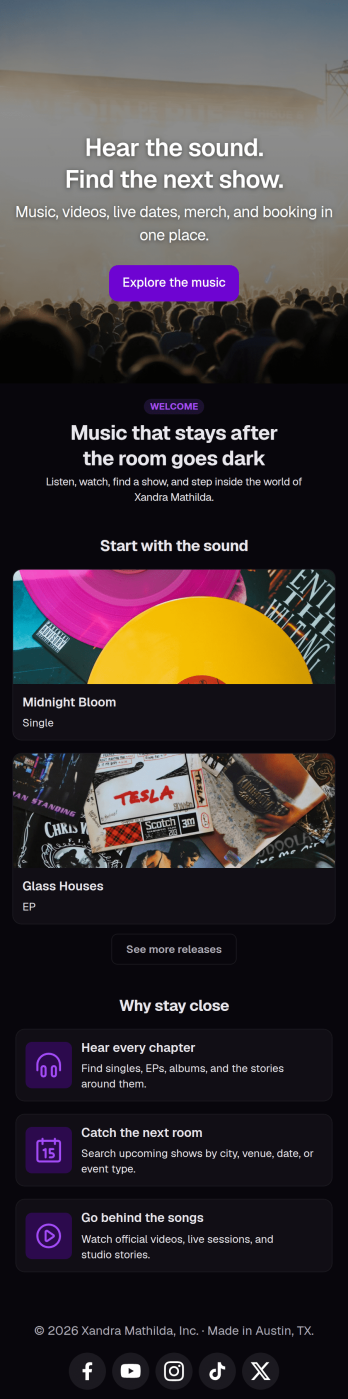
Musician Instagram Bio Link App
Wondering how to sell music online through Instagram? Add ordering links, forms, and more to your Instagram bio with a free Musician Instagram Bio Link App from Jotform. Whether you want to list upcoming concerts, collect orders for your merch store, or share album releases or other announcements, do it in a free downloadable app that followers can access in a single click. All orders and submissions through your Musician Instagram Bio Link App, and forms are stored in your secure Jotform account, ready to view on any device.Need to customize this app template? Add order forms for concert tickets, merch, or to sell music online, links to your website, or other app elements like images, documents, or text boxes at the touch of a button with our drag-and-drop builder. No coding knowledge necessary. Once your Musician Instagram Bio Link App is ready to go, add it to the bio of your music page to give your followers an easy way to access all of your important links at once.
Go to Category:Online Store Apps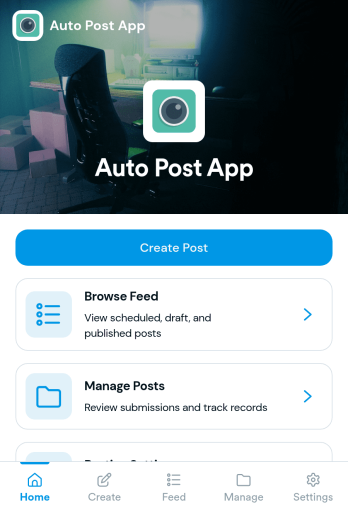
Auto Post App
Auto Post App brings your social content workflow into one place so teams can draft posts, organize what’s coming up, and keep a clear record of what’s already gone out. It’s a practical fit for social media managers, small business owners, creators, and marketing teams who want a simple way to build drafts, move them into a queue, and reference past publishing activity without relying on scattered notes or multiple tools.With Jotform App Templates, you can publish a branded, self-service app experience powered by Jotform’s no-code app builder and drag-and-drop interface. Connect your draft form to collect content details, use lists to review items in your queue and history, and share the app with teammates so everyone follows the same workflow from planning to tracking.
Go to Category:Sales & Marketing Portal Apps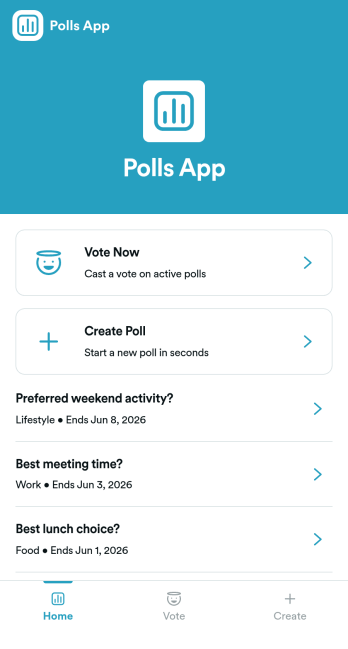
Polls App
Polls App helps you collect quick opinions and turn them into clear, shareable results for teams, communities, classrooms, and events. Use it to publish a “Vote Now” section for active questions, let contributors “Create Poll” when you want ongoing engagement, and organize multiple polls in one place so participants can easily browse and respond. It’s a practical fit for internal pulse checks, customer feedback moments, meeting icebreakers, student voting, and group decision-making when you need answers fast without chasing people across channels.Build and customize your polling experience with Jotform’s App Templates and no-code app builder. Using a drag-and-drop interface, you can adjust pages, update navigation, and connect your polls to Jotform forms for reliable data collection. Share the app as a simple link for self-service voting, keep poll creation consistent with a connected workflow, and manage responses in one place as your questions change over time.
Go to Category:Community & Engagement Portal Apps