Service Technician App brings field service work into one organized place so technicians can see open jobs, check in on-site, write work notes, file service reports, and request parts without chasing updates across messages and paperwork. It’s a practical fit for home services teams, equipment repair providers, property maintenance crews, and contractors who need a consistent way to document visits and keep job details accessible while in the field. With job browsing and quick access actions like calling the site contact, the app supports faster handoffs between technicians, dispatch, and operations.
Built with Jotform, this app template can be customized in a no-code app builder using a drag-and-drop interface, so you can match your existing workflow without developer help. Connect the app to forms and tables to capture check-ins, reports, and parts requests in a standardized format, then share the app with your team through a link or QR code for easy mobile self-service. As your operation grows, you can update pages, refine data collection, and keep every technician working from the same source of truth.
Related templates
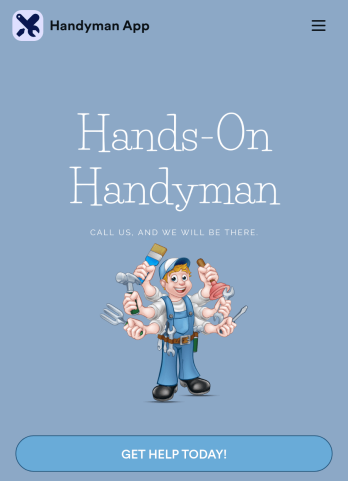
Custom Handyman App
Let clients book your handyman services or request quotes from any device with Jotform’s free downloadable Handyman App. Once you’ve customized the app to match your service offerings and branding, you can share the app to be saved onto any iOS or Android device or accessed instantly in a web browser via your site. You’ll be notified of each response instantly, so you can respond to service requests fast!Make this app match your business with our drag-and-drop builder. No coding required — quickly add your logo, choose your favorite colors and fonts, personalize the app background and icon, and make other changes in seconds. You can even integrate with 25+ payment processors to receive payments while paying no extra transaction fees to Jotform. Switch from time-consuming phone calls and emails to a powerful mobile Handyman App.
Go to Category:Online Service Apps
Home Organizer App
Need an easy and affordable way to market your home organizing services to the world? Look no further than this easy-to-use Home Organizer App from Jotform — perfect for any business that specializes in organization or renovation. Upload calendar dates that your service is available, create contact forms for client inquiries, give interested customers quotes, and more.Personalize this Home Organizer App to meet your needs by using our drag-and-drop app builder — no coding required. Add a backsplash, upload images or videos of your services, change up fonts and colors, integrate with helpful widgets, and more depending on your business’ needs. Then simply send your app to clients or link to it in your social media bios to spread the word.
Go to Category:Appointment & Booking Apps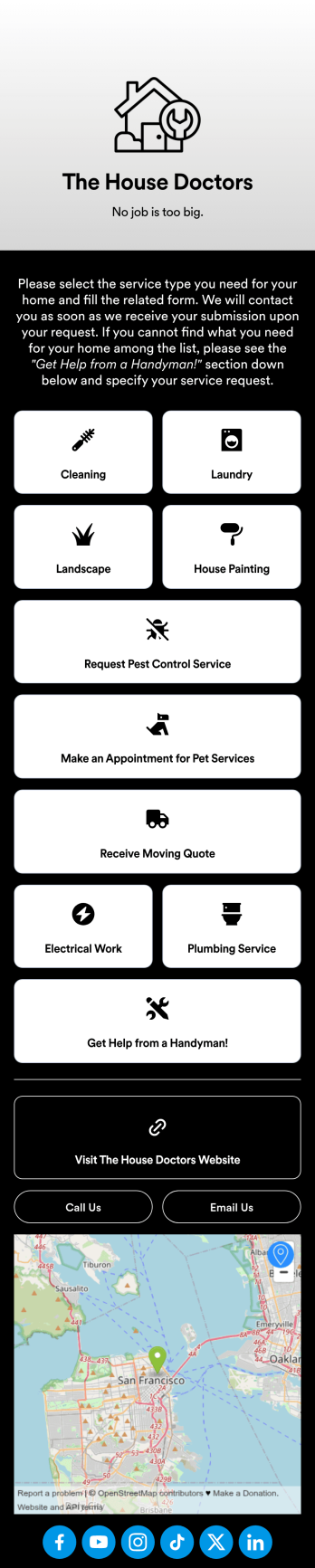
Custom Home Services App
No matter what home services you offer, create a mobile app for your customers with this ready-made Home Services App from Jotform. Clients can download the app to their smartphone or tablet to request cleaning, laundry, landscaping, painting, and other types of services on the go. All form submissions are stored in your Jotform account, so you can respond quickly and easily from anywhere.Want to make changes to this Home Services App? Drag and drop to update the design to match your branding and the services you offer. You can add your logo, change the app background, and more — all with no coding! Once your custom On-Demand Home Services App is ready to go, you can add it to your social media bio or share it with a link for customers to download onto any iOS or Android device.
Go to Category:Booking Apps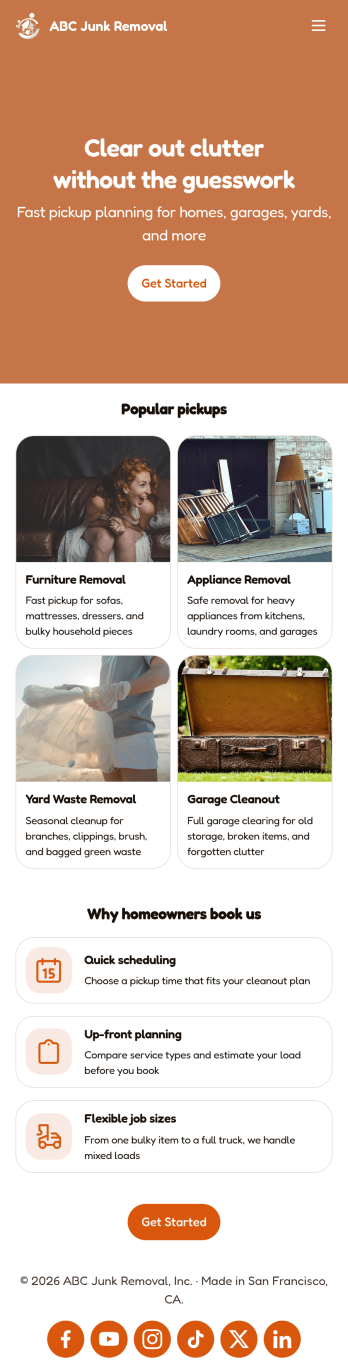
Junk Removal App
A junk removal app is a mobile application used by junk removal companies or contractors to collect junk removal requests from clients. Build your own Junk Removal App with Jotform Apps for free to start collecting requests on any device. Add previous client testimonials, collect donations and payments, include forms for various types of junk removal, and more.Need to customize the look of this Junk Removal App? No problem! Jotform’s easy-to-use online builder makes it easy to design your ideal app. Add or remove forms, change color scheme and font types, choose a unique app icon, and more. Once you’re happy with your app’s look and feel, all you need to do is share it with your clients.
Go to Category:Online Service Apps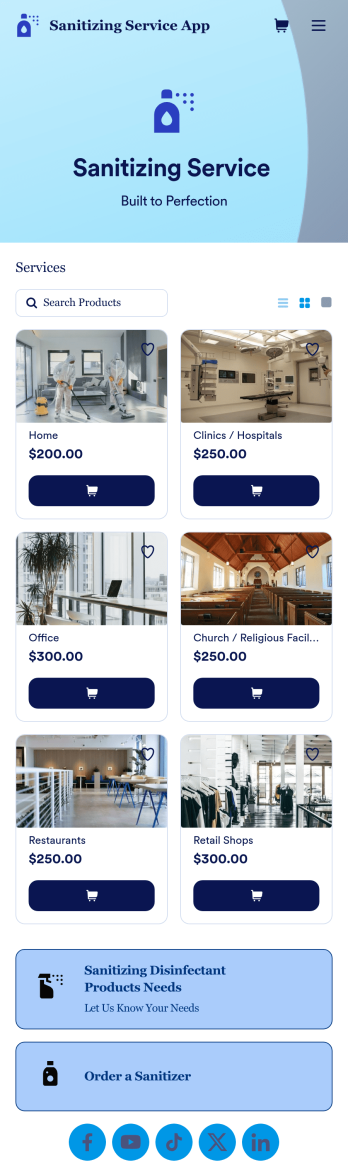
Sanitizing Service App
Sanitizing service apps are used by clients to book services from companies that offer sanitization and cleaning services. If you’re looking to build a professional app for your sanitization business, look no further than this ready-made Sanitizing Service App from Jotform. Upload available booking times, detail your different services, link to company reviews, add product descriptions, and more!Customize the look and feel of your Sanitizing Service App with Jotform’s easy-to-use online app building tool. Pick colors and fonts you like, integrate with payment services to collect fees up front, upload branding assets, pick a backsplash, and more. Create the perfect app for your services with Jotform Apps today.
Go to Category:Customer Portal Apps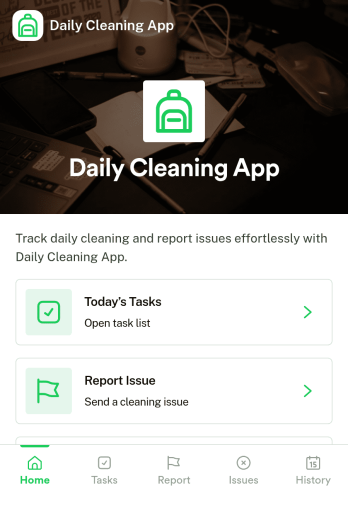
Daily Cleaning App
Daily Cleaning App helps teams plan, record, and follow up on routine cleaning across rooms or areas without losing track of what needs to happen today. It brings daily tasks into one place, lets staff log completed cleaning work, and makes it simple to report issues as they’re noticed, so supervisors can respond before small problems turn into repeat complaints. Use it for offices, gyms, clinics, restaurants, short-term rentals, schools, and any facility that needs consistent day-to-day cleanliness with clear accountability.Built with Jotform, this app template is easy to tailor with a no-code app builder and a drag-and-drop interface, so you can match your exact cleaning workflow in minutes. Connect buttons and pages to forms for data collection, keep a reliable cleaning history for quick lookups, and share the app for self-service use by cleaners, managers, or onsite staff. Jotform Apps makes it simple to publish a mobile-friendly experience your team can use on the go.
Go to Category:Home Services Apps